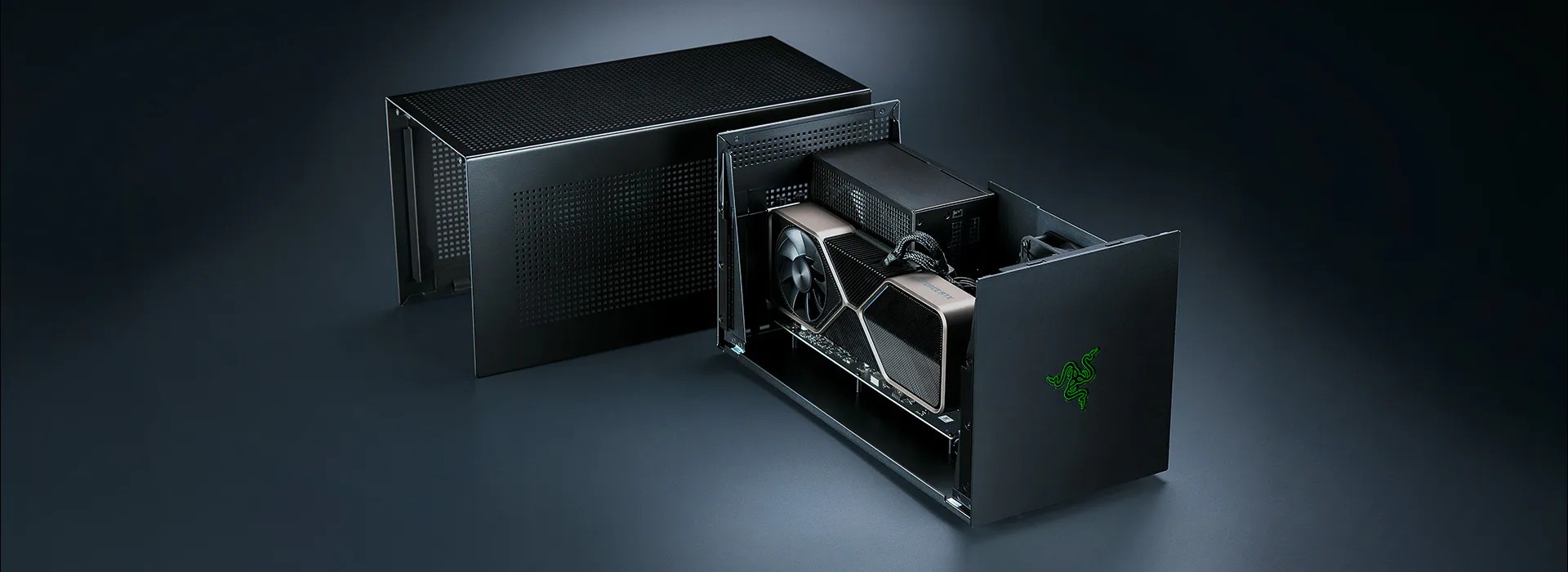
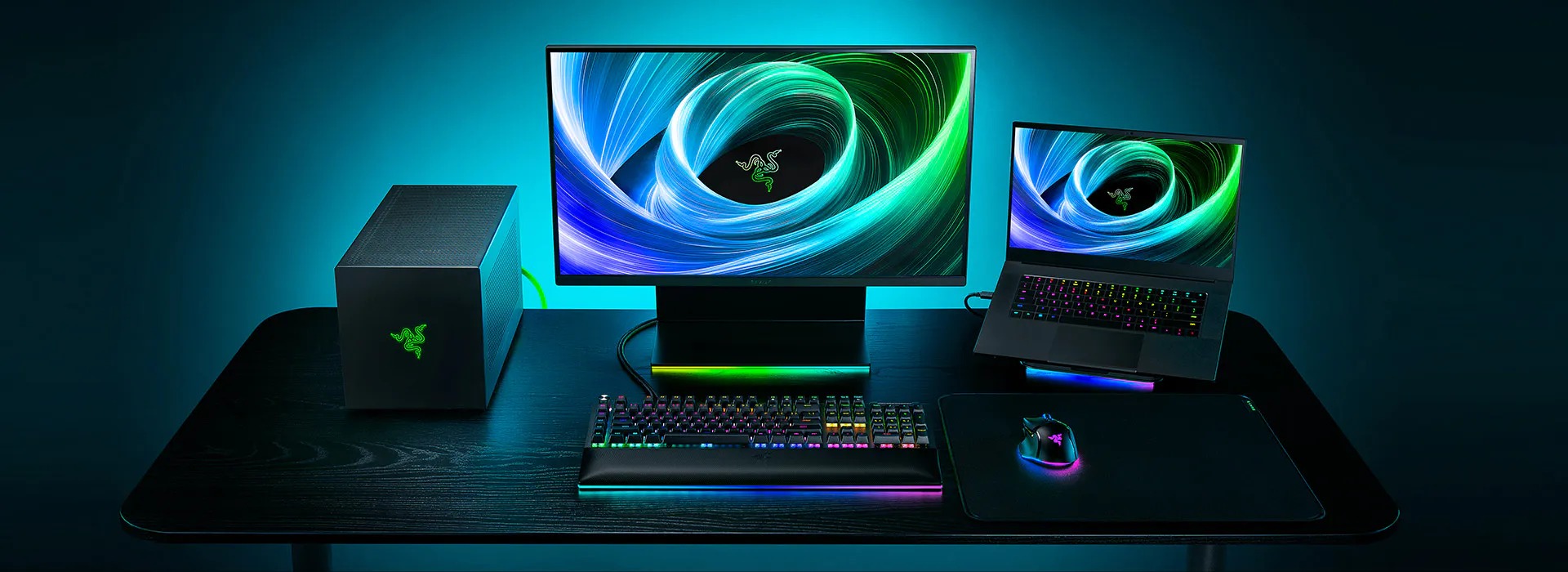
The fastest way to waste money this year is to buy an eGPU vs Thunderbolt dock without knowing which one solves your problem, because they do not do the same job, and one of them will not work on your MacBook at all. I have spent the morning of 21 June 2026 with the UK pages for the Razer Core X V2 and the CalDigit TS5 Plus open side by side, and the prices below were observed that day. The short version: an enclosure that bolts a desktop graphics card to your laptop is a different animal from a dock that hangs twenty ports off a single cable, and confusing the two is how creators end up returning a £329.99 box.
So let me draw the line clearly before anyone reaches for a card. The Razer Core X V2 is an external GPU enclosure: it exists to give a Windows laptop the raw graphics horsepower of a full-size desktop card. The CalDigit TS5 Plus is a dock: it exists to give any laptop, Mac or PC, a wall of ports, displays and networking from one Thunderbolt cable. If you want frames in Blender or faster local AI rendering, you want the first. If you want a tidy desk, three monitors and 10 Gigabit Ethernet, you want the second. Plenty of people actually want both, and that is fine, but you buy them for different reasons.
The money and the deal-breakers, up front
- Razer Core X V2 eGPU enclosure: £329.99 in the UK, Thunderbolt 5 up to 80Gbps, fits cards up to four slots wide, 140W power delivery back to the laptop.
- It ships without a power supply: you supply your own ATX PSU and your own GPU, and it is Windows-only.
- CalDigit TS5 Plus dock: £469.99 in the UK, 20 ports usable at once, three downstream Thunderbolt 5 ports, 10 Gigabit Ethernet and 140W charging.
- The TS5 Plus works on both Mac and PC; the Core X V2 does not work on Apple Silicon MacBooks at all.
- One is graphics horsepower, the other is connectivity. They are not rivals so much as answers to different questions.
eGPU vs Thunderbolt dock: the deciding lines
Here is the comparison stripped to the figures that actually change a buying decision. I have left out marketing lines and kept the specs that decide who should hand over their money for which box.
| Deciding line | Razer Core X V2 (eGPU enclosure) | CalDigit TS5 Plus (dock) |
|---|---|---|
| What it actually does | Adds a desktop GPU to a laptop | Adds ports, displays and networking |
| UK price (21 June 2026) | £329.99 | £469.99 |
| Interface | Thunderbolt 5, up to 80Gbps | Thunderbolt 5, three downstream ports |
| Graphics card support | Up to four-slot RTX 50 / RX 9000 cards | None |
| Power to the laptop | 140W | 140W |
| Networking | None built in | 10 Gigabit Ethernet |
| Total ports | Enclosure plus your card’s outputs | 20 ports, all usable at once |
| Ships with PSU / GPU | No, you supply both | Self-contained, nothing extra to buy |
| Platform | Windows only | Mac and PC |
| Winner by use case | Windows creators needing raw GPU power | Everyone needing ports and displays, including Mac users |
The Core X V2 is a GPU box, and a bare one
Razer’s £329.99 enclosure is genuinely capable. The move to Thunderbolt 5 lifts the bandwidth ceiling to 80Gbps, which matters for an external card because the link between laptop and GPU has always been the bottleneck that made eGPUs feel like a compromise. It takes cards up to four slots wide, so a current RTX 50-series or Radeon RX 9000 board will physically fit, and it pushes 140W back up the cable to keep your laptop charged while it works. For a Windows creator doing 3D, GPU-accelerated video or local AI image generation, that is the difference between a laptop chip and a desktop one.
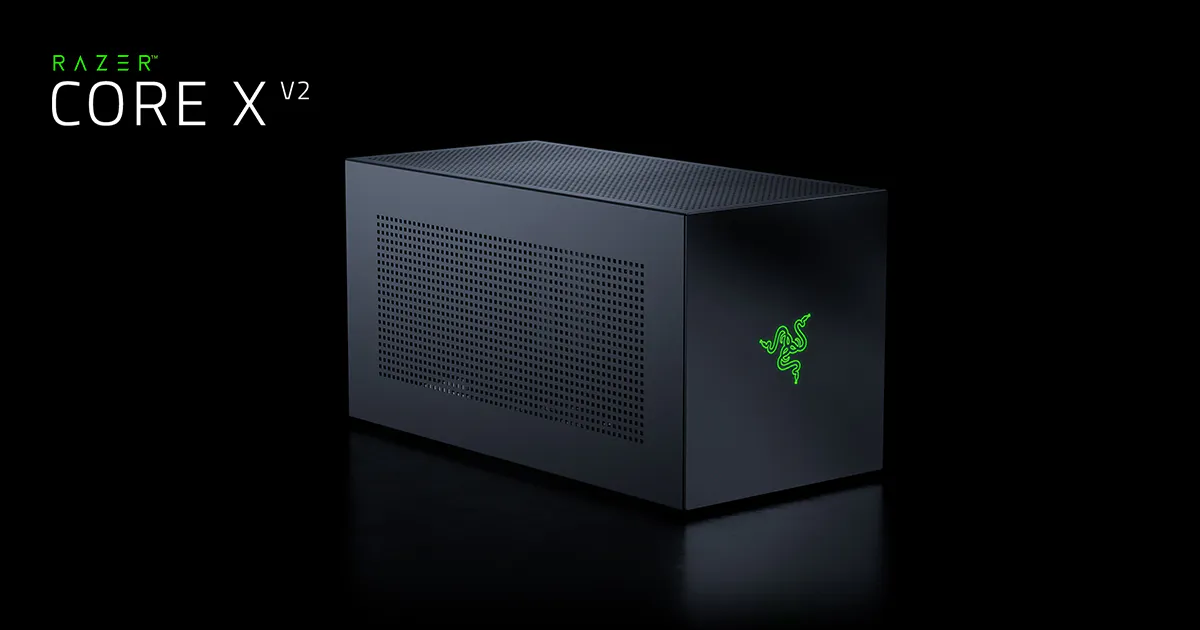
The catch is what is not in the box. The Core X V2 ships without a power supply, which is a real change from the older Core X. You bring your own ATX PSU and, of course, your own graphics card, so the £329.99 is the cost of the enclosure alone. Budget for the card and a decent PSU on top and the true outlay climbs quickly. If you are already weighing a desktop-class portable like the Razer Blade 16 with its RTX 5090, do the maths: an enclosure plus a card can cost as much as stepping the laptop up a GPU tier, with more cables and a heavier desk footprint.
The other deal-breaker is platform. This is a Windows device. If you run a MacBook Pro M5 or any Apple Silicon machine, the Core X V2 is simply not for you, and that is not Razer being awkward. Apple’s own support note, “Use an external graphics processor with your Mac”, states plainly that “to use an eGPU, a Mac with an Intel processor is required.” Every current MacBook ships with Apple Silicon, so for the entire modern Mac line the eGPU route is closed. No enclosure, Razer’s or anyone else’s, changes that.
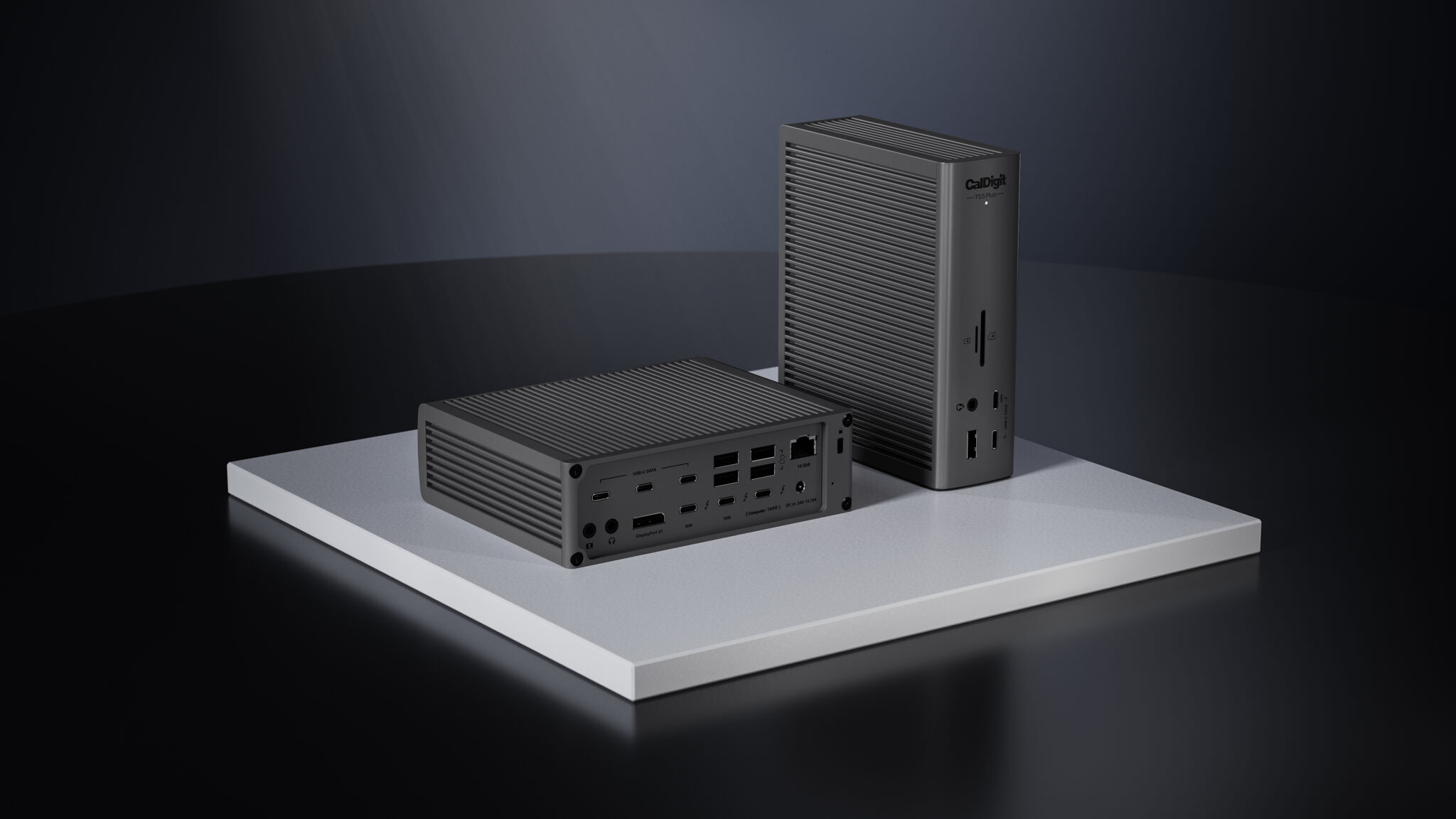
An eGPU answers one question, “how do I get a desktop card onto a laptop”, and a dock answers a completely different one, “how do I get all my kit onto one cable”. Buy the wrong box and you have solved a problem you did not have.
The TS5 Plus is connectivity, not horsepower
CalDigit’s £469.99 TS5 Plus is the opposite proposition. It does nothing for your frame rate. What it does is take a single Thunderbolt cable and turn it into 20 ports that all work at once, which is the part cheaper docks quietly fail at when you load them up. There are three downstream Thunderbolt 5 ports, dual 10Gb/s USB controllers, 10 Gigabit Ethernet for anyone moving large files across a studio network, and 140W of charging so a hungry laptop stays topped up under load. Crucially, it works on both Mac and PC, which is why it is the one box on this page a Mac creator can actually buy.
This is the box I would point most creators at first, because most people overestimate how much they need raw GPU and underestimate how much a clean single-cable desk is worth. If you drive two or three displays, including a 4K 240Hz OLED panel or a colour-accurate reference monitor, a dock is what stops your desk turning into a nest of adapters. Pair it with a laptop that has the internal graphics you already need, whether that is an Asus ProArt P16, a Framework Laptop 16 or the HP ZBook Ultra, and the dock simply extends what you have rather than trying to bolt on something new.
Who should buy which
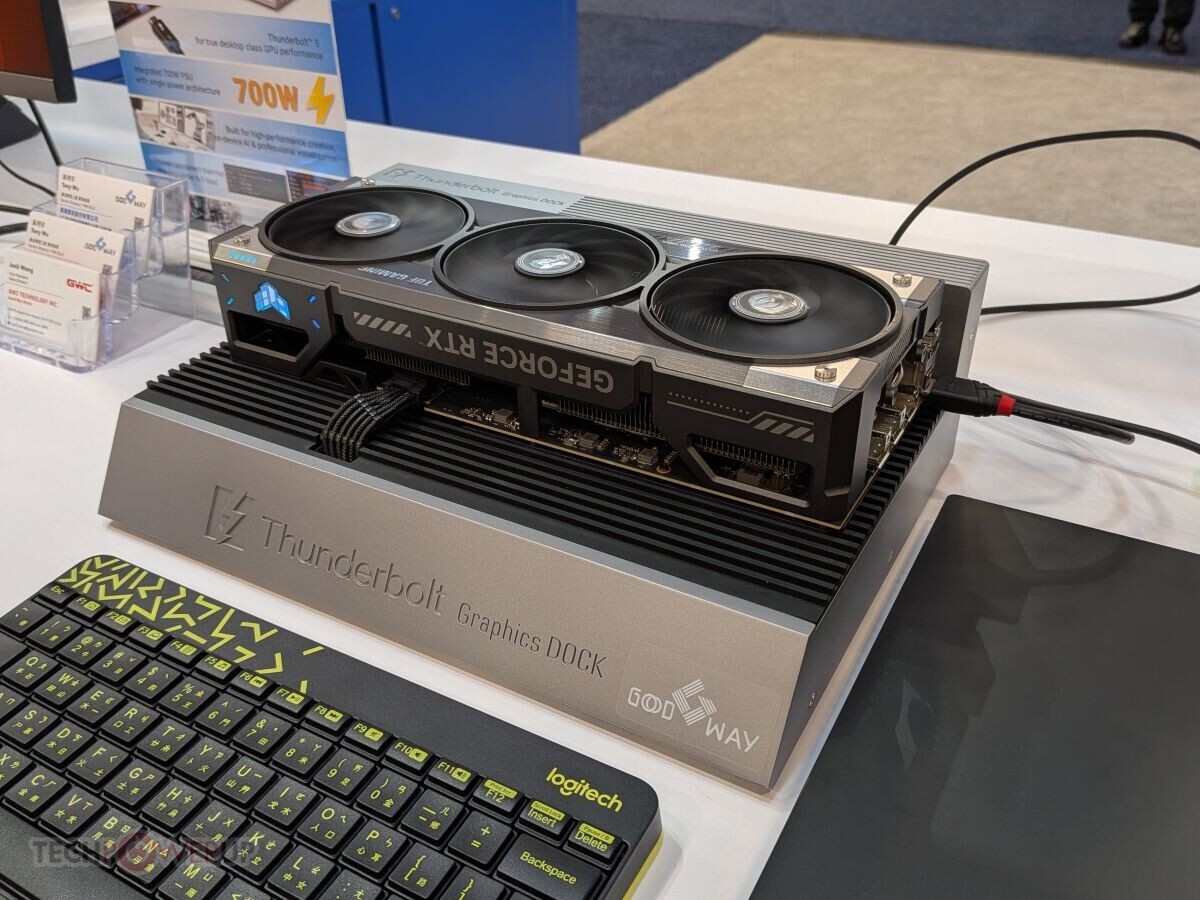
Let me name names. The Core X V2 is for a specific person: a Windows creator whose laptop GPU is genuinely holding them back in 3D, GPU rendering or local AI work, who already owns or will buy a powerful desktop card, and who has the bench space and a spare PSU. For that person, £329.99 plus a card is a sane upgrade and the Thunderbolt 5 link finally makes it feel less like a workaround.
The TS5 Plus is for almost everyone else. If you are a Mac creator, the choice is made for you anyway, because the eGPU door is shut and a dock is the only one of these two you can use. But even on Windows, if your real complaint is ports, displays and a cluttered desk rather than frame rate, the £469.99 dock is the better spend. Anyone choosing a new machine such as a MacBook Air or Pro M5 should assume the dock, not the enclosure, is the accessory that fits.
What I would put my own money on
If you forced me to pick one box for the average UK creator reading this, I would take the CalDigit TS5 Plus every time, because connectivity helps everyone and an eGPU helps a narrow slice of Windows users with a particular workload. The Razer Core X V2 is the better engineered answer to a real but specific problem, and on Thunderbolt 5 it is the most credible eGPU enclosure I have looked at, but you have to genuinely need a desktop card on a Windows laptop to justify it, and you have to remember it cannot rescue an Apple Silicon Mac. Buy the dock for the desk you actually have; buy the enclosure only when the GPU is the thing standing between you and your work.
Where I land: the Razer Core X V2 earns 8/10 for the right Windows creator, and the CalDigit TS5 Plus takes 9/10 as the dock most people should buy.
Buyer action
Where to buy or check next
Use this as the final check before ordering a phone, changing network or trusting a headline monthly price.












Reader discussion
Leave a comment
Comments are moderated. Keep it useful, accurate, and on topic.