
The MacBook Air M5 vs MacBook Pro M5 question really comes down to one number: the roughly £500 to £600 you pay to move from the fanless Air to the 14-inch Pro, and whether your work actually claims that money back. The Air arrived via Apple Newsroom on 3 March 2026 (on sale 11 March) at £1,099 for the 13-inch, while the 14-inch MacBook Pro M5 landed back in October 2025 and now sits at £1,699 with a 1TB drive as standard. Same chip family, very different machines. Here is where I land for a UK creative.
What you need to know
- MacBook Air M5: 13-inch from £1,099, 15-inch from £1,299; 10-core CPU, 16GB unified memory, 512GB SSD, Wi-Fi 7, up to ~18hr battery, fanless. (Apple Newsroom, 3 March 2026)
- 14-inch MacBook Pro M5: launched at £1,599 in October 2025, now £1,699 with 1TB standard from March 2026. (Apple, October 2025)
- M5 is up to ~15% faster CPU and ~45% faster GPU than M4. (Apple Newsroom, March 2026)
- The Pro adds a ProMotion mini-LED Liquid Retina XDR display, HDMI, SDXC, three Thunderbolt ports and MagSafe; the Air has two Thunderbolt ports.
- The Pro has active cooling and sustains performance; the Air is fanless and throttles under long exports or renders.
What you are actually choosing between
One bit of housekeeping first, because Apple has muddied the water. Since the M5 Pro and M5 Max chips arrived in March 2026, “MacBook Pro M5” now spans three tiers, from the base M5 all the way up to the MacBook Pro M5 Max vs M4 Max heavyweights. For the purposes of this face-off, the only fair rival to the Air is the base 14-inch M5. If you genuinely need M5 Pro or M5 Max grunt, you have already left the Air behind and this comparison is moot.
So both machines run the same base M5 silicon. That is the crucial part, and it reframes the whole decision: you are not buying more chip with the Pro, you are buying a better chassis around the same chip. The premium is for the screen, the cooling, the ports and the build. Whether that is worth £600 depends entirely on what you point it at.
Specs head to head
| Spec | MacBook Air M5 (13-inch) | MacBook Pro M5 (14-inch) |
|---|---|---|
| Starting price (UK) | £1,099 | £1,699 |
| Chip | M5, 10-core CPU | M5, 10-core CPU |
| Memory (base) | 16GB unified | 16GB unified |
| Storage (base) | 512GB SSD | 1TB SSD |
| Display | Liquid Retina, 60Hz | mini-LED Liquid Retina XDR, ProMotion 120Hz |
| Cooling | Fanless | Active cooling |
| Ports | 2x Thunderbolt, MagSafe | 3x Thunderbolt, HDMI, SDXC, MagSafe |
| Battery | Up to ~18hr | Longer under load |
| Weight | Lighter, thinner | Heavier |
Round 1: Display
This is the Pro’s clearest win and, for colour-critical work, the one that matters most. The Air’s Liquid Retina panel is genuinely good for a laptop at this price, sharp, bright enough indoors, accurate out of the box. But it is a 60Hz LCD. The Pro’s mini-LED XDR display brings ProMotion at 120Hz, far higher sustained and peak brightness, and the contrast that HDR grading and high-end retouching actually rely on. If you are editing photos or grading video for a living, you can see the difference, and your clients can too.
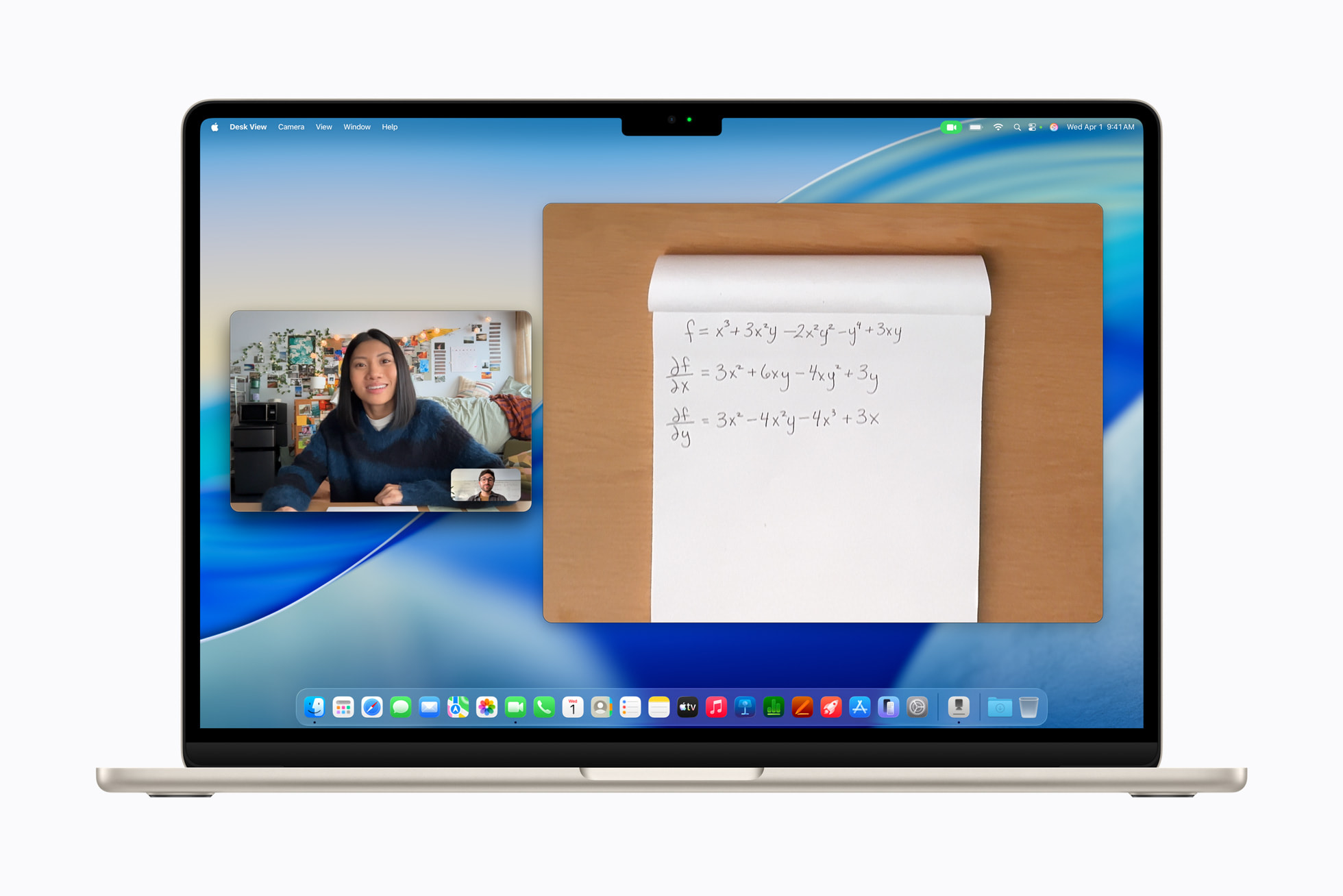
Winner: MacBook Pro M5. The XDR panel is the single biggest reason a colour professional should pay the premium.
Round 2: Performance under sustained load
Same chip, so for a Lightroom cull, a Photoshop session, or a short export, these two feel identical. The Air is quick, and the M5’s roughly 45% faster GPU over M4 helps everywhere from timeline scrubbing to AI-assisted masking. The split appears under long, heavy work. The Air is fanless, so a 30-minute 4K export or a big batch render will see it warm up and throttle to protect itself. The Pro’s active cooling holds the clocks high and finishes faster. If your day is short bursts, the Air keeps pace. If it is hour-long renders, the Pro pulls away. Software choice matters here too: a leaner tool like DaVinci Resolve Studio in the UK behaves better on a fanless machine than some heavier alternatives.
If your day is short bursts, the Air keeps pace. If it is hour-long renders, the Pro pulls away — and that gap is the whole £600 argument.
Winner: MacBook Pro M5, but only when the work is sustained. For most photo editors, this round is closer than the spec sheet suggests.
Round 3: Ports and connectivity
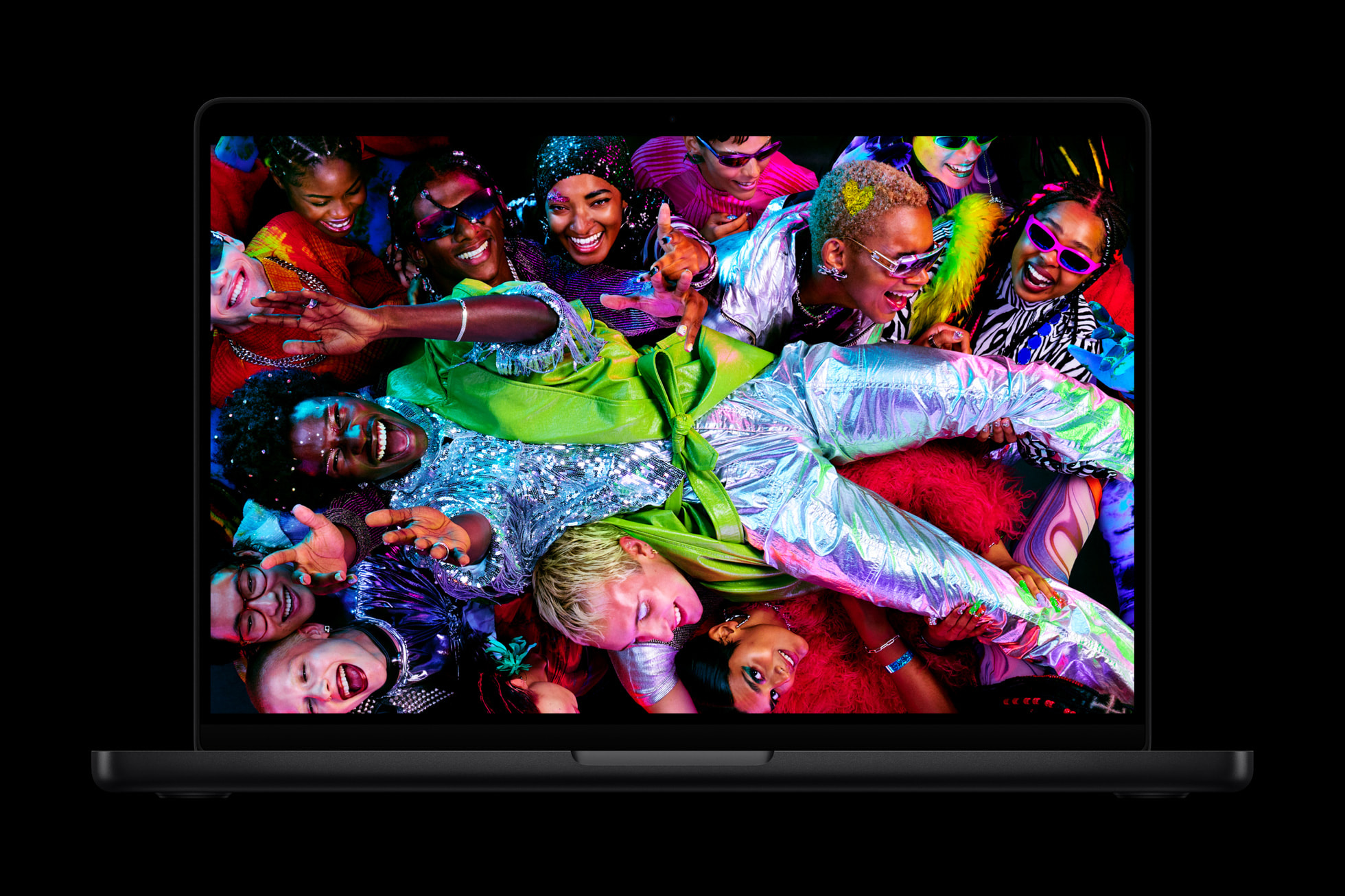
The Air gives you two Thunderbolt ports and MagSafe, and that is it. For a desk-bound editor that means dongle life, or a dock, the moment you want a card reader and an external display at once. The Pro adds a third Thunderbolt port, full-size HDMI and, crucially for photographers, an SDXC slot built in. Pulling a card straight from a camera without an adapter is a small thing that adds up across a working week. Both have Wi-Fi 7. If your workflow involves cards, external monitors and audio interfaces, the Pro’s port array is worth real money on its own. This is the same calculus that separates rivals like the Asus ProArt P16 review unit from thinner ultrabooks.
Winner: MacBook Pro M5. The SDXC slot alone will sway a lot of photographers.
Round 4: Battery and portability
Here the Air bites back. Being fanless and lighter, it is the one I would rather carry to a shoot, a client meeting or a coffee shop, and its up-to-18-hour rating for everyday editing and admin is excellent. The Pro lasts longer under heavy load thanks to its bigger battery, but it is heavier and you feel that in a bag. For a hybrid creative who is mobile most of the day and only occasionally chained to a desk, the Air’s blend of weight and stamina is the more sensible everyday companion. If portability is your priority over outright cooling, the same trade-off shows up against Windows machines like the ThinkPad X1 Carbon Gen 14.
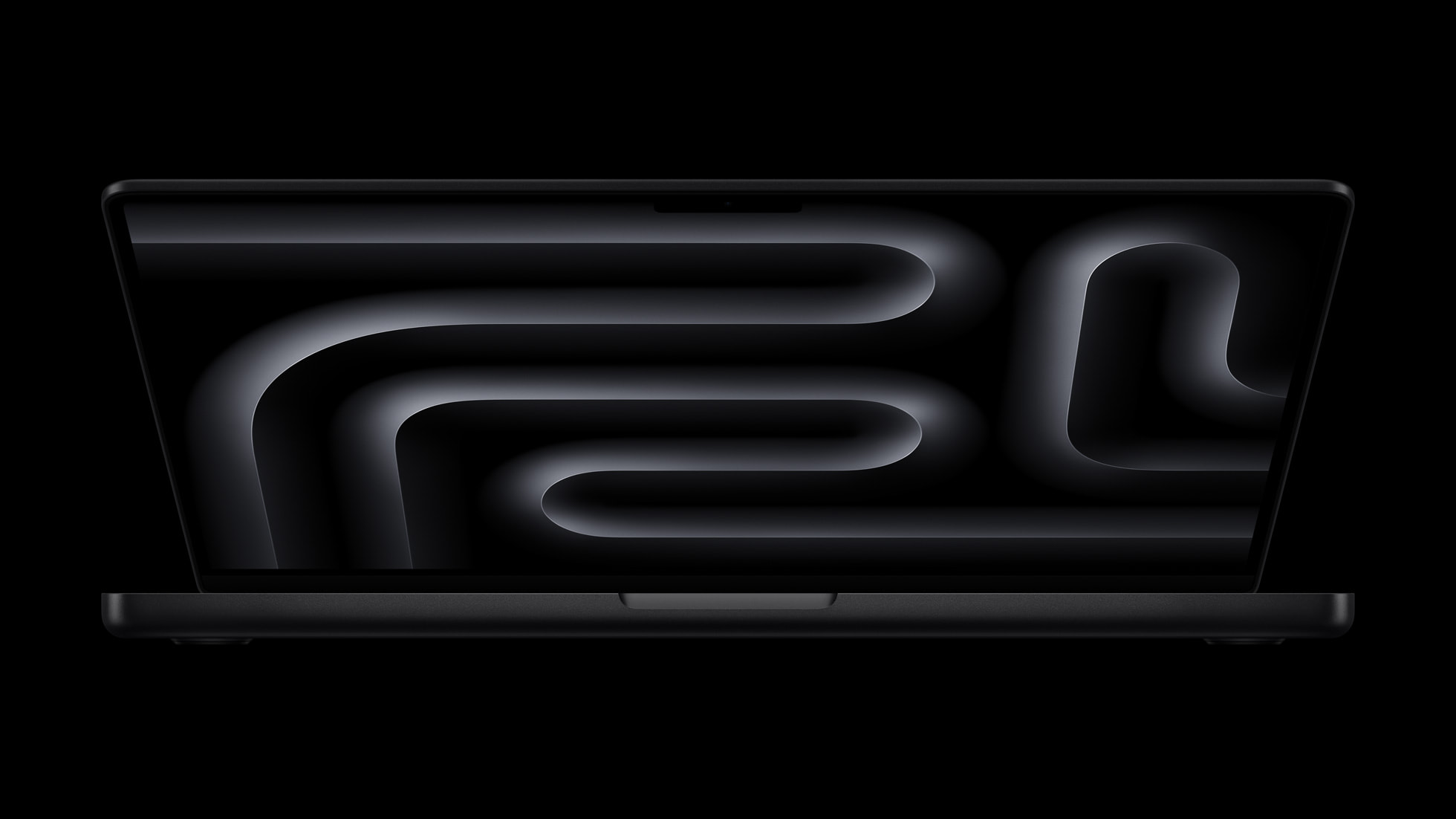
Winner: MacBook Air M5. Lighter, thinner, genuinely all-day, and silent.
Round 5: Price and value
At £1,099 the 13-inch Air is one of the best-value Macs Apple has ever shipped, and the 15-inch at £1,299 gives you a bigger canvas for not much more. The £1,699 Pro does include 1TB as standard, so part of the gap is storage you would otherwise pay to add, but most of the premium still buys the screen, cooling and ports. To my mind the 14-inch Pro M5 is an evolutionary machine rather than a revolutionary one — a modest step over the M4 unless you lean hard on its AI features — so the price-versus-value sum is the whole argument. With memory and storage prices under pressure this year, the spec you buy now matters more than usual, as I covered in my piece on the 2026 memory-price squeeze. You can configure both on the Apple UK store and price-match at John Lewis, Currys or Amazon UK.
Winner: MacBook Air M5 on pure value. I’d spend the £600 difference on a calibrated external monitor and a fast SSD, not on a chassis upgrade, unless the XDR screen is the whole point for you.
Which one I’d actually buy
Both machines run the same M5, so neither is a mistake. The decision is honest and clean: pay for the Pro if your work is colour-critical or sustained, save with the Air if it is mostly stills, admin and short edits on the move. For a photographer who lives in Lightroom or Capture One vs Lightroom and wants accurate colour plus an SD slot, the 14-inch Pro is the right buy. For a freelance designer, social-content creator or hybrid editor who values weight and silence, the Air is the smarter spend.

My score: 9/10 (MacBook Air M5)
My score: 8/10 (MacBook Pro M5)
Overall, the MacBook Air M5 is the one I would recommend to most UK creatives: it is the better value, and the same chip does the heavy lifting. Buy the 14-inch MacBook Pro M5 only if you are a colour-critical photo or video professional, or someone who runs long exports daily and wants the XDR screen, the SDXC slot and the sustained performance that the Air’s fanless design cannot match.
Final verdict
MacBook Air M5 vs MacBook Pro M5: is the 14-inch Pro worth roughly £600 more for UK photo and video work? I weigh the screen, cooling and ports against the cash.
How we compare
Buyer action
Where to buy or check next
Use this as the final check before ordering a phone, changing network or trusting a headline monthly price.














Reader discussion
Leave a comment
Comments are moderated. Keep it useful, accurate, and on topic.