
Razer Blade 16 (2026) review: RTX 5090 power for UK creators who also game
My Razer Blade 16 (2026) review for UK creators who game: RTX 5090 power, 14.9mm thinness, the fan-noise cost and whether it beats the Asus ProArt P16.
The Razer Blade 16 (2026) is the laptop I keep arguing with myself about, and Razer’s 25 March 2026 reveal of the refreshed model is exactly why. Here is a 16-inch machine that is 14.9mm thin, lighter than most 14-inch ultrabooks I lug around, and yet it will happily drop a full-fat RTX 5090 mobile GPU into your bag. That is a genuinely silly thing to attempt, and the interesting question for a creator who also games is not whether it works but what it costs you, in pounds, in fan noise and in sustained performance. I have not run my own bench session on this exact unit, so to be clear up front: this verdict is built from Razer’s published specs, current UK pricing and the early owner and reviewer reports, not a personal hands-on test. Even so, I have a firm view on who should buy it and who absolutely should not. Our most recent take on this lands in Nikon Zf review.
What the Razer Blade 16 (2026) actually changes
The 2026 refresh is not a redesign, it is a quiet engine swap. Razer has moved to Intel’s 16-core Core Ultra 9 386H, which boosts to 4.9GHz, paired it with up to 64GB of LPDDR5X clocked at a frankly absurd 9600MHz, and made the top tier an RTX 5090 mobile GPU with 24GB of GDDR7 running at a 165W TGP. The 16-inch QHD+ OLED panel is the real headline for creative work: 240Hz, a 0.2ms response, VESA DisplayHDR TrueBlack 1000 and a peak of roughly 1,100 nits, up from 500 nits on last year’s screen. You get Thunderbolt 5, Wi-Fi 7 and a claimed 13 hours of web browsing. If you have been weighing a thin-and-light productivity machine like the Lenovo Yoga Slim 7x that I think most Copilot+ buyers should consider, understand that this is a different species: it does the quiet office stuff too, but it is built to melt frames in Cyberpunk at midnight.
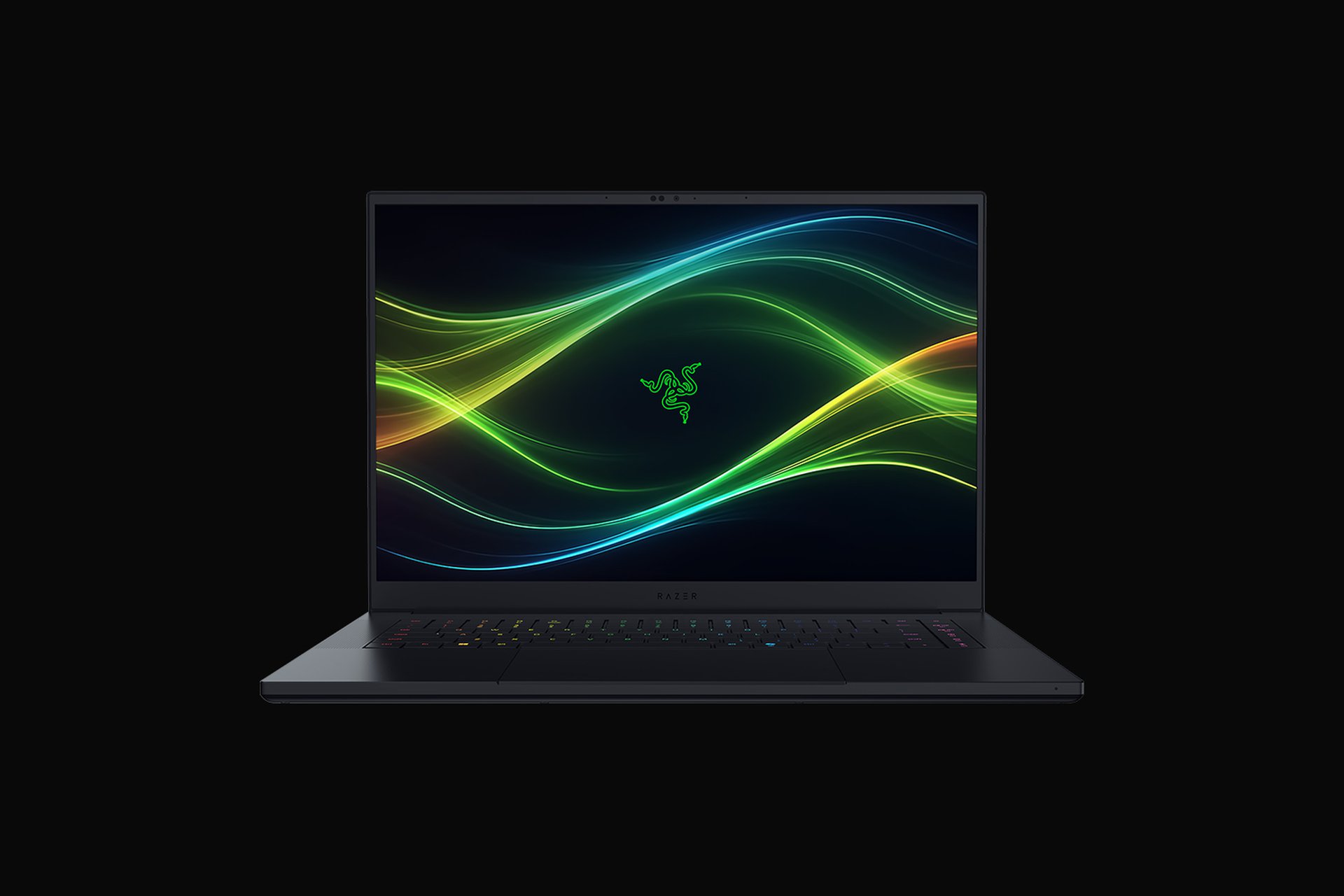
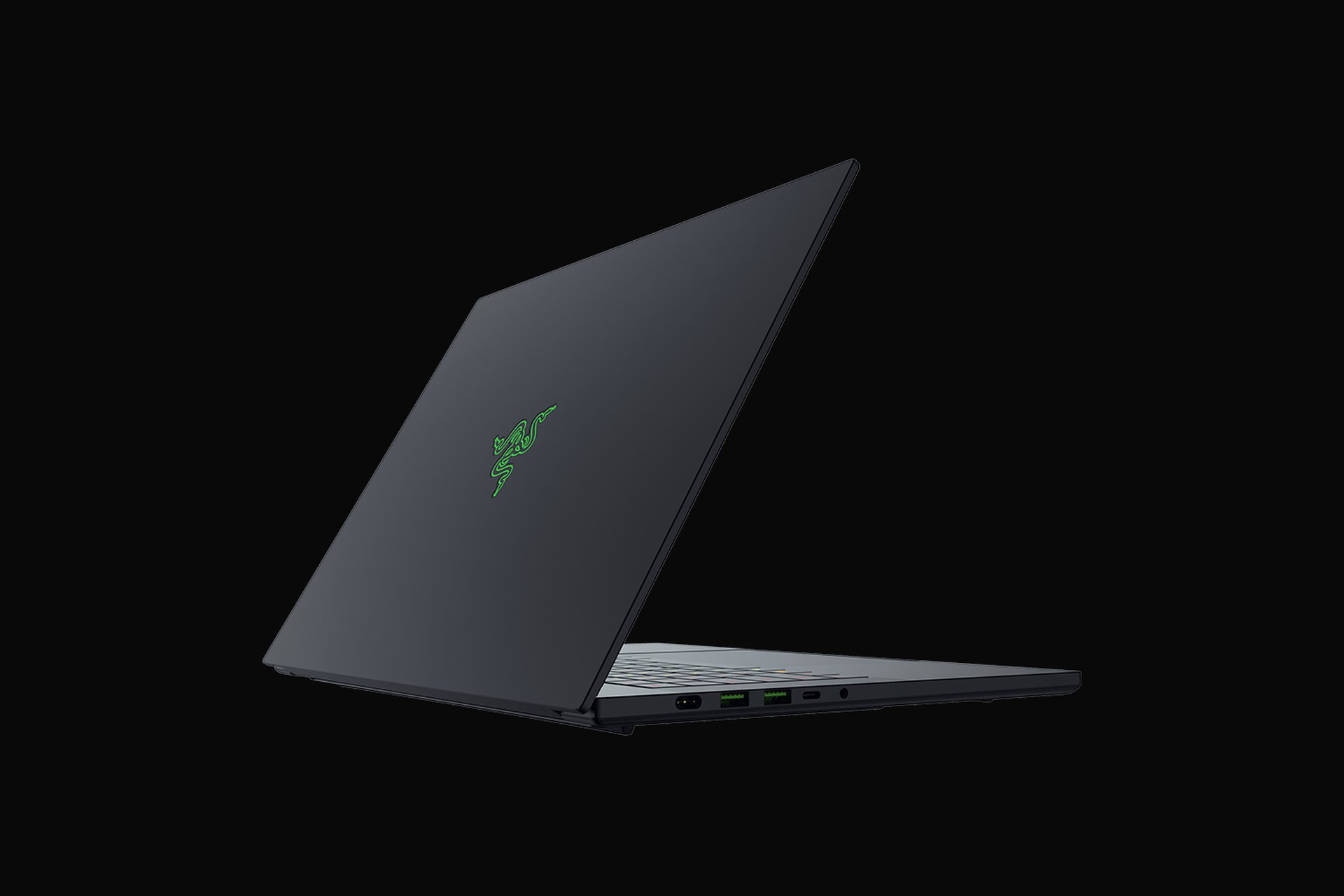
What I love is how normal it looks. There is no boy-racer chassis, no aggressive vents, just a CNC-milled block of T6 aluminium anodised matte black. Closed, it could pass for a work machine in any meeting room, which matters if you are a freelance editor billing clients who do not need to know you also raid on Friday nights. It is the rare gaming laptop I would happily carry into a coffee shop without feeling 14 again.
Thermals at 14.9mm: the bill the thinness sends you
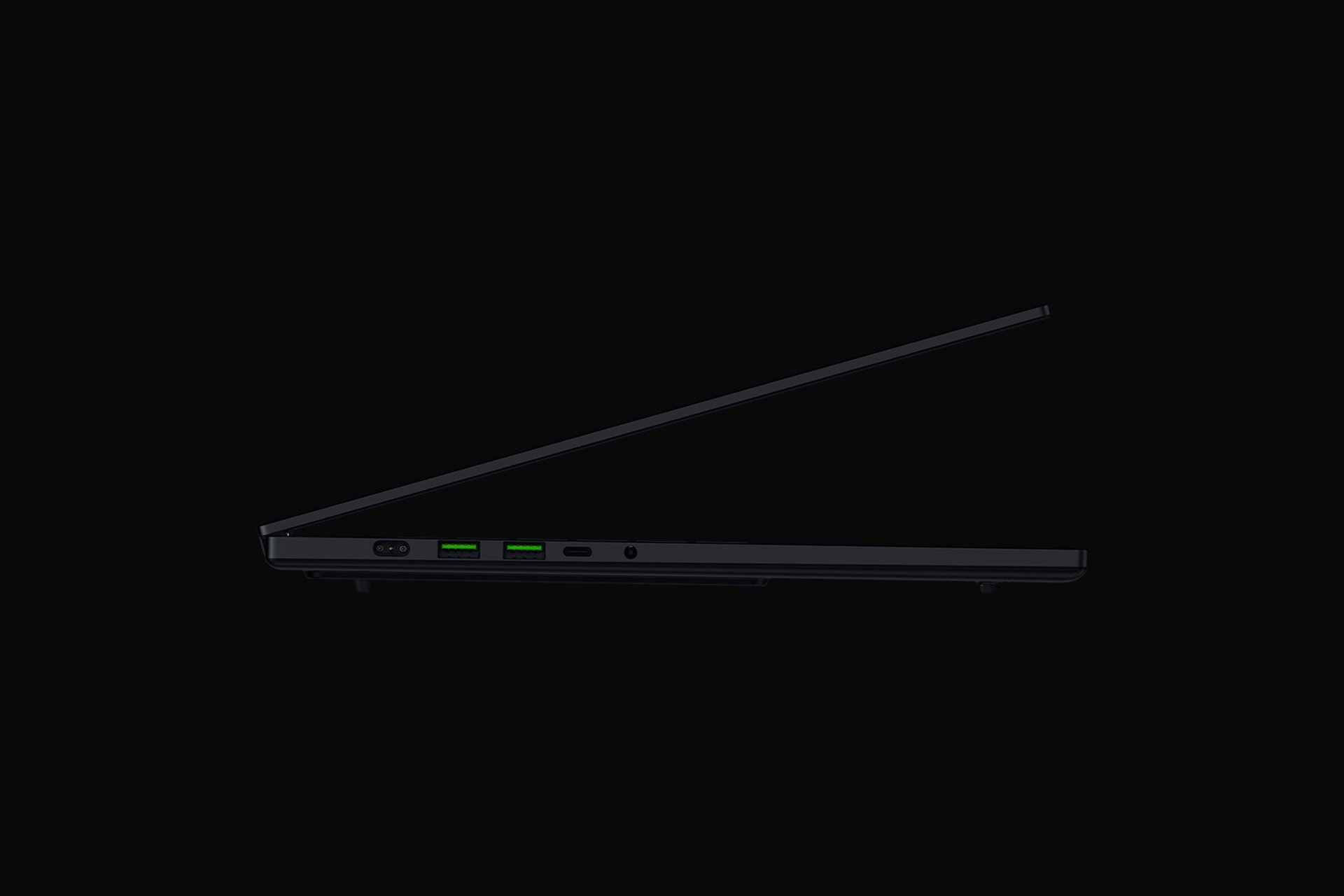
Here is the tension nobody can engineer away. You cannot pour an RTX 5090 and a 16-core Intel chip into a 14.9mm shell and expect physics to look the other way. Razer’s answer is a vapour chamber and a new thermal design, and to its credit the early reviewer consensus is that it holds up better than the maths suggests. But “better than expected” is not “free”. Under a sustained gaming or render load, two things happen: the GPU cannot always hold the full 165W you paid for, and the fans get loud. Not annoying-laptop loud, jet-on-the-tarmac loud. If you record voiceovers, stream, or just like your study quiet, that noise is the real cost of the thinness, and it is the single biggest reason I would not call this a no-compromise machine.
My honest read is that the chassis is sized for bursts, not marathons. For an hour of gaming or a short export, it is brilliant. For a four-hour colour grade with the GPU pinned, a thicker rival will run cooler and quieter and probably finish faster. The flip side is portability, and that genuinely changes how you work. The same thin-laptop logic that I find compelling in the Galaxy S25 Edge a year on as a thin flagship applies here: thinness is a feature you feel every single day, while peak sustained wattage is a number you notice only when you push it hard.
Colour accuracy and the creator case for the OLED panel
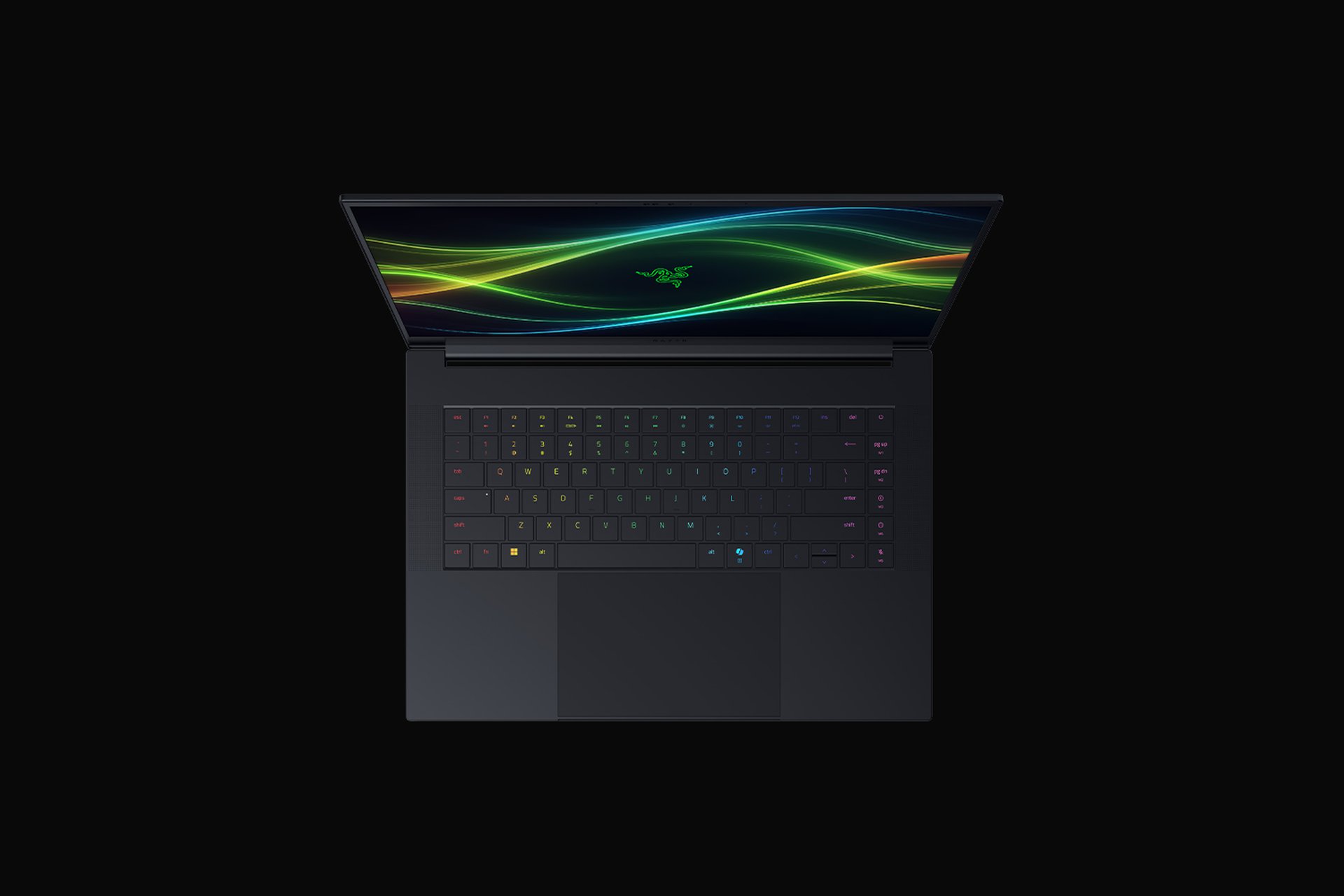
This is where the Blade earns its keep for paid work. The OLED is Calman Verified out of the box, covers 100% of DCI-P3, and that 1,100-nit peak finally makes HDR grading on a laptop feel like more than a party trick. For photo retouching, video colour work and any client deliverable where the colours have to be right, this screen is in the top tier of anything you can buy in this size. If your other half is eyeing a tablet for sketching, it is worth knowing the gulf in colour fidelity between this and even the best slates I cover in my pick of the best Android tablets for 2026 is enormous. Pair the Blade with Thunderbolt 5 into a calibrated external display and you have a properly portable grading suite, the kind of all-day workhorse that makes a lighter productivity slate like the Surface Pro 12 I cover in this buyer guide feel like a different job entirely.
The keyboard deck is comfortable, the glass trackpad is one of the best on any Windows machine, and the speakers are genuinely good for a laptop this slim. None of that is why you buy a 5090 machine, but it is the difference between a tool you tolerate and one you actually enjoy living with for editing days that run long.
UK price and the Asus ProArt P16 question
Now the part that hurts. On razer.com’s UK store (last checked: 17 June 2026), Blade 16 RTX 5090 configurations start at £4,399.99 and the top 64GB build climbs to £4,999.99, with the RTX 5080 model coming in at £3,599.99. For reference, Razer lists the flagship US config at $5,599.99. This is comfortably the most expensive laptop I am writing about today, and it forces a hard comparison with the far cheaper ways to play games on the move that I round up here, or with a pocket-friendly option like the Steam Deck OLED I still rate in 2026, none of which will touch it on raw power but most of which will leave you thousands of pounds richer.
The sharper question is the Asus ProArt P16, which I am also reviewing today. The ProArt is the calmer, creator-first answer: similar thinness, a superb display, often cooler and quieter under sustained load, and meaningfully cheaper. So what does the Razer premium actually buy you? Three things. A faster, higher-wattage 5090 tier with proper gaming chops, a 240Hz panel that the ProArt’s lower refresh cannot match for fast-paced play, and a chassis with Razer’s particular brand of polish. If you are a creator who games seriously, that gap is real. If you are a creator who games occasionally, you are paying a heavy tax for headroom you will rarely touch, and the ProArt is the smarter buy.
Who I would actually hand this to
The Razer Blade 16 (2026) is a brilliant, slightly mad machine, and your verdict depends entirely on which half of “creator who also games” you really are. If gaming is a genuine second job and you want one thin laptop to grade footage by day and push high frame rates by night, this is close to the best single device for it, and the thinness will quietly delight you every time you pack it. If you are mostly a creator who likes to unwind with a game now and then, the fan noise, the sustained-load throttling and that £4,000-plus entry point are a poor trade against the Asus ProArt P16. I would not buy it for the gaming alone, and I would not buy it for the colour work alone, because both are available cheaper elsewhere. I would buy it precisely because it does both in something this thin, and only if I genuinely needed both. Buy it with clear eyes, a good pair of headphones for when the fans spin up, and the knowledge that you are paying a premium for engineering that should not really be possible.
Our score: 8.4/10
How we test
Buyer action
Where to buy or check next
Use this as the final check before ordering a phone, changing network or trusting a headline monthly price.













Reader discussion
Leave a comment
Comments are moderated. Keep it useful, accurate, and on topic.