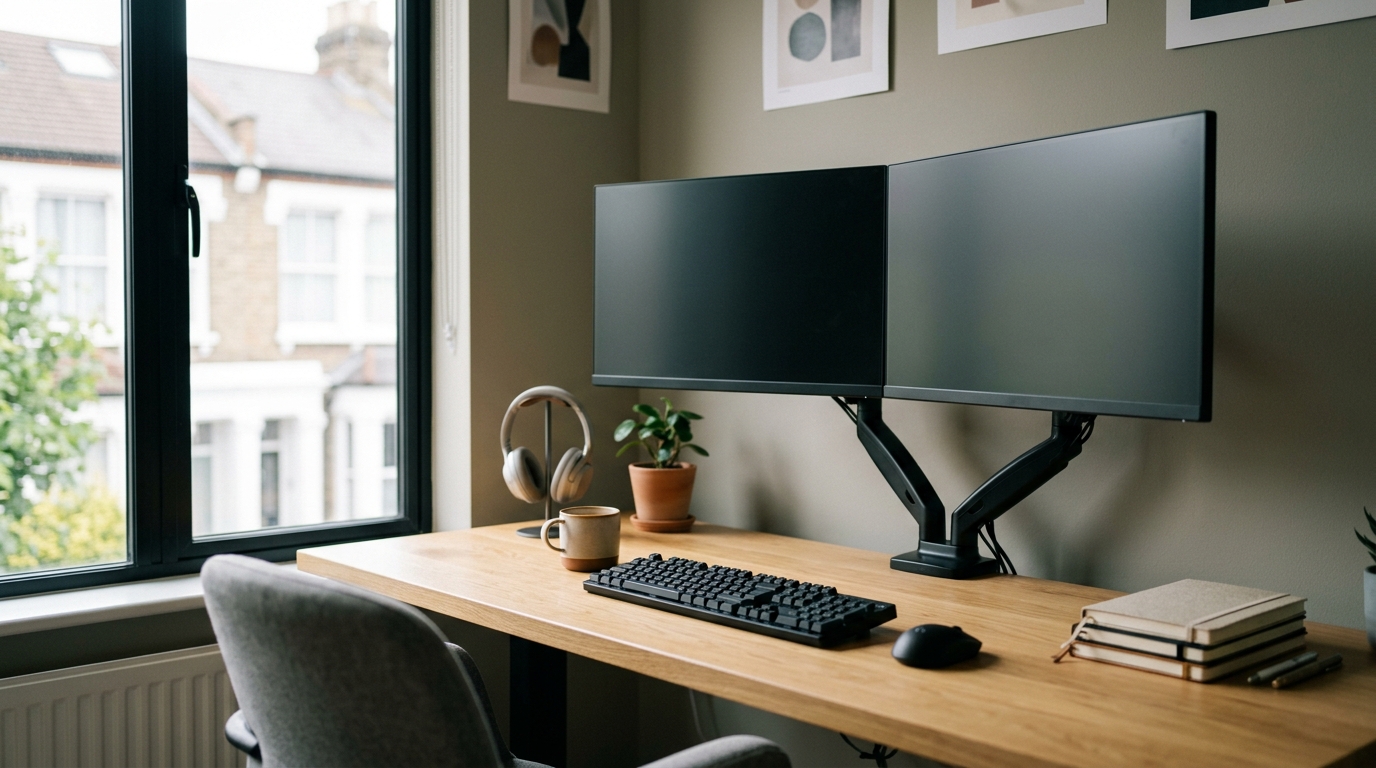
The best monitor arm for UK creators in 2026 is the Ergotron LX, at £185–£199, because it is the only arm here backed by a 10-year warranty on its gas spring — a manufacturer betting its own money the mechanism won’t sag for a decade. Two arms can do the identical job on day one — lift a 27-inch panel to eye level, swing it out of the way when the room turns into a photo studio — for £45 or £189. The gap isn’t the first morning. It’s whether the thing is still holding, with no sag and no creep, in 2034.
The short answer: for a main edit desk, buy the Ergotron LX (£185–£199, 11.3kg rating, 10-year warranty). If you run two screens, the HUANUO Dual (£70–£90) is the twin-mount pick. If you’re hanging an unusually heavy panel, the Amazon Basics Premium (£90–£120, 13.6kg) has more muscle but only a 2-year warranty. The North Bayou F80 (£42–£45) is a budget utility arm for a secondary machine. The figures and prices below come from Amazon UK, eBuyer, Office Superstore and John Lewis, and from the 2026 UK buyer’s guides at deskset.co.uk and thehomeofficeguide.co.uk.
If you spend your working day in Premiere, DaVinci Resolve or Lightroom, the monitor arm is the cheapest genuinely serious upgrade you can make to a workspace — and the one most people get wrong by shopping on the headline price alone. Here is how I’d actually spend the money, what each tier really buys you, and the one I’d put on my own desk without a second thought.
Why an arm beats the stand in the box
The factory stand that ships with your monitor is perfectly competent at one thing: holding the screen exactly where the manufacturer decided you’d want it. The trouble is the base. It eats your desk. According to thehomeofficeguide.co.uk’s 2026 round-up, moving to an arm frees up roughly a square foot of desk space — and on a compact creator setup, where the keyboard, a tablet, a control surface and a coffee all fight for the same patch of timber, a square foot is the difference between cramped and workable.
There’s the posture argument too, and it’s the one that matters over a decade. A fixed stand sets your eye line once. An arm lets you raise the panel so the top edge sits at eye level, pull it forward when you’re grading and push it back when you’re sketching. That adjustability is the whole point — it’s why I’d never tell a working creator to make do with the bundled stand.
The one I’d actually buy: the Ergotron LX
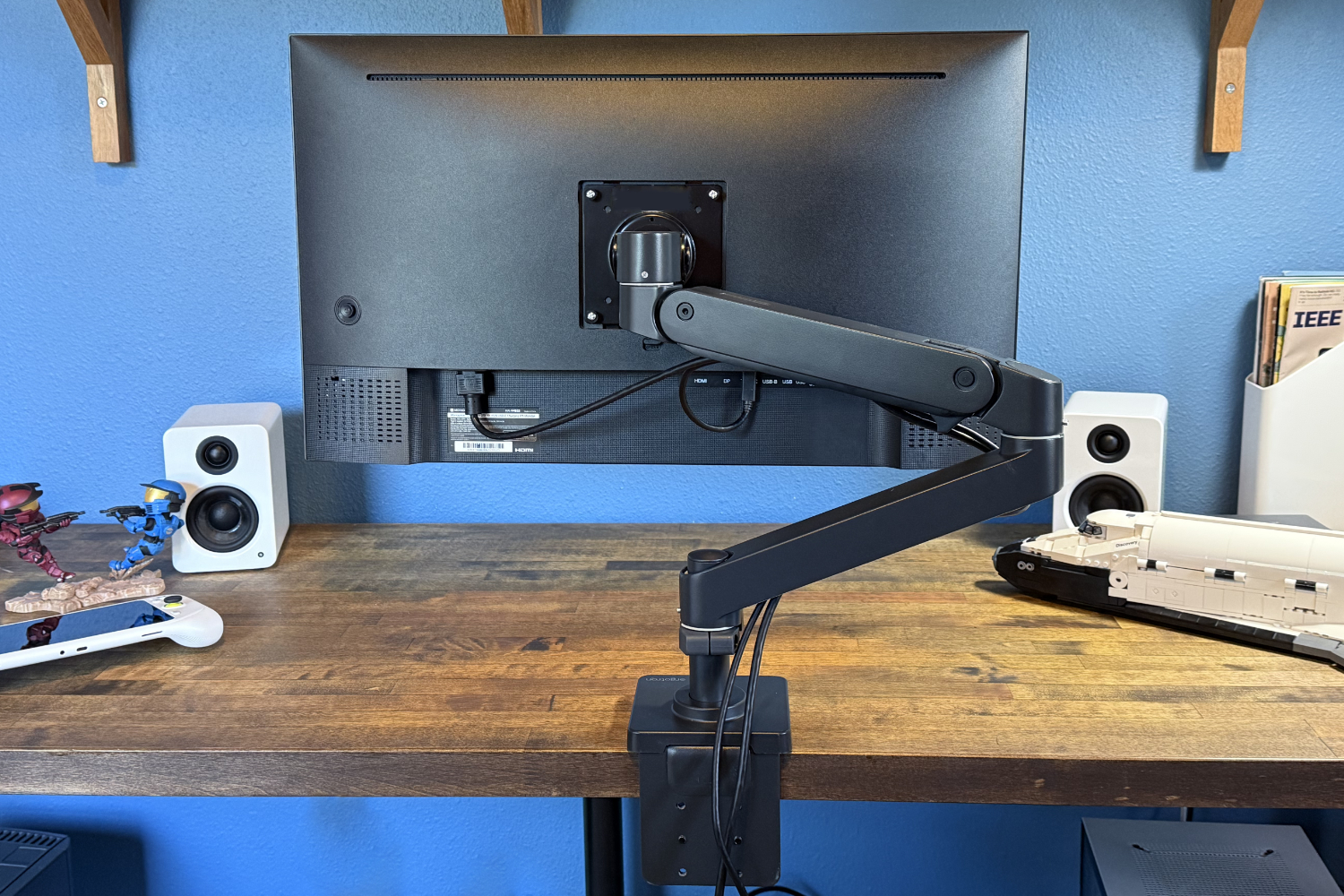
If you want a single answer, it’s the Ergotron LX, and it isn’t close. It sits at £189 on Amazon UK, £185 at eBuyer, £195 at Office Superstore and £199 at John Lewis — so call it £185–£199 depending on where you click and how patient you are.
What that money buys is engineering you can feel. The LX carries an 11.3kg weight rating, takes both 75×75 and 100×100 VESA mounts, and — this is the line that does the heavy lifting — comes with a 10-year warranty straight from Ergotron’s own spec sheet. Ten years. On a moving part with a gas spring inside it. That is a manufacturer telling you, in the only language that costs them money, that the mechanism will not droop in 2034.
A ten-year warranty on a gas-spring arm isn’t marketing — it’s a manufacturer betting its own money that the mechanism won’t sag. That bet is the product.
Gas-spring sag is the quiet killer of cheap arms. You set the height, it holds for a year, and then one morning the screen has drifted two inches lower and won’t stay put. The whole value of the LX is that the smooth, re-tensionable spring is built to outlast the monitor you bolt to it — and probably the one after that. For a creator who’ll own this desk for a decade, that isn’t the expensive option. It’s the one you only pay for once.
What the cheaper tiers actually get you
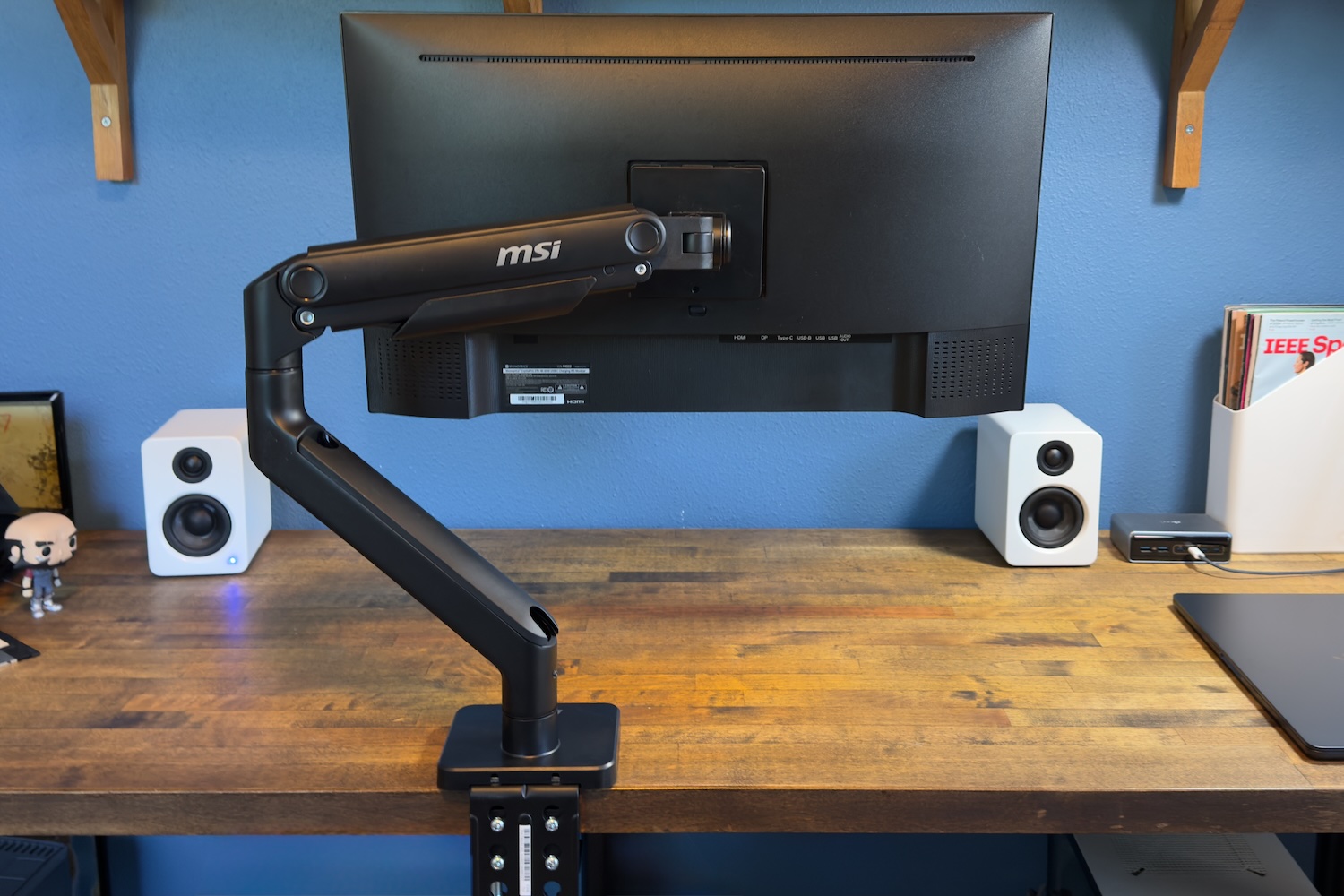
I won’t pretend the lower end doesn’t exist, because the spec sheets are genuinely interesting. The Amazon Basics Premium single arm runs £99 at eBuyer, £105 on Amazon UK and £115 at Office Superstore — £90–£120 all in. On paper it even out-muscles the Ergotron: a 13.6kg weight rating against the LX’s 11.3kg, with the same 75×75 and 100×100 VESA support. If you’re hanging a heavier panel, that headroom is real.
| Spec | Ergotron LX | Amazon Basics Premium | HUANUO Dual | North Bayou F80 |
|---|---|---|---|---|
| Price (UK) | £185–£199 | £90–£120 | £70–£90 | £42–£45 |
| Weight rating | 11.3kg | 13.6kg | — | — |
| Warranty | 10 years | 2 years | — | — |
| VESA | 75×75 / 100×100 | 75×75 / 100×100 | — | — |
| Screens | 1 | 1 | 2 | 1 |
| Best for | Main edit desk | Heavier single panel | Twin-screen edit | Secondary machine |
| Winner | Best long-term value | Most weight headroom | Best for two screens | Budget utility |
So why isn’t it my pick? The warranty. Amazon backs the Basics Premium for two years against Ergotron’s ten. Both arms feel fine in the first week; the difference shows up in year three, four and five — precisely the window the LX is built to survive and the Basics isn’t promising to. Higher weight rating, far shorter confidence: that’s the trade.
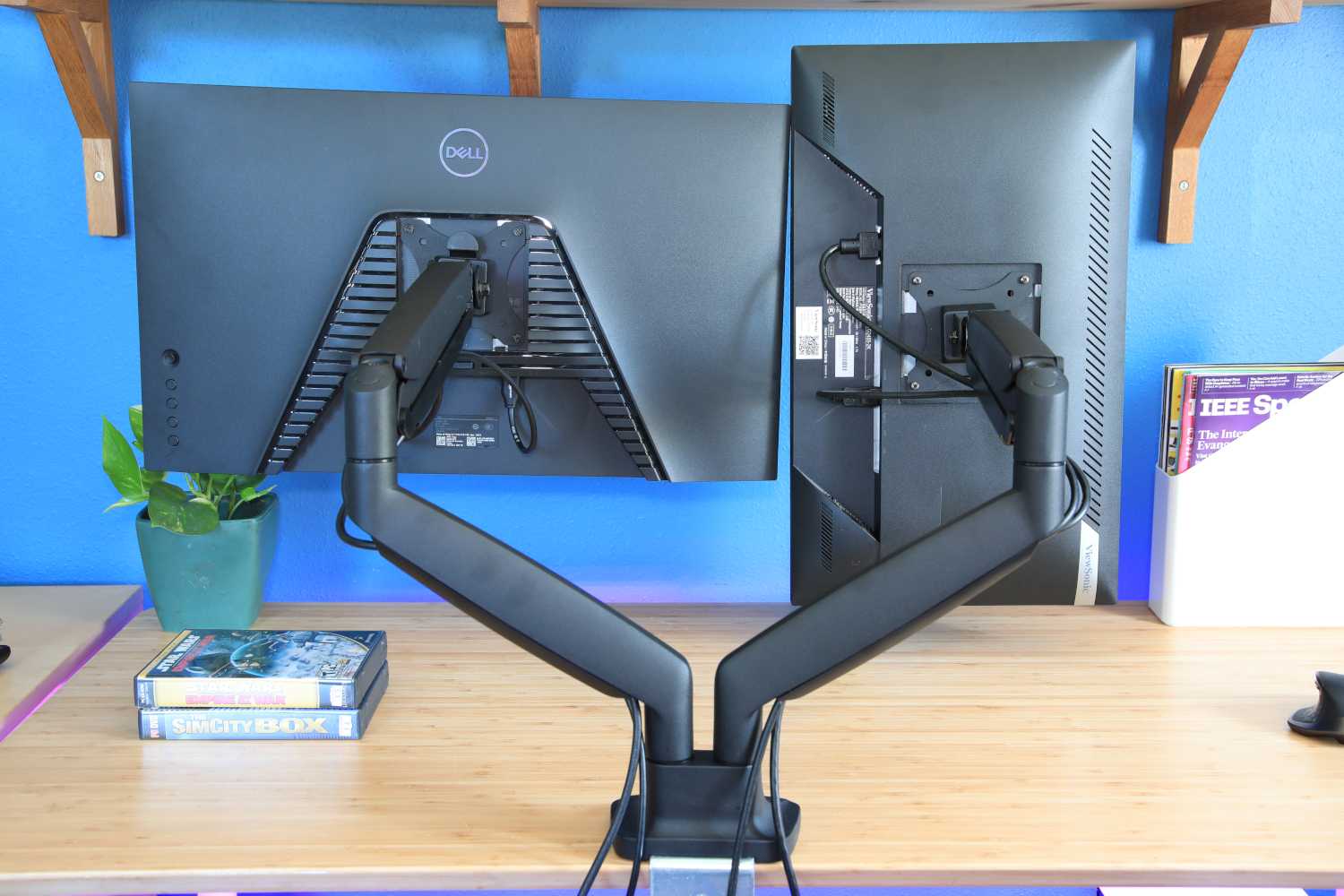
Below that sit two more options worth knowing. The HUANUO Dual covers a twin-monitor setup at £75 at eBuyer and £79 on Amazon UK (£70–£90), the obvious shout if you edit across two screens and want both on a single mount. And the North Bayou F80 sits at the bottom at £42–£45, the kind of arm you’d put on a secondary machine rather than the one you earn a living on. I’d treat the F80 as a utility part, not the centrepiece of a creator desk — it does the job, but it’s not where I’d spend the hours of my working life looking.
Before you click buy: the checks that catch people out
Whichever way you go, two specs decide whether the arm is safe rather than just cheap, and both get skipped constantly.
First, the weight limit — and read it properly. The deskset.co.uk guide is blunt that you have to count the monitor plus the VESA bracket and any plate adaptors, not just the bare panel weight off the box. A 27-inch screen that reads 6kg on its own can creep close to 8kg once mounted, and an arm running near its ceiling is an arm that sags early. Buy with headroom.
Second, look for CE certification. It’s easy to wave off as red tape, but on a spring-loaded part holding a four-figure monitor over your keyboard, the certification is your evidence the clamp and the spring were actually tested to hold what they claim. On a creator desk, that’s not bureaucracy — it’s the cheapest insurance you’ll buy.
Third, check the VESA pattern matches your monitor before anything else. The arms here cover 75×75 and 100×100, which is the vast majority of panels, but a handful of larger creative displays use wider spacing and need an adaptor plate. Five minutes on the spec sheet saves a returns label.
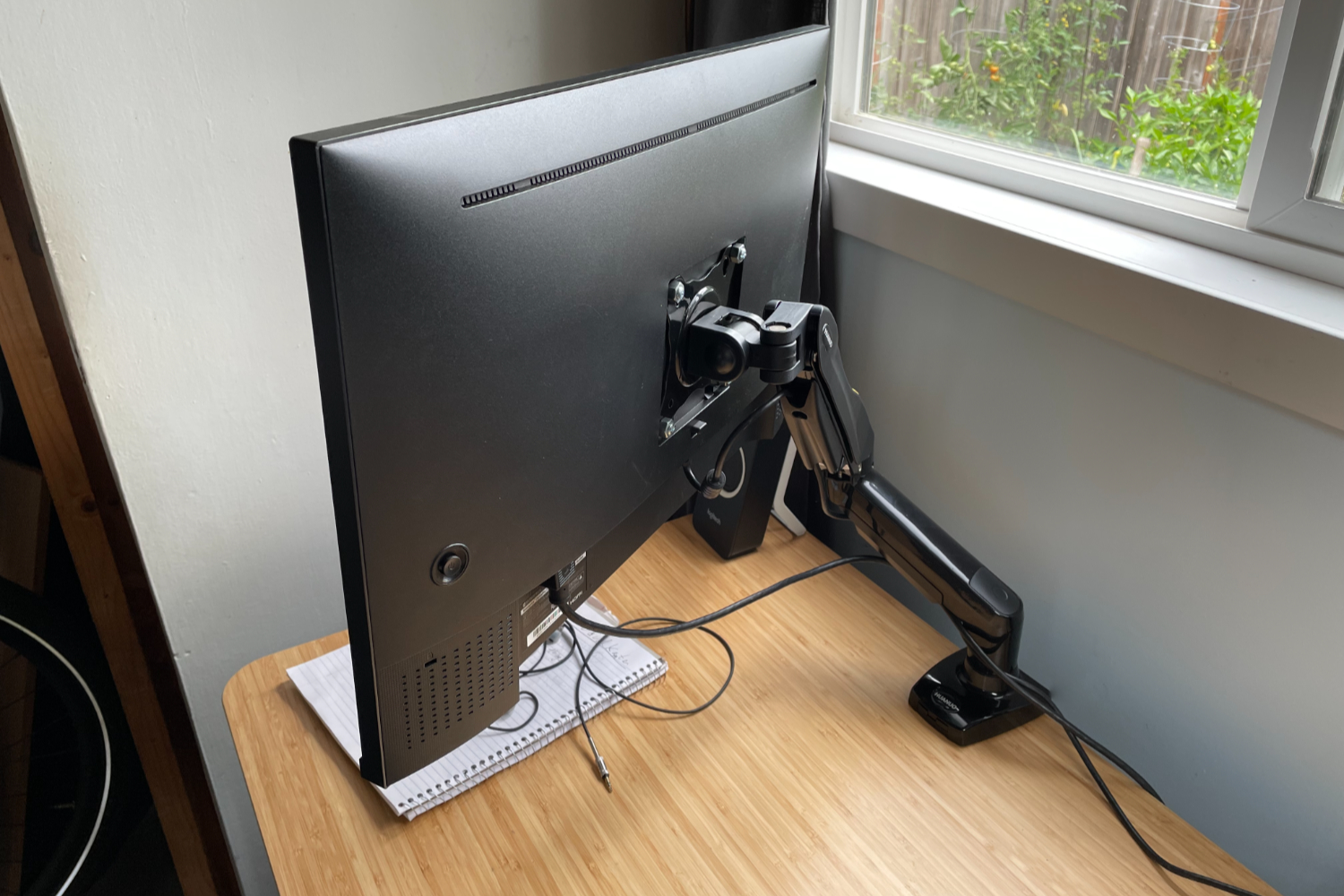
So where does this leave a creator with a desk to kit out?
Buy the Ergotron LX. If you’ve read this far, you’re not furnishing a spare room — you’re building the desk you’ll work at every day for years, and the LX is the only arm here whose maker is willing to stand behind it for a full decade. At £185–£199 it’s the dearest single-monitor option on this list and comfortably the best value, because you buy it once and forget it.
The exceptions are narrow and honest. If you genuinely run two screens, the HUANUO Dual at £75–£79 is the pragmatic twin-mount answer and I’d not argue. If you’re hanging an unusually heavy panel and the 13.6kg rating is the deciding number, the Amazon Basics Premium earns a look — just go in knowing you’re trading eight years of warranty for that extra muscle. And the North Bayou F80? Fine for the second machine in the corner. Nowhere near your main edit station.
What would change my mind on the LX is simple: if Ergotron quietly trimmed that ten-year cover, the maths shifts overnight, because the warranty is the product. Until then, it’s the one I’d bolt to my own desk and not think about again — which, for a part you stare past for eight hours a day, is exactly the point.
How we pick
Buyer action
Where to buy or check next
Use this as the final check before ordering a phone, changing network or trusting a headline monthly price.














Reader discussion
Leave a comment
Comments are moderated. Keep it useful, accurate, and on topic.