News · 23 Aug 2010 · MTW Editorial Team

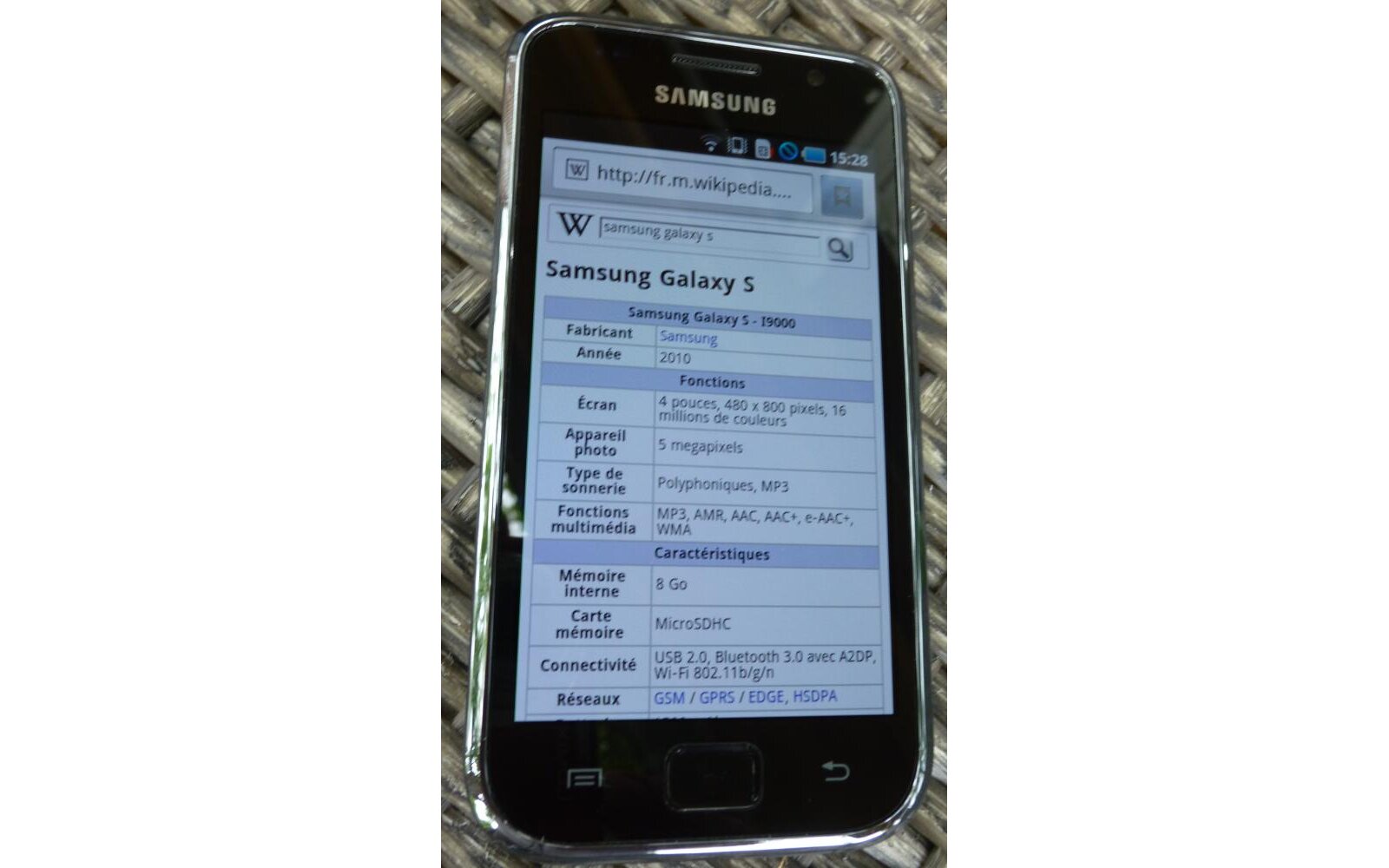
The Samsung Galaxy S is shaping up to be one of the best smartphone released this year and things are getting even better. For those who don’t know yet, several mobile operators in Europe are actually selling their own branded versions of the Galaxy S totally sim-unlocked. I don’t really know how this happened or if this is still the case but the first batch of phones shipped in France for example didn’t get locked before hitting retail. But if you are in the possession of a sim-locked handset (especially in the US with the Vibrant, Captivate, Fascinate and Epic 4G) you can now easily unlocked your device in less than five minutes for free and without even rooting it. Thanks to dagentooboy over at XDA-Devs here are the instructions:
Using ADB
Make sure that Network Lock is the only thing on… go to phone and enter *#7465625#
Make sure USB debugging is enabled (Settings->Applications->Development->USB Debugging)
Step 0.5. – The easy way
For Mac
Download and extract the attached Generate Unlock Mac.zip.
Open Terminal and run Generate_Code.sh
Save the code
Jump to step 3.For Windows (UPDATED Now includes Un-Freeze Code)
Download and extract the attached Generate Unlock Windows.zip.
Run Generate_Code.bat
Look for the line Network Control Key:YourCode
Save the code
Jump to step 3.Step 1. – Get the file
You need to have rootCode:adb shell su cd /dev/block dd if=/dev/block/bml3 of=/sdcard/bml3.bakmount USB storage and copy the file off the internal SD card
Step 2. – Find the code
Try thisOriginally Posted by rbnet.it
Try this: http://www.multiupload.com/81WAY99VHH (UPDATED!!!)
It’s a win32 executable. Run the program from command line with the blockdevice backup as parameter:
c:\sgux.exe bml3.bak
IT returns the unlock code fory your phone.
It’s based on the tip posted on this thread by rhcp0112345.
It’s works with european sgs.
OR
Open the file in a HEX editor
Search for SSNV
At the end of this block of data there should be a string of numbers
(my unlock code started at 0×18005a)
The format will be numbers.unlockcode.numbersStep 3. – Enter the code
Power down your phone
Put in a SIM card from another carrier
Power up your phone
When it boots up it will ask for the unlock code that you found aboveOR if you don’t have another SIM you can try this (NOT TESTED) (Thanks RazvanG)
remove sim card
power on phone without sim
enter *7465625*638*# and relock the phone to another network other than the one u have u’r sim card (eg 22610)
power off phone
insert sim card back
power on and enter nck code extracted from .bak file
phone unlockedStep 4. – Flash back (IF THE CODE DIDN’T WORK)
Flash back to an older firmware (I9000XXJF7 with 513.pit worked for me)
Now enter the unlock code you generated in Step 2.Using the Market App
Search for Galaxy S Sim Unlocker in the market. (It is $10 and people say it works)If you need this
Originally Posted by RazvanG HOW TO LOCK SAMSUNG GALAXY S – FOR WARRANTY PURPOSES ONLY (TESTED)
After you get the NCK code using the method above, enter: *7465625*638*#
There will be a pop-up box.
Complete the first field (MCC/MNC) with the network you want your phone locked to (eg. 226 10 where 226 = romania; 10 = orange etc.) and the second field (Control Key) with the NCK extracted from the .bak file.
Press OK and your phone should relock.
RazvanG

I will try this on my Galaxy S once I finish my review (sorry for the delay but I no longer have a camcorder so I’ll in the process of acquiring one ASAP).
Souce: XDA-Dev
Buyer action
Where to buy or check next
Use this as the final check before ordering a phone, changing network or trusting a headline monthly price.