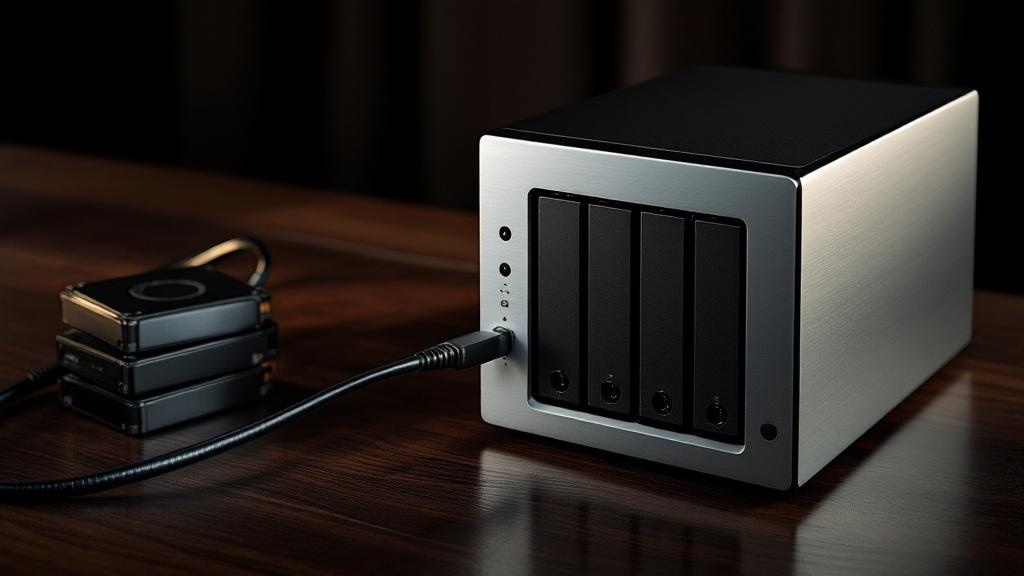
A six-bay box with Thunderbolt 4 and 16GB of DDR5 for around £799 — before you’ve bought a single drive — is where the serious end of the home NAS market now sits in 2026, and it tells you how far this category has drifted from the beige file-dump it used to be. According to Smart Gear Outlet’s 2026 creator round-up, the UGREEN NASync DXP6800 Pro occupies that high-end slot, and once you’ve seen what a creator actually demands from local storage, the price stops looking eccentric and starts looking like the cost of entry.
I write about kit that earns its keep, and a NAS is one of the few purchases where the boring engineering choices outlast three phone upgrades. So if you’re a UK photographer, editor or musician staring at a near-full external drive and wondering whether to commit, here’s where I’d actually put the money in 2026 — and, just as importantly, where I wouldn’t.
At a glance: the three-way decision
Before the detail, here’s how the three brands the title pits against each other actually line up on the specs that decide it. Every price below is diskless — the enclosure only — and drawn from the figures in the sources cited throughout this piece.
| Synology DS923+ | QNAP TS-464 | Asustor Lockerstor 4 Gen3 (AS6804T) | |
|---|---|---|---|
| Price (diskless) | ~£539 | ~£449 | High-end tier |
| Drive bays | 4 | 4 | 4 SATA + 4 M.2 NVMe |
| Software | DSM (most polished) | QTS (most configurable) | ADM |
| Headline strength | DSM software composure | Most hardware per £ | 16GB ECC DDR5, dual 10GbE, up to 88TB |
| Best for | Time-poor editors who want it to just work | Tinkerers wanting maximum hardware per £ | Studios archiving heavy 4K/6K for a decade |
| James’s pick | Buy this for most creators | Value runner-up | Stretch for it if transfer speed is everything |
What “for creators” actually changes
The everyday NAS conversation and the creator NAS conversation are not the same conversation. For most households, PCMag UK still points people at the Synology BeeStation — a single-bay unit that ships with the drive pre-installed — or the dual-bay QNAP TS-233, with the Asustor Drivestor 2 Gen2 (AS1202T) flagged as the entry option. Those are capable machines for backing up a laptop and streaming a film. They are not where a working creator should land.
The difference is throughput, redundancy and headroom. A creator is moving multi-gigabyte RAW bursts, ProRes timelines and project archives that you cannot afford to lose to a single failed disk. That pushes you immediately towards four bays or more, faster networking, and a processor with enough grunt to handle real work rather than just serving files. It’s the gap between a cupboard and a workshop. The practical knock-on: four bays let you run a redundant array that survives one drive dying mid-deadline, and faster-than-gigabit networking is the difference between a 6K timeline that scrubs and one that stutters every time you reach for the playhead.
The mid-range most creators should buy
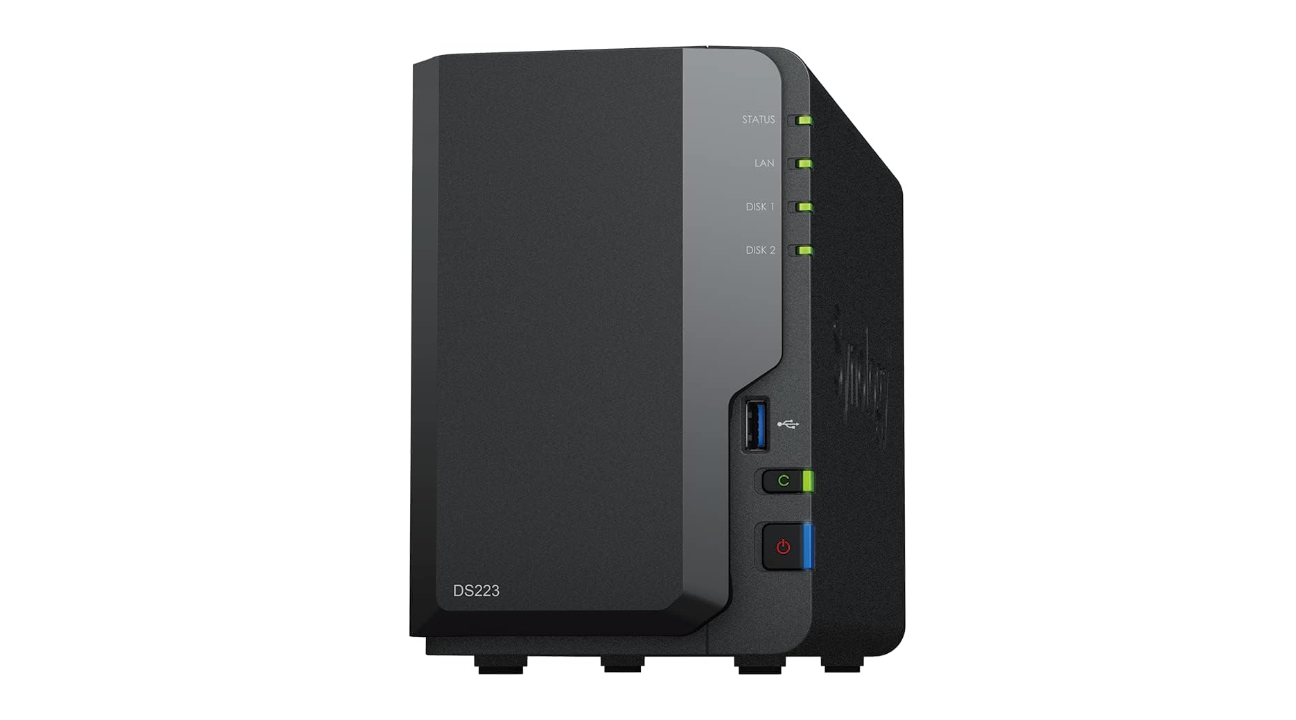
For the majority of UK creators, the sweet spot is a capable Synology. The DS923+ comes in at roughly £539 diskless and the larger five-bay DS1522+ at about £619 diskless, per Smart Gear Outlet. Synology’s appeal has never really been raw specification — it’s DSM, the operating system, which remains the most polished, least fiddly software in the category. If your idea of a good evening is editing, not administering a server, that counts for a great deal. DSM is also where the genuinely useful creator features live: scheduled cloud sync to a UK-friendly off-site provider, sensible photo and video indexing, and a snapshot system that has saved more than one editor from an overwritten project file.
A NAS is one of the few purchases where the boring engineering choices outlast three phone upgrades — buy for the next five years, not the next deadline.
The QNAP camp answers with the TS-464, around £449 diskless, and the four-bay UGREEN DXP4800 Plus at roughly £399 diskless. QNAP gives you more hardware for the money and a more configurable system; UGREEN is the genuine disruptor, undercutting the establishment while throwing in modern internals. Neither has Synology’s software composure, but both reward someone willing to spend an afternoon in the settings. My honest read: if you already enjoy fiddling with a router’s admin page, you’ll get on fine and pocket the difference. If the phrase “storage pool” makes you tense, the £90 premium over the QNAP buys you DSM’s calm, and that’s money well spent.
The high-end, and why it’s tempting
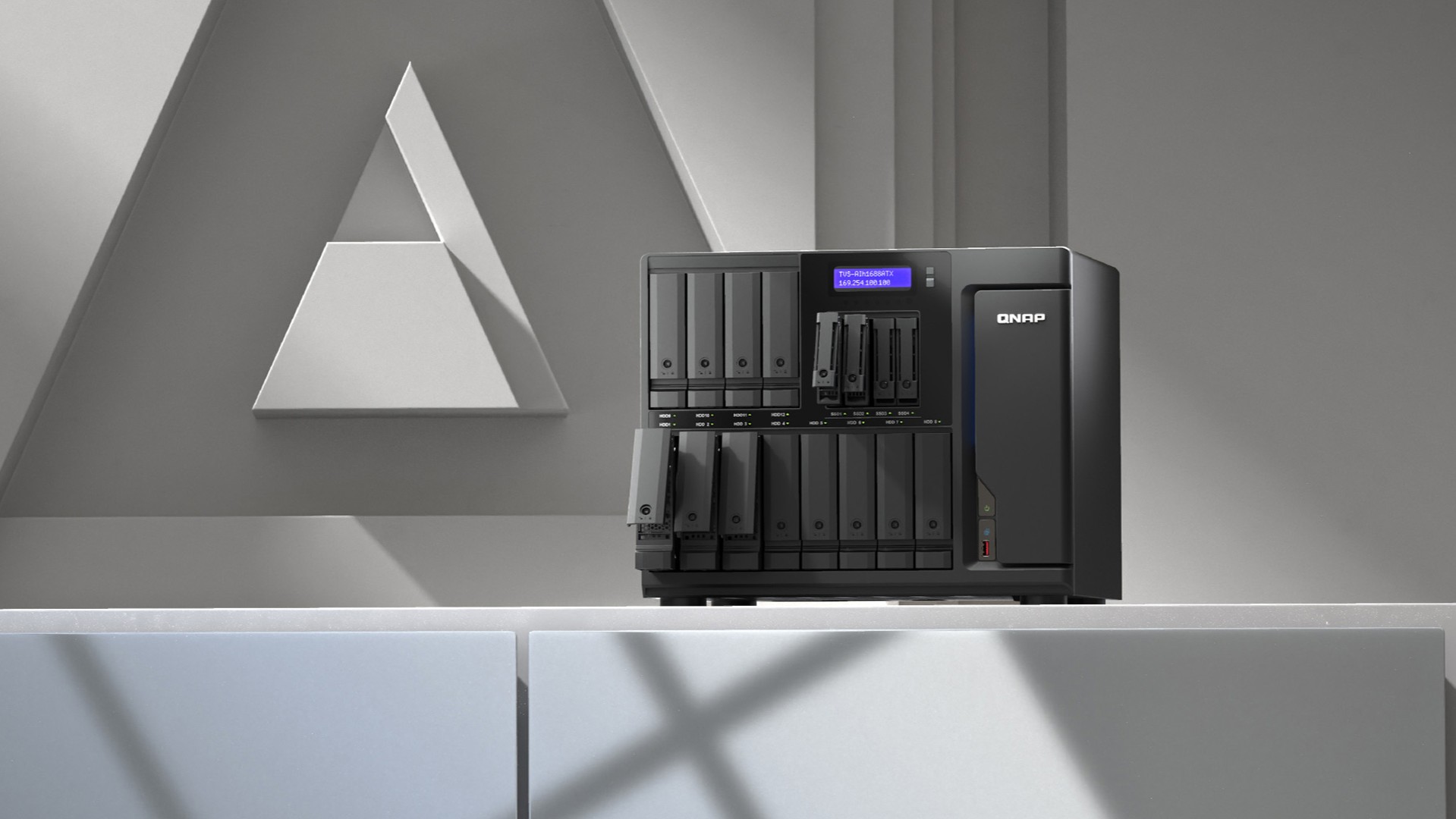
If you’re building an archive you intend to keep for a decade, the ceiling has risen sharply. The standout on paper is the Asustor Lockerstor 4 Gen3 (AS6804T), which TechNerdo details as an AMD Ryzen V3C14 quad-core machine with 16GB of ECC DDR5, four SATA bays plus four M.2 NVMe slots, dual 10-Gigabit Ethernet and support for up to 88TB. ECC memory and dual 10GbE are the tells here: this is a box designed to move large files fast and to guard the integrity of what it stores. For a studio shifting 4K and 6K footage across a wired network, that’s not showing off — it’s the spec that removes the bottleneck. ECC in particular matters for archival precisely because the corruption it prevents is the silent kind: a flipped bit in a master file you won’t notice until you open it three years later and the colours are wrong.
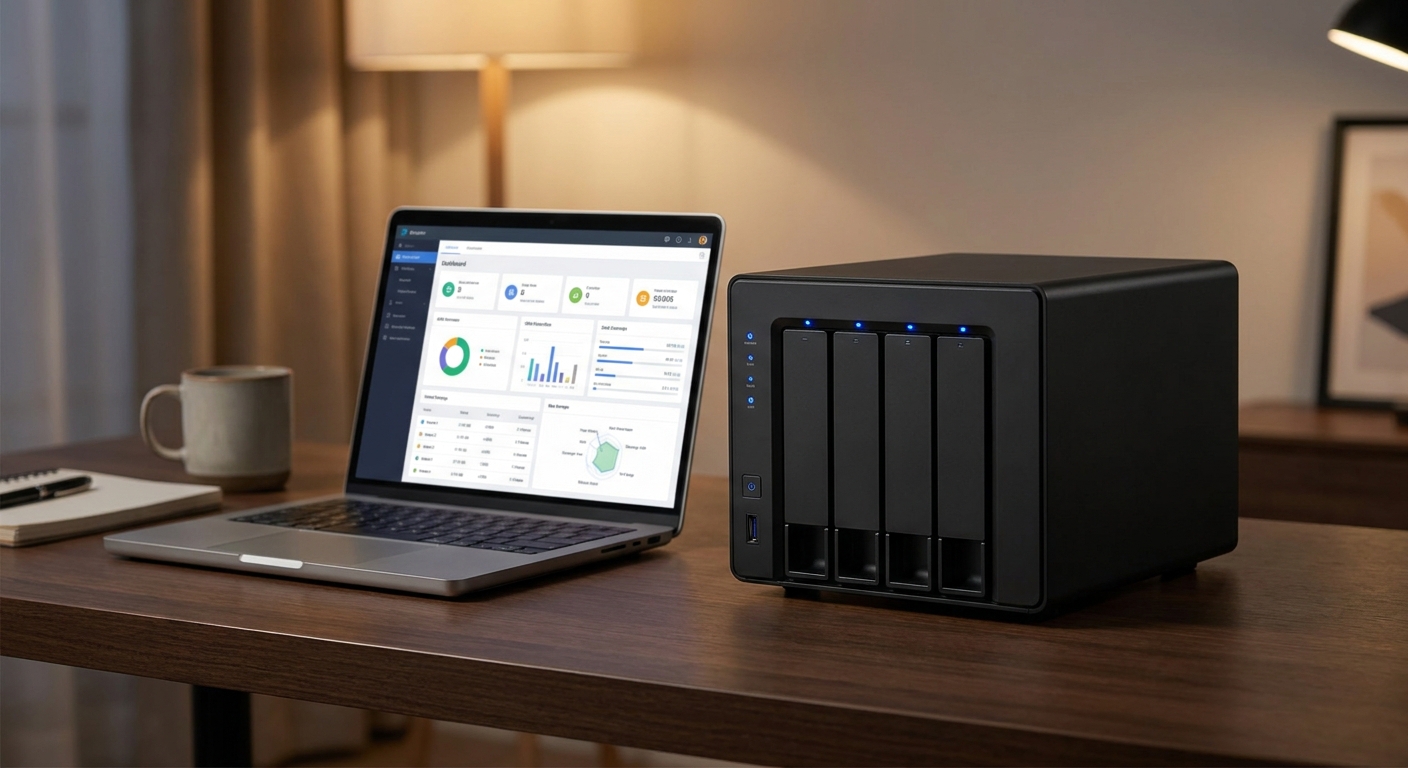
UGREEN’s NASync DXP6800 Pro plays in the same league, with six bays, Thunderbolt 4 and 16GB of DDR5 at around £799 diskless. Thunderbolt on a NAS is still a relative novelty, and for a solo editor who occasionally wants direct-attached speed without going through the network, it’s a genuinely useful trick rather than a marketing line — plug a laptop straight in for an ingest, then let it serve the rest of the studio over Ethernet the rest of the week.
Don’t forget the drives — the bit the price tags hide
Every figure above is diskless, and that’s the trap newcomers fall into. A four-bay enclosure at £449 is only half a purchase. Budget roughly £80–120 per NAS-rated drive in the 4–8TB range — WD Red Plus and Seagate IronWolf are the obvious UK choices, sold by the likes of Span.com, Ebuyer, Box and Amazon UK — and a sensible four-bay creator build lands well north of a thousand pounds all in. Skimping on drives to hit a headline price is the one false economy I’d warn against hardest — the enclosure is the chassis, the disks are the engine, and you do not want bargain-bin spinning rust holding your only copy of a client’s wedding.
One more thing newcomers get wrong: a NAS in a redundant array is not a backup. RAID protects you from a drive failing; it does nothing if the flat floods, the box is stolen, or you delete the wrong folder and the change syncs everywhere. The discipline that actually saves working creators is the old 3-2-1 rule — three copies, on two types of media, one of them off-site — and the NAS is only the first leg of that. Factor a second drive or a cloud tier into the budget from the start, not after the first scare.
The wider market context helps, too. Diskless pricing has compressed across the board: Jellywatch’s 2026 guide lists the Synology DS224+ near $290, the QNAP TS-264 around $350, the Asustor AS5402T about $400 and the Synology DS923+ near $550, while HomeCloudHQ’s testing puts the QNAP TS-262 in the $280–380 band and the Synology DS423+ at $380–480. The point isn’t the dollar figures — UK pricing runs its own course — it’s that competition has finally dragged the whole field down, which is good news for anyone buying their first proper system this year.
And the 10GbE question nobody costs in
Here’s the catch with the high-end pitch: dual 10GbE is only worth paying for if the rest of your setup can feed it. A 10-Gigabit port talking to a standard gigabit router and a Wi-Fi laptop will run at gigabit speed, full stop. To unlock it you need a 10GbE switch and a 10GbE adapter in your editing machine, and in the UK that’s another outlay on top of the NAS and the drives. For a studio with a wired bench it pays for itself in recovered hours; for a one-person operation editing off a laptop on the sofa, it’s a spec you’ll admire and never reach. Be honest about which one you are before you stretch for the box that demands it.
Synology, QNAP or Asustor — picking a side
So, the three-way question. Synology if you value your time over your tinkering: DSM is worth the modest premium and the DS923+ or DS1522+ will quietly do the job for years. QNAP or UGREEN if you want maximum hardware per pound and don’t mind a steeper learning curve — the TS-464 and DXP4800 Plus both punch above their price. Asustor if you’re building for the long haul and want the raw plumbing: the Lockerstor 4 Gen3’s ECC memory and dual 10GbE make it the most future-proof of the lot for a studio that genuinely moves heavy files.
The box I’d carry home
For most UK creators reading this, I’d buy the Synology DS923+, fill it with quality drives, and never think about it again — the software composure is worth more than a spec-sheet win you’ll touch twice a year. If you’re running a studio that lives and dies by transfer speed, the Asustor Lockerstor 4 Gen3 is the box I’d stretch for instead, because ECC and 10GbE are the things you regret not buying, not the things you regret buying. What would change my mind? A meaningful drop in 10GbE pricing across the mid-range — the moment fast networking stops being a high-end luxury, the calculus shifts down a tier. Until then, decide honestly whether you’re a cupboard person or a workshop person, and buy accordingly. Just don’t pretend the drives are optional.
How we pick
Buyer action
Where to buy or check next
Use this as the final check before ordering a phone, changing network or trusting a headline monthly price.













Reader discussion
Leave a comment
Comments are moderated. Keep it useful, accurate, and on topic.