
Spend £1,418.97 on a 14-inch MacBook Pro M5 and you own one of the most colour-accurate screens money can buy in Britain this year — that’s the figure Amazon UK is charging for the machine IndyBest crowned its best Apple laptop in 2026. It’s also, to my eye, the single most important number in the entire premium photo-and-video laptop conversation, because it’s the point where serious creative hardware stops being aspirational and starts being defensible. Everything above it has to justify the jump. Everything below it is making compromises it would rather you didn’t notice.
I get asked the same question constantly by photographers and editors who have outgrown a hand-me-down machine: what do you actually buy in 2026 if the laptop has to earn its keep on RAW files and 4K timelines? So let me be direct about where I’d put the money, tier by tier — and, just as usefully, where I think the spending stops making sense.
| Machine | UK price | Platform | Why it’s on this list |
|---|---|---|---|
| MacBook Pro M5 (14-inch) | £1,599 RRP (about £1,419 at Amazon UK) | macOS | The pick for most photo and hybrid shooters — Liquid Retina XDR mini-LED and active cooling |
| MacBook Pro M5 Max | From £3,499 (Apple UK) | macOS | 8K RED and GPU-heavy grades — nano-texture panel, Delta E under 1.08 |
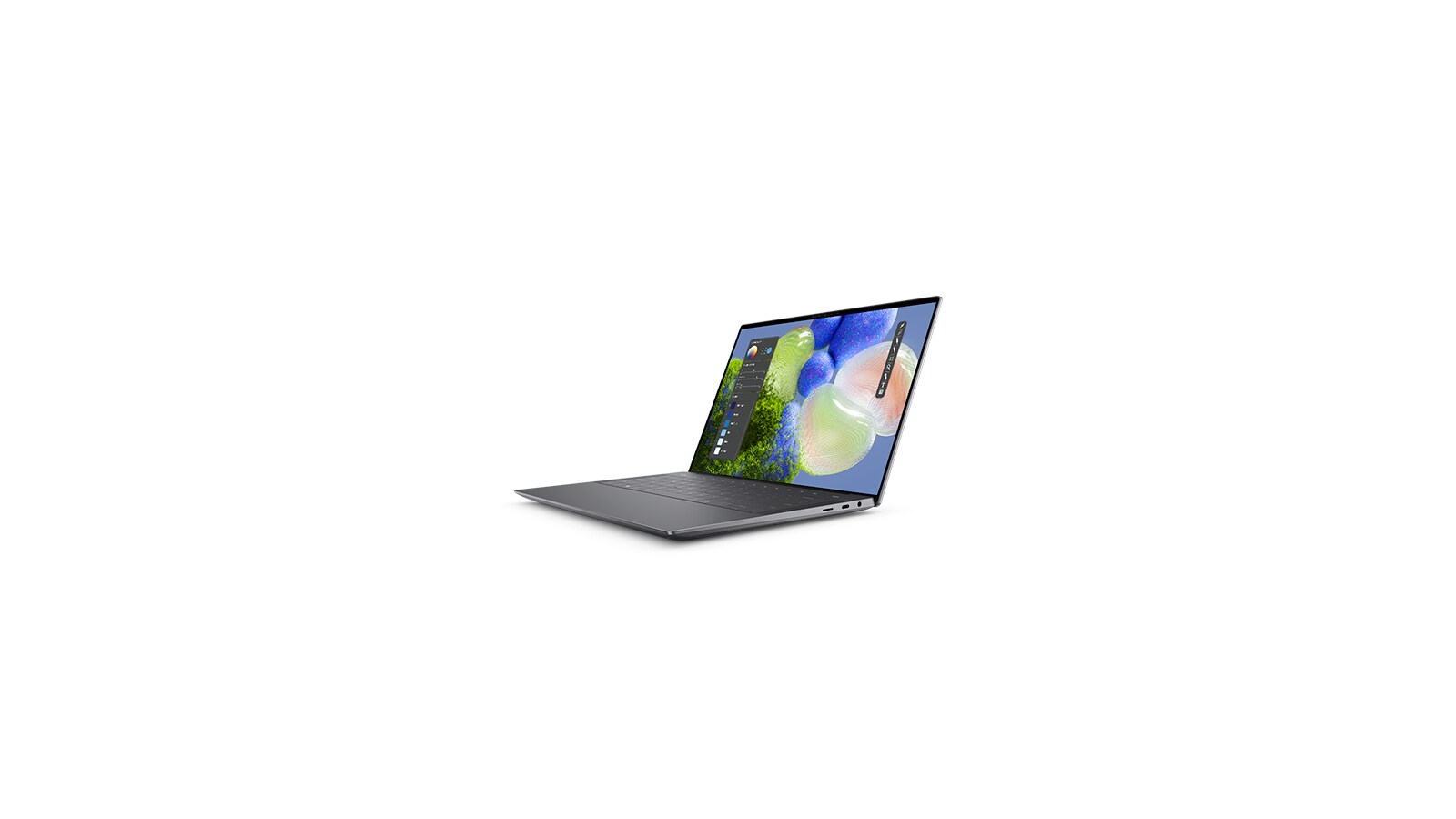
| Dell XPS 14 | £1,599 (Dell UK) | Windows | The safer Windows all-rounder; IndyBest’s Windows pick for 4K editing |
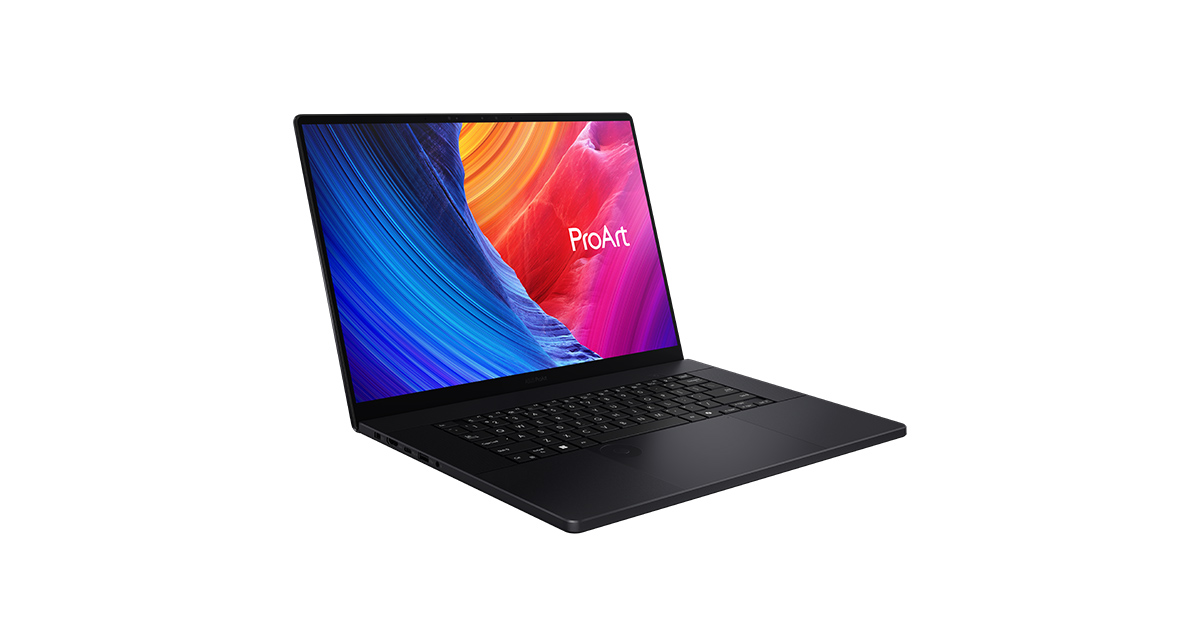
| Asus ProArt P16 | From £2,799 (Asus UK) | Windows | The specialist’s tool for DaVinci Resolve and GPU-bound colour work |
The 14-inch MacBook Pro M5 is the one I’d steer most people towards
For the overwhelming majority of UK photographers and hybrid shooters, the £1,418.97 MacBook Pro M5 is the machine I’d buy without much agonising. The reasons are unglamorous and exactly the ones that matter on deadline: a Liquid Retina XDR mini-LED panel that shows you the highlights you actually captured, active cooling so a long export doesn’t throttle into treacle, and a claimed 24-hour battery that, even discounted by real-world use, means you’re not chained to a wall on a shoot. IndyBest singles it out for “photo, video, and design work” specifically — and the detail I’d flag to anyone coming from a thin-and-light is the ports. A built-in HDMI output and an SDXC card slot sound mundane until you’re the one who left the dongle in the other bag.
This is the tier where premium money buys finished engineering rather than bragging rights. You’re not paying for a spec-sheet halo; you’re paying for a screen you can grade against and a chassis that holds its performance under load. That, for me, is the working definition of worth-it. The other thing the standard Pro quietly buys you in Britain is resale: Apple’s machines hold their value in a way no Windows workstation manages, so the real cost of ownership over three years is lower than the sticker gap suggests. If you want the granular case for spending up within Apple’s own range, our MacBook Air vs Pro breakdown lays out exactly what the extra outlay buys.
When the MacBook Pro M5 Max is genuinely the right call
There’s a meaningful jump above that, and it’s real. PetaPixel benchmarked the M5 Max version as “the best computer for Photoshop and RAW video processing” back in March, and the display numbers on the nano-texture panel are the kind that make a colourist sit up: 100% sRGB, 95.4% DCI-P3, 83.8% Adobe RGB, with a Delta E under 1.08. In plain terms, the colours on screen are close enough to “true” that you can trust them, and the matte nano-texture finish kills the reflections that plague glossy panels in a bright edit suite.
It outpaces the M3 Ultra and M2 Ultra in GPU-heavy work — which is to say a laptop is now beating yesterday’s desktops at 8K RED video. That’s the part I still find slightly absurd.
So who actually needs it? If your day involves 8K RED footage, heavy GPU-bound grades, or multi-stream timelines that would make a lesser machine stutter, the Max tier pays for itself in the minutes you don’t spend waiting. But I want to be honest about the trap: most people convince themselves they’re in this bracket when they’re firmly in the standard M5 one. If your “heavy” project is a 4K edit with a few colour layers, the cheaper Pro will do it and you’ll have spent the difference on a lens. Buy the Max because your workflow demands it, not because the review made it sound heroic.
The practical UK caveat is that the Max configurations are still order-to-spec rather than shelf stock, so you rarely see the kind of Amazon discounting that brings the standard Pro down to that £1,418.97 figure. You pay closer to Apple list, and you pay it up front — which only sharpens the point that this tier has to be a workflow decision, not an aspirational one.
The Windows case: Dell XPS 14 and the Asus ProArt P16
Plenty of UK creatives can’t or won’t leave Windows — the studio runs it, the plug-ins demand it, or they simply prefer it. Fair enough. IndyBest names the Dell XPS 14 as its best Windows laptop at £1,599 from Dell, praising it for “handling anything you throw at it,” 4K editing and multitasking included. It sits slightly above the standard MacBook Pro on price, which tells you something about how hard it has to work to compete on this turf — you’re paying a premium to stay on the platform, not to leave it behind.
If your workflow leans hard on DaVinci Resolve or other GPU-heavy tools, though, the machine I’d point you to is the Asus ProArt P16, which TechVerdict ranks “Best for Professionals” in 2026. The ProArt line is built for precisely this audience — creators who want a discrete-GPU workstation that travels — and for a Resolve colourist it’s the most logical Windows pick of the lot. My honest read is that the Dell is the safer all-rounder and the ProArt is the specialist’s tool; choose by the software you actually live in. The one thing I’d budget for either way is colour calibration: where Apple ships its panels close to reference out of the box, a Windows workstation usually wants a hardware calibrator and ten minutes before you trust a grade, and that’s a real cost in time even if it isn’t on the receipt.
Where the premium logic breaks — and where it doesn’t
It’s worth saying plainly what I would not buy for this work. The £889 MacBook Air M4, which IndyBest rates its “best overall” laptop, is a lovely machine for “emails, documents, and light creative tasks” — and that phrasing is the warning. No active cooling means sustained exports throttle, and a fanless laptop is the wrong tool for a heavy timeline no matter how good the chip looks on paper. The £349 Acer Chromebook Plus 514, IndyBest’s “best budget buy,” isn’t even in this conversation for professional editing, and I’d be doing you a disservice to pretend otherwise.
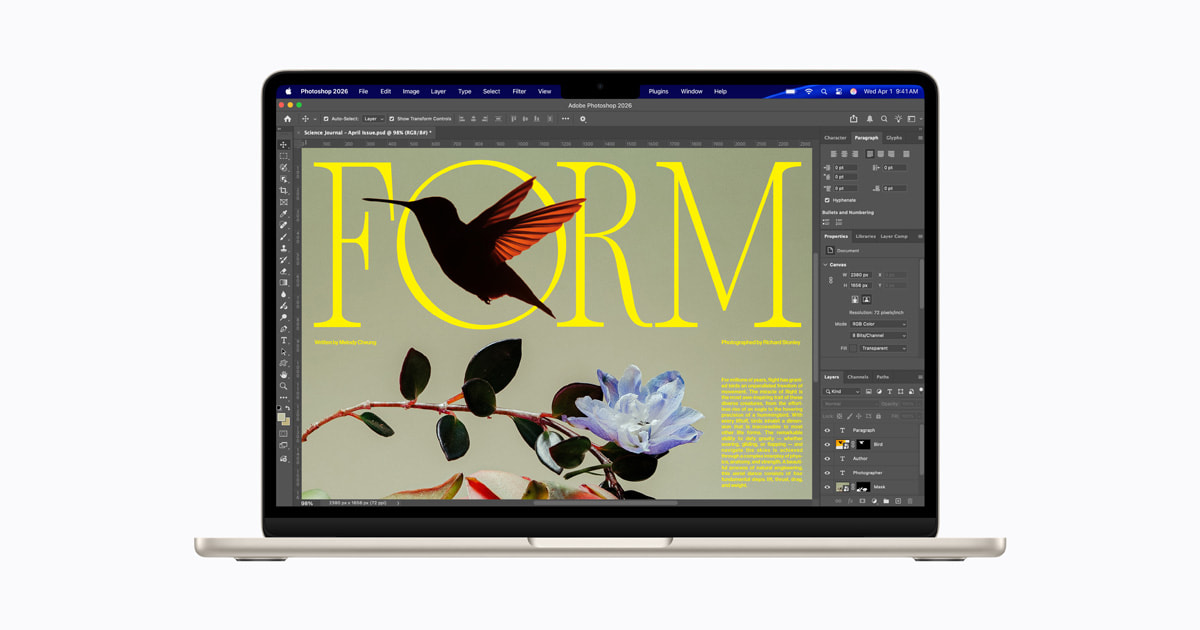
This is the bit that separates a real buying decision from a price comparison. The temptation, always, is to save a few hundred pounds and tell yourself the lighter machine will cope. For occasional snaps it will. For paid work it won’t, and the false economy shows up as wasted time on every export — the half-hour render that becomes forty minutes because the chip is throttling under its own heat. In this tier, the “value” option is the one that doesn’t cost you billable hours — which is exactly why the standard MacBook Pro, not the Air, is where I draw the line. If you want to go deeper on matching the panel to a colour-managed workflow, Zenith Clipping’s guide for photographers is a useful second opinion.
What I’d hand over my own card for
If you do photo and video for a living or a serious side income, the 14-inch MacBook Pro M5 at £1,418.97 is the machine I’d buy and not look back — it’s the cheapest point at which nothing about the screen or the sustained performance is asking you to compromise. Step up to the M5 Max only if your timelines are genuinely punishing; you’ll know if they are, and if you’re unsure, you aren’t there yet. On Windows, take the Dell XPS 14 for breadth or the Asus ProArt P16 if Resolve is your home, and forget the Air and the Chromebook for anything you’d put on an invoice.
What would change my mind? A sustained UK price drop on the M5 Max that narrows the gap to the standard Pro, or a Windows workstation that finally matches Apple’s panel calibration straight out of the box — neither of which I’m seeing in the 2026 figures yet. Until then, the standard MacBook Pro is the smart money, and the Max is the indulgence that, for a small group of people, happens to be exactly the right one.
How we pick
Buyer action
Where to buy or check next
Use this as the final check before ordering a phone, changing network or trusting a headline monthly price.













Reader discussion
Leave a comment
Comments are moderated. Keep it useful, accurate, and on topic.