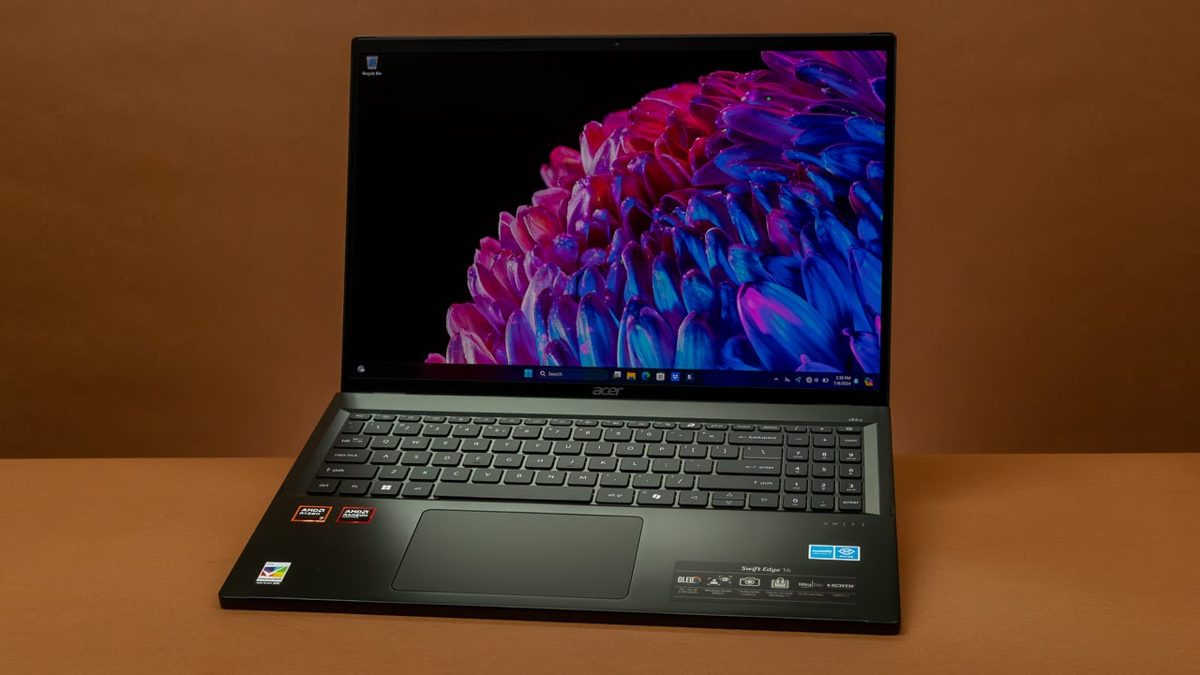
Acer Swift Edge 16 review: a 1.24kg OLED canvas for UK creatives — with one catch
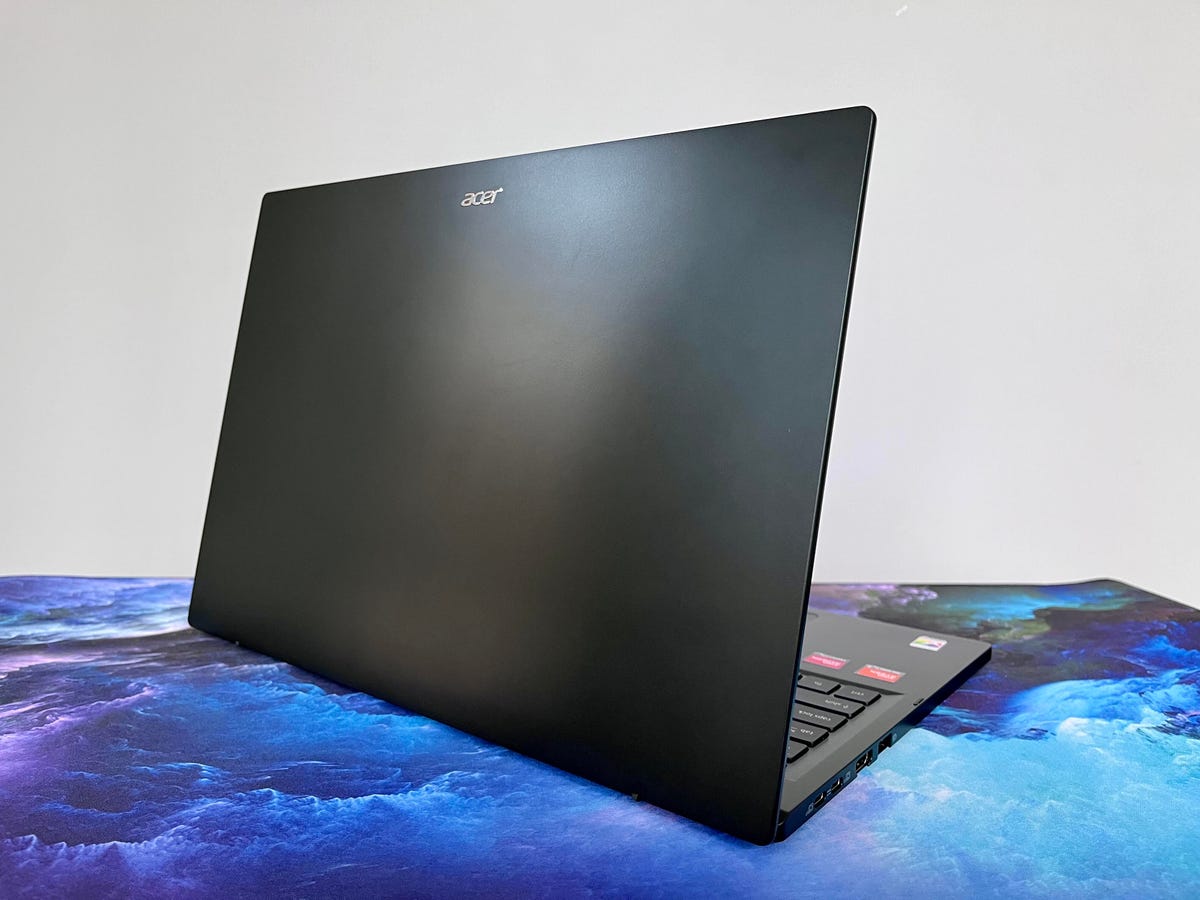
A 16-inch laptop that tips the scales at 1.24kg — barely more than a 13-inch ultraportable — and wraps that featherweight chassis around a 3.2K OLED panel. On paper, the Acer Swift Edge 16 reads like a contradiction resolved, and PCMag’s June 2024 review confirms the headline numbers: a 16-inch OLED display, an AMD Ryzen 7 chip, and a body that measures just 12.95mm at its thickest. For UK creatives who have spent years choosing between a big, colour-accurate screen and a bag that doesn’t wreck their shoulder, this is the laptop that claims you can have both.
I want to believe that pitch. Mostly, the spec sheet earns it. But there’s one number further down the page that would stop me reaching for my card without a second thought — and I’ll come to it, because it matters more for this machine than almost any other in its class.
The OLED panel is the whole argument (Acer Swift Edge)
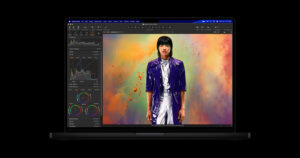
Strip everything else away and you buy the Swift Edge 16 for its screen. Depending on configuration, the 16-inch OLED runs anywhere from 3200 x 2000 to a properly sharp 3840 x 2400, with a 120Hz refresh rate and HDR support. For a panel this size, that resolution range is the difference between “fine for email” and “fine for grading footage on the train.” The 120Hz part is easy to overlook on a creator machine, but once you’ve scrolled a long Lightroom catalogue or scrubbed a timeline at that refresh rate, dropping back to a 60Hz panel feels like wading.
What seals it for creative work is the colour coverage. Notebookcheck’s measurements put the display at 100% of both AdobeRGB and DCI-P3 — the two gamuts that actually matter if you’re prepping work for print or for video delivery. AdobeRGB is the one a lot of otherwise-lovely laptop screens quietly fail; here it’s covered in full. If you’re a photographer, illustrator, or editor who has been making do with an sRGB panel and a nagging worry that your colours shift the moment they leave your machine, this is the part of the spec that justifies the whole purchase.
Two caveats I’d weigh before you fall for it. OLED is gloriously contrasty but also reflective, so in a bright studio or a south-facing café window you’ll want the brightness up — and that, as I’ll come to, leans on the battery. And OLED panels can be prone to burn-in over years of static UI elements like the Windows taskbar; it’s rarely a problem inside a typical ownership cycle, but if you leave Premiere’s interface parked on screen eight hours a day, set the panel to hide the taskbar and dim on idle. Neither is a deal-breaker. Both are the small print that comes with the best laptop screen you can carry at this weight.
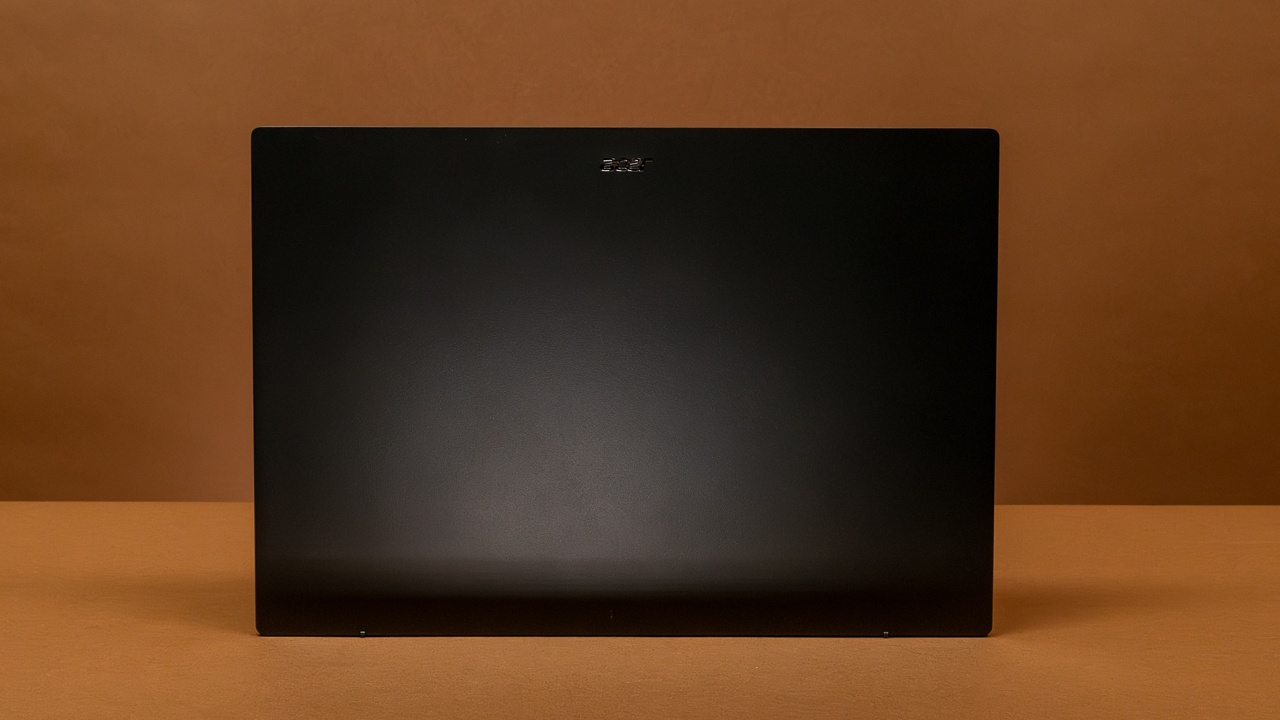
You buy the Swift Edge 16 for a screen that covers 100% AdobeRGB in a body that weighs 1.24kg. Almost nothing else at this size offers both — and that combination is rare enough to forgive a lot.
Enough power for the work, not for the show-off benchmarks
Inside sits an AMD Ryzen 7 8840U — 8 cores, boosting up to 5.1GHz — paired with 16GB of LPDDR5 memory and a 1TB PCIe Gen4 SSD. That’s a sensible, real-world creative loadout rather than a spec-sheet flex. The 8840U is a low-power mobile chip leaning on AMD’s integrated Radeon graphics rather than a discrete GPU, so don’t expect it to chew through 8K timelines or heavy 3D renders the way a chunkier, fan-laden workstation with a dedicated card would. What it will do comfortably is Lightroom, Affinity, a Premiere edit of manageable length, design work, and the dozens of browser tabs that come with running a creative business.
The honest framing is that this is a portability-first machine that happens to be quick enough, not a render box that happens to be light. If your workflow is photo editing, illustration, layout and short-form video, the 8840U will never be the thing you’re waiting on; if it’s long-form colour grading or 3D, the lack of a discrete GPU is exactly the wall you’ll hit. Worth knowing which of those describes a normal Tuesday for you.
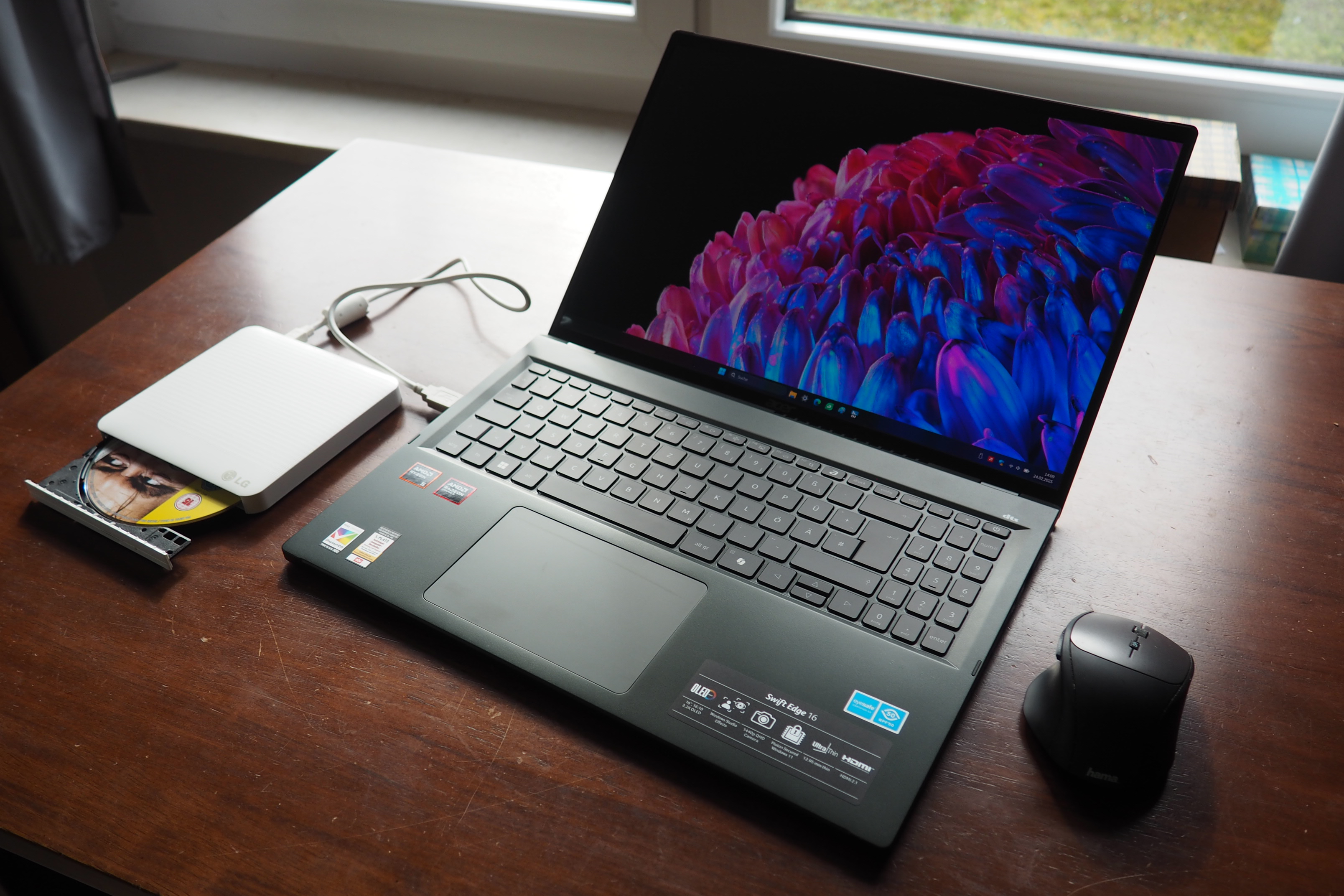
The 1TB SSD is the right call as standard — OLED footage and high-resolution RAW files fill a drive fast, and 512GB would have felt mean on a machine pitched at exactly the people who hoard large files. PCMag notes the storage and memory at this configuration, so what you see is what you’re committing to; with soldered LPDDR5, there’s no quiet RAM upgrade path later. For most freelancers, 16GB and 1TB is the floor you’d want anyway, so I’d treat it as adequate rather than generous — and I’d think twice if your projects routinely push memory past 16GB, because you can’t add more after the fact.
Genuinely, almost absurdly light
Here’s where the Swift Edge 16 stops being interesting and starts being remarkable. At 1.24kg and 357.6 x 245.9 x 12.95mm, it is one of the lightest 16-inch laptops you can buy — lighter than many 14-inch machines, and dramatically lighter than the 16-inch MacBook Pro that a lot of UK creatives default to. If your work involves moving between studio, client and café, that weight saving is not a spec-sheet curiosity; it’s the thing you’ll feel every single day in your shoulder and at the end of a cross-town schlep.
The flip side of building a 16-inch laptop this thin is that the chassis can flex and the cooling has less room to breathe, so I’d want to feel the lid and deck in person and listen for fan noise under a sustained export before I committed. None of that undoes the achievement — a full-size, colour-accurate creative screen in a body you can forget is in your bag is genuinely rare — but go in knowing a sub-13mm machine trades some rigidity and thermal headroom for that figure.
The bigger trade-off for that thinness is the part you have to go in with eyes open about — and it’s the number I flagged at the top.
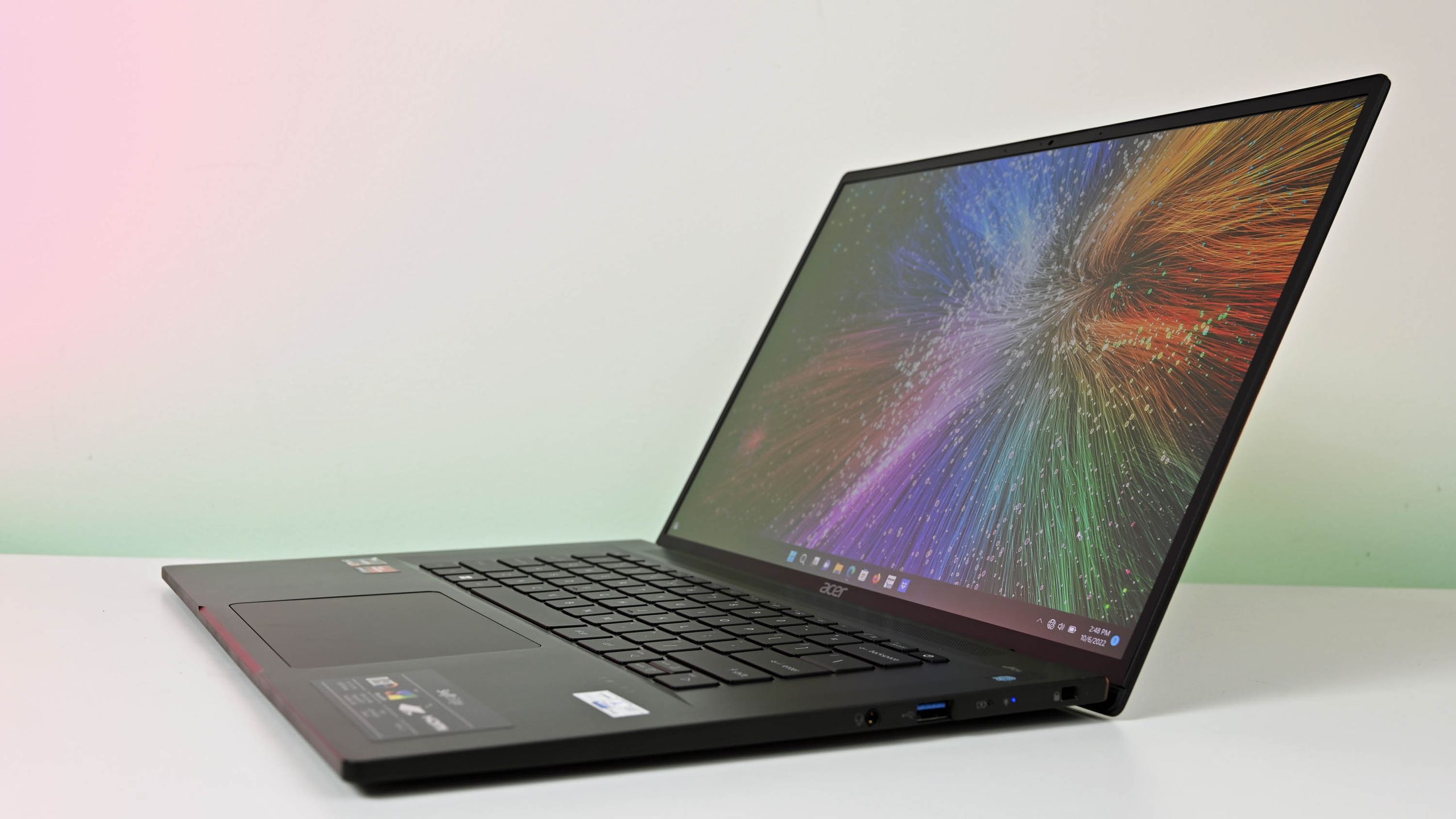
The battery is the catch
Acer fits a 54Wh battery, and in testing it returned around 7 hours 21 minutes, per both PCMag and Notebookcheck. That figure is the price you pay for the OLED panel and the wafer-thin chassis: a bright, high-resolution display and a small cell don’t make for long stamina, and seven-and-a-bit hours is a solidly average result rather than an all-day one.
For a lot of buyers that’s perfectly fine — a full working day with a charger in the bag is a normal compromise. But if your whole reason for wanting a 1.24kg laptop is to leave the charger at home and work untethered from a client’s studio to a co-working desk to a train home, that 7h21m is exactly the spec that undercuts the fantasy. You’ll be hunting for a socket by mid-afternoon, especially with the brightness up for colour work, which on this reflective OLED you will be more often than not. USB-C charging at least means a compact third-party brick or a power bank can top it up, so the practical fix is to travel with a small charger rather than the boxed one — but a fix it still is. This is the one area where the Swift Edge 16’s ambitions and its physics pull against each other, and you should decide in advance which side of that you land on.
What it costs, and what it’s up against
In the UK, the latest OLED / Ryzen 7 / 16GB / 1TB configuration works out to roughly £1,000–£1,300 once VAT and UK pricing are factored in (Acer lists it at $1,299.99 in the US, and exact UK pricing varies by retailer and configuration, so check the live listing before you commit). That is not budget territory and I wouldn’t pretend it is — but for what you’re getting, a fully colour-accurate 16-inch OLED in a 1.24kg body, it’s priced like a tool rather than a luxury.
The obvious comparison is the 16-inch MacBook Pro, which will outlast it on battery and outmuscle it on sustained performance — but costs considerably more, weighs noticeably more, and locks you into macOS. In the Windows camp, the more direct rivals are the thin-and-light creator 16s — Acer’s own Swift line aside, the likes of MSI’s Prestige 16 — but few of those marry a full 100% AdobeRGB OLED to a sub-1.3kg weight the way this does. Against all of them, the Swift Edge 16 is the lighter, Windows-native option for someone whose priority order is screen quality and portability first, raw grunt and endurance second. If your priority order is the reverse, it isn’t your machine — and that’s a clean, honest dividing line rather than a knock.
The line I’d draw
If you’re a UK photographer, designer or illustrator who lives between locations and has been waiting for a 16-inch, properly colour-accurate OLED that won’t anchor you to a desk, the Swift Edge 16 is one of the most compelling things at its price — and I’d push you towards the sharper 3840 x 2400 panel if the configuration is available to you, because the screen is the entire point. Buy it for the display and the weight, and you won’t regret it.
Where I’d hesitate is if you edit long video timelines, render in 3D, or genuinely need to work all day off the mains. The 8840U is competent rather than mighty, and the 54Wh battery’s seven-hour showing means this is a laptop you plan a charger around, not one you forget the charger for. Know which of those two people you are before you commit. For the first, it’s an easy recommendation; for the second, spend the extra and look elsewhere. What would change my mind on that second group is a future revision with a bigger cell — but on the machine as it stands today, the battery is the one compromise you can’t spec your way out of. Check the live configuration and UK price with Acer or your retailer before you decide, because which panel and which storage tier you can actually buy here is the detail that makes or breaks the value.
How we test
Buyer action
Where to buy or check next
Use this as the final check before ordering a phone, changing network or trusting a headline monthly price.


Reader discussion
Leave a comment
Comments are moderated. Keep it useful, accurate, and on topic.