
UPDATED · News · 3 Jun 2026 · Daniel Reid
The Android Show 2026 UK conversation starts with one fact worth stating plainly: the headline software is Android 17, and almost everything Google demonstrated at The Android Show: I/O Edition 2026 ties back to a feature set called Gemini Intelligence. If you own a Pixel or a Galaxy in Britain, the question is not whether these features are coming, but which ones reach your specific phone, and when. This guide separates what Google has actually confirmed from the marketing, and explains what UK owners should check before they expect any of it to appear.
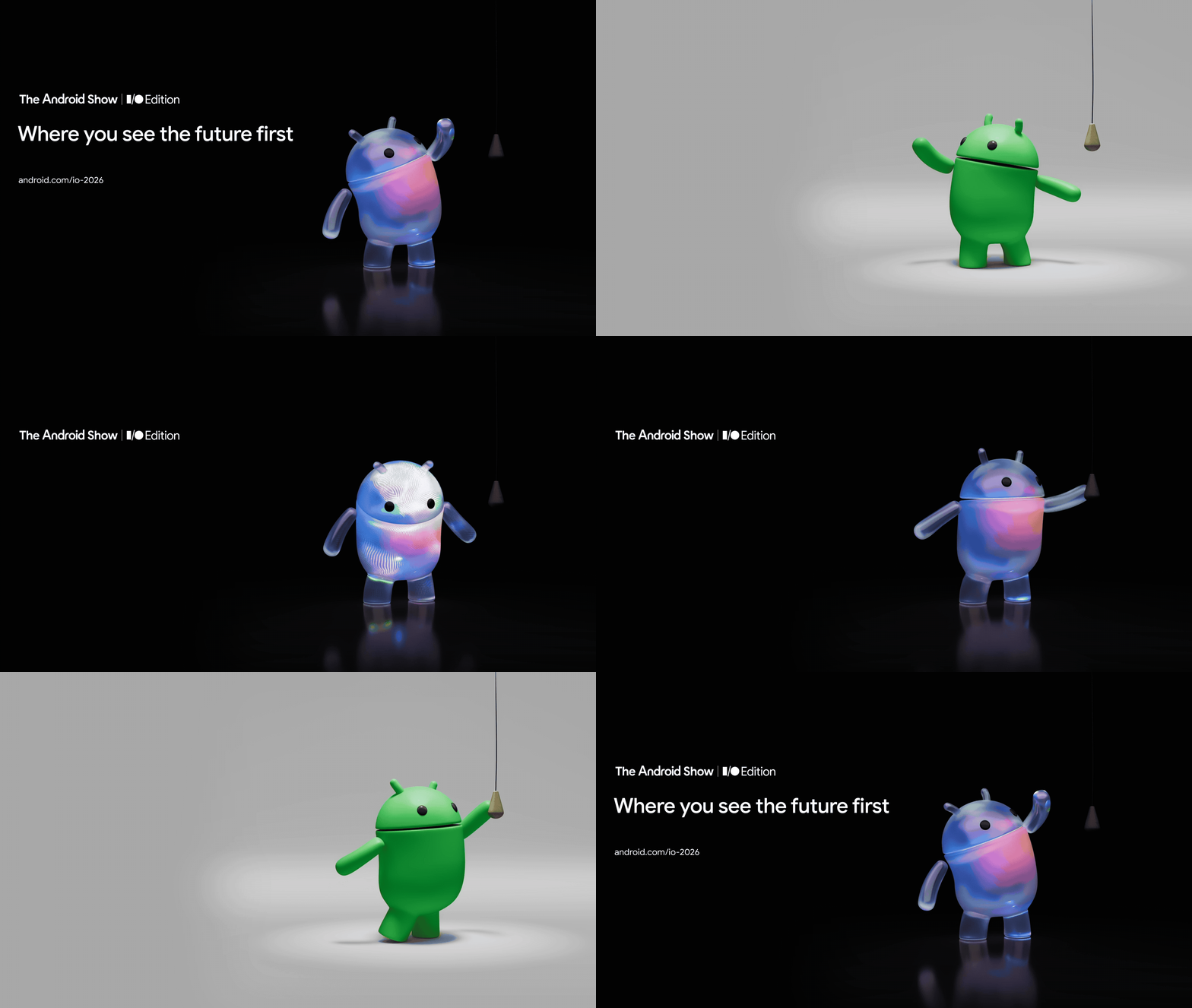
Google held The Android Show: I/O Edition 2026 ahead of the main Google I/O keynote, then expanded the detail across its official Android blog. The version number is Android 17, not Android 16, and the rollout timing matters as much as the feature list. Several of the most useful additions begin “this summer” and arrive “in waves”, starting with the newest hardware before spreading to older devices later in 2026.
What the Android Show I/O Edition 2026 actually announced
The short version: Android 17 is the platform, Gemini Intelligence is the AI layer that sits on top of it, and the rest of the show filled in the supporting cast. Google grouped the announcements into a smarter, more proactive Android, security and privacy work underpinning that AI, and a set of updates that reach beyond the phone to cars, laptops and, later in the year, glasses. None of this is a single download you install on day one. It is a staggered programme, and UK owners sit inside the same global waves as everyone else rather than getting a separate British schedule.
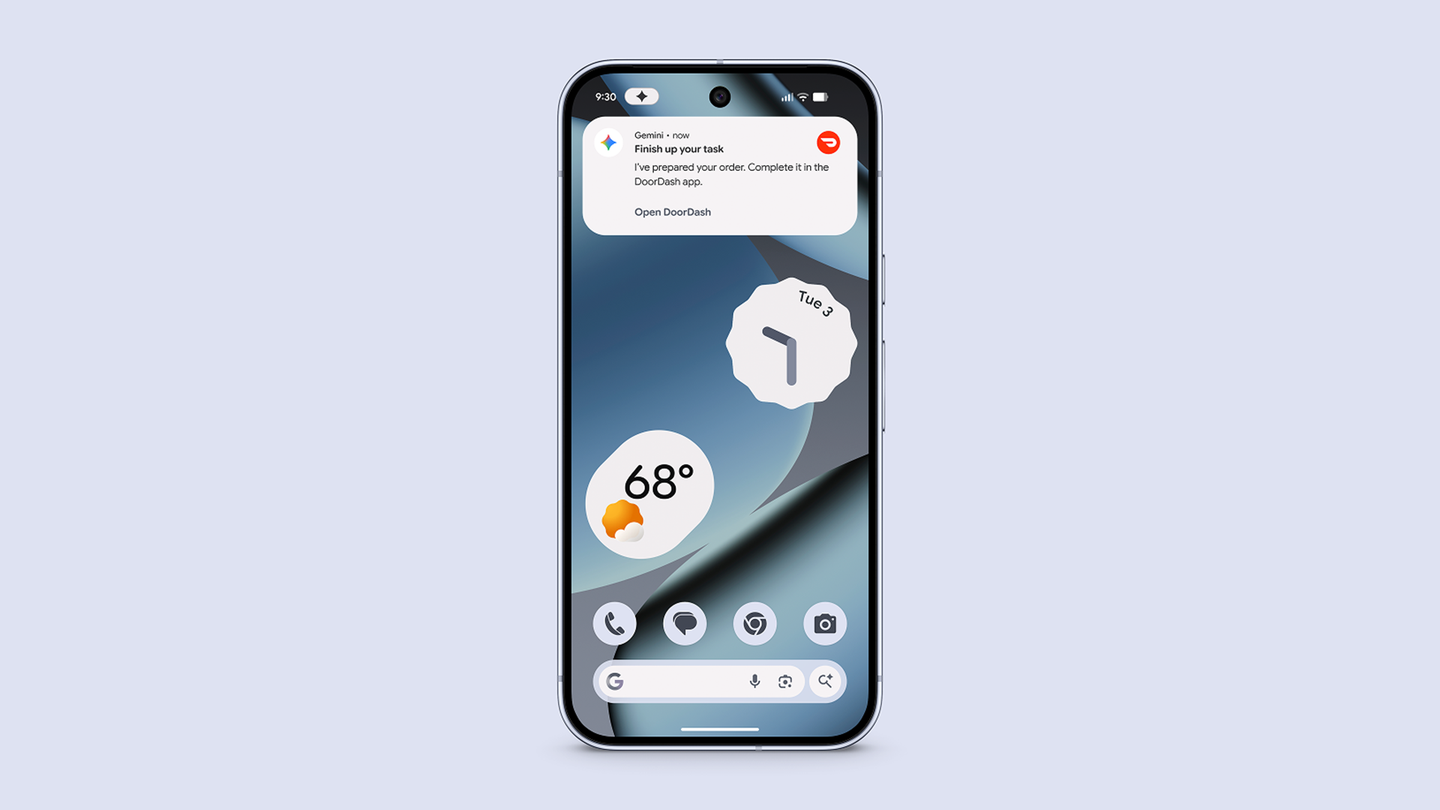
The proactive layer is the part most people will notice first. Google described Gemini being able to navigate tasks on your behalf, using examples such as snagging a front-row bike for a spin class, or finding a class syllabus in Gmail and then putting the required books in your shopping cart. That is the multi-step, agentic idea in practice: the phone chaining actions across apps rather than waiting for you to tap through each step. If you want the wider context on how that AI layer maps onto British hardware, our explainer on the Gemini Intelligence Android UK rollout covers which phones see it first.
Gemini Intelligence: the agentic features and what they do
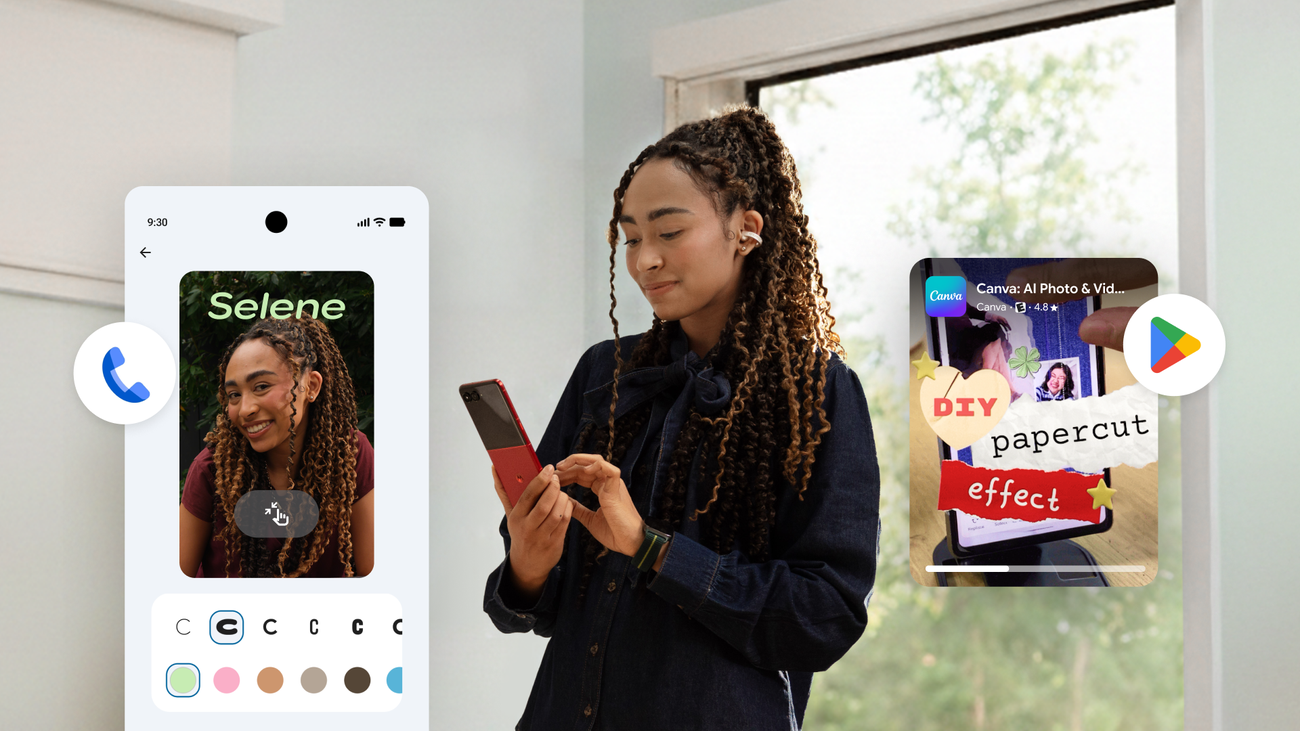
Gemini Intelligence is the umbrella name, and underneath it Google confirmed several distinct features. Multi-step task automation is the flagship, letting Gemini carry out a sequence of actions across apps from a single instruction. Intelligent Autofill goes further than the old password manager idea, filling complex forms using data drawn from connected apps. Rambler turns natural spoken language into a polished written message, with support for multiple languages, which is genuinely useful if you dictate texts on the move. Create My Widget generates a custom home-screen widget from a plain-language description, so you can ask for a widget rather than hunting through menus.
Chrome is part of this too. Gemini in Chrome for Android includes an auto browse capability that Google says can handle more mundane tasks on your behalf, such as appointment booking or reserving a parking spot, and can summarise and compare web content. That is the same agentic pattern applied to the browser rather than the system. For most UK owners the practical takeaway is that these are conveniences layered on top of a phone you already own, not reasons to upgrade hardware on their own. If you are tempted to buy purely for the AI, read our argument first on why you should not buy a new phone for an Android AI upgrade alone.
Which Pixel and Galaxy models get it first, and when
This is the section that decides whether any of the above is relevant to you today. Google confirmed that Gemini Intelligence begins rolling out “in waves” this summer, starting with the latest Samsung Galaxy and Google Pixel phones. The blog post specifically named the Galaxy S26 and Pixel 10 for the fine-tuned multi-step automation work. Broader expansion to more Android devices, watches, cars, glasses and laptops follows later in 2026.
So if you hold a Galaxy S26 or a Pixel 10, you are in the first wave. If you own an older Pixel or Galaxy, you are not excluded, but you are further back in the queue and some of the more demanding automation may never reach the oldest hardware at full capability. There is no separate UK launch date: Britain rides the same summer-2026 wave as the rest of the rollout, governed by your model rather than your postcode. If you are weighing a Pixel against an iPhone before committing, our Pixel 10 Pro versus iPhone 17 Pro UK comparison sets out the trade-offs at £899 against £1,099.
Budget buyers should keep expectations measured. The first wave is anchored to flagship silicon, so a sub-£500 handset is unlikely to get the full agentic experience in the opening months. If your shortlist sits in that bracket, our roundup of the best mid-range Android phone UK 2026 picks under £500 is the more realistic starting point, and you can always add the lighter Gemini features later.
Google’s own keynote footage gives a sense of how proactive the assistant is meant to feel in daily use. Treat the demonstrations as best-case staged examples rather than a guarantee of how the features will behave on your phone, your apps and your data on day one of the wave reaching you.
Creator and camera features in Android 17
Android 17 also brought a set of creator-focused changes that are easy to overlook next to the AI headlines. Google confirmed an optimised Instagram experience, advanced editing tools, and Adobe Premiere on Android. For anyone who shoots and edits on a phone, the Premiere addition is the most concrete: it puts a recognised desktop-grade editing name on the platform rather than another lightweight app.
These creator tools are software, so Google has not attached UK prices to them, and you should be sceptical of any third party quoting one. Some editing capability may sit behind existing subscriptions from Adobe or the relevant app, which is a separate cost from anything Google announced. If you are a Galaxy owner planning to lean on the camera this summer, our practical Galaxy S26 Ultra UK camera tips piece covers settings worth changing before you travel, and pairs naturally with the new editing tools.
End-to-end encrypted RCS between Android and iPhone
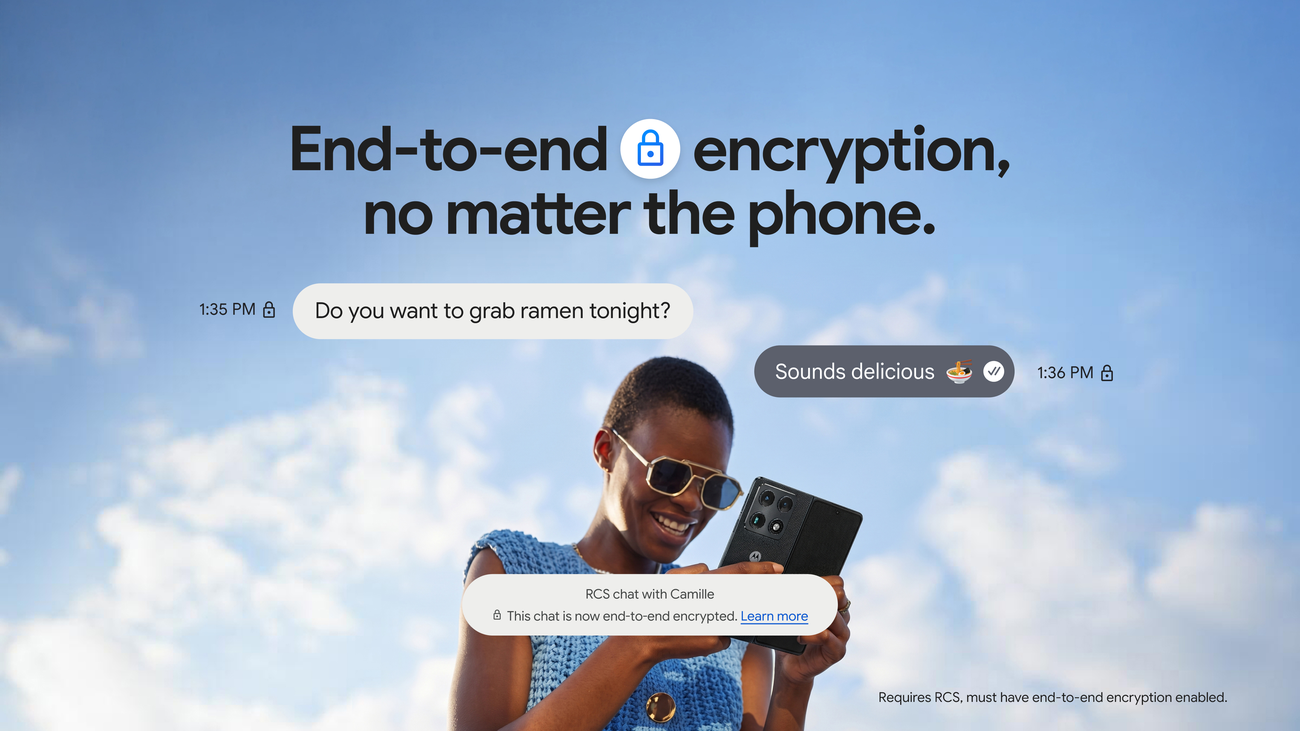
One of the most significant changes is not strictly an Android 17 exclusive, but it landed in the same window and matters to almost everyone. Google and Apple led a cross-industry effort to bring end-to-end encryption to RCS, and it began rolling out in beta on 11 May 2026. On Android you need the latest version of Google Messages; on the other side, iPhone users need iOS 26.5 with a supported carrier. Encryption is on by default and will be enabled automatically over time for new and existing RCS conversations, with the familiar lock icon marking an encrypted chat.
For UK owners this is the practical privacy upgrade of the year, because it finally secures the cross-platform texts between Android and iPhone that most British group chats rely on. The catch is that both ends need to qualify: your Android must run current Google Messages, and your iPhone-owning contacts need iOS 26.5 and a supported carrier. Until both sides are updated, a chat will not show the lock. It is worth a quick check on your handset, and if you are also choosing between platforms, our look at the best iPhone alternative UK 2026 weighs Samsung, Google and OnePlus with messaging in mind.

Data and privacy settings UK owners should check
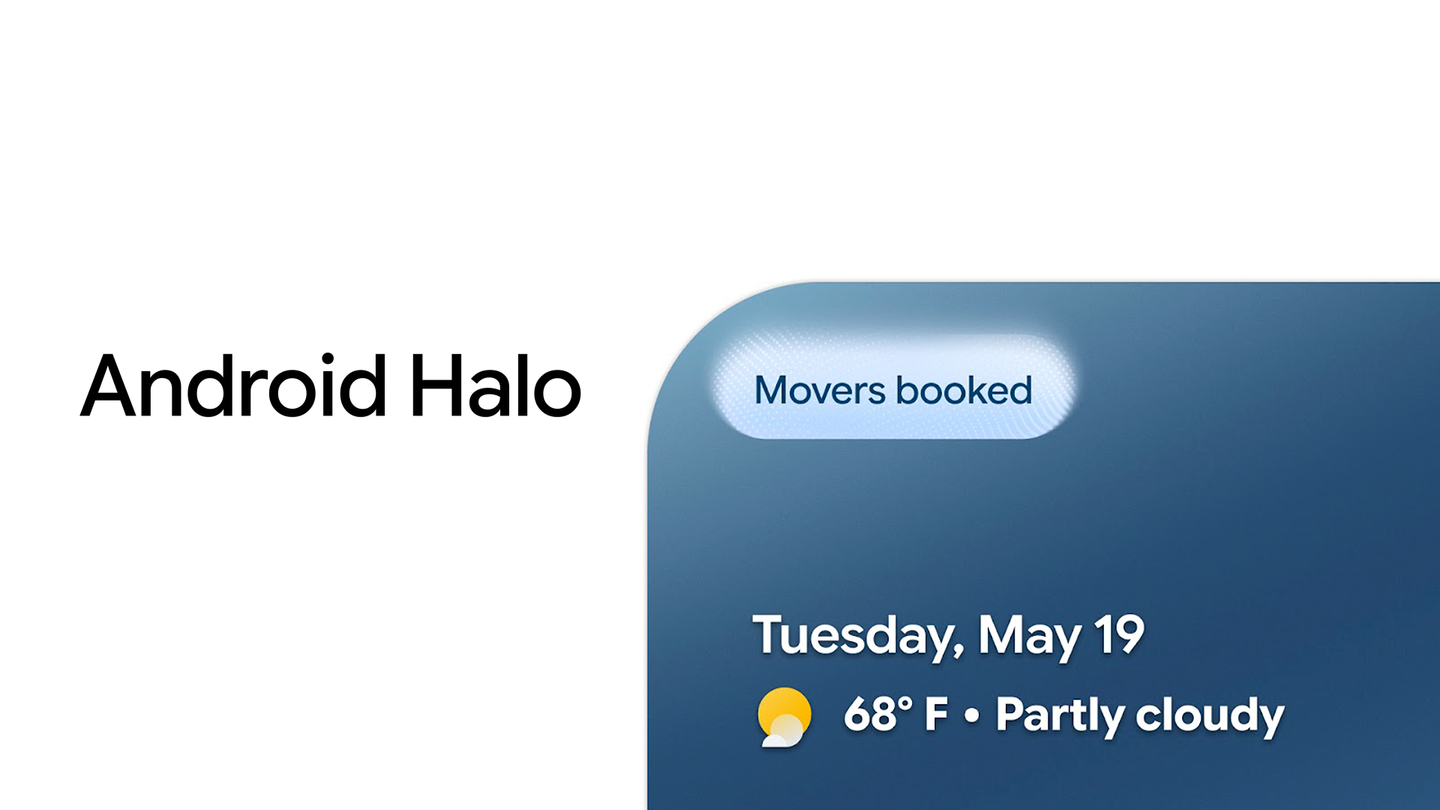
Proactive AI only works if it can see your data, so the privacy controls are not optional housekeeping. Android 17 hardens several areas: Live Threat Detection now monitors app behaviour in real time using on-device AI, flagging suspicious activity such as SMS forwarding or misuse of accessibility permissions. Mark as Lost gains biometric authentication so a lost phone is harder to access. A Location Button allows temporary, precise location sharing rather than a permanent grant, and a Contact Picker lets apps see only the contacts you select instead of your whole address book.
Before you switch on any personalised or agentic feature, go through the Gemini permissions and decide which apps it may act inside. Our step-by-step on the Gemini app privacy settings UK users should check before personalised features walks through exactly which toggles to review, and it is the single most useful thing to read before letting an assistant book appointments or fill forms on your behalf. The new Location Button and Contact Picker are worth adopting deliberately, because they let you grant the minimum an app needs rather than handing over everything by default.
Beyond the phone: Googlebook, cars and glasses
The Android Show looked past the handset as well. Google introduced the Googlebook, described as a new category of laptops designed for Gemini Intelligence and kept in sync with your Android phone. It also confirmed upgrades to the next generation of Android Auto and cars with Google built-in, and previewed glasses launching later in 2026. These are the “later this year” parts of the rollout rather than summer arrivals.
For UK readers the Googlebook is the one to watch, because it positions itself against the existing Chromebook range and overlaps with how you might already use a cheap Windows or Chrome laptop. We have set out where it fits, and why patience may pay, in our Googlebook versus Chromebook UK comparison. The glasses, meanwhile, remain a preview, so treat any spec or price you see quoted before launch as unconfirmed.
| Item | What Google confirmed |
|---|---|
| Platform | Android 17 |
| AI layer | Gemini Intelligence (multi-step tasks, Intelligent Autofill, Rambler, Create My Widget, Gemini in Chrome auto browse) |
| First devices | Latest Samsung Galaxy and Google Pixel, named as Galaxy S26 and Pixel 10 |
| Timing | Rolls out in waves “this summer”; watches, cars, glasses, laptops later in 2026 |
| RCS encryption | End-to-end RCS beta from 11 May 2026; needs latest Google Messages, iPhone side needs iOS 26.5 and a supported carrier; on by default |
| Creator tools | Optimised Instagram, advanced editing tools, Adobe Premiere on Android |
| Privacy | Live Threat Detection, Mark as Lost with biometrics, Location Button, Contact Picker |
| Beyond phone | Googlebook laptops, Android Auto upgrades, glasses preview |
Where to buy or check next in the UK
Because most of what was announced is software, there is no single product to add to a basket. The sensible move is to confirm your phone qualifies and, if you are upgrading anyway, to compare retailers properly rather than chase a launch-day deal. For a Pixel 10 or Galaxy S26 in the first wave, check the Google Store UK and Samsung UK directly for the cleanest warranty and returns terms, then compare against Currys, John Lewis, Argos, Amazon UK, Very and AO.com for price, delivery dates and any trade-in or bundle. John Lewis remains worth a look for its longer guarantee on many devices, which can matter more than a small price difference.
If a contract suits you better than buying outright, EE, Vodafone, Three and O2 all carry the flagship Pixel and Galaxy models, and the relevant point to check is the total cost over the term plus any data allowance, not just the monthly figure. If you are moving to a new handset, it is also the moment to sort connectivity cleanly: our eSIM setup UK 2026 guide for EE, VodafoneThree and O2 walks through the transfer step by step so you keep your number without a trip to a shop. For software features, the only “purchase” to verify is whether any creator tool sits behind an existing Adobe or app subscription, which is a cost Google did not set and you should price separately.
| What we like | What we would watch |
|---|---|
| Android 17 confirmed, with Gemini Intelligence as a clear, named feature set | The best features start on Galaxy S26 and Pixel 10, leaving older phones waiting |
| End-to-end encrypted RCS finally secures Android-to-iPhone chats by default | RCS encryption needs both ends updated, including iOS 26.5 on a supported carrier |
| Adobe Premiere and better editing give creators a real reason to stay on Android | Some creator tools may sit behind subscriptions Google did not price |
Our verdict
Our view is that The Android Show: I/O Edition 2026 is a strong software story attached to a deliberately staggered rollout, and the right response depends entirely on what you already own. If you have a Galaxy S26 or a Pixel 10, you are in the first wave this summer and there is nothing to buy: just keep your phone updated and review the privacy toggles before you switch on the agentic features. If you have an older Pixel or Galaxy, wait. The lighter Gemini features will reach you, the heaviest automation may not arrive at full strength, and none of it justifies a flagship purchase on its own.
What would change our recommendation is firm confirmation that the full multi-step automation reaches mid-range and older flagship hardware at a usable level, or a UK price on any creator tool that turns out to be free elsewhere. Until then, the encrypted RCS upgrade is the part everyone should act on now, because it costs nothing and secures the chats most British owners use every day. Everything else is worth waiting for your wave rather than chasing.














Reader discussion
Leave a comment
Comments are moderated. Keep it useful, accurate, and on topic.