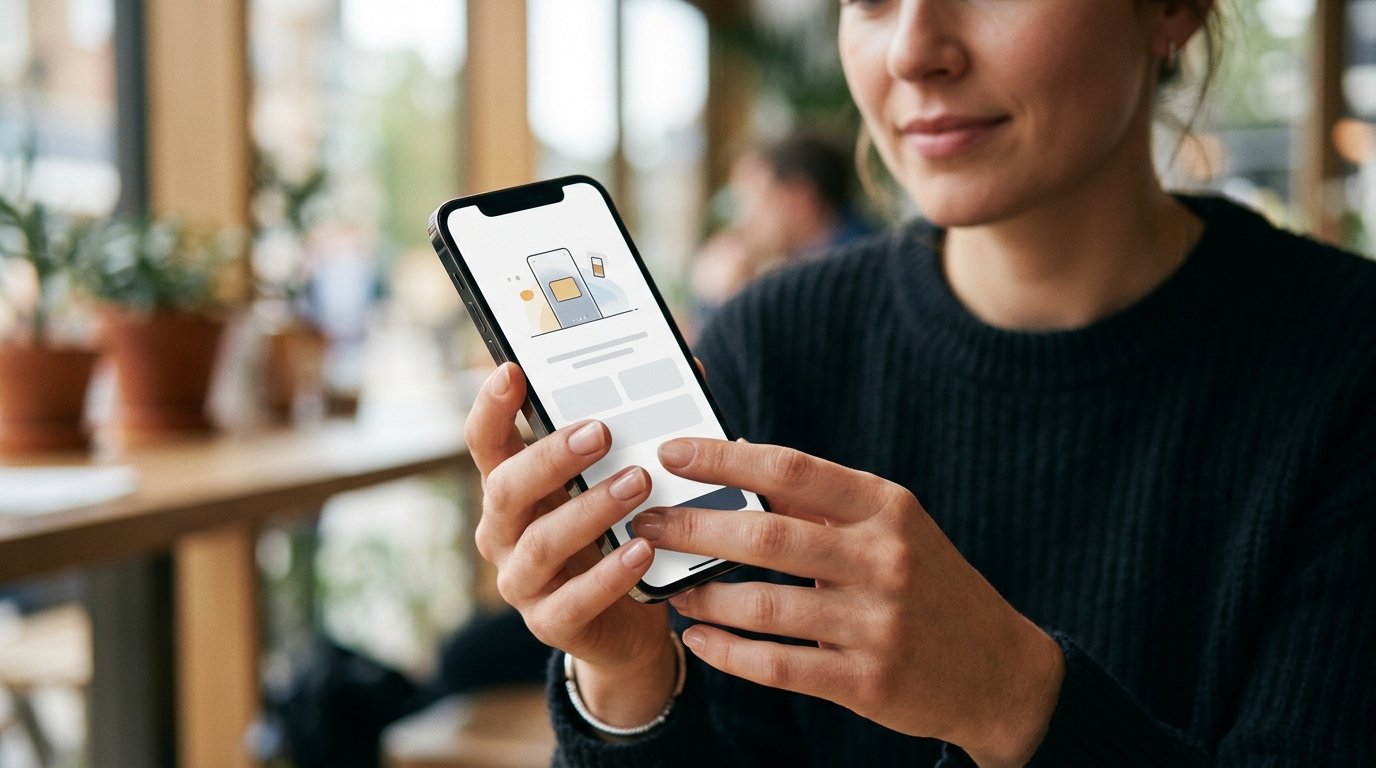
eSIM setup UK is the 2026 chore every iPhone Air owner learns first: Apple’s thinnest phone has no SIM tray and activates only over the air. The same digital profile drives every plan on EE, VodafoneThree and Virgin Media O2 plus the MVNO field they piggyback. This guide walks UK buyers through QR activation on iPhone and Android, the iPhone Air’s eSIM-only quirks, MVNO routes, and transferring eSIM between devices.
- EE, VodafoneThree and Virgin Media O2 all issue eSIM via one-time QR code, with My Account download as the alternative.
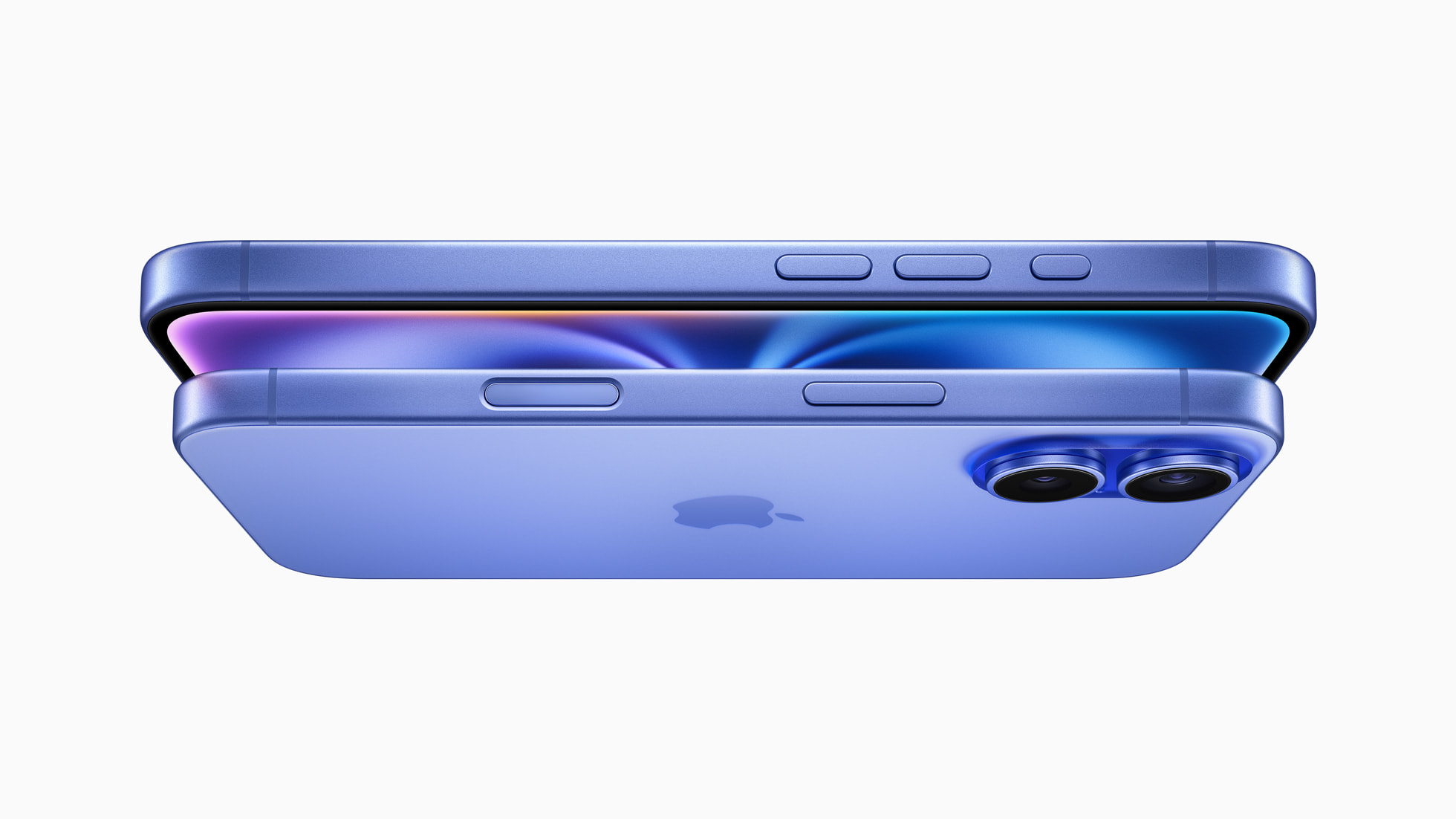
- Apple’s iPhone Air ships eSIM-only worldwide, including the UK, with no physical SIM tray.
- iOS 18.4 and later supports eSIM Quick Transfer between iPhones over Bluetooth, no carrier call required.
- Smarty added eSIM in September 2025; GiffGaff, Voxi and iD Mobile offer eSIM on every plan.
Why eSIM setup UK matters in 2026
eSIM has moved from optional to default for UK buyers in 2026. Every iPhone in Apple’s UK store ships eSIM-capable, every flagship Galaxy and Pixel supports two active eSIM profiles, and the iPhone Air removes the SIM tray entirely. EE, VodafoneThree (the merged entity since 31 May 2025) and Virgin Media O2 all let you order an eSIM from their UK sites and apps, with activation delivered by email. For context on the network shake-up, see our piece on the Vodafone takeover of VodafoneThree.
eSIM setup UK on iPhone: iOS 26 step by step
iOS 26 supports three routes: QR code, eSIM Carrier Activation (the carrier pushes the profile when you sign in to its app), and eSIM Quick Transfer from another iPhone. QR is the universal fallback because every UK carrier supports it.
- Connect the iPhone to Wi-Fi. eSIM provisioning needs a network handshake.
- Order the eSIM: EE via the EE app, VodafoneThree via My Vodafone, Virgin Media O2 via My O2 and “Install SIM”.
- Wait for the carrier email with the QR code, plus a separate confirmation code from Three / VodafoneThree.
- Open Settings, tap Mobile Data, Add eSIM, Use QR Code.
- Frame the QR code with the camera. Enter the confirmation code from the second email if prompted.
- Label the line and choose default voice, iMessage and data lines. EE activates within minutes; Three says activation can take up to seven hours.
On iPhone Air the same flow runs from the Hello screen during initial setup, since there is no tray to skip past. eSIM Carrier Activation, where supported, removes the QR step entirely.
eSIM setup UK on Android: One UI and Pixel
- On Pixel: Settings, Network & Internet, SIMs, Add SIM, Download a SIM instead.
- On Samsung Galaxy (One UI 7 / 8): Settings, Connections, SIM manager, Add eSIM, Scan QR code from service provider.
- Allow camera access and frame the QR from the carrier email.
- Enter the confirmation code if your carrier supplied one (Three / VodafoneThree does; EE and O2 typically do not).
- Set the default eSIM for calls, SMS and mobile data, then reboot. Some One UI builds need the restart before VoLTE and Wi-Fi calling register with EE.
Carrier support runs broad: EE, VodafoneThree and Virgin Media O2 cover the Galaxy S23 family and later, every Pixel from the Pixel 7, and the Z Fold / Flip range. The MVNO field caught up through 2025: GiffGaff opened eSIM to every customer, iD Mobile offers it on Pay Monthly and PAYG, Voxi exposes it under Settings > eSIM, and Smarty added eSIM in September 2025 with a four-digit confirmation code. Our roundup of the best EE iPhone deals in the UK ranks eSIM-ready contracts.
eSIM EE VodafoneThree O2 compared
| Network | Activation route | Confirmation code? | MTW read |
|---|---|---|---|
| EE | EE app, ee.co.uk, or QR by email. 90 days to activate. | No, QR alone | Smoothest UK iPhone flow; Carrier Activation works for direct customers |
| VodafoneThree (Three) | three.co.uk or My3 app, QR plus separate confirmation code email | Yes, four-digit | Strictest two-step, also the most secure if email is compromised |
| Virgin Media O2 | My O2 “Install SIM”, QR refreshable from account | No | Best for replacement QRs, regenerate from My O2 in seconds |
| Smarty / GiffGaff / Voxi / iD Mobile | Account dashboard, QR by email, single-use | Mostly yes (Smarty); varies | Right fit for iPhone Air buyers wanting a SIM-only plan |
iPhone Air: the UK’s first eSIM-only mainstream phone
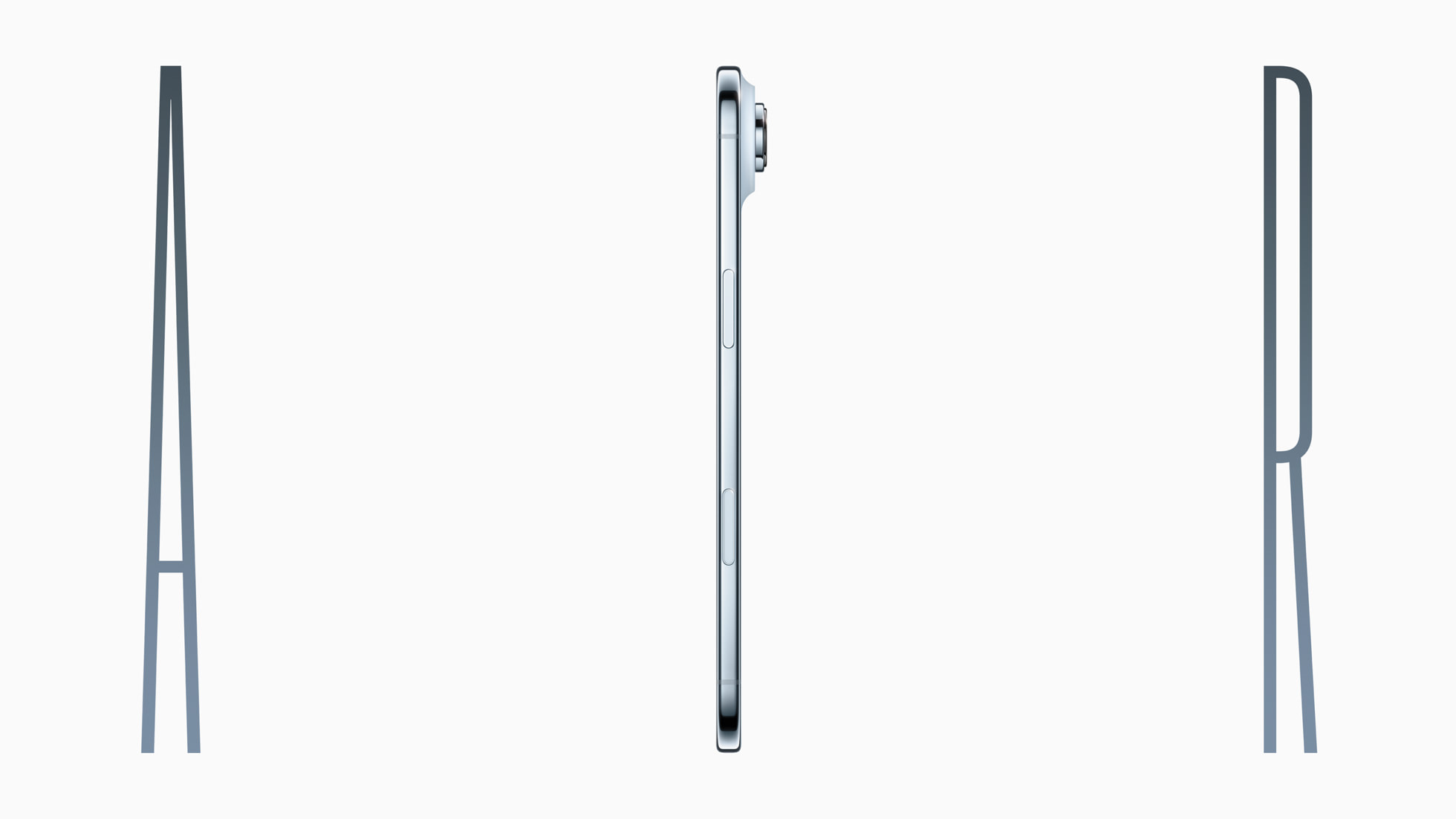
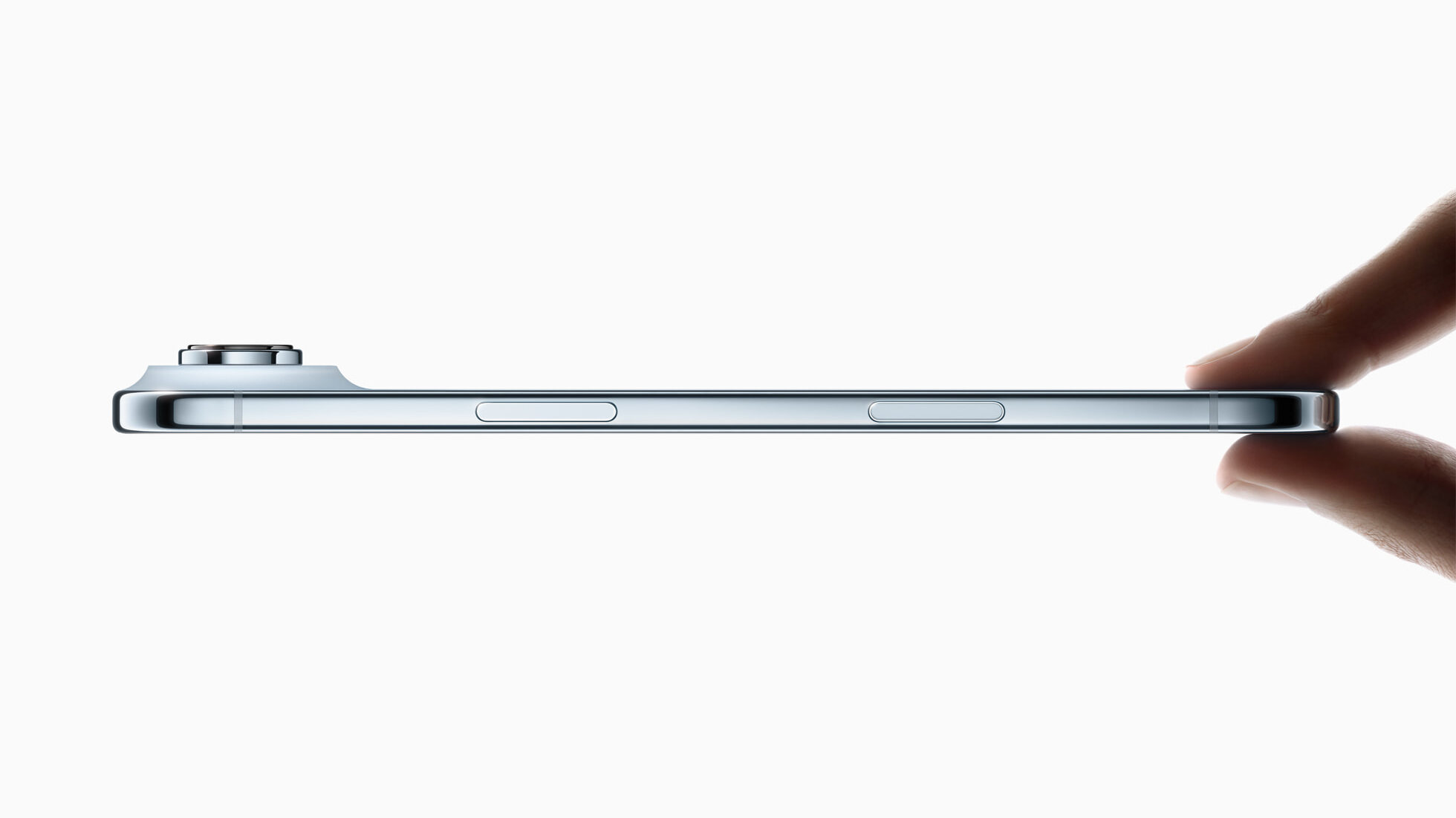
Apple’s iPhone Air, launched September 2025, is the first iPhone sold in the UK without a SIM tray. The eSIM-only design frees space for the larger battery in the 5.6mm chassis. UK buyers face three changes: you cannot move an existing nano-SIM across from an older iPhone (convert it to eSIM with your carrier first); every UK carrier and MVNO issues a compatible eSIM; and international travel runs through travel eSIMs or domestic-plan roaming, with no local-SIM hack available.
If you are still on a physical SIM with EE or VodafoneThree, request the SIM-to-eSIM swap before the Air arrives. EE PAYG customers convert through the EE app in minutes; see our coverage of the refreshed EE PAYG plans with Data Parachute. The plastic SIM stops working the moment the eSIM activates.

Transferring eSIM between devices
Apple’s eSIM Quick Transfer is the simplest path between iPhones. Both devices need iOS 18.4 or later and Bluetooth enabled. On the new iPhone open Settings, Mobile Data, Set Up Mobile or Add eSIM, then choose “Transfer From Nearby iPhone”. EE, VodafoneThree and Virgin Media O2 support Quick Transfer; MVNO coverage is mixed.
Crossing platforms is harder. iPhone to Android needs a fresh QR: request a replacement from the EE app, My Vodafone, My3 or My O2, then scan it on the destination phone. The old QR cannot be reused. Smarty, GiffGaff, Voxi and iD Mobile follow the same approach via their account dashboards. Under the Consumer Rights Act 2015 a faulty eSIM that prevents service is the carrier’s responsibility, not the handset maker’s; EE’s Scam Guard service helps detect the social-engineering attacks that target eSIM swap fraud.
eSIM setup UK troubleshooting
Three failure modes dominate. First, QR already used: every carrier QR is single-use, so a half-completed scan from a previous device bricks the code. Request a fresh one. Second, the device not being on Wi-Fi at activation; a SIM-less iPhone Air has nowhere else to handshake. Third, locale: a phone bought outside the UK and still locked to a foreign carrier rejects an EE or O2 QR until unlocked. Dial *#06# to confirm the device has an EID printed.
EE customers should restart the iPhone after activation and dial 150 to confirm provisioning. Three / VodafoneThree allow up to seven hours to propagate. Virgin Media O2 regenerates QRs from My O2 free of charge. If iMessage sticks on “waiting for activation” after 24 hours, toggle the line off and on under Settings > Mobile Data, then sign out of iMessage and back in. See RCS encryption finally closing the green-bubble gap for the bigger messaging story.
What UK buyers should watch
EE’s 5G Standalone rollout, covered in our piece on EE 5G+ across 610 UK towns, assumes eSIM-first activation because SA voice and network slicing need dynamic profile updates that physical SIM cannot match. Expect Samsung and Pixel flagships later in 2026 to push physical SIM toward headphone-jack status.
The MTW take for May 2026: switch to eSIM during any new iPhone upgrade, even if the handset still has a tray. Replacement is instant from the carrier app. For iPhone Air, eSIM is not a choice; it is the only option, and the UK carrier ecosystem is finally ready.
MTW verdict
EE wins UK eSIM activation in 2026 on smoothness, Virgin Media O2 wins on replacement convenience via My O2, VodafoneThree wins on security with its two-step QR plus code. Pick on plan price; the eSIM flow is no longer a tiebreaker. Just request the fresh QR. Never recycle an old one.
Buyer action
Where to buy or check next
Use this as the final check before ordering a phone, changing network or trusting a headline monthly price.














Reader discussion
Leave a comment
Comments are moderated. Keep it useful, accurate, and on topic.