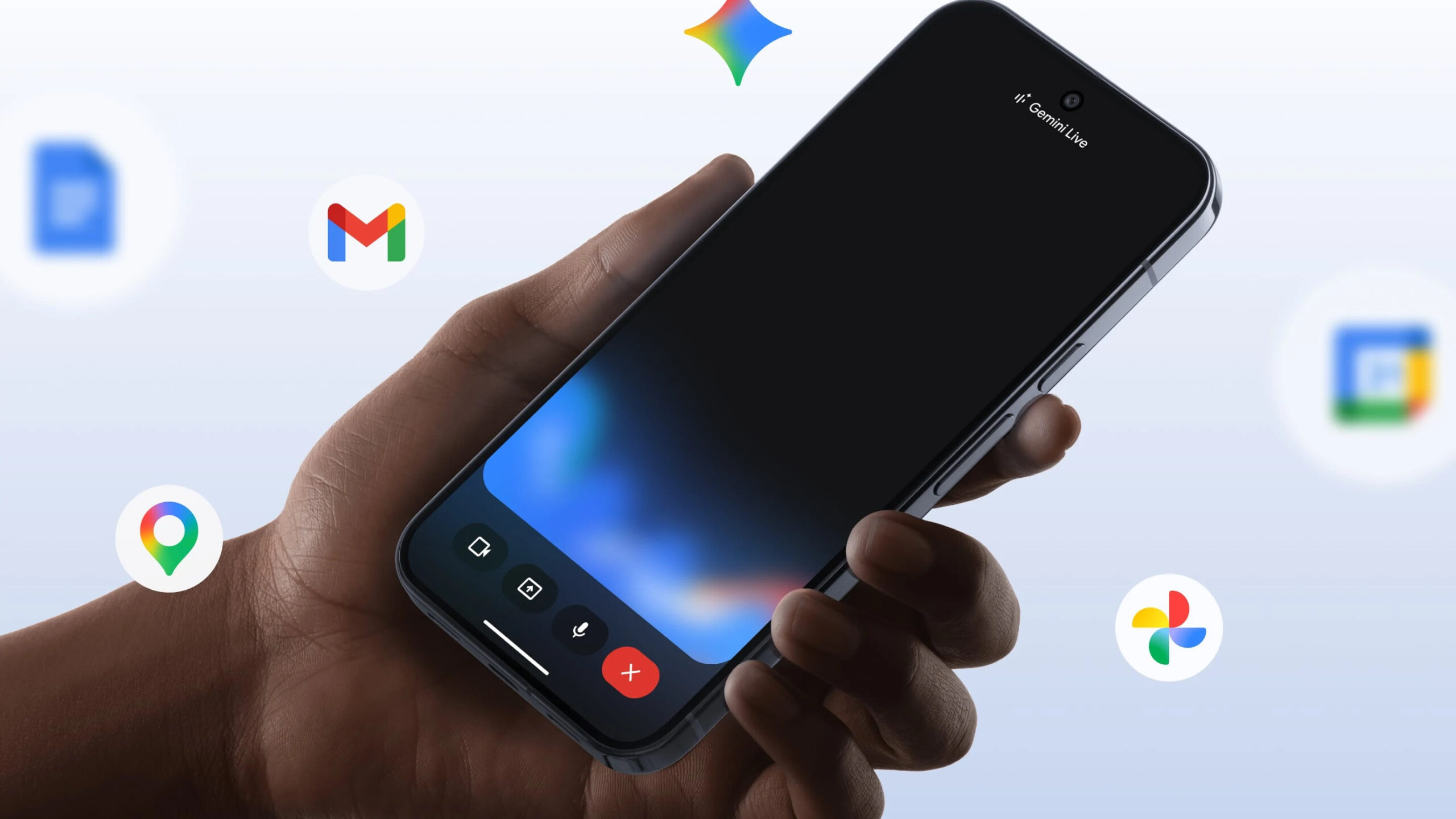
Gemini app privacy is the box UK users keep ticking past on the way to the clever stuff, and the personalised features Google switched on this month make that a poor habit. Google explained on 13 August 2025 that the Gemini app now tailors its answers to your earlier conversations, with the setting on by default. That single default is why this guide exists: before you let Gemini read your past chats, your Gmail and your calendar, here is exactly which toggles to find and what each one actually does on your phone.
- Personal context (Settings > Personal context > “Your past chats with Gemini”) is on by default and can be turned off at any time.
- “Gemini Apps Activity” is being renamed “Keep Activity”; when on, a sample of future uploads helps improve Google services.
- Auto-delete defaults to 18 months, with 3 months, 36 months or indefinite as alternatives, managed at myactivity.google.com.
- Temporary Chats are kept for up to 72 hours and are not used to personalise or train Google’s models.
- The ICO concluded its Snap “My AI” chatbot investigation on 21 May 2024, warning firms to assess generative AI data risks.
The one default that changes everything: Personal context
The headline change is Personal context. Google describes it as the Gemini app drawing on your earlier conversations so replies arrive “as if you’re collaborating with a partner who’s already up to speed”. It is genuinely useful, and it is also the setting most UK users will never have consciously agreed to, because it arrives switched on. If you would rather Gemini treat each chat as a blank slate, this is the first toggle to find, and it takes under a minute.
To turn it off, open the Gemini app, go to your Settings, select “Personal context”, then “Your past chats with Gemini” and switch it off. Google confirms the setting can be flicked on or off at any time, so nothing is permanent. This rollout reached more Android phones alongside the wider Gemini Intelligence Android UK rollout, which is the companion piece to this guide and worth reading if you want the bigger picture on what is landing on Pixel and Galaxy first. Turning Personal context off does not delete anything; it simply stops new replies being shaped by old chats.
Why “Gemini Apps Activity” is now “Keep Activity”
The setting many people know as “Gemini Apps Activity” is being renamed “Keep Activity”. The name is cosmetic; the effect is not. Google states that when Keep Activity is on, “a sample of your future uploads will be used to help improve Google services for everyone”. In plain terms, some of what you type, and the files and photos you attach, can be reviewed and used to develop Google’s products, including the models behind the Gemini app. If that is a line you do not want crossed, this is the toggle to change.
You manage it the same way you always did. In the Gemini app, open Gemini Apps Activity (soon labelled Keep Activity) and switch it off to stop future uploads being sampled. Google’s own Gemini Apps Privacy Hub spells out that you can still manage and delete past conversations from the same place even after the rename. Turning it off does not wipe your history on its own, which is the next thing to sort out. For a broader take on stripping data-hungry defaults out of Google’s tools, our walkthrough on how to turn off Google AI Overviews covers the search side of the same instinct.
Set an auto-delete window before you forget
Even with activity logging on, you control how long Google keeps it. The default auto-delete period is 18 months, and you can shorten or lengthen it. Per the Gemini Apps Privacy Hub, the choices are 3 months, the 18-month default, 36 months, or indefinite, which Google labels as keeping data until you delete it yourself. For most UK users a 3-month window is the sensible compromise: long enough for the app to stay useful, short enough that a year-old grocery list or a half-finished work query is not sitting on a server indefinitely.
Change it at myactivity.google.com, where Gemini Apps Activity lets you review and delete individual chats, including any imported ones, and pick your auto-delete window. It is also where you should go if you have ever pasted something sensitive into the app and want it gone now rather than in 18 months. If you are tidying your wider Google footprint at the same time, our guide to how you claim and protect your full 15GB of free Google storage pairs neatly with a data clear-out.
Temporary Chats: the off-the-record option
When you want to ask Gemini something without it touching any of the above, use a Temporary Chat. Google is explicit about the boundaries: Temporary Chats “won’t appear in your recent chats or Gemini Apps Activity, and they won’t be used to personalise your Gemini experience or train Google’s AI models”. They are kept for up to 72 hours so the app can respond to you and process any feedback you choose to give, then they go. It is the closest thing the Gemini app has to an incognito mode.
That 72-hour window matters. A Temporary Chat is not instantly erased the second you close it, so it is not the place for anything you would be uncomfortable with Google holding for three days. For a one-off question, a sensitive health worry, or anything you do not want feeding your personalised profile, it is the right tool. Think of Personal context and Temporary Chats as two ends of a dial: one makes Gemini remember everything, the other makes it forget almost immediately.
Location, Gmail and the connected apps that see the most
The settings that expose the most personal data are the connections to your other Google services. Gemini’s Extensions, the connected apps such as Gmail, Calendar and Maps, let the assistant read across those services to answer you, which is exactly why “summarise my unread email” works. The trade-off is that the app reaches into accounts holding far more than a chat log. If you have not reviewed which connected apps are switched on, do it now, and turn off any you do not actively use the assistant for.
Location is the other one to watch. Gemini can use your location to make answers relevant, the same precise or approximate location your phone already shares with Google, so a quick audit of app-level location permission in Android settings is worth the thirty seconds. None of this means the connections are unsafe; it means they are powerful, and power you have not reviewed is risk you cannot judge. The recent Gemini app redesign that treats Gemini like a platform only deepens these integrations, which makes a settings pass more useful now than it was a year ago. If smart glasses are on your radar too, the same audit instinct drives our piece on why the Samsung and Google AI eyewear needs a privacy test.
Where the ICO and UK GDPR sit on AI chatbots
This is not just a Google policy question; it sits inside UK data protection law. The Information Commissioner’s Office, the UK’s data regulator, has put generative AI chatbots squarely in its sights. On 21 May 2024 the ICO concluded its investigation into Snap’s “My AI” chatbot, opened in June 2023, warning that firms must not ignore data protection risks and must properly assess them before launch. The principle reads straight across to any assistant that ingests your messages and files.
The ICO followed that in December 2024 with its response to a year-long generative AI consultation series, pressing developers to be transparent about how people’s information is used and to rest processing on a clear lawful basis. Under UK GDPR you keep rights of access and erasure over your personal data, which is exactly what the Gemini app’s delete and auto-delete controls let you exercise. Regulation and the app’s own toggles point the same way: you are meant to be in control, but only if you open the menu. Our editorial on how a UK GDPR ruling forced TikTok’s ad-free tier shows the same legal pressure reshaping another app.
Our verdict
Our view is that Gemini’s defaults are not acceptable as shipped for a privacy-minded UK user, chiefly because Personal context arrives switched on without a clear, upfront choice. The features themselves are good and the controls are genuinely there, so this is a configuration problem, not a reason to avoid the app. If you change one setting today, make it Personal context: open the Gemini app, go to Settings, then Personal context, then “Your past chats with Gemini”, and decide deliberately rather than by default. After that, drop auto-delete from 18 months to 3 at myactivity.google.com and keep a Temporary Chat handy for anything sensitive. We would only call the defaults acceptable once Google makes Personal context an explicit opt-in at setup. The risk that would flip our advice the other way is a future change that quietly re-enables these settings after an update, so it is worth re-checking the menu after any major Gemini app release.
Gemini app privacy in the UK: frequently asked questions
Is Personal context in the Gemini app on by default?
Yes. Google confirmed Personal context is on by default so Gemini can give more relevant answers based on your past chats. You can turn it off at any time in the Gemini app under Settings, then Personal context, then “Your past chats with Gemini”. Switching it off stops new replies being shaped by old conversations but does not delete your existing chat history.
What is the difference between Gemini Apps Activity and Keep Activity?
They are the same setting under two names. Google is renaming “Gemini Apps Activity” to “Keep Activity”. When it is on, a sample of your future uploads, including files and photos, can be used to help improve Google services and the models behind the app. You can turn it off to stop that, while still deleting past chats from the same menu.
How long does Google keep my Gemini chats?
By default, Gemini Apps Activity auto-deletes after 18 months. You can change that to 3 months, 36 months, or indefinite at myactivity.google.com. You can also delete individual chats or your whole history manually at any time. Note that some chats reviewed by human reviewers may be retained separately for up to three years, even after you delete the activity.
Are Temporary Chats really private?
They are the most private option in the app. Google says Temporary Chats do not appear in your recent chats or Gemini Apps Activity and are not used to personalise your experience or train its models. They are kept for up to 72 hours so Gemini can respond and process feedback, then deleted. That 72-hour retention means they are private but not instantly erased, so treat them accordingly.
Should I connect Gmail and Calendar to Gemini?
Only if you use those features. Connected apps and Extensions let Gemini read across Gmail, Calendar, Maps and more to answer you, which is what powers requests like summarising unread email. The trade-off is broad access to accounts holding sensitive data. Review which connections are on and switch off any you do not actively use the assistant for, then re-check after major app updates.
Does UK GDPR give me rights over my Gemini data?
Yes. Under UK GDPR you have rights of access and erasure over your personal data, which the Gemini app’s delete and auto-delete controls let you act on. The ICO has been active here, concluding its Snap “My AI” chatbot investigation on 21 May 2024 and pressing AI developers in December 2024 to be transparent about data use and rely on a clear lawful basis.
Related reading on MTW
Buyer action
Where to buy or check next
Use this as the final check before ordering a phone, changing network or trusting a headline monthly price.














Reader discussion
Leave a comment
Comments are moderated. Keep it useful, accurate, and on topic.