UPDATED · News · 27 Apr 2026 · Daniel Reid
Samsung Wallet Trips UK has finally landed, and it is the kind of small, daily-use feature that quietly justifies keeping a Galaxy in your pocket. From late April 2026, the UK joins Korea and the United States as one of three launch markets for Trips, a new Samsung Wallet view that pulls flights, hotels, trains, car hire, excursions and event tickets into a single time-and-location timeline. With the May bank holidays and a long British summer of weekend getaways looming, Samsung has picked an obvious moment to ship it, and they got there before Apple and Google.
TL;DR: Samsung Wallet Trips UK at a glance
- Trips is rolling out in the UK, Korea and the US from late April 2026 on compatible Galaxy phones.
- It groups eligible Wallet items by time and location into a single travel timeline.
- Supported items include flights, hotels, car rentals, buses, trains, excursions, theme parks and sporting event tickets.
- UK launch lands right before the May bank holidays and the summer travel rush.
- No equivalent feature in Apple Wallet or Google Wallet today, which is the real story.
What Samsung Wallet Trips actually does — the samsung wallet trips uk angle
Trips lives inside the existing Samsung Wallet app rather than as a separate download. Once you have eligible boarding passes, hotel confirmations, train tickets or event passes saved to Wallet, the new view gathers everything that belongs to the same trip and lays it out in chronological order. So a Friday Heathrow flight, a Saturday Eurostar return, the Premier Inn you booked on the way and the gig ticket that triggered the whole thing all sit in one stack, in the order you will actually need them.
The clever bit is location grouping. Trips uses the venue, airport or station on each pass to bundle items that belong together physically, not just by date. A connecting flight in Amsterdam does not get lumped in with your hotel back in Manchester. If you have spent time using a Galaxy as a business travel phone, you will know how often that fumbling at the gate actually happens.
How to enable it on a UK Galaxy
If you already use Samsung Wallet for contactless payments or boarding passes, the Trips view will appear inside the app once your device picks up the server-side update. Open Samsung Wallet, pull down to refresh and look for the new Trips tab. You may need to be on the latest One UI build to see it; if you bought a recent Galaxy, you are likely already there thanks to the One UI 8.5 UK rollout that started on the Galaxy S25 series this month.
For new passes, use the “Add to Samsung Wallet” button inside the airline, hotel or ticketing app. Email confirmations from supported partners can also be opened in Wallet via the share sheet. Owners of the Galaxy S26 Ultra and other recent flagships should see Trips first.
What it groups together (and what it doesn’t)
Samsung lists a generous set of supported categories at launch: flights, hotels, car hire, buses, trains, excursions, theme park entries and sporting event tickets all qualify. That covers a typical British holiday end to end, including the kind of multi-leg city break where you fly out, take a train across, stay two nights, then bus back to the airport. Concert and matchday tickets being included is a nice touch given how many UK fixtures now ship as digital-only entry.
Worth being honest about the gaps. UK rail is a wrinkle: Trainline does not push every operator’s e-tickets to Samsung Wallet with one tap, so some journeys live as PDFs in the operator’s own app. Restaurant bookings, ferries and coach operators outside the named categories will not auto-appear. Trips is a smart aggregator of what is already in Wallet, not a vacuum that pulls reservations off your inbox.
How it compares to Apple Wallet and Google Wallet
This is where Samsung gets to do a small victory lap. Apple Wallet has long been excellent at storing individual passes; iOS will surface a boarding pass on the lock screen at the right time and link to your flight status. Google Wallet does similar tricks via Gmail-pulled reservations and Google Maps trip cards. What neither does today is consolidate flights, accommodation, ground transport and event tickets into one continuous, location-aware itinerary the way Samsung Wallet Trips does.
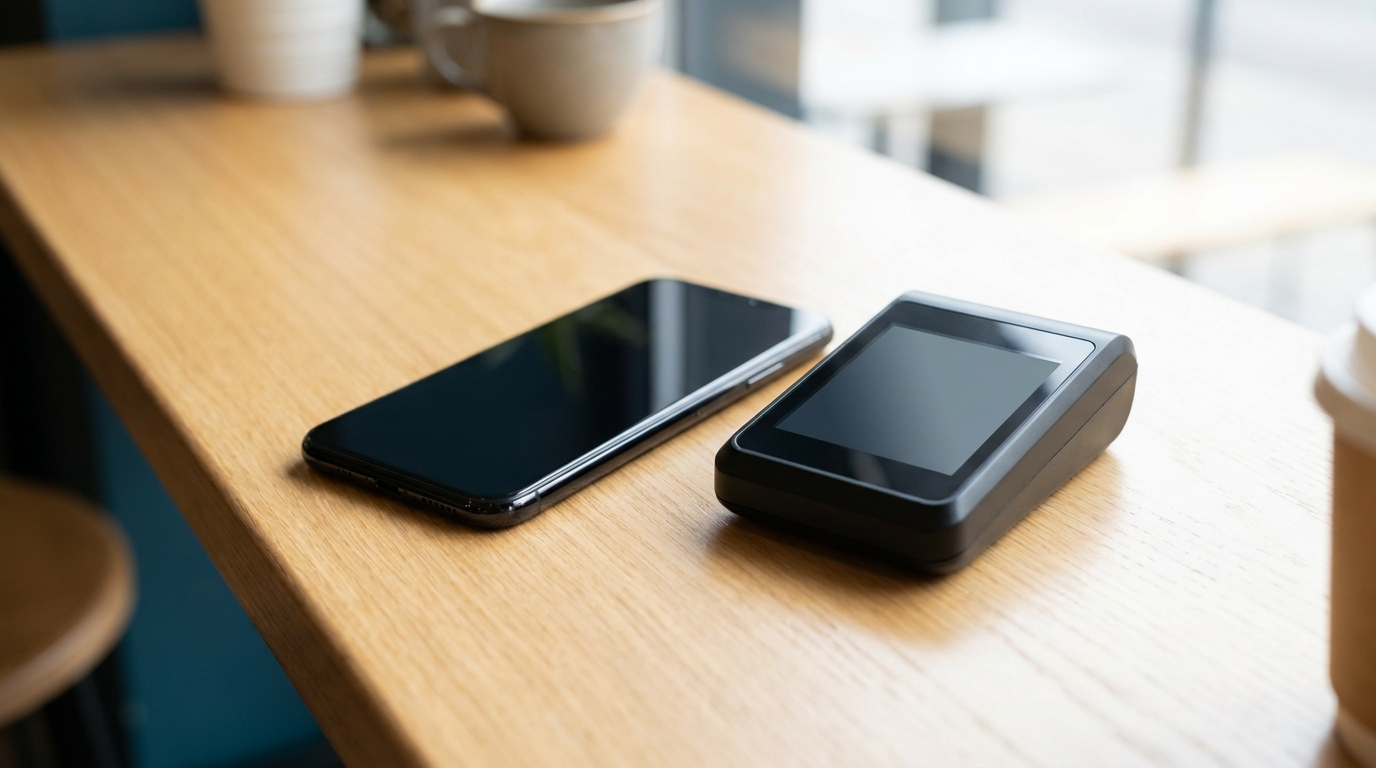
For UK Galaxy owners that is a quietly significant shift. Samsung has spent years getting credit on spec sheets and losing it on software polish. Trips is the opposite: no new sensor, no megapixel jump, no AI demo, just useful plumbing that makes the phone better the next time you leave the house. Apple and Google will copy this within an OS cycle, but until they do, it is a genuine point of difference for anyone weighing up an iPhone or Galaxy in 2026.
Our verdict
Samsung Wallet Trips UK is small, sensible, and exactly the kind of feature Samsung has historically been bad at shipping first. We like that it landed before May bank holiday, and that the UK got it on day one. The caveats are real: UK rail coverage is patchy, and you only get value if you were going to use Samsung Wallet anyway. But for any Galaxy owner with a holiday booked, turning Trips on is a thirty-second job that pays off the next time you are juggling a boarding pass, a hotel barcode and a Eurostar QR at 6am. Worth doing today.
Frequently asked questions
Related reading on MTW
Buyer action
Where to buy or check next
Use this as the final check before ordering a phone, changing network or trusting a headline monthly price.














Reader discussion
Leave a comment
Comments are moderated. Keep it useful, accurate, and on topic.