News · 23 Nov 2010 · MTW Editorial Team

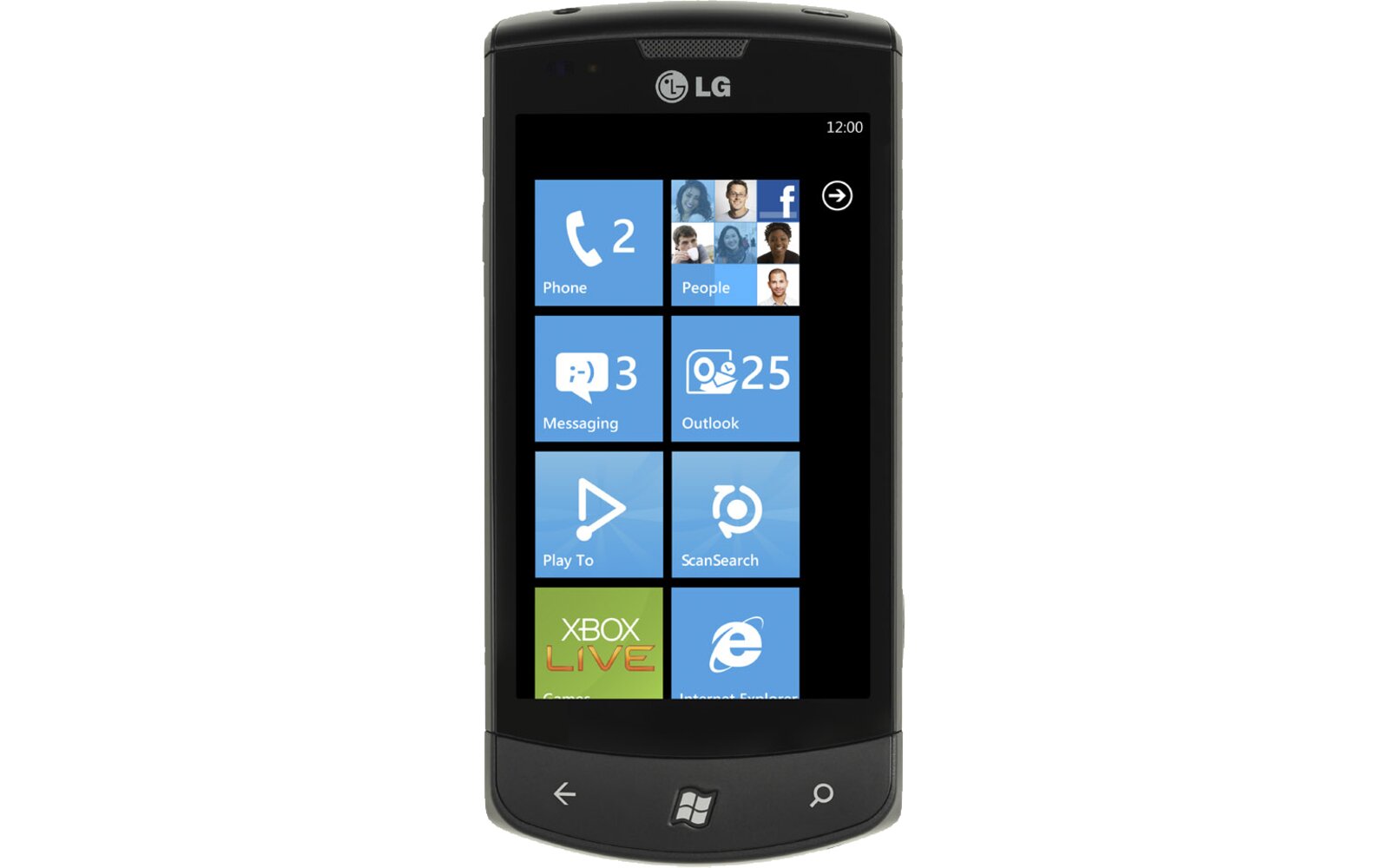
Here’s a short video I shot earlier today to show you how LG’s Panorama application works on the LG Optimus 7 (and LG Quantum) Windows Phone 7 devices. As you will see it actually use the built-in compass and accelerometer to guide you to the right direction and then automatically takes the shots. The picture is then stitched on the fly and will appear in your camera roll. The app is available for free via the LG section in the Marketplace. Once it’s installed it can be accessed directly from the phone’s camera menu (same for Scansearch) so you don’t necessarily have to pin it on your start screen. Video and picture after the break:

Buyer action
Where to buy or check next
Use this as the final check before ordering a phone, changing network or trusting a headline monthly price.