
UPDATED · News · 4 Apr 2026 · Daniel Reid
The Gmail AI Inbox is finally here, and it is going to change how you read email forever. Google is rolling out the long-teased Gmail AI Inbox in beta to US users with Google AI Ultra subscriptions, using Gemini 3 to automatically prioritise, summarise, and categorise your messages. The convenience is obvious. The privacy implications are terrifying. Google is now reading your email AND deciding what is important enough for you to see.
What Is Gmail AI Inbox and Why Should You Care?
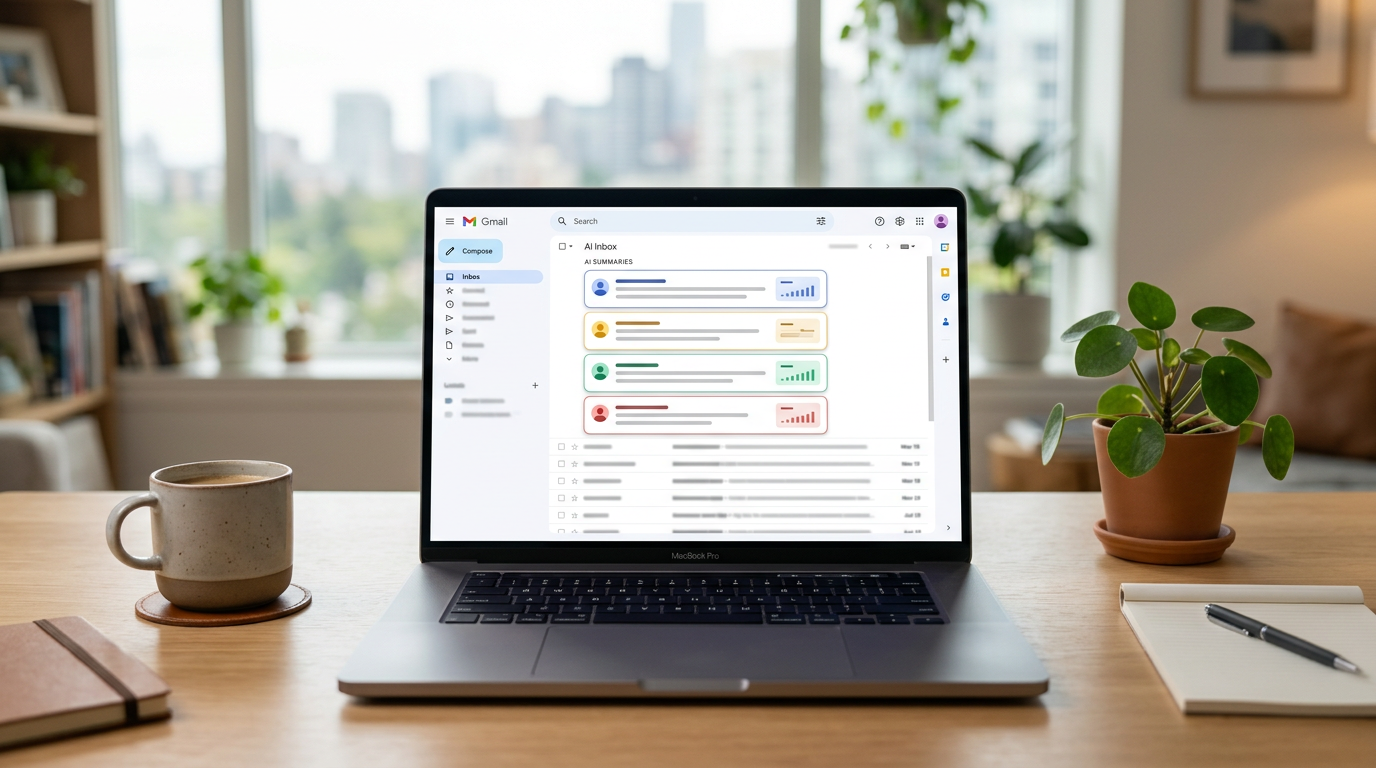
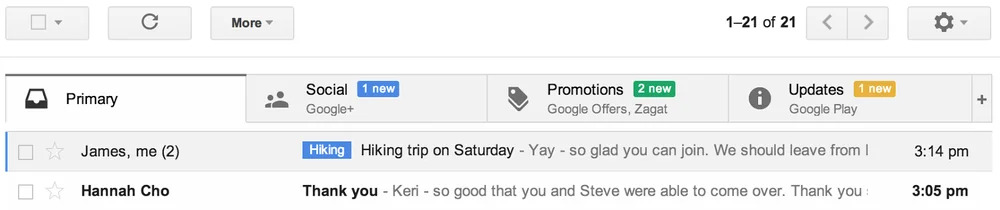
Gmail AI Inbox is Google’s boldest move in email since they introduced tabbed inboxes over a decade ago. Currently in beta for Google AI Ultra subscribers in the United States, this feature uses Gemini 3 to automatically prioritise, summarise, and categorise every email that lands in your inbox. Think of it as a personal assistant who reads all your mail before you do, except this assistant works for Google.
The system doesn’t just sort emails into neat tabs. It actively analyses the content of your messages, determines what it thinks is important, and surfaces those at the top. Everything else gets pushed down or quietly buried. Google calls it “cutting through the noise.” Critics call it algorithmic gatekeeping of your personal communications.
AI Overviews: Google Summarises Your Life — the gmail ai inbox angle
Perhaps the most impressive, and unsettling, feature is AI Overviews for email. Open a thread with dozens of replies and Gmail now synthesises the entire conversation into a concise summary. Ask your inbox a question in natural language and Gemini generates an AI Overview with the answer. Need to know what your boss said about the Q2 budget three weeks ago? Just ask Gmail. It’ll tell you without you having to scroll through a single message.
This is genuinely useful technology. Nobody enjoys wading through 47 reply-all chains to find the one message that actually matters. But it raises an uncomfortable question: how much of your email is Google processing, understanding, and effectively memorising to make this work? The answer, almost certainly, is all of it.
Google has been quick to emphasise that these AI features run inside what the company calls an “engineered privacy” environment and that data isn’t used to train AI models. But that framing is doing an enormous amount of heavy lifting. Gemini 3 is a cloud-based model. The processing has to happen somewhere, and for most of these features, that somewhere is Google’s servers.
The To-Do Tracker You Didn’t Ask For
Gmail AI Inbox also introduces automatic to-do extraction. The system scans your emails and pulls out action items (dentist appointments, school events, work deadlines, bill payments) and surfaces them in a dedicated snapshot view. It’s the kind of feature that sounds revolutionary in a product keynote and terrifying when you think about it for more than thirty seconds.
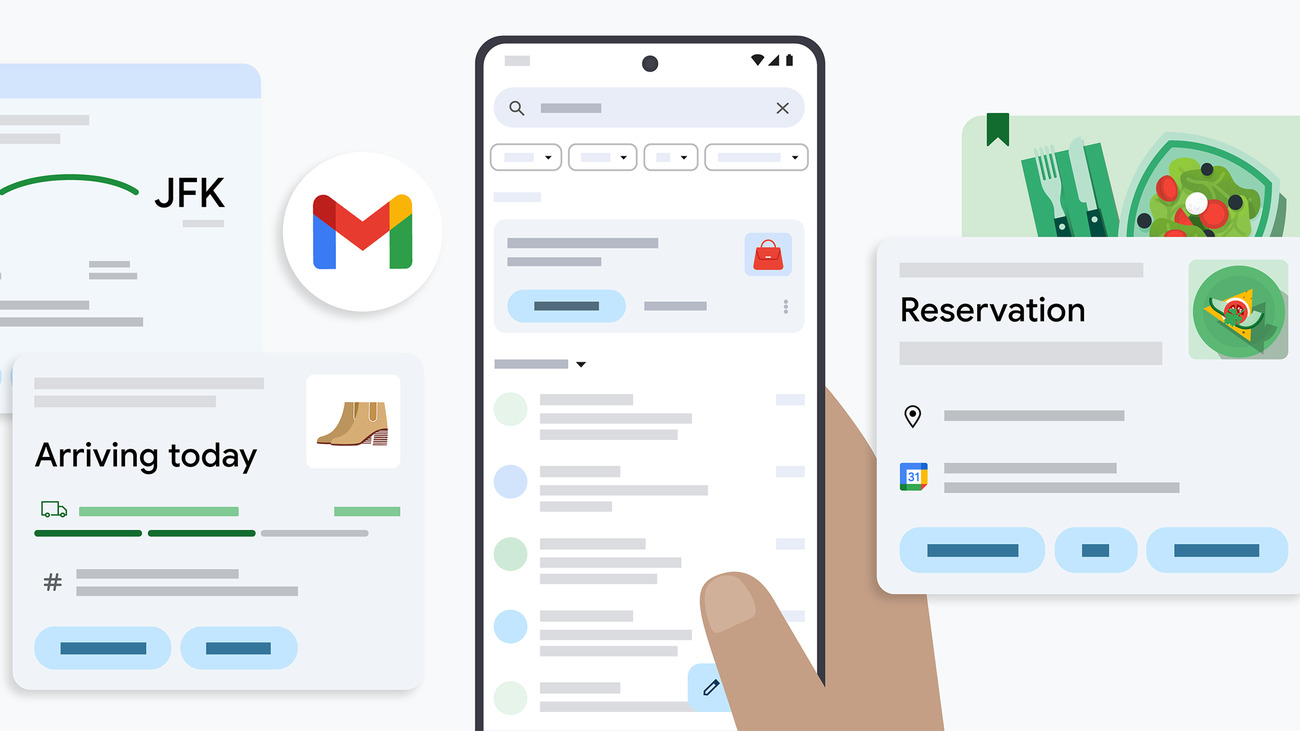
Google is essentially building a comprehensive map of your obligations, commitments, and daily life, all extracted from your email content. And while this data ostensibly stays within your Google account, the sheer depth of personal information being processed is staggering. Your medical appointments, your children’s schedules, your financial commitments; Gmail now understands all of it.
Writing Assistance: When Gmail Finishes Your Sentences
The AI features don’t stop at reading your mail. Gmail now offers enhanced writing assistance through Help Me Write, Suggested Replies, and Proofread. These tools can draft entire email responses, suggest contextually appropriate replies, and polish your prose before you hit send. The AI doesn’t just know what people are saying to you, it’s now shaping what you say back.
There’s an argument that this makes email more efficient. There’s a stronger argument that it makes email less human. When both sides of a conversation are being mediated by the same AI, with Google’s Gemini reading incoming emails and drafting outgoing responses, you have to wonder whether email is still a conversation between people or a dialogue between algorithms.
The Privacy Elephant in the Room
Let’s address what everyone is thinking. Google already scans your email for spam filtering and targeted advertising (though they claim to have stopped ad-based email scanning in 2017). Gmail AI Inbox takes this to an entirely different level. The AI needs to deeply understand the content, context, and intent of your emails to prioritise them, summarise them, and extract to-dos from them.
Google AI Ultra subscribers are paying £195 (about $249.99) a month for this, it is not a free feature. But paying for it doesn’t eliminate the privacy implications. It merely shifts the dynamic from “we scan your email to sell ads” to “we scan your email because you asked us to.” The depth of scanning is arguably greater now than it ever was during the ad-targeting era.
For enterprise users, the implications are even more significant. Sensitive business communications, confidential client data, proprietary information, all of it is now being processed by Google’s AI to determine its importance. IT departments and compliance teams should be paying very close attention to what Gmail AI Inbox means for data governance.
Gmail AI Inbox is genuinely clever technology. It solves real problems that plague anyone who receives more than a handful of emails a day. But it also represents one of the most significant expansions of AI into personal communications we’ve ever seen. Google isn’t just storing your email anymore. It’s reading it, understanding it, prioritising it, summarising it, and using it to manage your life. Whether that’s helpful or horrifying depends entirely on how much you trust the company holding the keys to your inbox.
Related reading on MTW
Buyer action
Where to buy or check next
Use this as the final check before ordering a phone, changing network or trusting a headline monthly price.














Reader discussion
Leave a comment
Comments are moderated. Keep it useful, accurate, and on topic.