News · 11 Nov 2010 · MTW Editorial Team

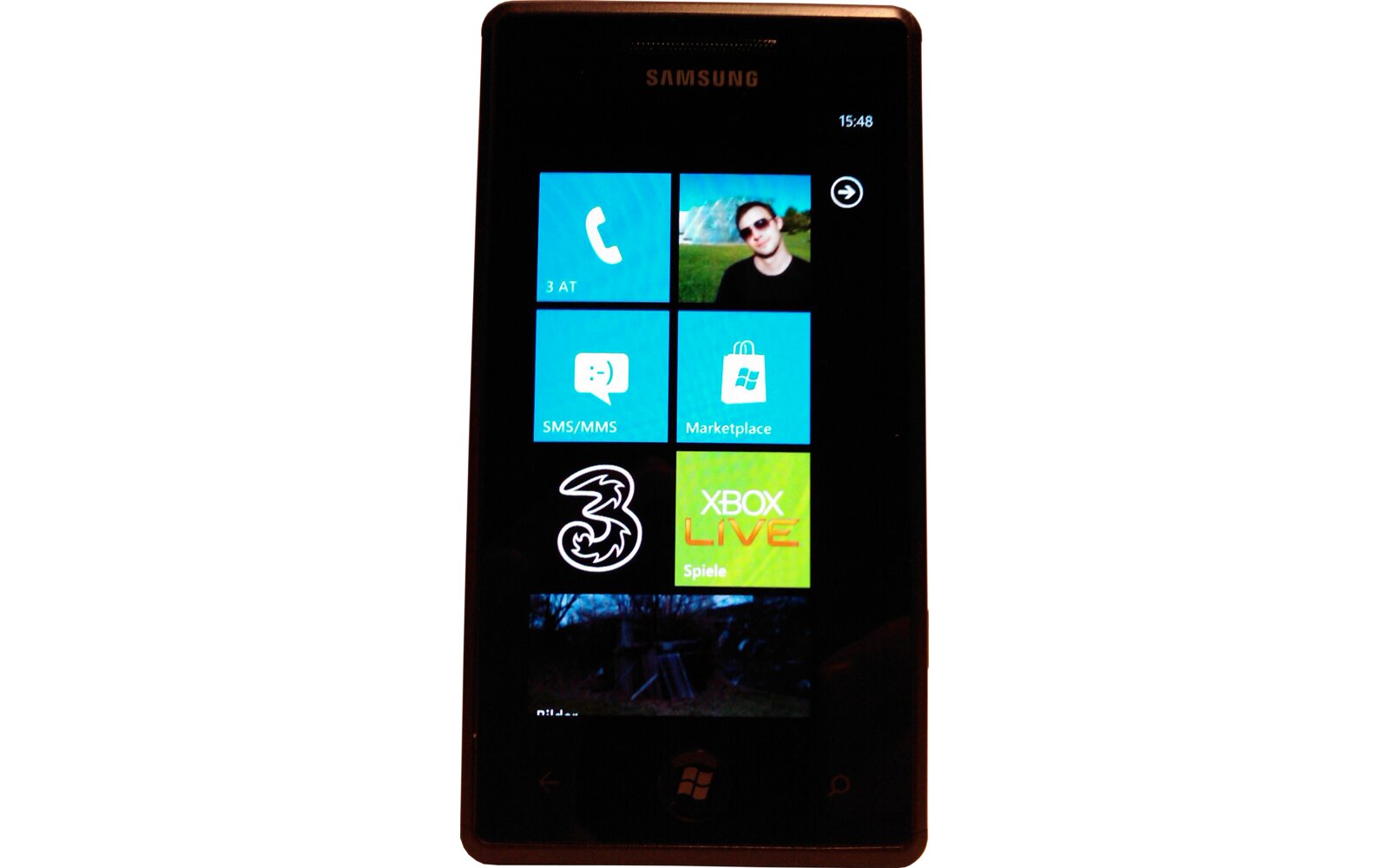
Here’s a little trick that will let you enable USB Tethering on the Samsung Omnia 7 ans Samsung Focus Windows Phone 7 devices:
– Open the phone dialer and tap: dial ##634# and press call
-Once you are in diagnosis mode, dial: *#7284# and you will then have to select Tethered, Modem Call.
-Your device will then have to reboot. Once it is done just plug your device to you PC and and a Samsung driver should install automatically.
– Once it’s done just go to Control Panel / Network and Internet / Network Connections and should see the Samsung Omnia7 or Focus Modem connected.You will then have to change the settings of your Samsung Modem and add your carrier’s info. if required. Here are AT&T’s:
number: *99***1#
user name: [email protected]
password: CINGULAR1
Unfortunately this is a pretty shady way to enable a feature and doesn’t work for everybody (doesn’t work for me with Windows 7 64bit, Samsung omnia 7 never shows up on the PC). If you want to connect to Zune you will have dial back into Diagnosis mode, Select Zune and reboot your device. I suggest you just wait for the official feature wish is supposedly coming in the next Windows Phone 7 update.
source: ForumGSMHosting & MobilityDigest
Buyer action
Where to buy or check next
Use this as the final check before ordering a phone, changing network or trusting a headline monthly price.