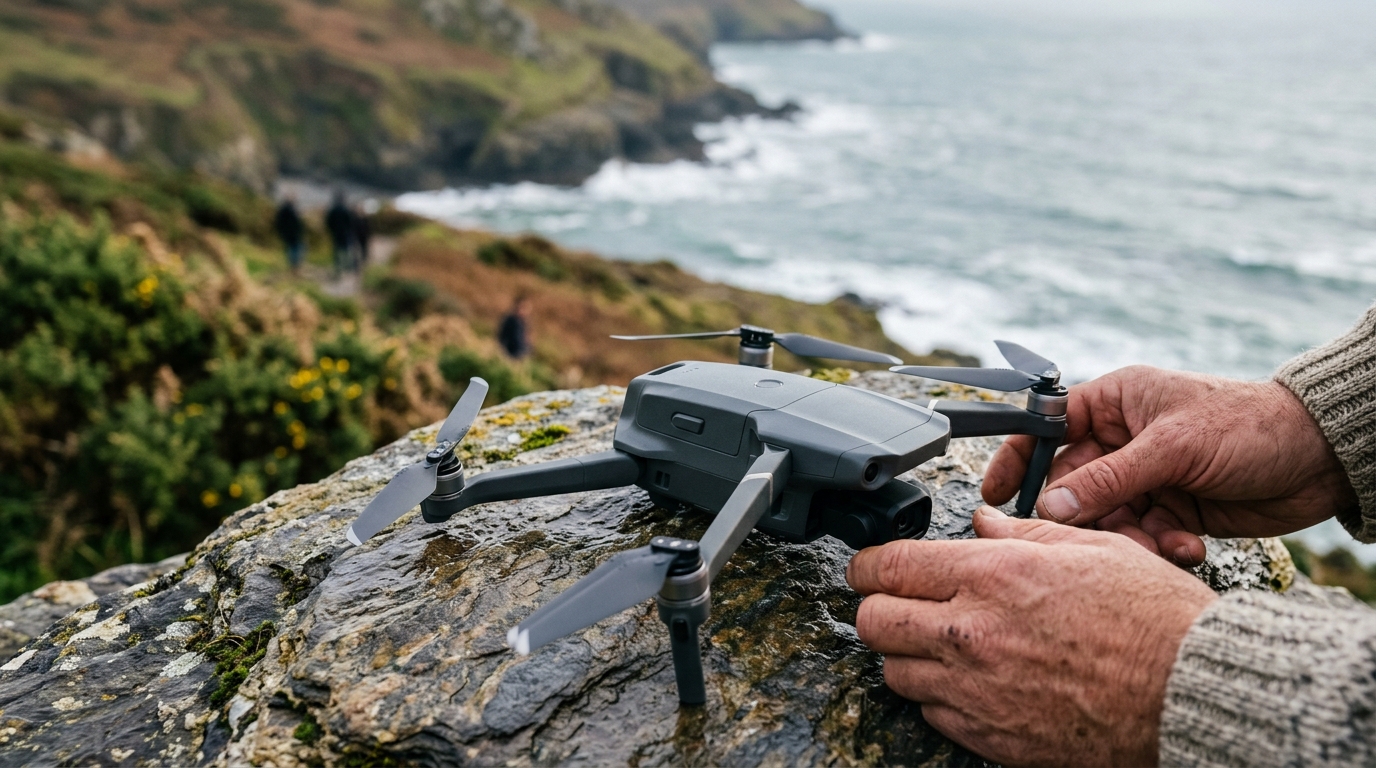
Flying a drone in the UK has become more accessible than ever, but before you take off you need to register your drone, and the regulations have tightened again for 2026. Whether you have just bought your first DJI Mini or you are upgrading to something more capable, you need to understand the registration process and the rules that govern where and how you can fly. This guide walks through everything step by step, using the most current 2026 regulations from the Civil Aviation Authority.
Do You Need to Register?
The short answer for most drone owners is yes. The CAA requires registration if your drone weighs 250 grams or more. Drones from 100g up to 250g that have a camera also require an Operator ID, and those that weigh 100g or more require a Flyer ID. Since virtually every consumer drone sold today includes a camera, this means even sub-250g models like the DJI Mini 4 Pro require registration. The only exemptions are toy drones without cameras that weigh under 100g, which are uncommon in the consumer market.
Registration involves two separate elements: an Operator ID and a Flyer ID. Understanding the difference is important because they serve different purposes and have different requirements.
Step 1: Get Your Operator ID
The Operator ID is required for anyone who owns or is responsible for a drone. This is the ID that gets labelled on the drone itself. To obtain one, visit the CAA Drone Registration Service and create an account. You will need to provide your name, address, and email. As of 2026 the registration costs £12.34 per year (including VAT) and is valid for 12 months from the date of registration.
Once you have your Operator ID, you must display it on every drone you fly. Most pilots use a small adhesive label inside the battery compartment. If you let someone else fly your drone, your Operator ID stays on the aircraft; the other person needs their own Flyer ID, but not their own Operator ID.
Step 2: Get Your Flyer ID
The Flyer ID proves you understand the rules. You obtain it by passing a free online theory test on the CAA website, which takes around 20 minutes and covers airspace rules, privacy, and safety. The test is multiple choice and you can retake it if you fail. Your Flyer ID is valid for five years.
Every person who physically flies a drone needs their own Flyer ID. If your children fly your drone, they need their own Flyer IDs too , although anyone under 18 can take the test, the Operator ID holder (the adult) remains legally responsible.
Once you have both IDs, you fall into one of three Open category subcategories depending on your drone’s weight and class marking:
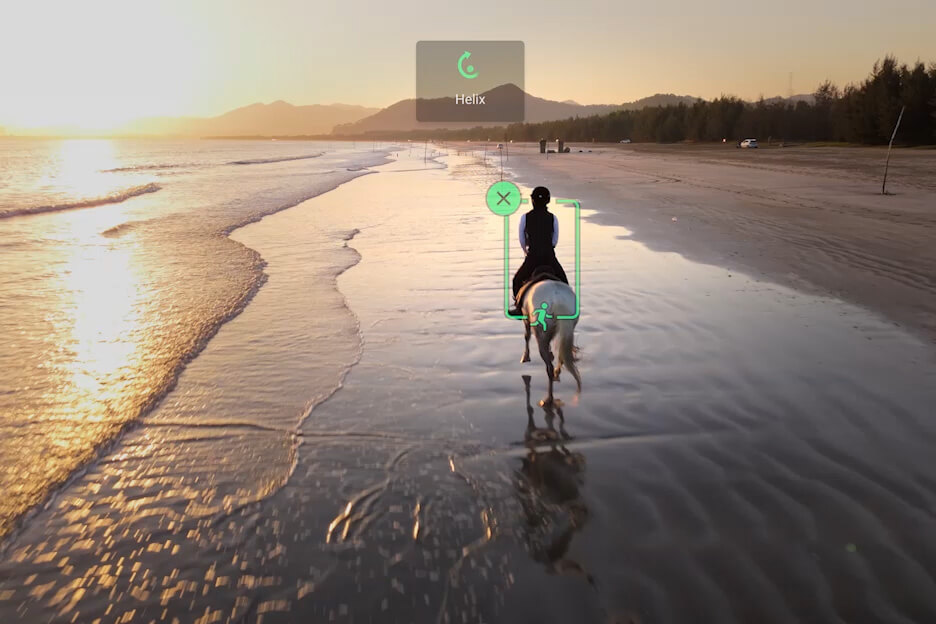
Category A1 (fly over people): Sub-250g drones with C0 or C1 class markings can fly over uninvolved people, but not over crowds. This is where the DJI Mini series sits , maximum flexibility with minimum paperwork.
Category A2 (fly close to people): Drones with C2 class markings weighing under 4kg can fly within 30 metres of uninvolved people, but you need an additional A2 Certificate of Competency (A2 CofC). This involves a practical self-study course and a supervised exam. Most serious hobbyists and commercial operators flying larger drones will need this.
Category A3 (fly far from people): Drones with C3 or C4 class markings, or legacy drones without class markings that weigh under 25kg, must fly at least 150 metres from residential, commercial, industrial, or recreational areas. This is the most restrictive category for built-up areas but applies to many older or larger drones.
The Sub-250g Advantage
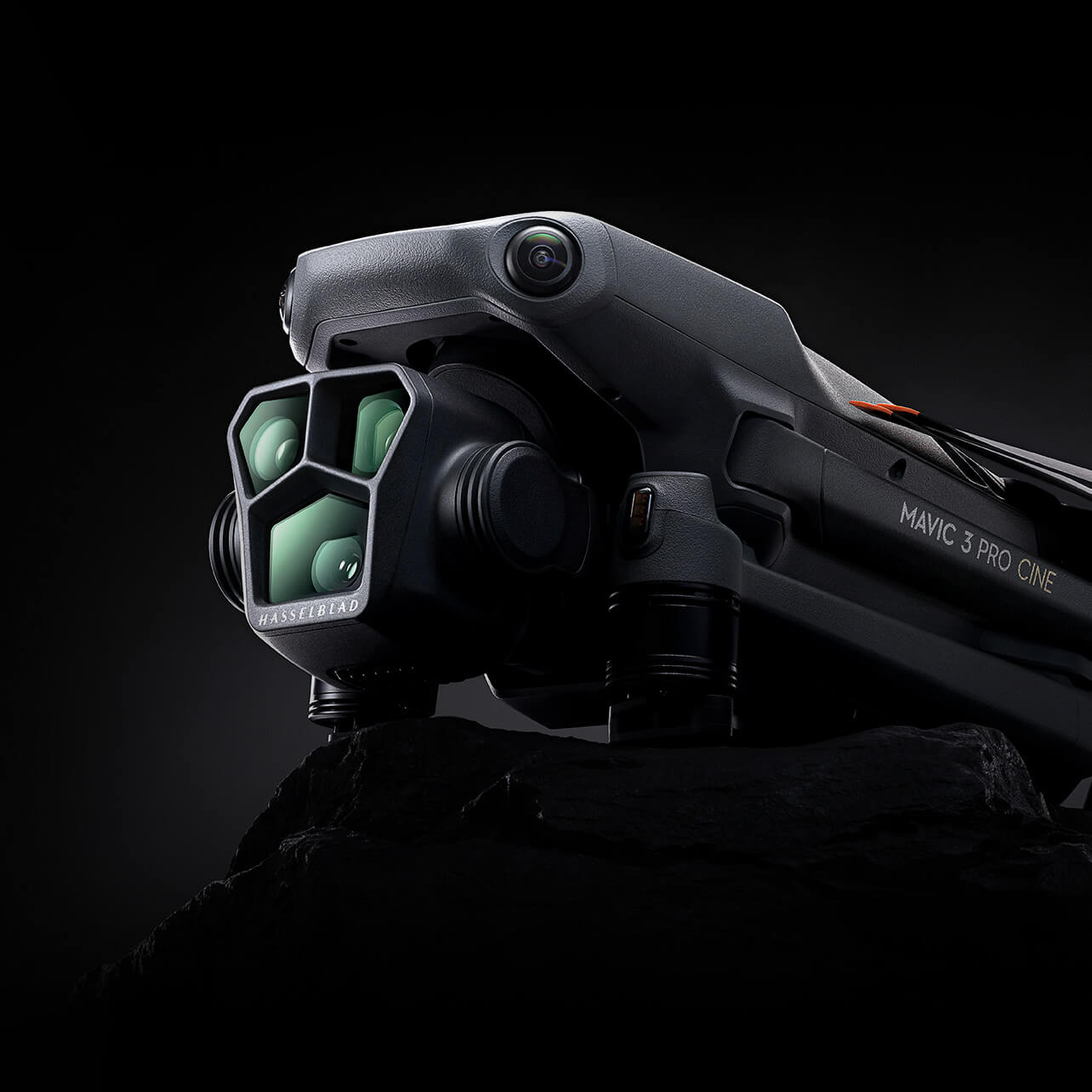
Drones weighing under 250 grams have a significant regulatory advantage. They can fly in Category A1, which means closer to people and buildings. They still require Operator and Flyer IDs (because they have cameras), but you do not need an A2 CofC. This is precisely why manufacturers like DJI have invested heavily in sub-250g models , the DJI Mini 4 Pro, for instance, packs a 48MP camera and 4K video into a 249g frame specifically to stay under this threshold.
No-Fly Zones and Restricted Airspace
Certain areas are permanently off-limits or require special permission. Airports and airfields have flight restriction zones extending up to 5 kilometres. Prisons, military installations, and government buildings are no-fly zones. National parks do not have blanket bans, but many have local bylaws that restrict take-off and landing on their land.
For a comprehensive map of restrictions, use the CAA’s online Drone and Model Aircraft Registration map, or download the NATS Drone Assist app. Before every flight, check the app for any temporary flight restrictions (NOTAMs) that might affect your planned location , these can pop up for events, emergencies, or VIP movements.
Practical Tips for Flying Legally and Safely
Beyond the regulations, a few practical habits will keep you out of trouble and help you capture better footage. Always perform a pre-flight check of your drone’s battery, propellers, and firmware. Fly within visual line of sight , if you cannot see the drone, you should not be flying it. Stay below 120 metres (400 feet) altitude at all times in the Open category. Be mindful of privacy , do not fly over private gardens or film people without their knowledge.

Wind is the most common cause of incidents for beginners. If the wind speed exceeds half your drone’s maximum speed, conditions are too challenging for safe flight. Check the weather before every session, and if you are learning, stick to calm days until your confidence builds.
What the 2026 Updates Changed
The biggest change for 2026 is Direct Remote ID (RID). From 1 January 2026, RID requirements are in force for UK1, UK2, UK3, UK5 and UK6 class drones, which covers most consumer and commercial models. The drone broadcasts its operator ID, serial number and live location over Bluetooth or Wi-Fi during flight, but no personal identifying data is broadcast publicly; only the CAA and authorised partners can cross-reference the operator details. Most modern DJI, Autel, and Parrot drones already support RID through firmware, so you just need to activate it in your drone’s settings. Older drones without Remote ID capability will need a separate module, typically costing between £50 and £100, or they must fly under a category that does not require RID. Model aircraft and privately built drones get a two-year grace period until 1 January 2028. For more, see our Drone coverage.
The CAA has also tightened enforcement. Flying without registration now carries fines of up to £1,000, and flying in restricted zones or without the required Remote ID can result in higher penalties and prosecution. Police forces across the UK now have drone detection equipment at major events, and Remote ID makes it trivially easy to trace any drone back to its registered operator. The days of flying anonymously are over, so register, activate Remote ID, and fly responsibly.
Related reading on MTW
Buyer action
Where to buy or check next
Use this as the final check before ordering a phone, changing network or trusting a headline monthly price.














Reader discussion
Leave a comment
Comments are moderated. Keep it useful, accurate, and on topic.