Matter and Thread smart home setup has a reputation for being needlessly complicated, and honestly, that reputation is partly deserved. This matter thread smart home setup development matters. But 2026 is the year these protocols have finally become usable for normal people — if you know what you are doing. The problem is that nobody explains the setup process clearly, so millions of perfectly compatible smart home devices sit in drawers because their owners gave up during pairing. This guide will fix that.
- Matter is the open smart-home standard backed by Apple, Google, Amazon, Samsung and the Connectivity Standards Alliance; Matter 1.5 shipped 20 November 2025 and adds cameras and energy management.
- Thread is the underlying low-power IPv6 mesh that battery devices use; Thread 1.4 (September 2024) standardises credential sharing so border routers join existing networks rather than creating new ones.
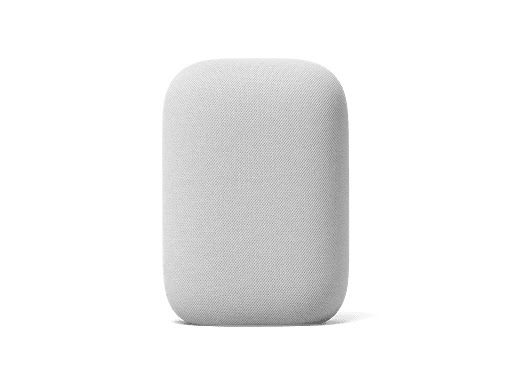
- You need a Matter controller (for example a HomePod, Nest Hub or Echo) plus a Thread border router; many modern smart speakers already contain both.
- Why it matters: a properly set-up Matter and Thread smart home is portable across Apple Home, Google Home and Alexa – you stop being locked into one ecosystem when you switch UK service providers.
What Matter and Thread Actually Are
Matter is a universal smart home protocol backed by Apple, Google, Amazon, and Samsung. Before Matter, every smart home device spoke a different language — Zigbee, Z-Wave, Wi-Fi, Bluetooth — and each manufacturer’s app was its own walled garden. Matter creates a common standard so that a smart bulb from one company works with a speaker from another, controlled through whichever app you prefer. If a device has the Matter logo on the box, it will work with Apple Home, Google Home, Amazon Alexa, and Samsung SmartThings without any special bridges or adapters.
Thread is the network that many Matter devices communicate over. Think of it as a low-power mesh network specifically designed for smart home gadgets. Unlike Wi-Fi, Thread uses very little battery and does not clog your router with dozens of connected devices. Unlike Bluetooth, Thread devices can relay signals through each other, creating a mesh that covers your entire home without range issues. Not all Matter devices use Thread — some use Wi-Fi — but the best ones do.
Step One: Check Your Devices and Update Firmware
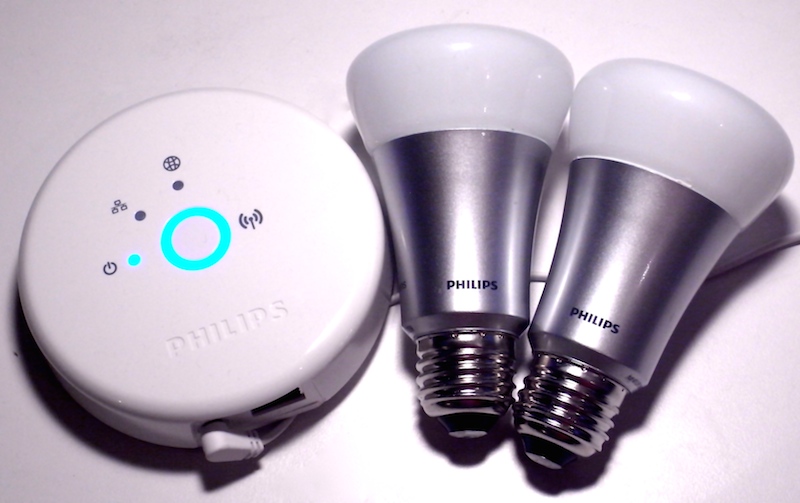
Before you start pairing anything, you need to confirm that your devices actually support Matter. Look for the Matter logo on the packaging or check the manufacturer’s website. Many existing smart home devices have received Matter support through firmware updates — Philips Hue bulbs, Eve sensors, Nanoleaf panels, and several Ikea DIRIGERA products all gained Matter compatibility via software updates in 2025-2026.
Update the firmware on every device you plan to use. This is the step most people skip, and it causes the majority of pairing failures. Open each manufacturer’s app (yes, you need them temporarily), check for updates, and let them install. For Hue, this means opening the Hue app and updating the bridge firmware. For Eve, update through the Eve app. For Ikea, use the IKEA Home Smart app. Once everything is current, you can begin the Matter setup process.
Step Two: Set Up Your Thread Border Router
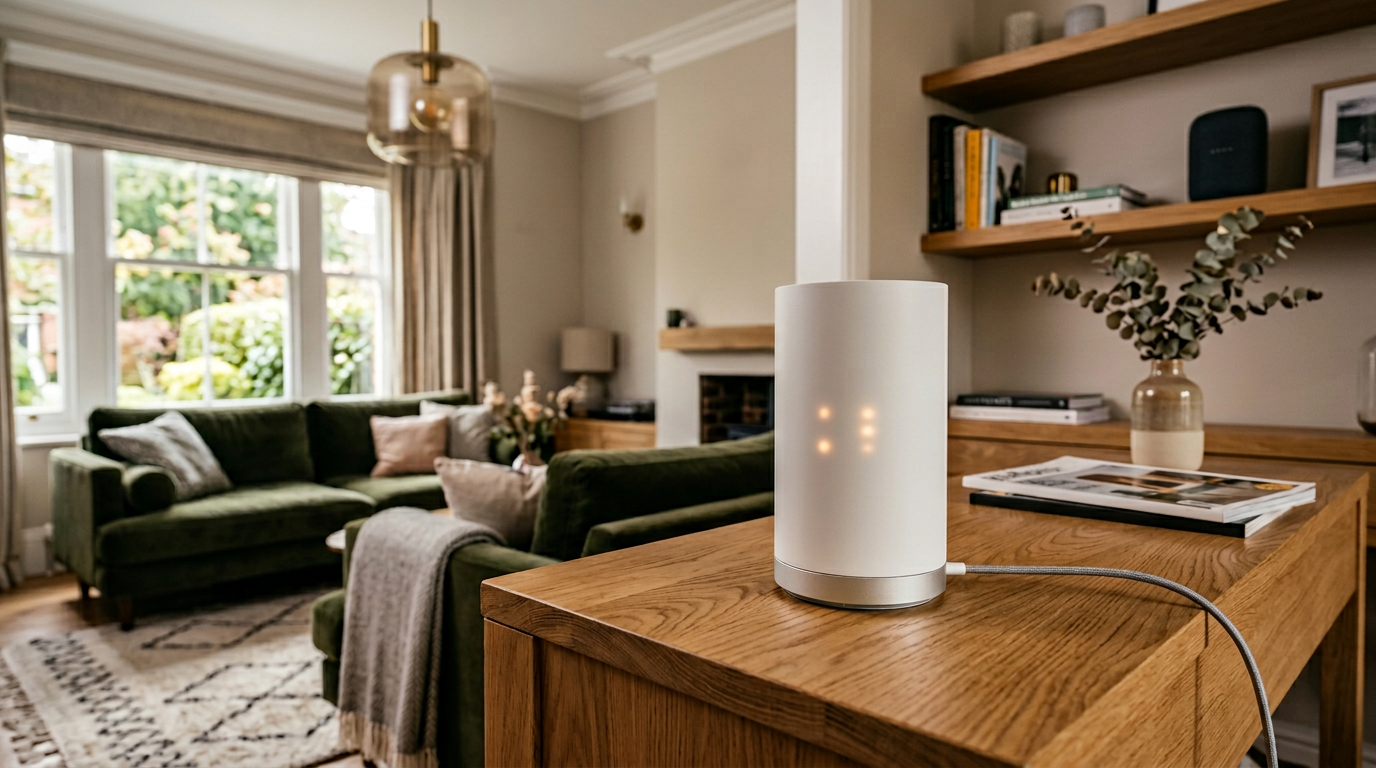
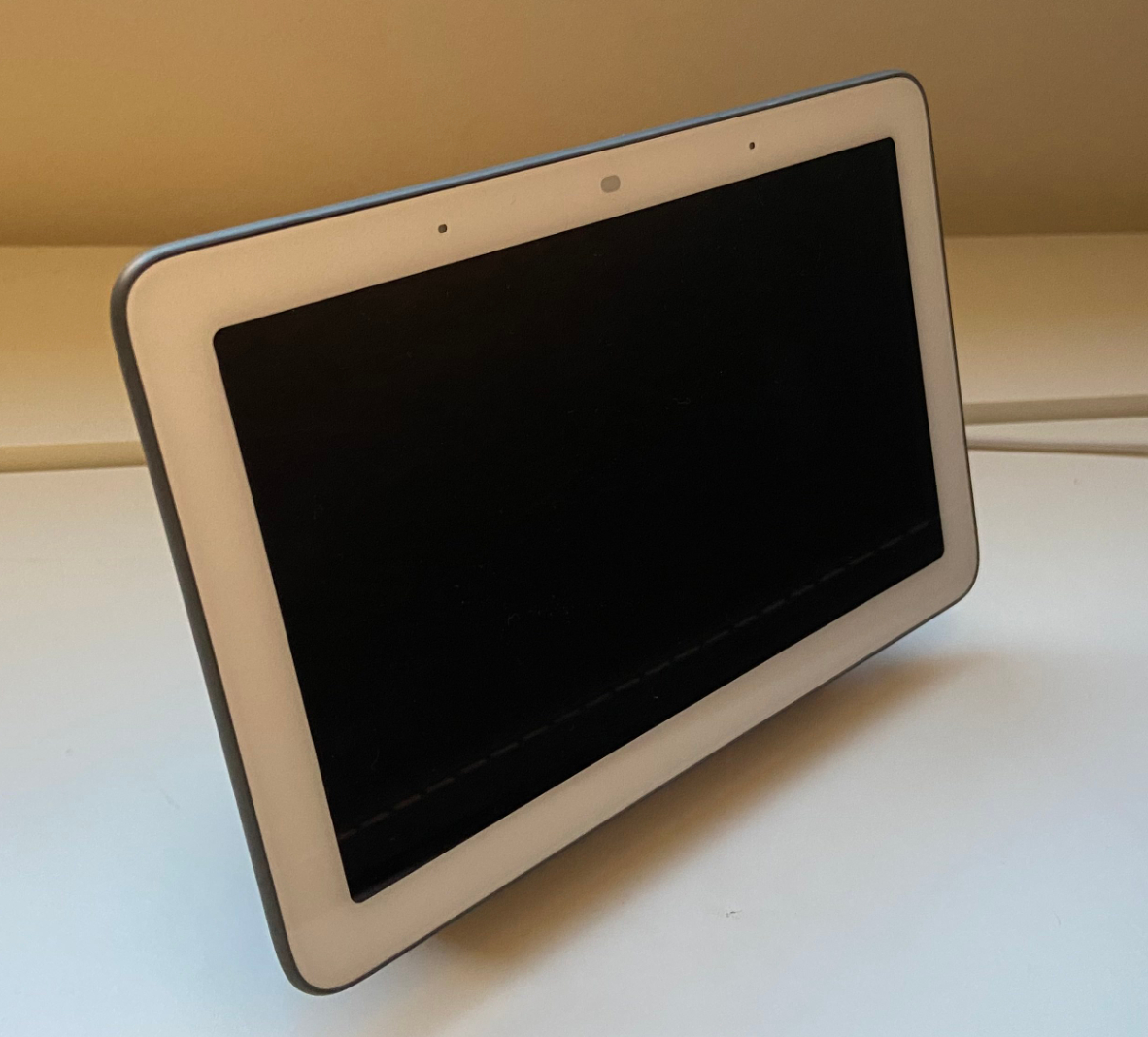
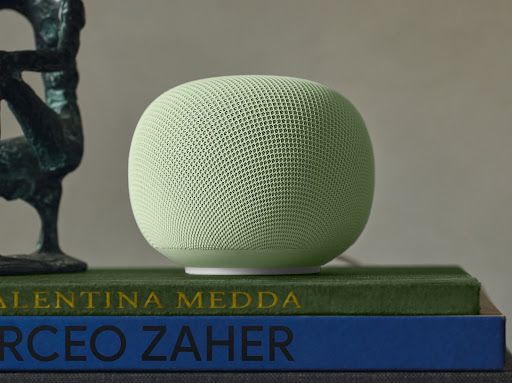
This is the bit that confuses everyone. Thread devices need a border router to connect to your home network and the internet. A border router is simply a device that speaks both Thread and Wi-Fi, acting as a translator between the two networks. The good news is that you probably already own one. Apple TV 4K (2022 or later), HomePod Mini, HomePod (2nd generation), Google Nest Hub Max, Nest Hub (2nd gen), Nest Wi-Fi Pro, and Amazon Echo (4th gen) all function as Thread border routers.
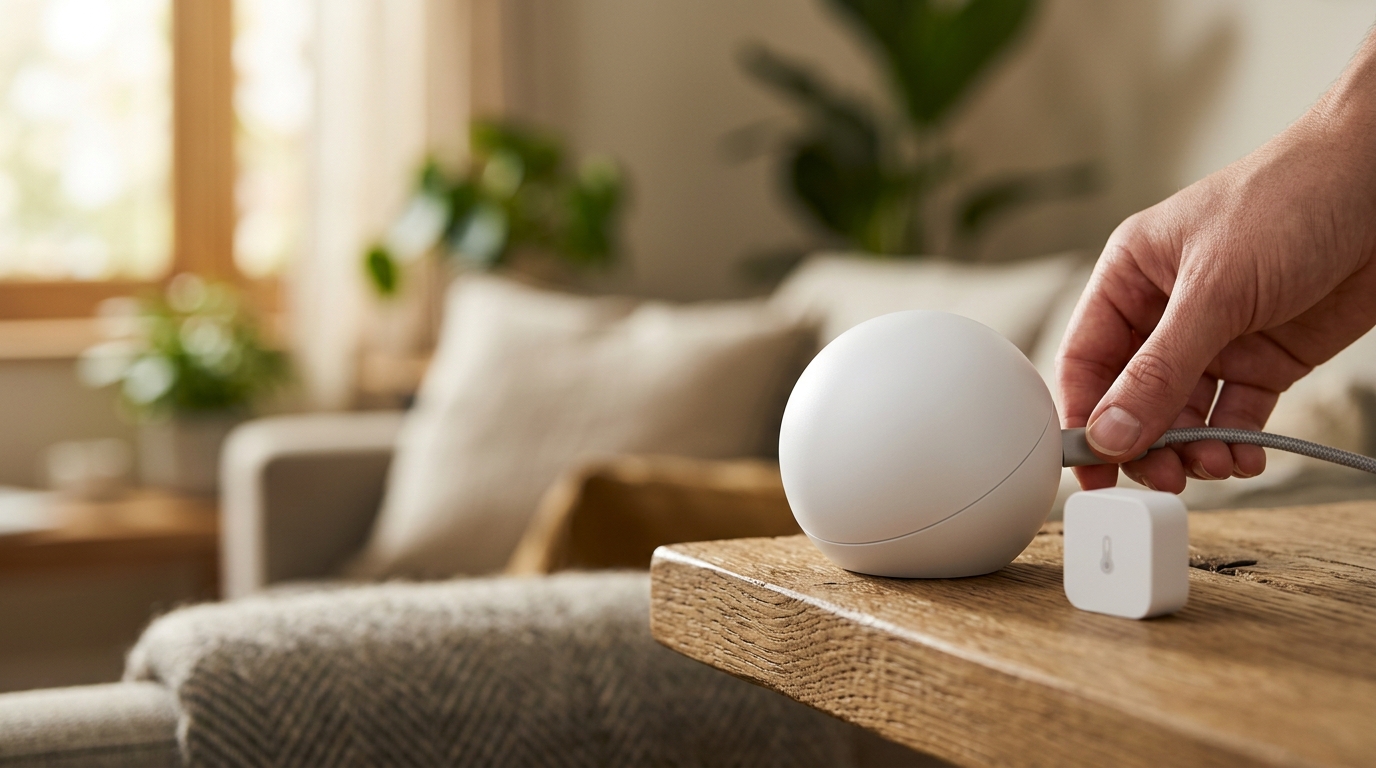
You only need one border router to start, but having two or more improves reliability. If your border router loses power or disconnects, a second one takes over automatically. If you are building a new setup from scratch, positioning one border router on each floor of your home is ideal. The border router needs to be plugged in and connected to your Wi-Fi — it handles the rest automatically.
Step Three: Add Devices Through Your Preferred App
With your border router running, open your smart home app of choice — Apple Home, Google Home, or Amazon Alexa. Each app has an “Add Device” or “Add Accessory” option. Select it, then scan the Matter QR code or enter the numeric setup code found on the device or its packaging. The app will discover the device, add it to your network, and assign it to a room.
A crucial tip: keep the device within two metres of your border router during initial pairing. Thread devices need a strong signal for the first handshake, even though they will work at much greater distances once paired and part of the mesh. If pairing fails, move the device closer, power-cycle it, and try again. Most pairing failures are simply range issues during the initial setup.
Common Problems and How to Fix Them
Device will not pair: Factory reset the device (usually holding a button for 10 seconds), move it closer to your border router, and ensure your phone is on the same Wi-Fi network as the border router. Also check that Bluetooth is enabled on your phone — Matter uses Bluetooth for the initial pairing handshake even if the device ultimately communicates via Thread.
Thread network not forming: Confirm your border router is online and updated. In Apple Home, go to Home Settings and check the Thread network status. In Google Home, check under Devices for your Nest Hub’s Thread status. If no Thread network exists, restart your border router and wait five minutes.
Device responds slowly or drops offline: This usually means the device is too far from the nearest Thread node. Thread is a mesh network, so adding more Thread devices between the problem device and your border router will improve coverage. Mains-powered Thread devices (like smart plugs and bulbs) act as routers in the mesh, whilst battery-powered devices (like sensors) are end nodes that do not relay signals.
Verdict: Matter Is Finally Usable, But Setup Is Still Rougher Than It Should Be
The best starter kit for someone entering the Matter and Thread ecosystem in 2026 is an Apple HomePod Mini (border router), two or three Philips Hue bulbs (Thread mesh routers), and an Eve Motion sensor (Thread end device). This combination gives you a functional Thread mesh, voice control, and automation capability for under £200. From there, you can expand with additional bulbs, plugs, sensors, and controllers from any Matter-compatible manufacturer. For more, see our Ev coverage. You might also read How to Fly a Drone Legally in the UK Under the New 2026 Rules.
Matter has come a long way from its rocky 2023 launch. Device compatibility is broad, the major platforms all support it properly, and Thread mesh networking delivers genuinely reliable performance once established. But the setup process still demands more technical knowledge than it should, the error messages are still unhelpful, and the reliance on multiple manufacturer apps for firmware updates before you can even begin is a poor user experience. The smart home of 2026 works — but it still requires you to do more homework than plugging in a lamp should ever demand.
Related reading on MTW
- How to Switch From iPhone to Android in 2026 Without Losing Anything
- How to Set Up Samsung AirDrop on Any Galaxy Phone: The Complete Quick Share Guide for 2026
- How to Fly a Drone Legally in the UK Under the New 2026 Rules
Source: Amazon UK.
Buyer action
Where to buy or check next
Use this as the final check before ordering a phone, changing network or trusting a headline monthly price.














Reader discussion
Leave a comment
Comments are moderated. Keep it useful, accurate, and on topic.