
Gemini UK pricing now runs across four published tiers in pounds, and the gap between them is wider than the monthly figures suggest. Google lists a free plan at £0, Google AI Plus at £4.49 a month, Google AI Pro at £18.99 a month, and Google AI Ultra from £79.99 a month, each bundling a different slice of Gemini model access, Google One storage and extras like NotebookLM and YouTube Premium. This guide explains what every tier actually buys a UK reader, where the real usage limits bite, and which one is worth paying for.
- Four UK tiers: Free (£0), Google AI Plus (£4.49/mo), Google AI Pro (£18.99/mo), Google AI Ultra (from £79.99/mo).
- Storage scales with price: 15GB free, 400GB on Plus, 5TB on Pro, 20TB or more on Ultra, shared across Drive, Gmail and Photos.
- The free tier already includes Deep Research, Gemini Live, Canvas and Gems, so most people do not need to pay at all.
- The UK student offer of 12 months free AI Pro ended on 3 November 2025 and is not currently available.
What the four Gemini tiers cost in the UK right now
Google has settled on a clean four-rung ladder in Britain, and unlike some of its US launches the prices are published in GBP rather than left as a dollar figure for you to convert. The free plan costs nothing, Google AI Plus is £4.49 a month, Google AI Pro is £18.99 a month, and Google AI Ultra starts at £79.99 a month and climbs to £189.99 for the version with the highest limits. Each paid tier is billed monthly through your Google account, and each bundles a Google One storage allowance, so you are not really buying a chatbot subscription so much as a combined AI and cloud-storage plan. If you have ever paid for Google One purely for Drive and Photos space, the maths changes once Gemini is folded in.
The headline that matters for most readers is that the entry point is genuinely free, not a time-limited trial. That sets Gemini apart from how some buyers remember the earlier paid-only Advanced tier. The reasonable way to read the ladder is as one free tier for everyday questions, one cheap tier that mostly buys storage and a usage bump, one mid tier that unlocks the strongest model and creative tools, and one premium tier aimed at heavy creators and professionals. If you are still deciding between assistants entirely, our ChatGPT vs Claude vs Gemini comparison is the better starting point before you commit any money to one ecosystem.
The free tier: what £0 actually gets you
The free plan is far more capable than most casual users realise. Google confirms it includes access to Gemini 3.5 Flash with varying access to the more capable 3.1 Pro model, plus Deep Research for multi-step web investigations, the real-time Gemini Live voice mode, the Canvas workspace for drafting and coding, and custom Gems you can build for repeat tasks. You also get the standard 15GB of Google One storage that comes with any Google account, shared across Gmail, Drive and Photos.
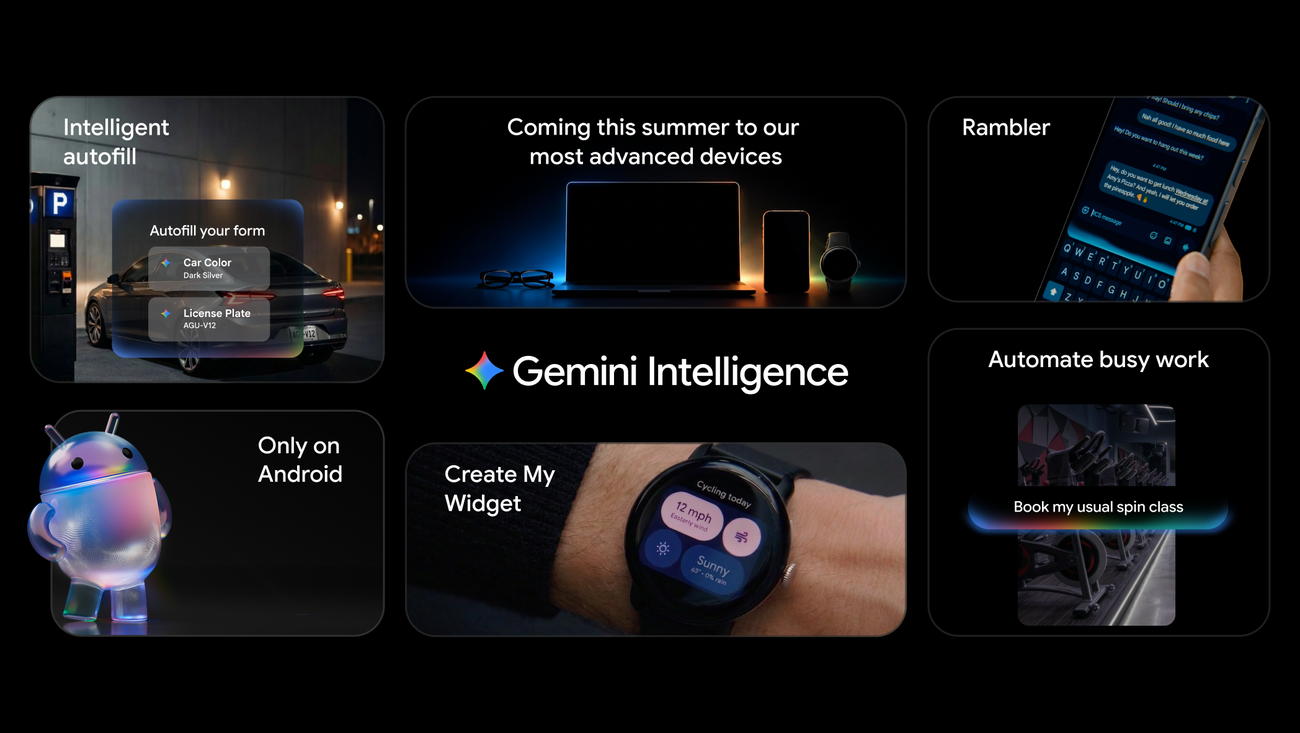
The catch is volume rather than capability. Free users hit lower daily caps on the heavier features, so Deep Research runs, longer Live sessions and image generation are rationed, and access to the strongest 3.1 Pro model is described as varying rather than guaranteed. For a reader who asks Gemini a handful of questions a day, drafts the odd email and occasionally runs a research query, the free tier is the honest recommendation and you should not pay a penny. If you are setting it up on a phone, the rollout details in our guide to the Gemini Intelligence Android rollout are worth a read first, since the on-device features depend on your handset. It is also worth checking the data settings before you lean on personalised replies, which is exactly what our Gemini app privacy walkthrough covers in detail.
Google AI Plus at £4.49: mostly a storage and limits upgrade
Google AI Plus at £4.49 a month is the quietest tier, and that is the point. It raises your Gemini usage limits to roughly twice the free allowance, adds 400GB of Google One storage, brings Gemini into Gmail, Docs and the Vids tool, includes NotebookLM with more Audio Overviews and notebooks, and hands you a small pool of Google Flow video-generation credits. There is no jump to a new flagship model here, so this is not the tier to buy if your goal is the smartest possible answers.
Who does Plus suit? The clearest case is someone who is already paying Google for storage. The standalone Google One 200GB plan costs around £2.49 a month, so at £4.49 the Plus tier doubles that allowance to 400GB and folds in the Gemini limit bump, Gmail and Docs integration and NotebookLM for roughly £2 on top of storage you may already be buying. If you treat AI writing as part of your everyday workflow, weigh it against the dedicated tools in our roundup of the best AI writing assistant options for 2026, because a Plus subscription is not always the cheapest route to good drafting. For most people who do not need 400GB, Plus is a tier to skip in favour of either staying free or jumping straight to Pro.
Google AI Pro at £18.99: the full Gemini 3 Pro tier
Google AI Pro at £18.99 a month is where the experience genuinely changes. This tier gives higher access to the flagship Gemini 3 Pro model, four times the free usage limits, 5TB of Google One storage, 1,000 Google Flow credits for video work, NotebookLM with five times more Audio Overviews, and a YouTube Premium Lite plan that strips ads from most YouTube viewing. For anyone who uses an AI assistant daily for real work, this is the tier that stops you bumping into limits mid-task.

The value question is whether £18.99 a month, or about £228 a year, is justified by your usage. The honest test is frequency: if you reach for Gemini several times an hour during a working day, run regular Deep Research reports, generate video, or want the strongest reasoning on hard problems, Pro pays for itself quickly. If you open it twice a week, it does not. The 5TB storage allowance is a meaningful sweetener for anyone who shoots a lot of photos or video on a Pixel or Galaxy, since it removes the separate Google One bill entirely. Note that the previous 12-month free AI Pro offer for UK students ended on 3 November 2025, so students no longer get this tier complimentary and should budget for it like anyone else.
Google AI Ultra from £79.99: who the premium tier is really for
Google AI Ultra starts at £79.99 a month and rises to £189.99 for the configuration with the highest limits. For that you get up to twenty times the Gemini limits of the Pro plan, 20TB or more of Google One storage, first access to advanced features including the Deep Think reasoning mode and the Gemini Spark personal agent, a much larger pool of Google Flow credits, and a full individual YouTube Premium subscription rather than the Lite version. This is a professional and power-creator tier, not a consumer default.
Deep Think and Gemini Spark are the two features that justify the jump for the right person. Spark in particular is an always-on agent rather than a chat session, and if you want to understand what it does in practice our 15-minute Gemini Spark setup walkthrough is the practical companion to this pricing piece. We have also argued, in our editorial on Google AI Ultra at £79.99, that the tier is easy to oversell: the limits and storage are real, but the average UK buyer will not use twenty times the Pro allowance, and £960 a year is serious money. Treat Ultra as a tool you buy because a specific workflow demands it, not because it is the top of the menu.
How Google One storage changes the value sum
The detail that most price comparisons miss is that every Gemini tier doubles as a Google One storage plan, and the storage scales aggressively: 15GB free, 400GB on Plus, 5TB on Pro and 20TB or more on Ultra, all pooled across Gmail, Drive and Google Photos. If you already pay for Google One, you should subtract that cost before judging the Gemini premium. A reader paying around £7.99 a month for the standalone 2TB Google One plan is part-way to the £18.99 Pro tier already, and Pro more than doubles the space to 5TB while adding the full Gemini 3 Pro model on top.
This bundling is also why a flat comparison against rivals can mislead. A standalone assistant subscription buys you a model and limits; a Gemini tier buys you a model, limits and a cloud-storage upgrade you might otherwise pay for separately. If your decision is really between ecosystems rather than tiers, our piece on Gemini versus GPT-5.5 on Android sets out why the Android integration tilts the value sum for phone-first users, and the head-to-head against Microsoft in our Microsoft 365 Copilot UK pricing breakdown is the right comparison if you live in Office rather than Workspace.
Real limits, model access and the catches to watch
Three caveats deserve flagging before you pay. First, model access is tiered and capped, not unlimited: free users get varying access to 3.1 Pro, Plus doubles the free limits without unlocking a new flagship, and only Pro and Ultra give reliable access to Gemini 3 Pro and the heaviest features. Second, the creative credits such as Google Flow are pools that deplete, so heavy video generators on Pro can still run out before the month ends and need Ultra. Third, the YouTube Premium benefit differs by tier, with Lite on Pro and the full individual plan on Ultra, which matters if ad-free YouTube is part of why you are paying.
Because every paid tier is billed monthly with no long lock-in, the low-risk approach is to start free, upgrade to Pro for a single busy month when you have real work to push through, and step back down if your usage drops. There is no UK-specific contract trap here in the way there is with a phone tariff, but you should still set a calendar reminder to review the subscription, since the easiest money Google makes is from people who upgraded for one project and never cancelled.
Plans compared at a glance
The table below puts the four tiers side by side on the three things that decide most purchases: price, storage and the best model you can reach. Read it as a shortlist tool, then use the verdict for the actual recommendation.
| Tier | UK price/mo | Storage | Headline extras | MTW read |
|---|---|---|---|---|
| Free | £0 | 15GB | 3.5 Flash, limited 3.1 Pro, Deep Research, Gemini Live, Canvas, Gems | Right for most casual users |
| Google AI Plus | £4.49 | 400GB | 2x limits, Gemini in Gmail and Docs, NotebookLM, some Flow credits | Mainly a storage and limits bump |
| Google AI Pro | £18.99 | 5TB | Full Gemini 3 Pro, 1,000 Flow credits, YouTube Premium Lite, 5x NotebookLM | The tier to pay for if you use it daily |
| Google AI Ultra | from £79.99 | 20TB+ | Up to 20x Pro limits, Deep Think, Gemini Spark, full YouTube Premium | Power creators and professionals only |
What we like and what we would watch
| What we like | What we would watch |
|---|---|
| A genuinely useful free tier with Deep Research and Gemini Live, not a trial | Plus does not unlock a new model, so its value rests on storage |
| Pro folds 5TB of Google One storage into the £18.99 price | Flow credits are finite pools that heavy creators can exhaust |
| Prices are published in GBP with monthly, cancel-anytime billing | Ultra at up to £189.99 is easy to oversell to buyers who will not use it |
Where to check and manage your Gemini plan in the UK
All four tiers are bought and managed through your Google account rather than a high-street retailer, so there is no Currys or John Lewis route to compare here. Check the live prices on the Gemini UK subscriptions page and confirm the storage and feature breakdown on the Google One AI plans page before you commit. Existing Google One subscribers should check whether their current storage plan now includes a Gemini allowance, because Google has been folding AI access into some One tiers and you may already have more than you think. Billing is monthly and you can cancel from the Google One membership screen at any time, with access running to the end of the paid period.
For most UK readers, the free Gemini tier is the right answer and you should not pay anything: it already includes Deep Research, Gemini Live, Canvas and Gems, which covers everyday use comfortably. The tier worth paying for is Google AI Pro at £18.99 a month, and only if you genuinely use an assistant several times a day or want the 5TB Google One storage bundled in, because it unlocks full Gemini 3 Pro and removes the usage ceilings that frustrate free users. Skip Google AI Plus unless you specifically want 400GB of storage, since it buys limits rather than a better model. Treat Google AI Ultra from £79.99 as a specialist purchase for heavy video creators and professionals who will actually use Deep Think and Gemini Spark; at up to £189.99 a month it is not a default. Our view: start free, upgrade to Pro for the months you need it, and review monthly. What would flip this is a future bundling change that hands meaningful Gemini limits to cheaper Google One tiers.














Reader discussion
Leave a comment
Comments are moderated. Keep it useful, accurate, and on topic.