News · 12 Nov 2010 · MTW Editorial Team

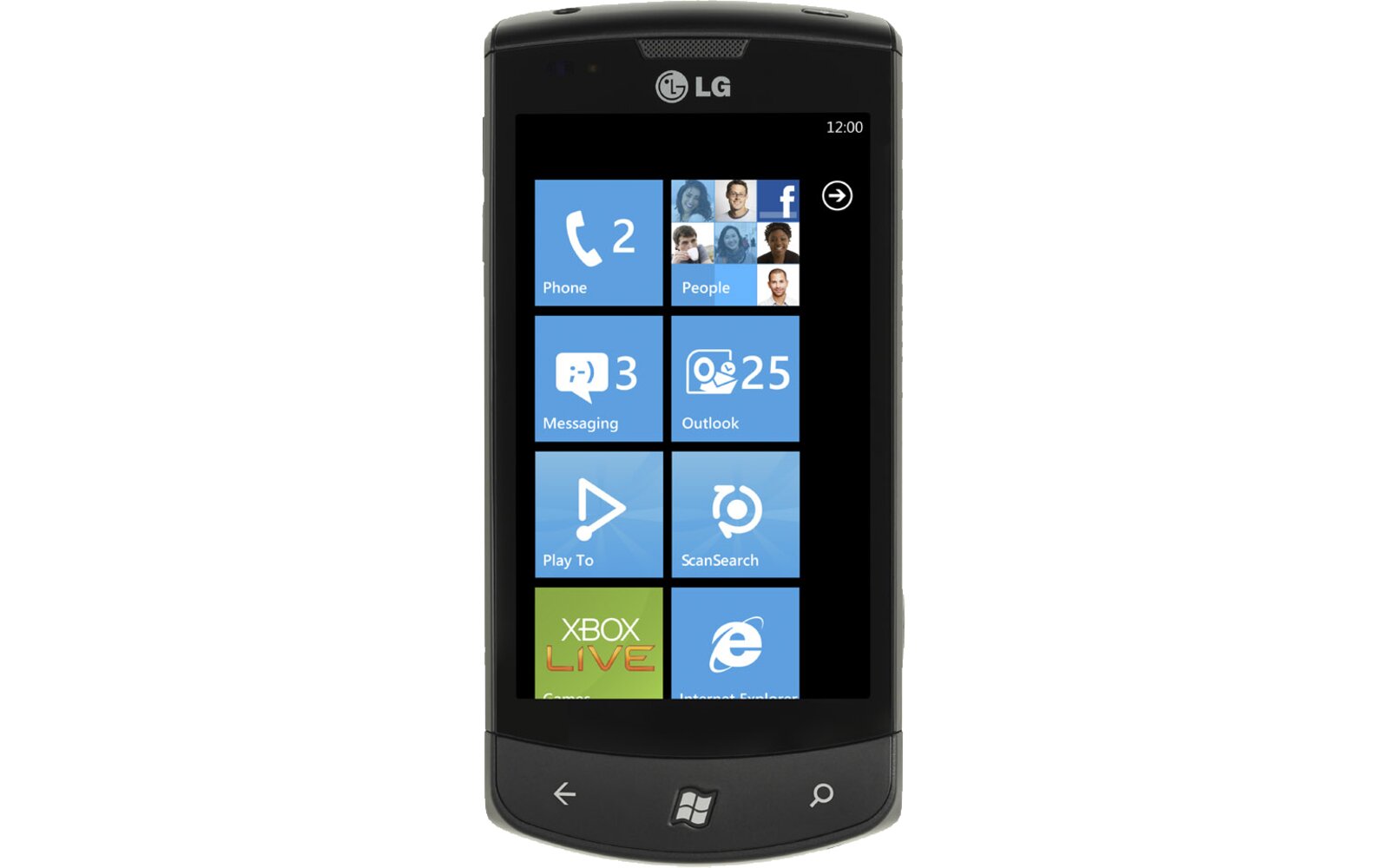
I guess that this was bound to happen sooner rather than later. You can enable tethering on the LG Optimus 7 in the same way that it is done on the Samsung Omnia 7 and Samsung Focus. First you will have to enter the Diagnosis /MFG mode of the phone by dialing ##634# and taping call. Once it’s done the MFG application will appear in your phone’s application list. Launch the MFG app and enter the following code to unlock the diagnosis tools: 277634#*#. You will then see several option appear. Once you have done this download the LG Modem drivers here and follow the instructions below:
– Disable the Data connection in the phone’s Cellular setings
-Launch the MFGtools and select “USB Switching”
– Select QC Composite and the phone will reboot
– Once it’s done connect your phone to your PC and wait until the drivers are automatically re-installed
– Go into the “LGE CDMA USB Modem” settings and ad the following +CGDCONT=1,”IP”,”xxxxxx ” (xxxxx=carriers name”)
and *99# as the call number.
To revert back to normal Zune mode just select MS Compiste in the MFG tools and your phone will reboot in normal mode.
via Smartphonefrance
Buyer action
Where to buy or check next
Use this as the final check before ordering a phone, changing network or trusting a headline monthly price.