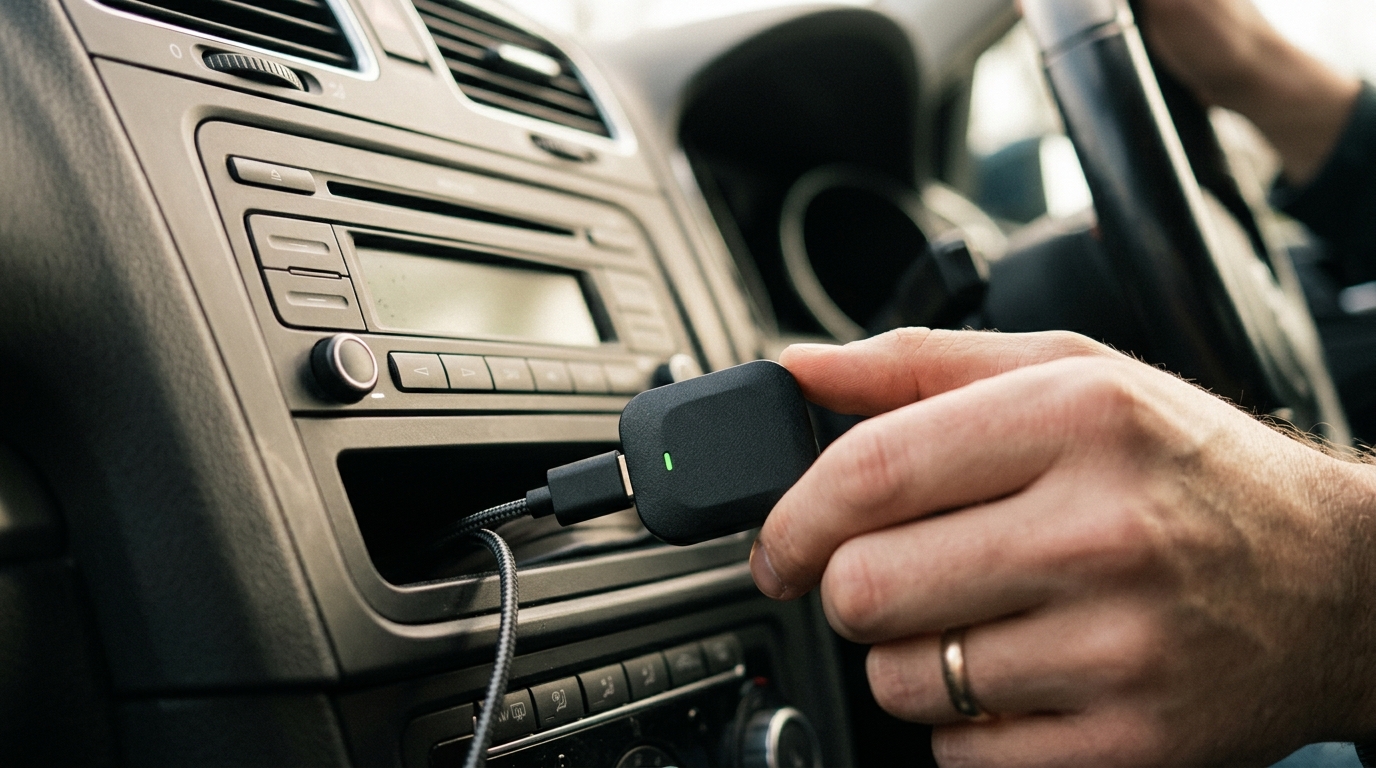
If your car is between five and twelve years old, there is a decent chance the head unit supports wired Android Auto but not the wireless version. That can be fixable with a wireless adapter if your car, phone and head unit are compatible. Start by checking that wired Android Auto works over USB, then choose an adapter with clear warranty, firmware and support information.
Table of Contents
Table of contents — the wireless android auto older uk car angle
TL;DR — the wireless android auto older uk car angle
- Pick: AAWireless TWO if your car already has wired Android Auto; check live UK price and stock before buying.
- Budget note: cheaper adapters can work, but firmware support and returns matter more than the headline price.
- Be careful with no-name adapters under £30; weak support and unclear firmware updates are the usual risk.
- Setup is usually a short Bluetooth and Wi-Fi pairing process once your phone, car and adapter are compatible.
- If your car has no Android Auto at all, price a branded Android Auto head unit and installation separately.
If your car is older than that and has no Android Auto support at all, you have a different decision to make: buy an aftermarket head unit, install Android Auto wirelessly that way. We will cover both routes. This guide is written for UK cars, UK retailers and UK SIM data plans.
Step 1: Work out what you actually have
Plug your phone into the car’s USB port with the cable that came with it. If Android Auto launches on the car screen automatically, you have wired Android Auto and you can skip to Step 2. If nothing happens, check the head unit’s source menu; sometimes Android Auto is disabled by default in the car’s settings menu and just needs switching on. While you are in there, our Android battery health guide covers what is silently draining the phone you are plugging in.
If your car cannot do wired Android Auto at all, the wireless adapter route does not work. You will need a new head unit (Step 5) or a tablet mount workaround (Step 6).
Step 2: Pick a wireless adapter
Start with adapters that publish clear compatibility, support and warranty details. The AAWireless TWO official page says it works with cars and aftermarket head units that already have wired Android Auto, requires an Android 11 or newer phone for wireless Android Auto, and uses Bluetooth plus Wi-Fi. Its multi-function button for pairing and switching phones makes it the safest recommendation on paper for shared cars. Treat live price and stock as retailer-dependent.
Avoid no-name adapters under £30 unless the seller has a clear returns route. The risk is not only connection stability; it is also firmware support, unclear compatibility data and poor documentation when something goes wrong.
Step 3: Pair the phone over Bluetooth
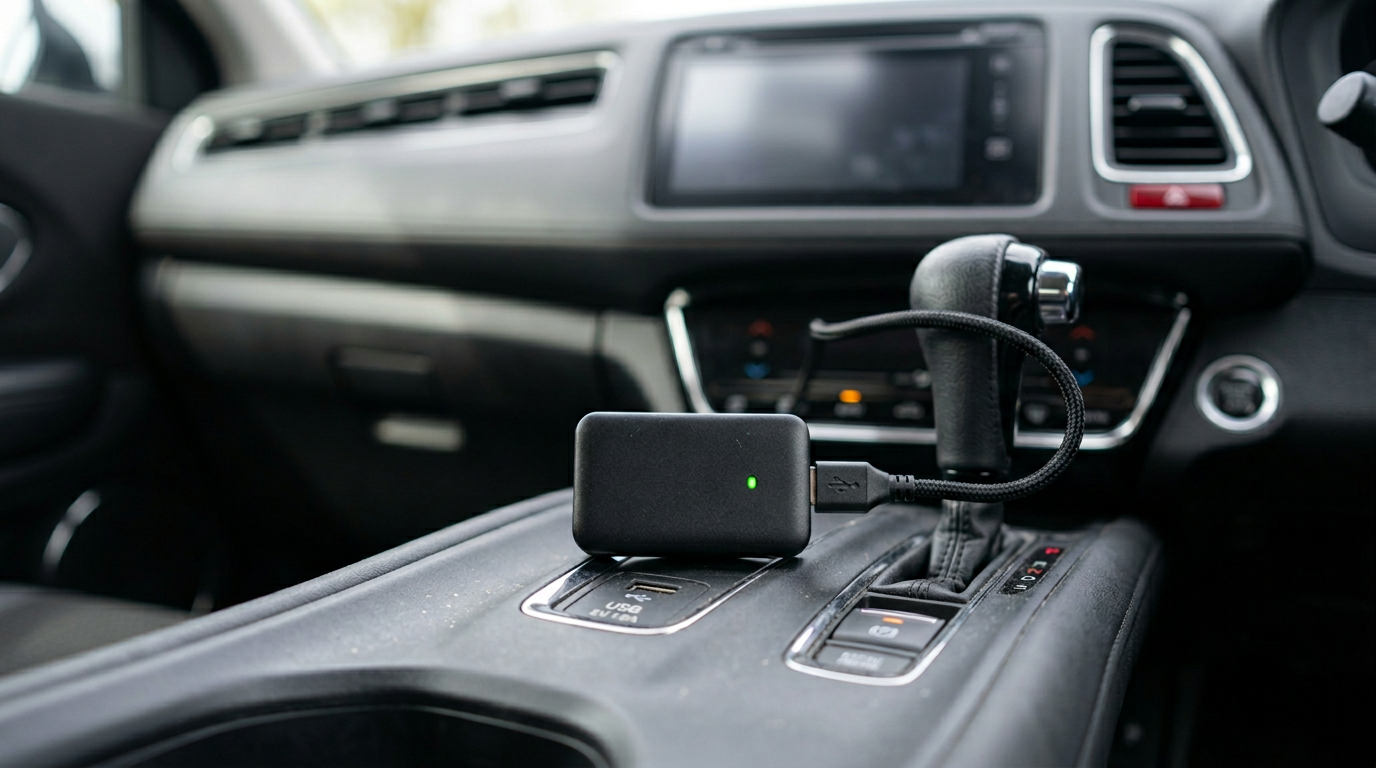
Plug the adapter into the car’s USB port. The car should detect it as if it were a phone; Android Auto launches on the head unit. The first time, follow the on-screen prompts to pair via Bluetooth: open Bluetooth on your phone, accept the pairing code, and confirm the secondary Wi-Fi handshake when prompted.
From the second start onward, the process is automatic. Get in, start the engine, the adapter wakes, your phone connects via Bluetooth first then jumps to a 5GHz Wi-Fi link for the actual data. If your phone is also slowing down on long drives, our how to speed up an old Android phone guide is the right next step. Total time from key-on to map showing on screen: 8-15 seconds with a 2026 adapter, versus 20-40 seconds with the cheap dongles.
Step 4: Tweaks worth doing
In Android Auto’s settings on your phone, turn on “Start Android Auto automatically when connected” so the car wakes the app without you tapping anything. Add Spotify, Google Maps, Waze and WhatsApp to the launcher pinned items. If you use a podcast app, allowlist Pocket Casts or Spotify Podcasts here too; Android Auto hides anything not pinned.
Set your default navigation app and default media app under Android Auto’s Customise Launcher menu. This stops the system defaulting to Google Maps when you wanted Waze, or to YouTube Music when your library lives on Spotify.
Step 5: When your car is too old for any of this
If the factory head unit will not do wired Android Auto, the cleanest fix is to swap it for a double-DIN aftermarket unit. The Pioneer DMH-A4450BT at £279 from Halfords is our pick for most UK cars: it does wireless Android Auto and CarPlay out of the box, fits the standard double-DIN slot, and Halfords’ fitting service is £80 with a 12-month workmanship guarantee. Total under £400 fitted.
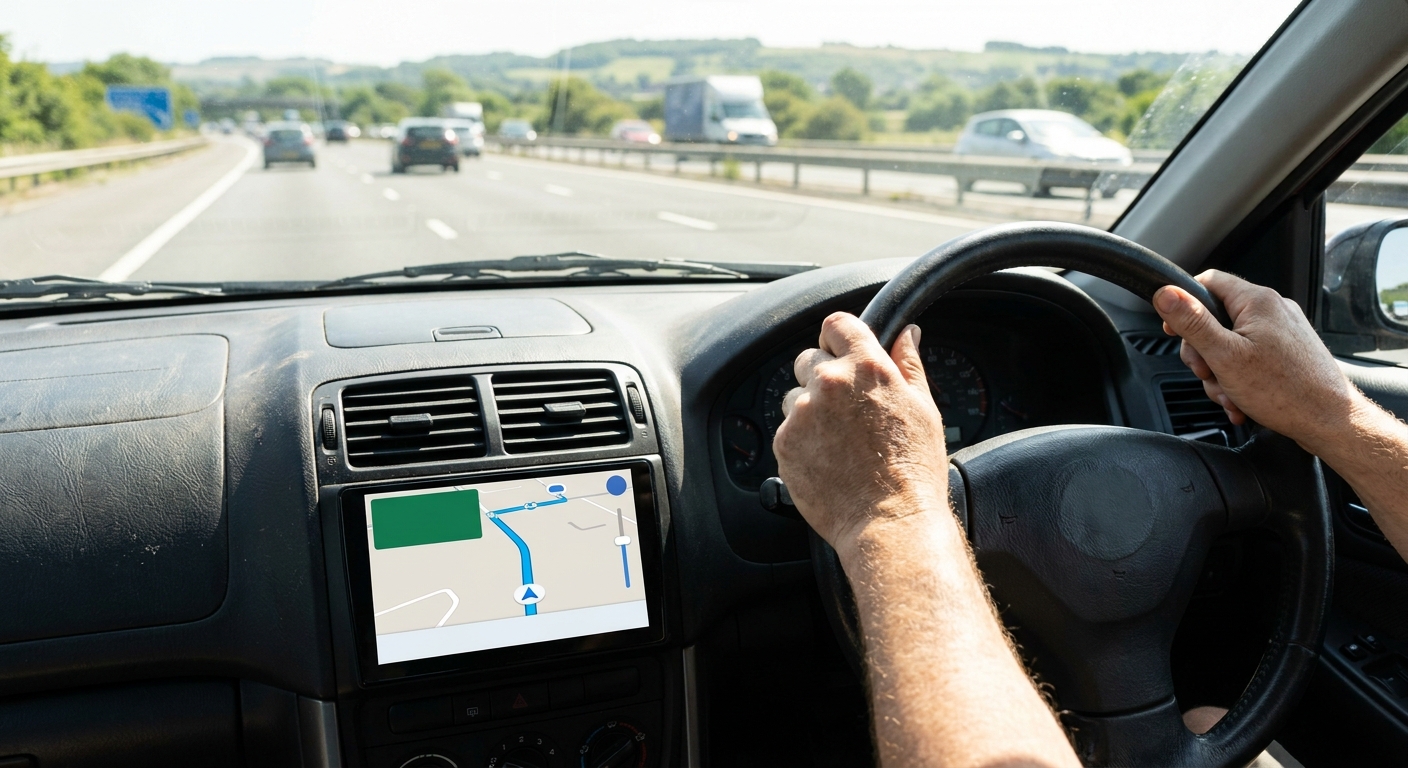
For cars with a single-DIN slot (older Minis, MX-5s, classic Land Rovers), the JVC KW-Z1000W at £349 is a flip-out 10-inch screen that retains the single-DIN bay. It is overkill for most, but it is the only credible single-DIN wireless option in the UK in 2026.
Step 6: The cheap workaround
If you really do not want to spend the money or modify your car, mount a 7-inch Android tablet on the windscreen, install Google Maps and Spotify, and tether it to your phone for data. It is not Android Auto, but it does the same job for under £100. The Lenovo Tab M8 Gen 5 at £89 from Argos is the credible budget pick.
We do not love this option; it is fiddly, the screen is not made for sunlight, and you will have to manage two charging cables. But for an older classic where you do not want to butcher the dash, it is a defensible compromise.
Troubleshooting
If the adapter pairs but no audio plays, the car has connected to the adapter for data but is using a different Bluetooth profile for audio. Open Bluetooth settings on your phone, tap the car’s name, enable “Media audio”. If the screen flickers or freezes, swap the USB cable supplied with the adapter for a known-good shielded one; Anker’s PowerLine III is our go-to at £8 from Amazon UK.
If you lose the connection in tunnels or built-up city centres, that is your phone, not the adapter. Android Auto streams data live for navigation tiles. Download offline maps for your usual routes in Google Maps and the experience improves dramatically in the Mersey Tunnel, the Limehouse Link and most multi-storey car parks.
What we would buy today
If your car already does wired Android Auto: AAWireless Two at £69 from the AAWireless UK store. If you want budget: Ottocast U2-Air Pro at £55 from Amazon UK. If you need a new head unit: Pioneer DMH-A4450BT fitted by Halfords for around £359 all-in.
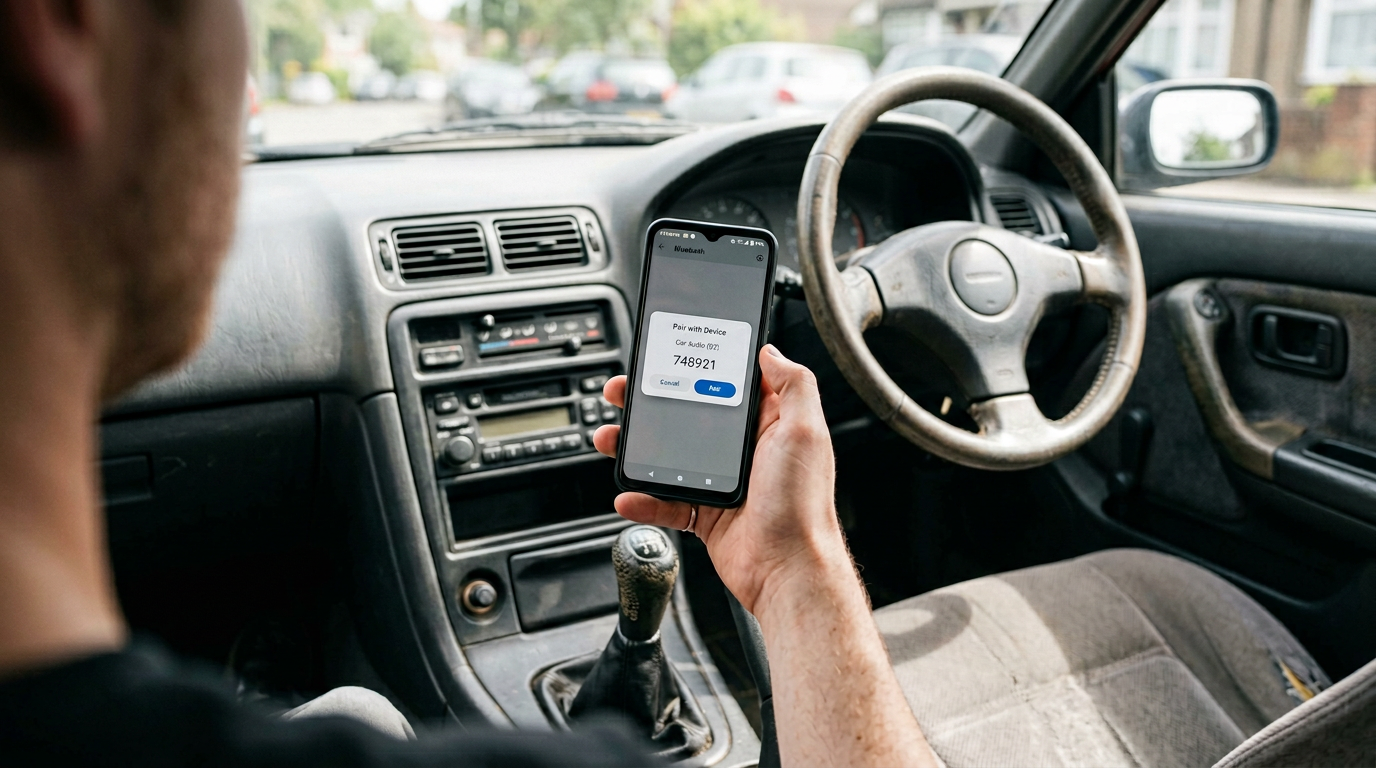
Total time from receiving the adapter to driving with wireless Android Auto: roughly fifteen minutes including the unboxing. It is one of the highest-impact, lowest-effort upgrades you can do to a car you plan to keep for another three years.
Frequently asked questions
Our verdict
If your car can already do wired Android Auto, the AAWireless Two at £69 is the upgrade you should buy this weekend. It pays for itself in convenience inside a fortnight, and dual-band Wi-Fi keeps the connection stable where the cheap dongles stutter. For older UK cars without any Android Auto support, the Pioneer DMH-A4450BT fitted by Halfords is the right answer; everything cheaper is a compromise you will resent within six months.
Related reading on MTW
Buyer action
Where to buy or check next
Use this as the final check before ordering a phone, changing network or trusting a headline monthly price.














Reader discussion
Leave a comment
Comments are moderated. Keep it useful, accurate, and on topic.