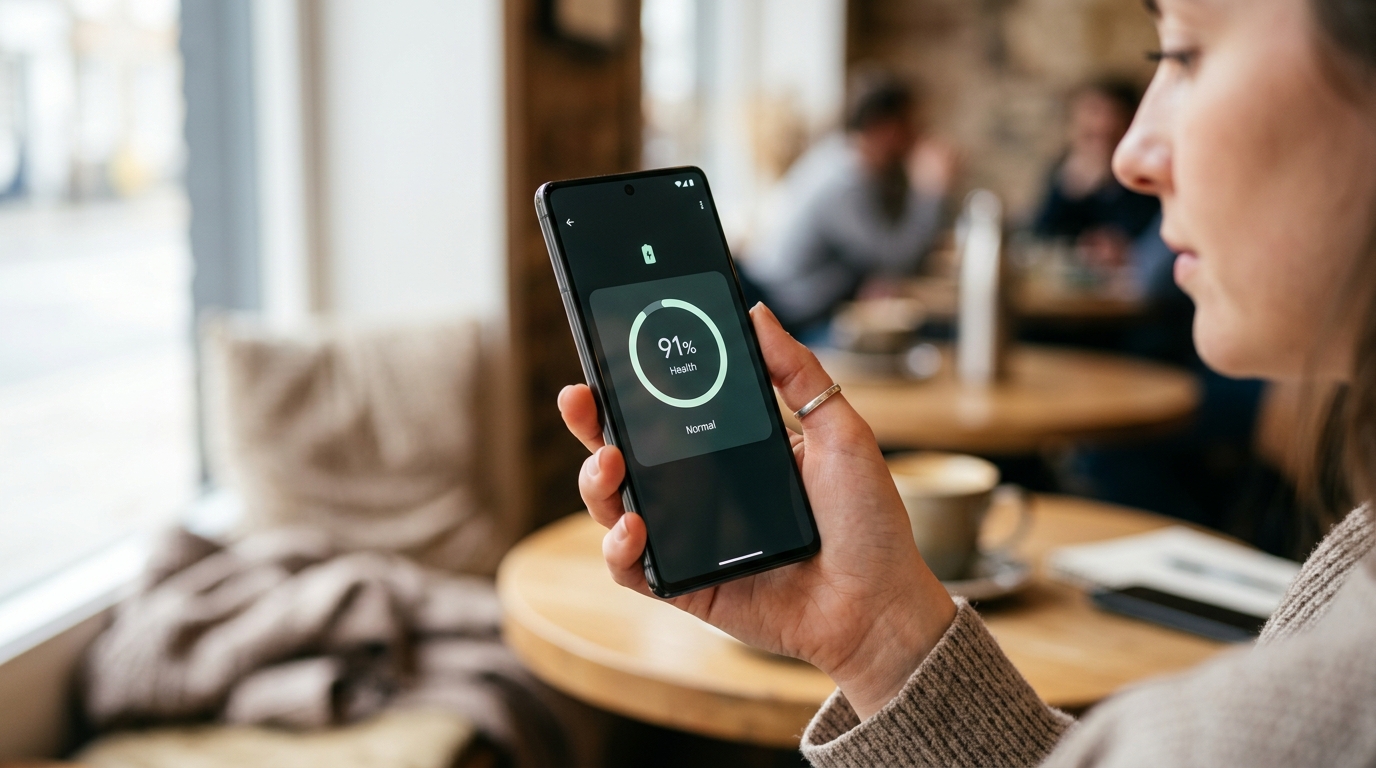
Android 15 added a proper battery health indicator that has been quietly overlooked. It is the first time every mainstream Android phone gets a genuine, standardised battery health number — not a vague percent charged figure but the same kind of State of Health reading iPhone owners have had since 2017. Here is how to find it, how to interpret it, and what to do when the number slips below 80 per cent.
Where to find your Android battery health
On a Pixel 9 or later, go to Settings, Battery, Battery Health. On Samsung Galaxy S24 or later, Settings, Battery, Battery Health (new in One UI 8). On most other Android 15 phones, Settings, Battery, Battery Information. The reading shows your design capacity, current capacity, and cycle count. If you do not see a Battery Health entry, your phone is on Android 14 or earlier, or the OEM has hidden it — see the workaround below.
What a healthy battery looks like
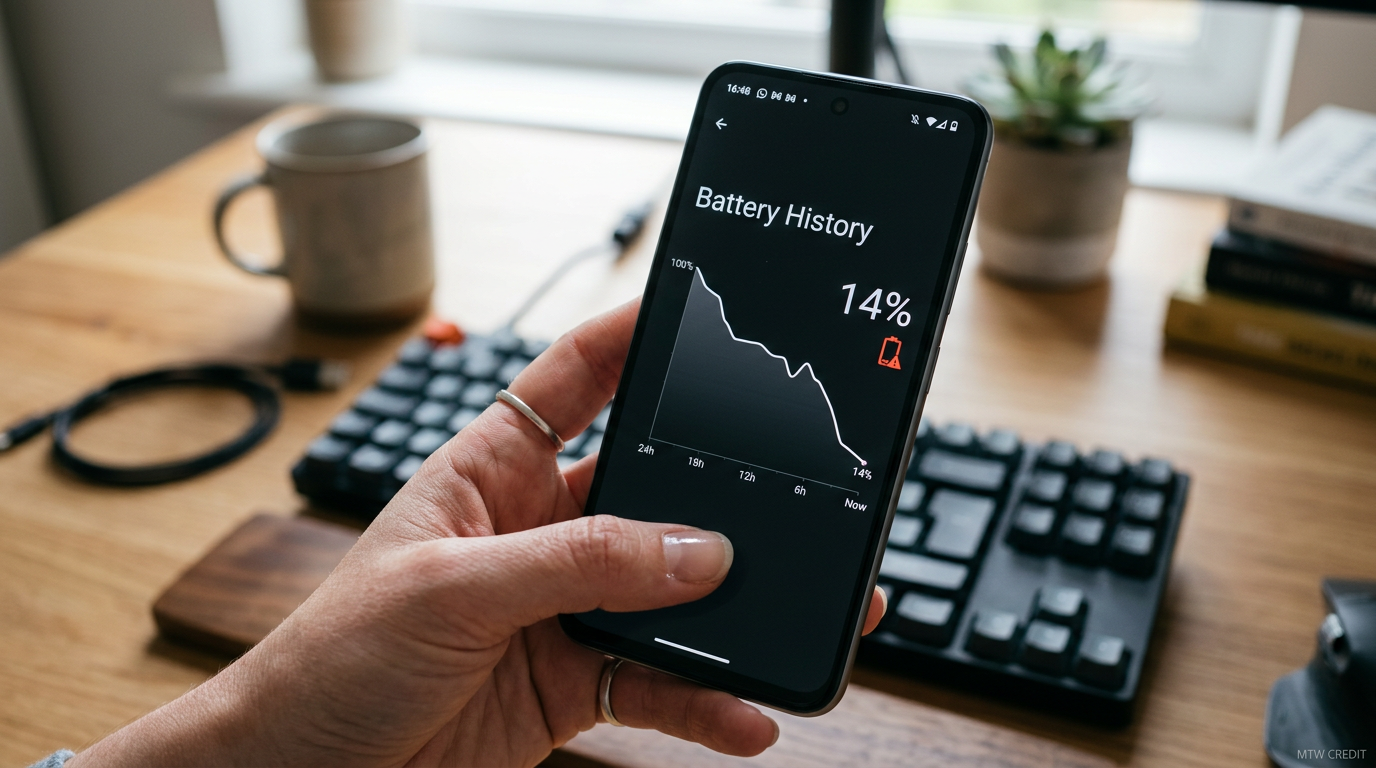
100 per cent on day one, 95 per cent after year one, 90 per cent after year two, 85 per cent after year three. If you are below 80 per cent after 18 months, something is off. Either you have been charging with a non-certified fast charger, your phone runs hot in a sunny window or car mount, or you have a warranty-worthy fault. Any phone sold in the UK under consumer protection law is expected to keep a battery above 80 per cent capacity for at least 24 months.
The calibration reset that actually works
There is a stubborn myth that you should drain to zero, charge to 100, and repeat. Do not do this. The safer procedure: drain to 15 per cent, plug in, leave it charging until the system stops drawing power (most phones show fully charged and a plug icon), then unplug. Do not cycle rapidly. The goal is to let the fuel gauge IC recalibrate against a proper state of charge, not to stress the cells. One calibration every six months is enough.
For OEMs that hide the reading
Xiaomi, Oppo and OnePlus sometimes hide battery health from the UI. Dial *#*#6485#*#* on most Qualcomm-powered Android phones to open the battery info test menu. If that does not work, the free AccuBattery app will estimate state of health over a week of normal use — it is an estimate rather than a read of the IC, but a week of AccuBattery data is close enough to the official figure to inform decisions.
When to replace the battery
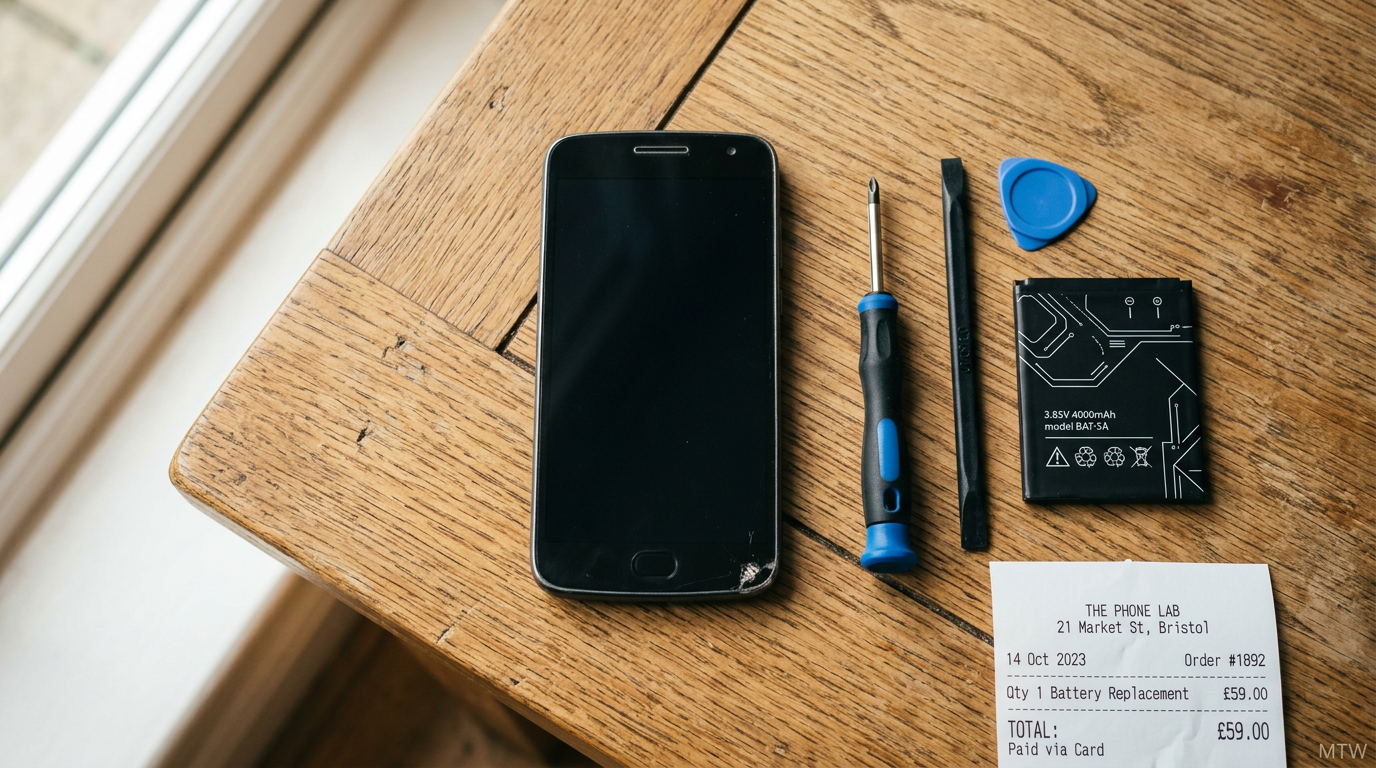
Below 75 per cent state of health is the practical replacement threshold for most UK buyers. Below 70 per cent is where the phone will start shutting down unexpectedly in cold weather or under heavy load. Samsung and Google offer UK battery replacement services at roughly £85 for a current-generation flagship. Third-party replacement at a reputable high-street chain starts around £49 but uses non-official cells — that is a legitimate trade-off if your phone is out of warranty and you just want another year of life.
| Battery health | Action | Typical cost (UK) |
|---|---|---|
| Above 90% | No action | — |
| 85-90% | Monitor, no action | — |
| 80-85% | Calibrate once | Free |
| 75-80% | Plan replacement | — |
| Below 75% | Replace battery | £49-£89 |
Habits that keep your battery healthy
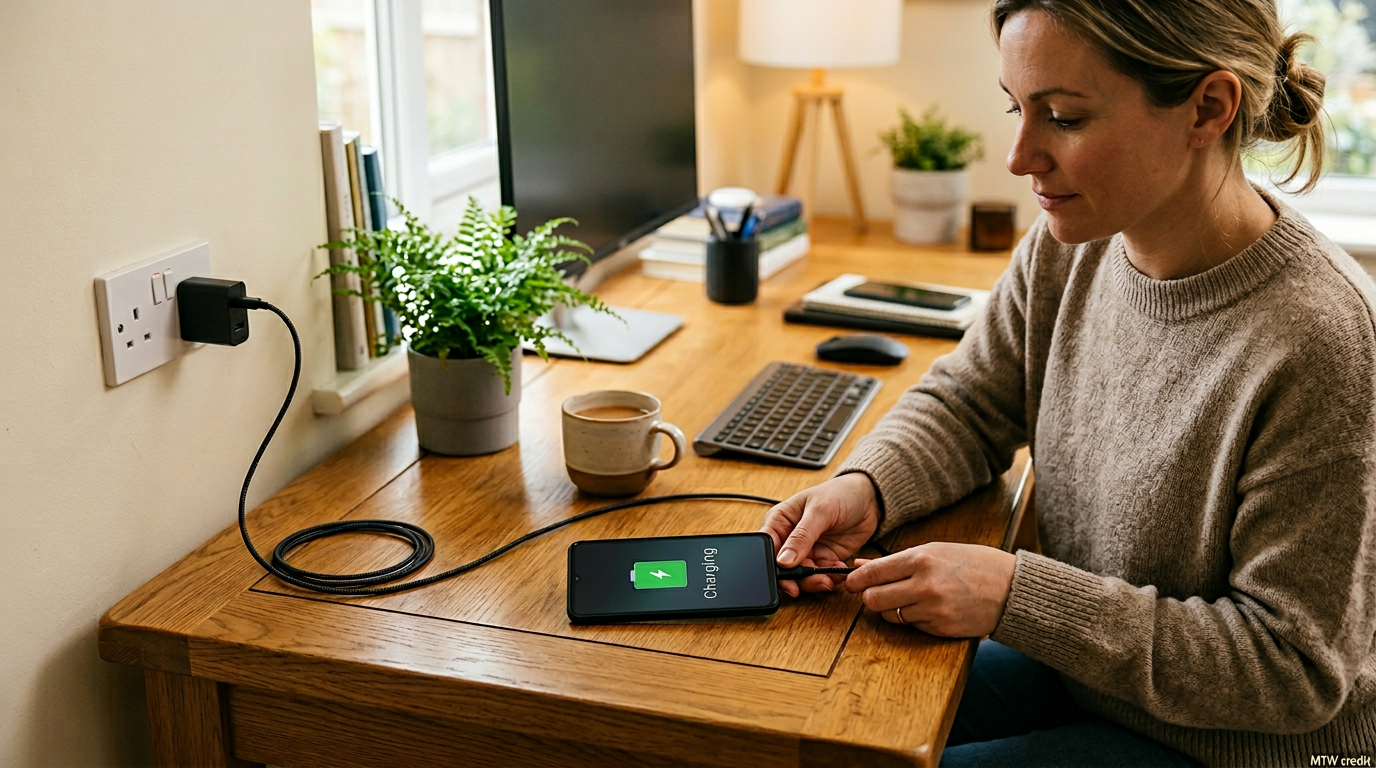
Do not leave the phone plugged in overnight if your OEM does not offer adaptive charging (Pixel, Samsung and OnePlus all do, older budget phones often do not). Keep it out of direct sunlight in summer. Avoid fast-charging to 100 per cent — slow charge the last 20 per cent if you have time. Do not use knock-off chargers, even for occasional top-ups. Apply these four habits from day one and an Android phone will still be above 85 per cent capacity after three years of daily use.
Verdict
Check your Android battery health today. If you are above 85 per cent, carry on as normal. If you are between 75 and 85 per cent, recalibrate once. If you are below 75 per cent, price up a replacement. Android finally has the tools to answer this question properly — you just have to know where to look.
- Android 15 introduced a standardised battery health indicator across Pixel and major OEM builds — equivalent in spirit to iPhone State of Health.
- Healthy range: 95%+ after year one, 90%+ after year two, 85%+ after year three.
- UK consumer protection sets an expectation of 80%+ battery capacity for at least 24 months on phones sold under the Consumer Rights Act.
- Recalibration: drain to 15%, charge to full once, repeat every six months. Do not stress-cycle.
When the Android battery health check tells you the bad news
If the Android battery health check returns below 80% within 18 months of purchase, you have a legitimate consumer-rights claim under the UK Consumer Rights Act. Most UK retailers (Currys, Argos, John Lewis, the major networks) will arrange a manufacturer-led service exchange or a battery replacement at no cost in that window. Many will balk and quote the manufacturer’s warranty terms first. Quote the Act. Most disputes resolve at that point.
Past 24 months, a battery replacement is normally a paid third-party job. UK independent repair shops charge £35-£55 for most Samsung A-series, Google Pixel A-series, and OnePlus Nord. Flagship S-series and Pixel Pro are usually £65-£90 because of glass and adhesive cost. iFixit sells home repair kits for the DIY-confident; the rest of us should pay a shop.
Habits the Android battery health check rewards
Three habits make the biggest measurable difference. One: avoid leaving the phone fully charged in a sunny car or on a sunlit windowsill. Two: prefer 80% adaptive charging if your OEM offers it (Samsung Protect Battery, Pixel Adaptive Charging, OnePlus Smart Charging) on phones you keep on chargers overnight. Three: use a fast charger you trust. Cheap unbranded chargers correlate with measurably faster capacity drop, and the cost saving evaporates the moment you need a new battery.
For more, see our companion pieces on how to speed up an old Android phone alongside this battery work, the Fairphone UK growth story for repairable Android, and the best budget phones under £300 UK list when replacement makes more sense than repair.
MTW verdict
The Android battery health check is the most useful Android 15 feature most users have never opened. Check it tonight. If you are below 80% inside 24 months, push back on your retailer with the Consumer Rights Act. If you are between 80% and 85% past year three, plan a £45 battery swap and keep your phone another two years. It is the cheapest upgrade in UK mobile.
Buyer action
Where to buy or check next
Use this as the final check before ordering a phone, changing network or trusting a headline monthly price.














Reader discussion
Leave a comment
Comments are moderated. Keep it useful, accurate, and on topic.