
Before you spend £400 on a new phone to replace your three or four-year-old Android, try this first. You can speed up old Android phones from 2022 and 2023 and make them genuinely usable again in under thirty minutes. The fixes below work without rooting, without sketchy third-party apps, and without voiding your warranty. They are ordered from biggest impact to smallest.
Step 1: Clear app cache properly
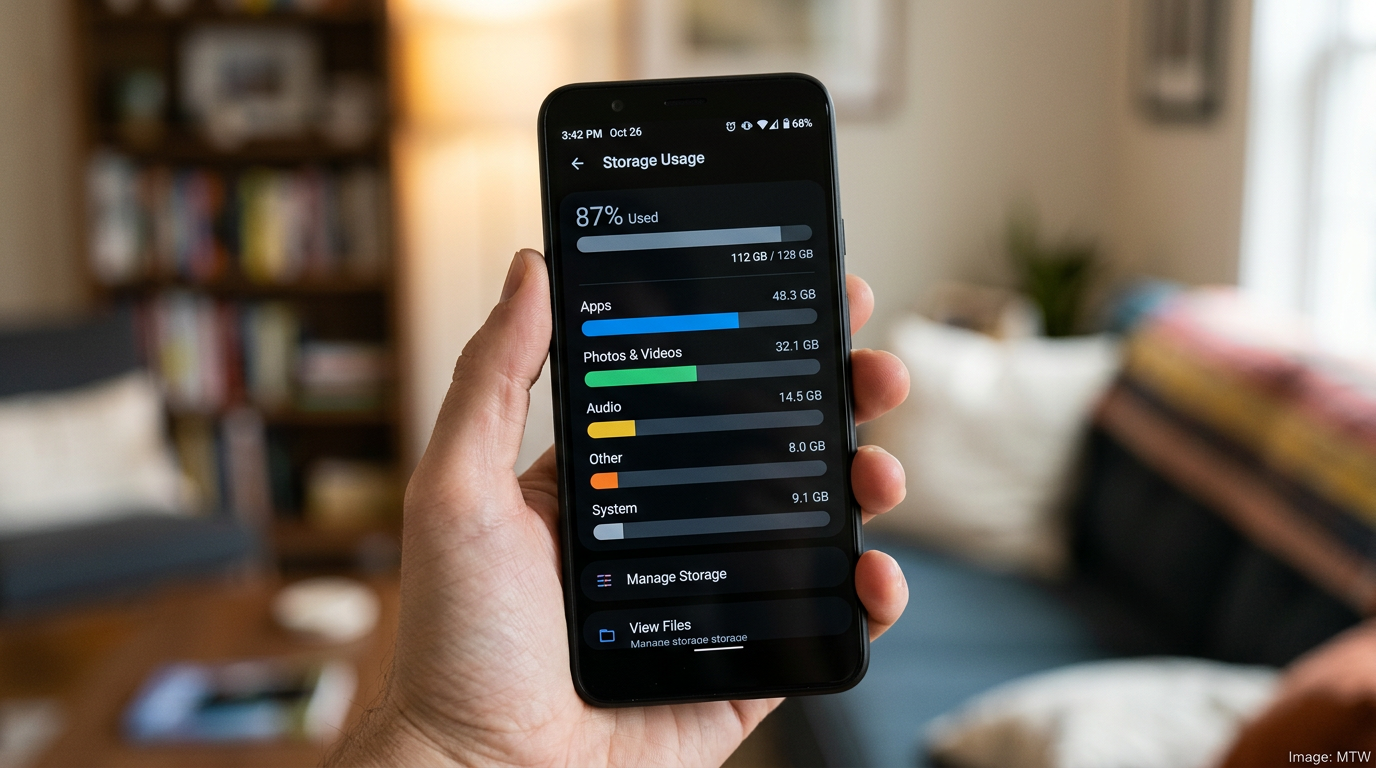
Settings, Apps, pick the worst offenders (usually Facebook, Instagram, TikTok, WhatsApp, Chrome), Storage, Clear Cache. Do not clear data — that logs you out and deletes chat history. Clearing cache alone recovers 2 to 8GB on most phones and genuinely speeds the launcher if your storage is over 85 per cent full. This is the single highest-impact fix.
Step 2: Uninstall, disable, or freeze the bloat
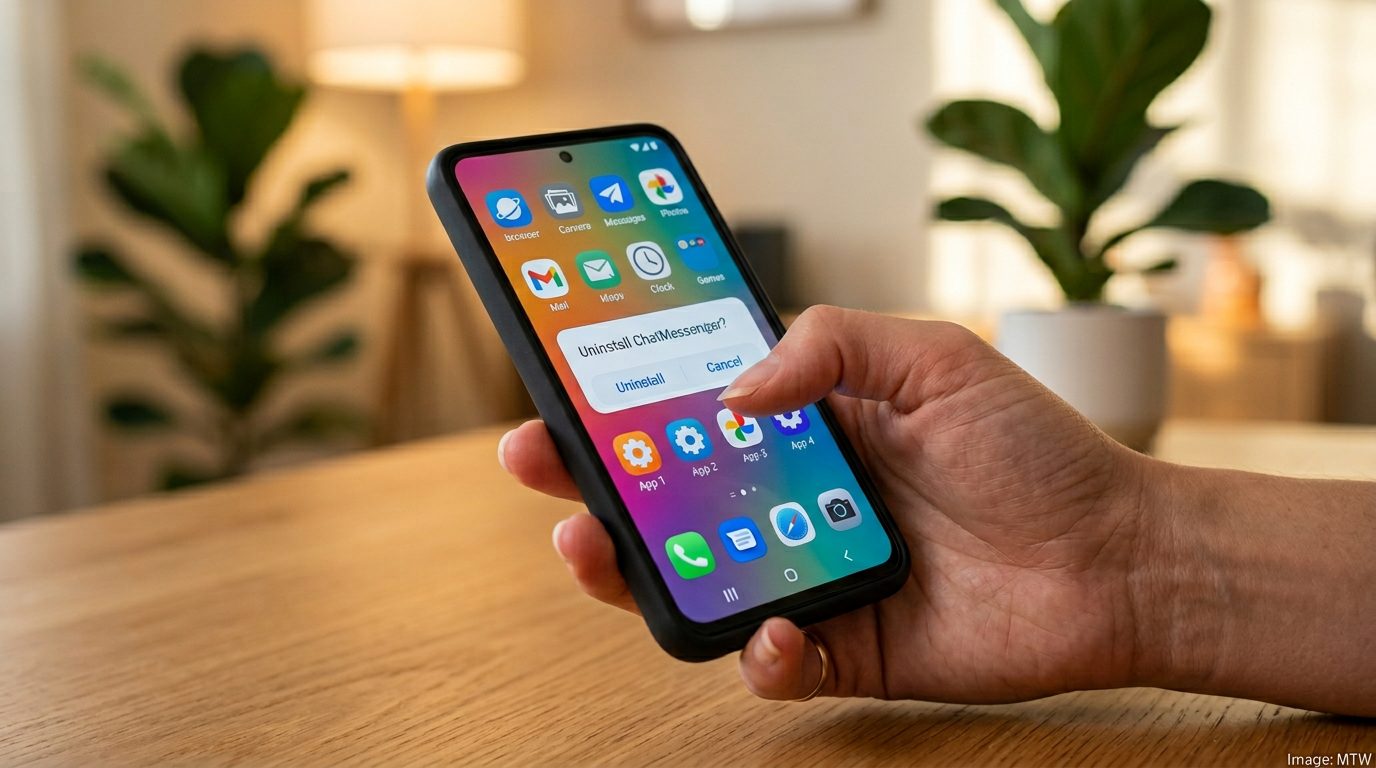
Carrier apps are the usual culprits. On a UK Samsung phone from EE, O2 or Vodafone, you will find three to five preinstalled carrier apps running in the background. Uninstall what you can. Disable what you cannot. For Samsung-specific bloat (Samsung Pay, Bixby, Game Launcher) you can force-stop without consequence. Xiaomi phones need the most aggressive pruning of any UK brand.
Step 3: Turn off animations
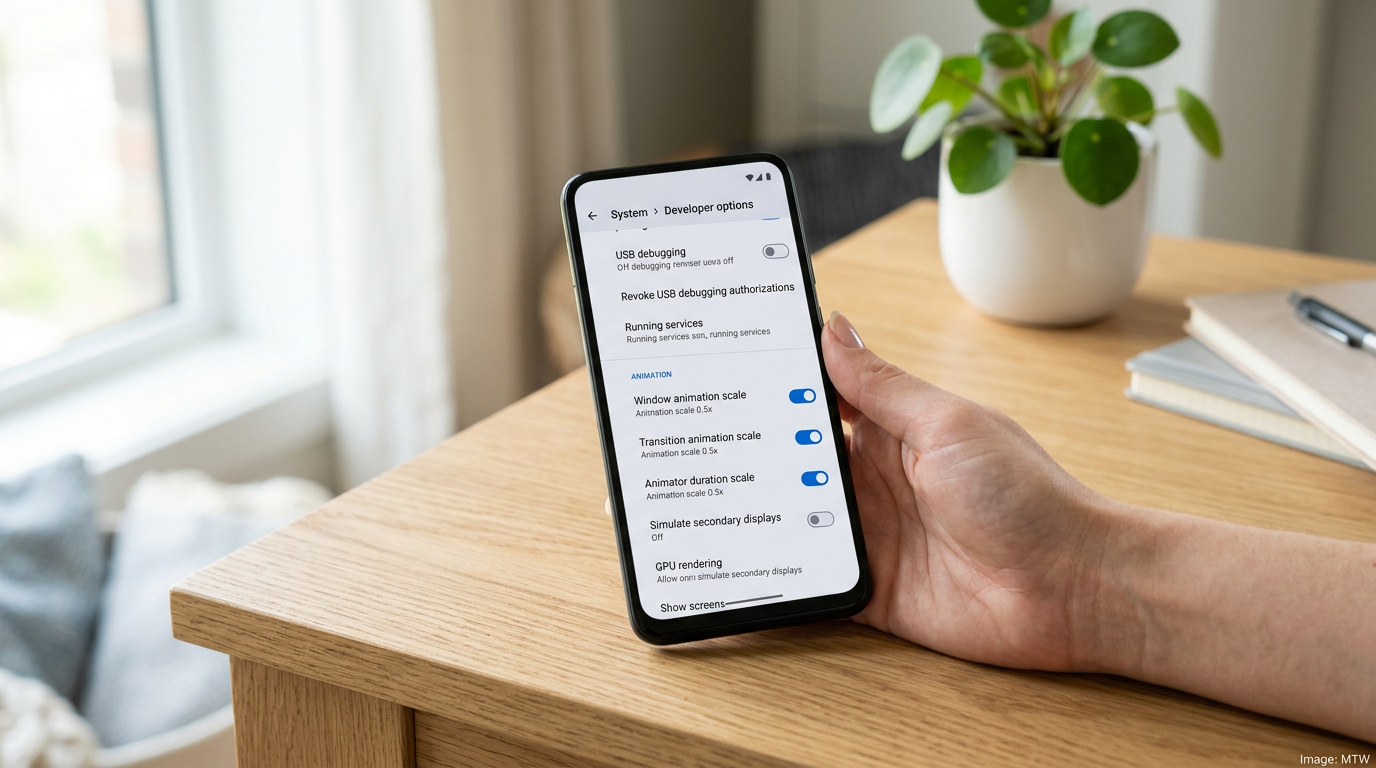
Developer Options (tap Build Number seven times in Settings, About Phone), then set Window Animation Scale, Transition Animation Scale, and Animator Duration Scale to 0.5x. Do not turn them off entirely — some apps rely on animation callbacks — but halving them makes a three-year-old Pixel 7 or Samsung A53 feel noticeably snappier.
Step 4: Audit auto-launch and background permissions
Many apps are allowed to start themselves at boot and run in the background indefinitely. Settings, Apps, pick an app, Battery, Unrestricted, switch to Optimised. Do this for everything that is not a messaging app, a password manager, or your main email. Your battery will thank you and your phone will feel faster during the first ten minutes after unlocking.
Step 5: Update system WebView and reset Play Services
Android System WebView is what powers embedded browsing in most apps. On older phones with Android 12 or 13, an out-of-date WebView causes laggy scrolling in banking apps, Teams, and every app with an in-app browser. Update it from the Play Store. Also force-stop Google Play Services from Settings and let it restart. Old cached state in Play Services is a very common cause of random phone-wide slowness.
| Fix | Time | Typical impact |
|---|---|---|
| Clear app cache | 5 min | High |
| Disable bloat | 10 min | High |
| Halve animation scale | 2 min | Medium |
| Audit background permissions | 10 min | Medium |
| Update WebView / reset Play Services | 3 min | High |
When to give up and upgrade
If your phone is a 2021 or earlier budget device, no amount of cache clearing will save you. Modern Android is heavier than it was, and chipsets from the Snapdragon 680 generation genuinely struggle. If your phone is 2022 or newer mid-range, or any flagship back to the Pixel 6 and Galaxy S22, these five steps should recover two more years of usable life.
Verdict
Start with step 1. If your phone still feels slow after the first three fixes, the problem is probably storage saturation rather than software. UK readers with 64GB phones should seriously consider moving photos to Google Photos or a cheap USB-C SSD and keeping internal storage under 80 per cent full. That one habit does more than any app optimisation.
- Five no-root, no-warranty-voiding steps to speed up an old Android phone in 2026.
- Clearing app cache typically recovers 2 to 8GB and is the highest-impact fix.
- Halving animation scales in Developer Options gives a free perceived speed lift.
- Phones from 2022 onward (Pixel 6, Galaxy S22 baseline) realistically gain two more years of useful life.
UK-specific notes for the speed up old Android phone routine
UK Android owners have two specific friction points worth flagging. First, EE, O2, Vodafone and Three all preinstall their own diagnostics and account-management apps that are not removable on Samsung mid-range hardware. Disable them via Settings, Apps, then force-stop. They will reappear after a major system update — repeat the steps, because they account for a measurable share of background battery and CPU on A-series Samsungs and budget Motorola Edge devices.
Second, UK banking apps (Monzo, Starling, Barclays, Lloyds, NatWest, HSBC UK, Chase UK) are aggressive consumers of Play Services and WebView resources because of their fraud-detection layers. If only one app is dragging your phone down, it is almost certainly a banking app on an old WebView build. Updating Android System WebView from the Play Store fixes the lag in nine cases out of ten.
When the speed up old Android phone routine is not enough
If you have completed all five steps and your phone is still painful to use, the limiting factor is usually one of three things: storage past 90% full, a battery whose maximum capacity has fallen under 70%, or a chipset that genuinely cannot keep up with 2026 app baselines. The first is fixable with a paid Google One tier or a cheap USB-C SSD. The second needs a battery replacement, which UK third-party repair shops will do on most Samsung A-series and Pixel A-series phones for under £55. The third is the only case where upgrading is genuinely justified.
For more, read our companion pieces on how to check and reset Android battery health, the best budget phones under £300 in 2026, and the wider Fairphone UK growth story — repairable Android is the long-term answer to needing to speed up old Android phones at all.
MTW verdict
Most of the time, the answer to “should I speed up my old Android phone or upgrade?” is start with these five steps and a £35 battery replacement. If your phone is post-2022 mid-range or any flagship back to the Pixel 6, you will buy two more years of useful life for under £50. That is the cheapest upgrade in mobile, and the most environmentally honest.
Buyer action
Where to buy or check next
Use this as the final check before ordering a phone, changing network or trusting a headline monthly price.














Reader discussion
Leave a comment
Comments are moderated. Keep it useful, accurate, and on topic.