
UPDATED · News · 14 Apr 2026 · Claire Bennett
Samsung Awesome Intelligence is, at last, the focus of a guide worth reading. Samsung has spent weeks telling everyone that the Galaxy A57 5G and Galaxy A37 5G bring AI to more people. Fine. On April 14, the company finally did something more useful than repeating the slogan: it published a proper guide to what “Awesome Intelligence” is actually supposed to do on these phones. That matters, because mid-range AI only becomes interesting once it moves beyond buzzwords and into ordinary jobs that people would genuinely like a phone to handle better.
The guide breaks Samsung’s pitch into something more concrete. Voice Transcription comes to the Galaxy A series for the first time. Circle to Search can identify multiple objects in one go. AI Select is meant to make whatever is already on screen more actionable. Multi-Window Drag & Drop is presented as a shortcut to less annoying multitasking. Object Eraser gets better edge detection. In other words, Samsung Awesome Intelligence wants its cheaper phones to feel less like they inherited AI as a marketing tax and more like they inherited a useful set of shortcuts.
Why Voice Transcription is the giveaway Samsung Awesome Intelligence feature
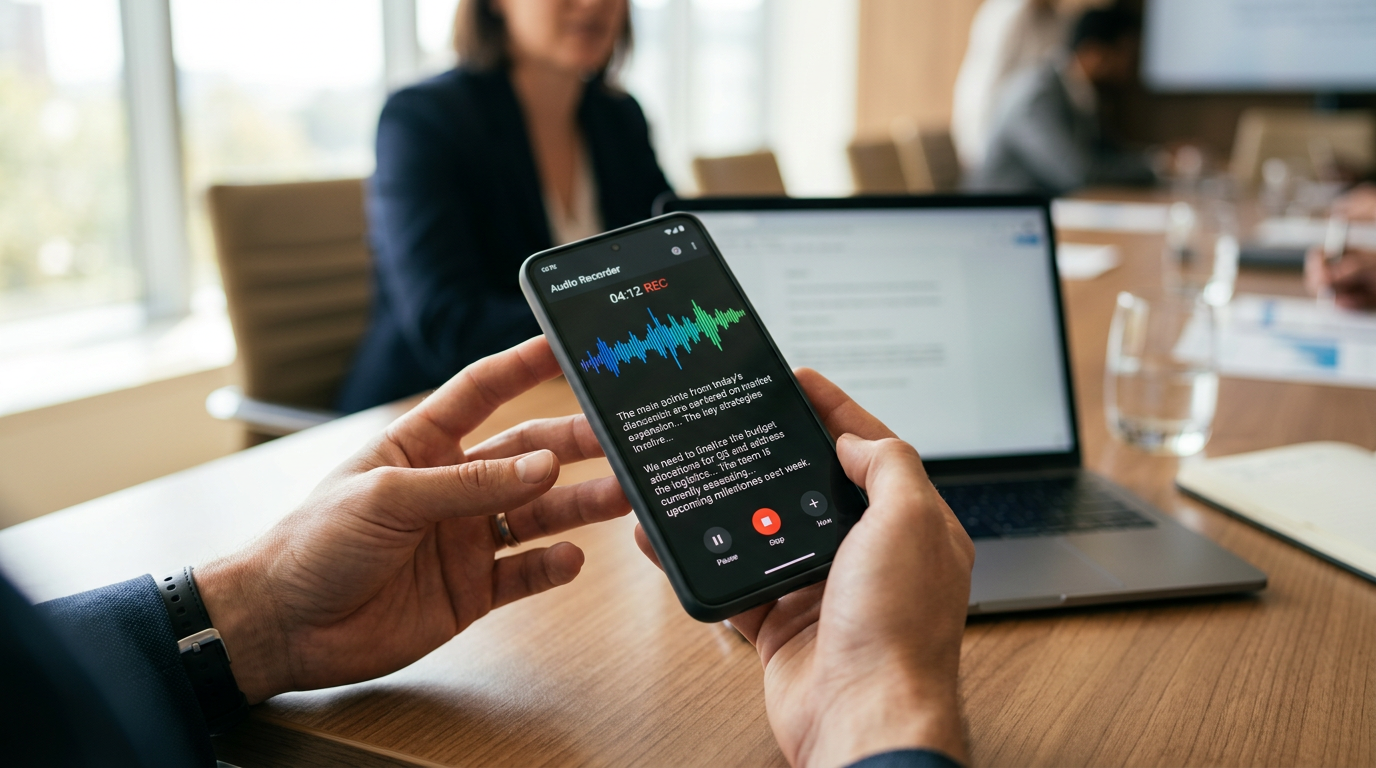
If there is one feature in Samsung’s April 14 guide that best explains the company’s ambitions, it is Voice Transcription. This is not because it is glamorous. Quite the opposite. It is because it is practical. Record a lecture, a meeting, a call note or an idea dump, then turn it into text and translate it. That is the sort of AI feature that can quietly save time without demanding the user change how they behave.

Samsung clearly knows this is the kind of feature mid-range buyers can instantly understand. Nobody needs a keynote to grasp why searchable, transcribed voice notes are useful. The smarter move from Samsung is that it brought the feature into the A-series rather than keeping it as a flagship talking point. That is consistent with the company’s April 13 promise that AI is heading across the full mobile portfolio.
Samsung is trying to make on-screen AI feel normal — the samsung awesome intelligence angle
The most interesting part of the guide is not the headline feature list. It is the way Samsung frames those features. Circle to Search with multi-object recognition, AI Select and drag-and-drop workflows all point in the same direction: less app-hopping, less copy-pasting, less hunting for where a function lives. Samsung wants the screen itself to become more responsive to intent.

That lines up neatly with the broader argument we made in our April 13 analysis of Samsung’s agent-centred AI shift. Even on cheaper phones, Samsung is trying to teach users that AI should reduce the operational nonsense of smartphone use rather than simply add one more menu full of tricks.
| Feature in The Samsung Awesome Intelligence guide | What it is meant to do | Why it matters on a mid-range phone |
|---|---|---|
| Voice Transcription | Turns recorded speech into text and translations | Saves time on notes, classes and meetings |
| Circle to Search | Identifies multiple objects on screen | Makes visual search less clumsy |
| AI Select | Suggests useful actions from on-screen content | Reduces steps for common tasks |
| Object Eraser | Removes unwanted elements from photos | Delivers more practical editing without pro-level cost |
The camera angle is less flashy but more believable
Samsung also uses the guide to stress camera improvements, particularly Nightography and cleaner ultra-wide and macro shooting. This is smart because photo quality remains one of the few things buyers will notice immediately without needing to be taught what a feature does. AI on a cheaper phone is easier to trust when it improves an outcome people already care about rather than interrupting them with a new behaviour pattern.
That is where Samsung’s April 14 message feels stronger than some of the broader mobile AI noise. The company is not pretending the A57 or A37 are suddenly futuristic machines from another category. It is saying they can do ordinary phone things better, with AI helping in the background. That is a more credible pitch.
What the guide really reveals about Samsung
The deeper value of Samsung’s April 14 guide is that it makes the company’s strategy legible. Samsung wants AI on cheaper phones to feel dependable, helpful and non-threatening. It is not leading with abstract capability. It is leading with tasks: notes, search, editing, multitasking, camera cleanup. That is how you normalise AI at scale.

There is still plenty Samsung has to prove. Mid-range hardware has less room for sluggishness, and buyers will be less forgiving if AI feels inconsistent after several months of updates. But this guide does at least answer the question people had been asking since launch: what is Awesome Intelligence actually for? The answer, according to Samsung, is not to impress you. It is to remove small bits of friction from the stuff you already do.
Related reading on MTW
Buyer action
Where to buy or check next
Use this as the final check before ordering a phone, changing network or trusting a headline monthly price.














Reader discussion
Leave a comment
Comments are moderated. Keep it useful, accurate, and on topic.