UPDATED · News · 11 May 2026 · Claire Bennett
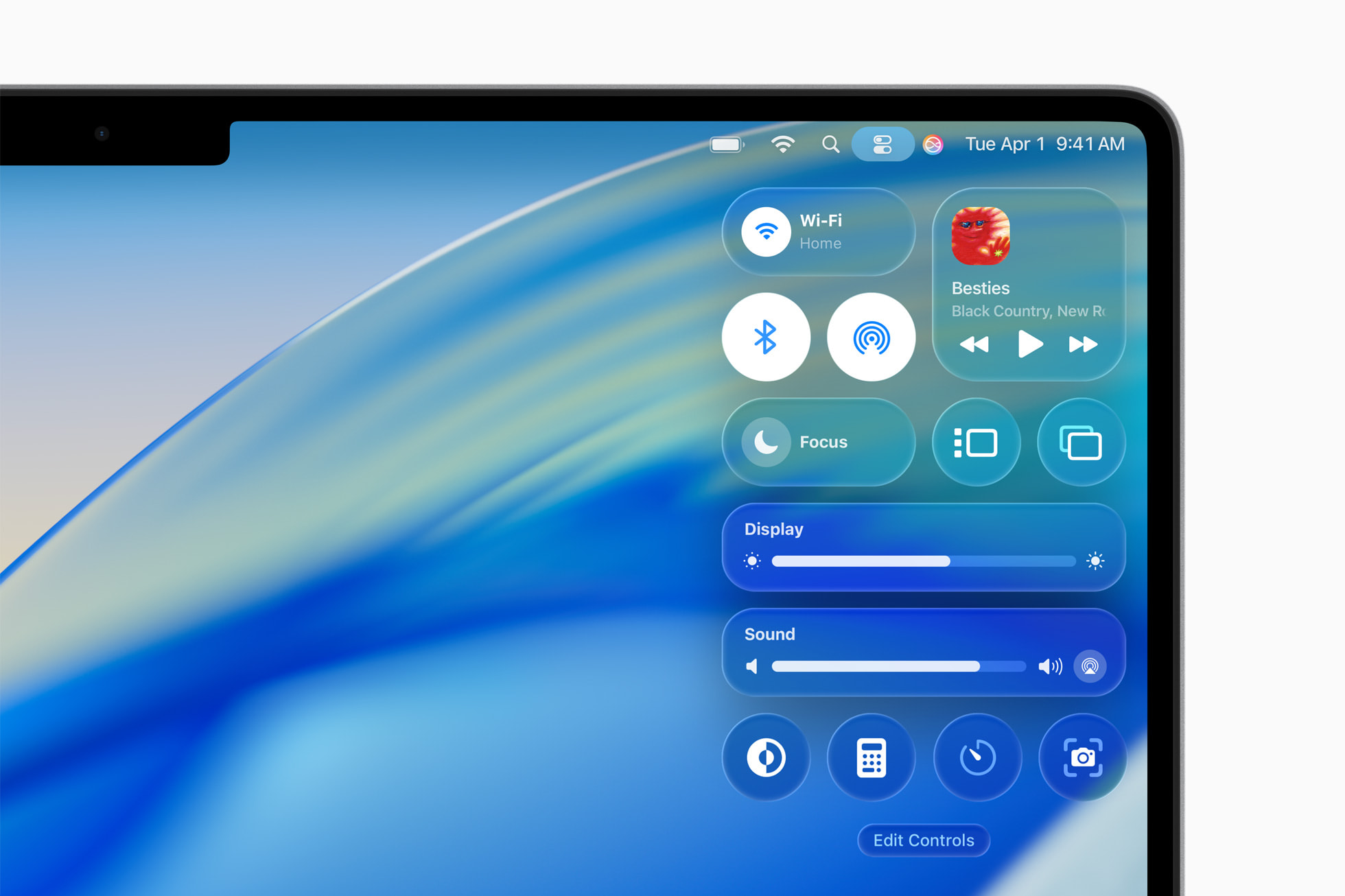
macOS 26.5 update is the May 11 2026 Mac release that ships small but matters more than its features suggest. 9to5Mac confirmed macOS Tahoe 26.5 is now available for all compatible Macs, build 25F71, alongside iOS 26.5, iPadOS 26.5, watchOS 26.5, tvOS 26.5 and visionOS 26.5.
- macOS 26.5 update ships 11 May 2026 as build 25F71 for every Mac compatible with macOS Tahoe 26.
- New Energy preferences setting lets Mac mini, Mac Studio and iMac users power on or restart via assistive accessories, solving a long-running Mac mini power-button complaint.
- Live Activities support for third-party wearables (EU only under Digital Markets Act compliance) and Suggested Places in Apple Maps arrive in this point release.
- End-to-end encrypted RCS in Messages and App Store monthly subscriptions with 12-month commitment options (worldwide except US and Singapore) also debut today.
Why the macOS 26.5 update is smaller than usual, and that is fine
Apple ships point releases for two reasons: patch security flaws and prepare the platform for the next major. The macOS 26.5 update does both. Apple is now less than four weeks from WWDC 2026 on 8 June and the public-feature drop is deliberately thin because engineering is preparing macOS 27, which Mark Gurman has reported will introduce a unified system-wide design refresh. The macOS 26.5 update is therefore a maintenance release with one genuinely useful new setting, one EU-mandated change and an under-the-hood RCS encryption rollout that mirrors what iOS 26.5 is shipping the same day. If the headline feature list looks short, that is the point.
The build number 25F71 confirms macOS 26.5 update is the same code that surfaced as the fourth RC last week. Apple has stopped pretending major minor releases need to feel revolutionary, and the cadence now resembles the iOS train: a meaningful x.5 update halfway between WWDC announcements that fixes things and ships small features rather than reshaping the OS. For Mac buyers waiting on the M5 lineup, this release does not change the calculus. We covered the Mac Studio M5 UK delay story last month and the macOS 26.5 update changes nothing about Apple’s silicon roadmap.
The macOS 26.5 update feature that Mac mini owners have wanted for years
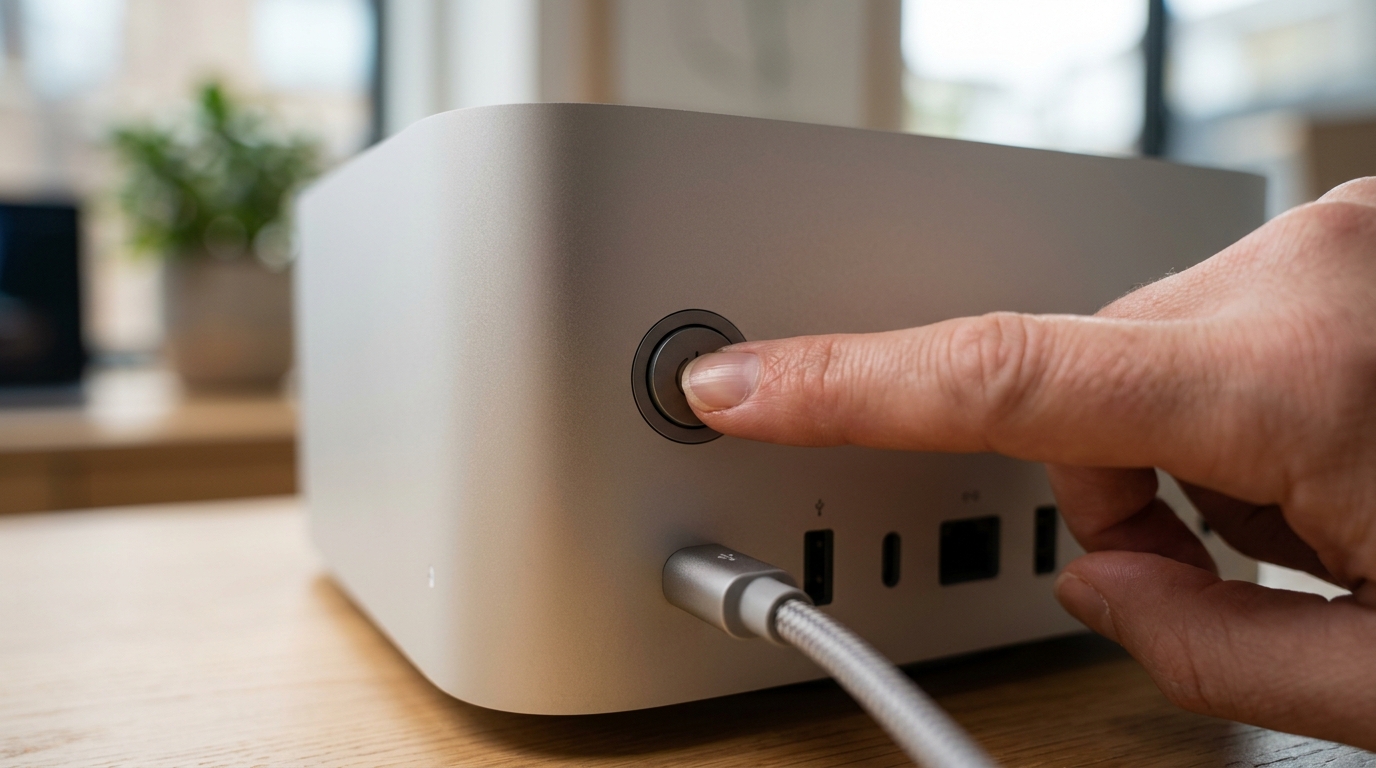
The headline change is also the most workaday: a new Energy preferences section that allows Mac mini, Mac Studio and iMac users to power on or restart their machine via assistive accessories. This is the feature that solves the absurd Mac mini power-button complaint Apple introduced when it relocated the button to the bottom of the M4 chassis. The macOS 26.5 update routes the power-state command through accessibility frameworks, so an external switch, Stream Deck button or Shortcuts trigger can substitute for crawling under the desk. It is not glamorous, but it is the kind of change that matters every single morning a Mac mini sits on a wall mount.
Beyond power management, the macOS 26.5 update brings parity with iOS 26.5 on several cross-platform features. End-to-end encrypted RCS support reaches the Mac’s Messages app, which means a Mac user texting an Android contact through a connected iPhone now gets the same lock-icon encryption iOS users get. Apple Maps gains Suggested Places. Live Activities from third-party wearables work on the Mac too, although under EU Digital Markets Act rules the API is limited to the EU. App Store monthly subscriptions with 12-month commitment options arrive worldwide except in the US and Singapore. Everything else is bug fixes and security patches, of which Apple has shipped more than 50 across the 26.5 family.
How the macOS 26.5 update compares to recent point releases
The macOS 26.5 update is unusually quiet compared to macOS 26.4, which shipped large Apple Intelligence improvements, the new Files app folder customisation and the AI-driven Music playlist creator. That release felt like a feature drop. This one feels like consolidation. By contrast macOS 15.5 last spring brought Apple Intelligence to more languages, and macOS 14.5 brought the Game Mode tweaks. Apple’s pattern is now clear: x.4 is the feature release, x.5 is the security and polish release before x.6 ramps for the next major.
| macOS release | Headline feature | MTW read |
|---|---|---|
| 26.5 (May 2026) | Power state via assistive accessories | Boring is fine. |
| 26.4 (Mar 2026) | AI Playlists, Files customisation | The real Tahoe drop. |
| 26.0 (Sep 2025) | Tahoe redesign, new menu bar | Visual reset. |
| 15.5 (May 2025) | Apple Intelligence languages | Slow Sequoia update. |
| 14.5 (May 2024) | Game Mode tweaks | Sonoma in maintenance. |
What UK Mac owners should watch next
WWDC 2026 starts on 8 June, less than four weeks after the macOS 26.5 update ships. That conference will introduce macOS 27, and based on Apple’s pattern the developer beta should be downloadable the same week. UK Mac users on M-series silicon should install macOS 26.5 today for the security fixes and the power-state setting if they own a Mac mini, then plan to skip macOS 26.6 entirely if they intend to run the macOS 27 beta. The bigger upgrade decision is hardware. If you have been holding off on an M5 MacBook Pro, the macOS 26.5 update is not the reason to wait, the M5 Pro and M5 Max are. For students weighing options, our Samsung Galaxy Book6 vs MacBook Air M4 comparison remains relevant.
The other thing worth watching is the security advisory list. Apple has rolled out fixes across the 26.5 family addressing more than 50 vulnerabilities, with several rated critical. Update tonight. The macOS 26.5 update is small but the patches behind it are not, and the platform shift to macOS 27 at WWDC means this is the last opportunity to get the macOS 26 train fully patched before the beta cycle adds noise. If you preflight a Mac before WWDC, follow our WWDC season preparation guide and start with the macOS 26.5 update.
MTW verdict
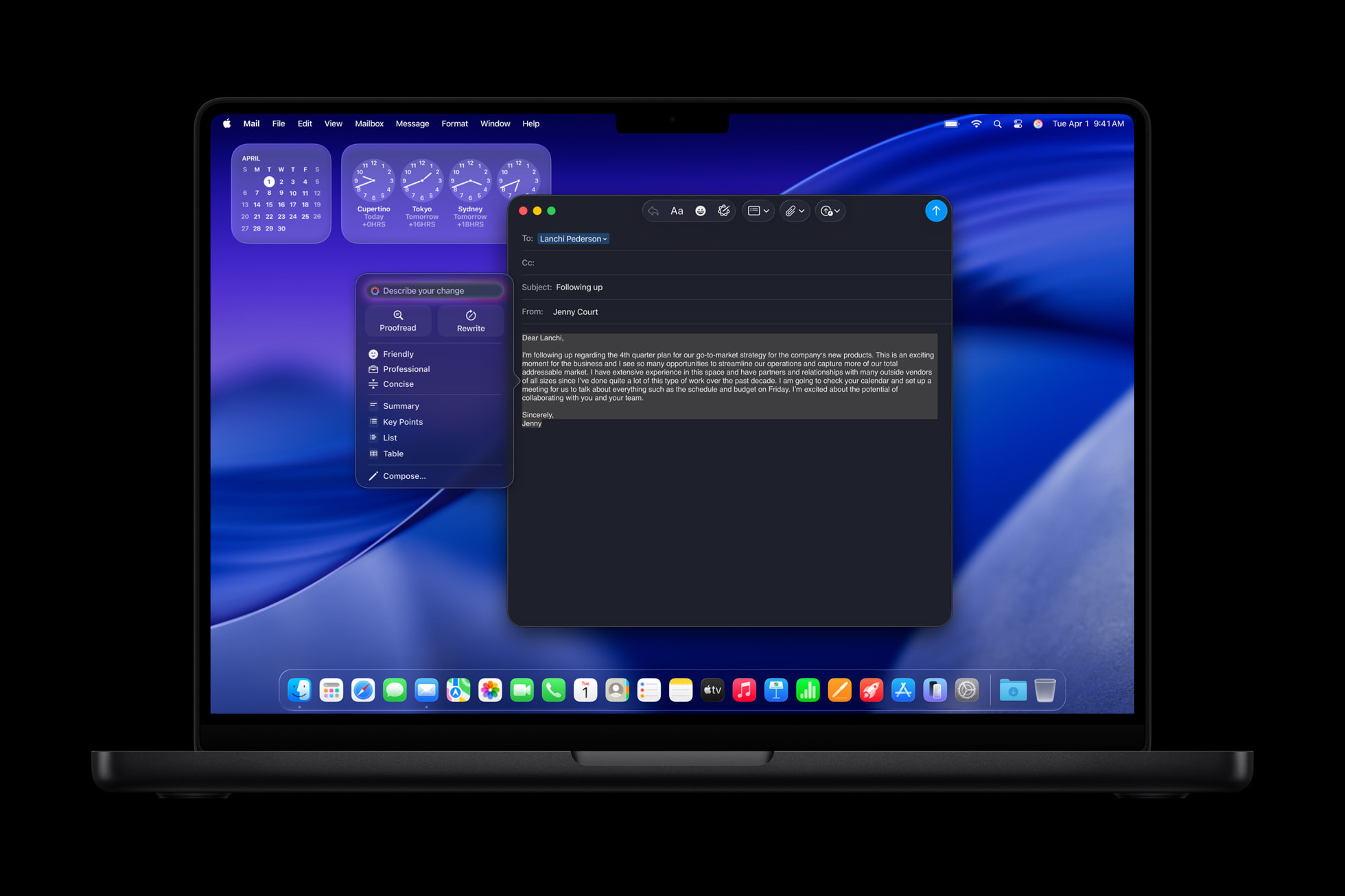
The macOS 26.5 update is the quiet point release every Mac in the house should be running tonight. It will not change how you use your machine, but the security patches matter, the Mac mini power-state fix is genuinely overdue, and the encrypted RCS bridge mirrors what iOS users will see. Install it and move on.
Buyer action
Where to buy or check next
Use this as the final check before ordering a phone, changing network or trusting a headline monthly price.














Reader discussion
Leave a comment
Comments are moderated. Keep it useful, accurate, and on topic.