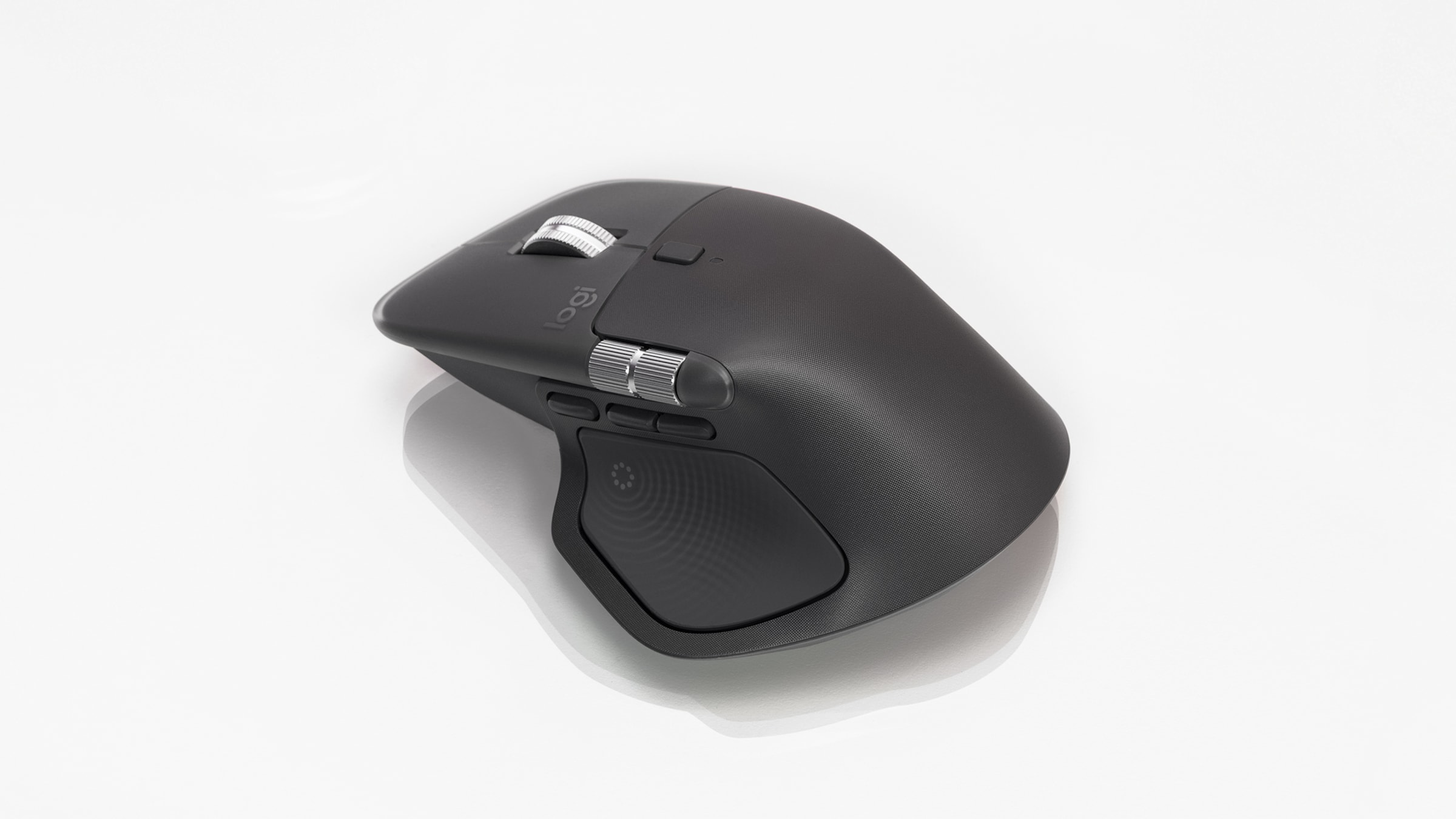
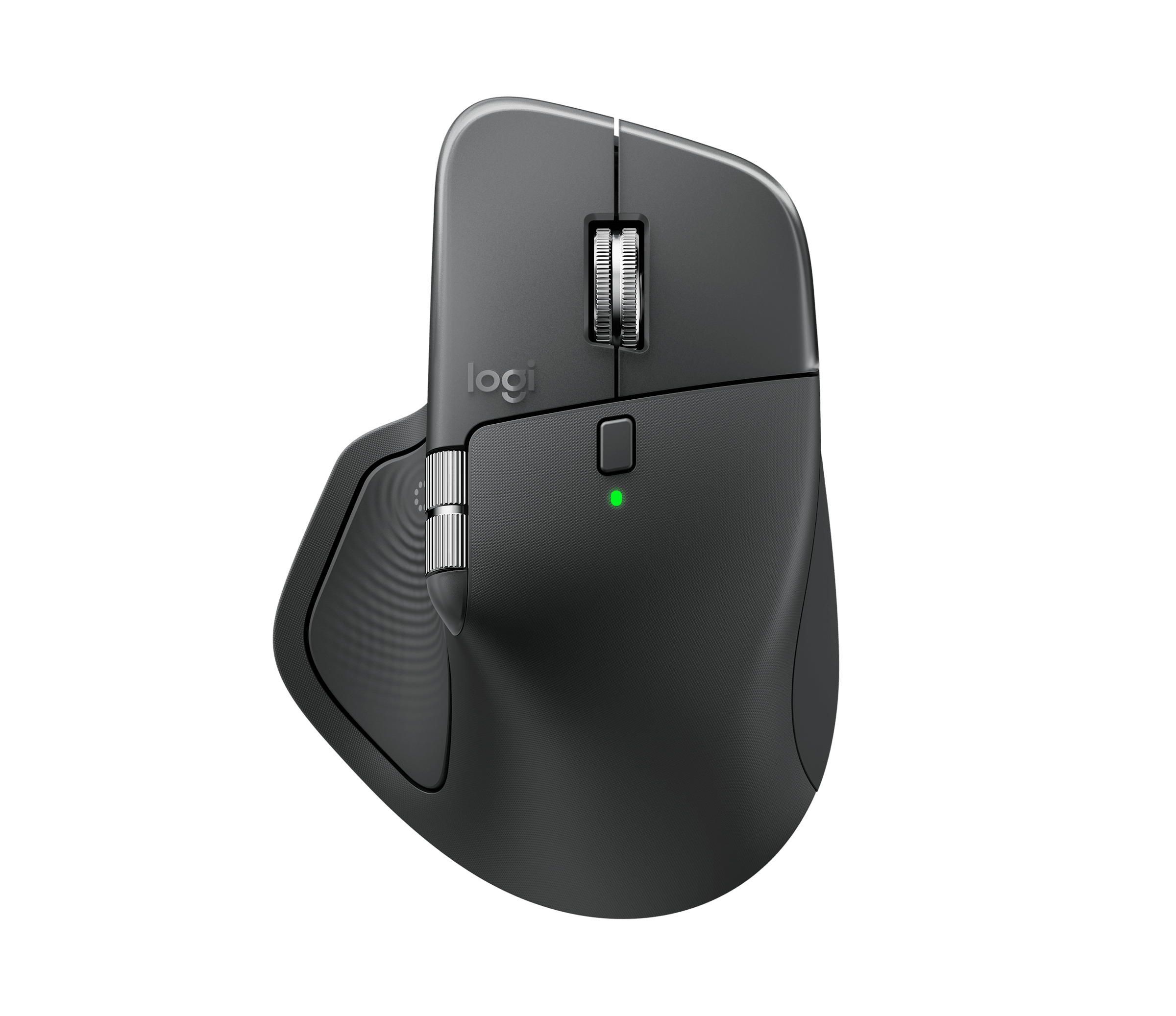
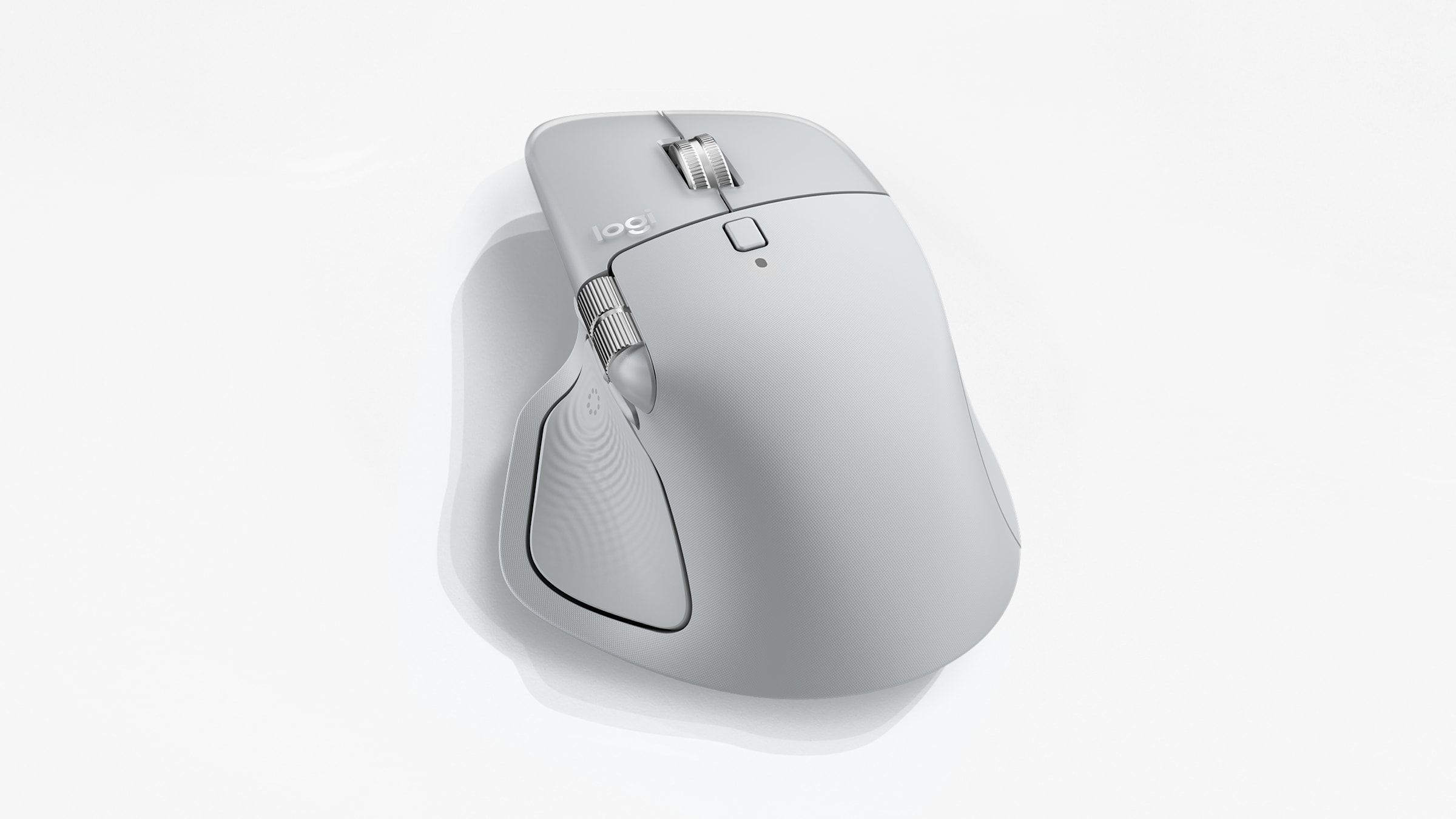
The Logitech MX Master 4 UK price is £119.99, and it is the first MX Master mouse to add customisable haptic feedback and a stronger wireless chip. It pairs those with the cursor-side Actions Ring overlay, which Logitech also supports on older models such as the MX Master 3S. Logitech announced it on 30 September 2025, and it now sits at the top of the company’s productivity range for people who spend their working day in a browser, a spreadsheet or a creative app. This guide explains what is new, what the specifications actually mean for daily use, where to buy it in the UK, and whether it is worth the upgrade over the cheaper MX Master 3S.
- UK price: £119.99 from Logitech UK, matching the $119.99 and €129.99 set at launch.
- Headline change: customisable haptic feedback built into the thumb area, a first for the MX Master line.
- Sensor and battery: 8,000 DPI Darkfield tracking on any surface, up to 70 days per charge, with a one-minute top-up giving around three hours of use.
- Connectivity: Bluetooth or the bundled Logi Bolt USB receiver, with twice the connection strength Logitech claims over the previous model.
- Colours: Graphite and Pale Grey globally, with Black and Graphite Charcoal options in Europe.
What the Logitech MX Master 4 UK actually changes
The MX Master shape has barely moved in a decade, so the interesting work this time is under the shell rather than on the outside. The biggest addition is a small haptic motor that sits beneath the thumb rest. Instead of relying only on what you see on screen, the mouse now gives you a physical nudge when you trigger a shortcut, hit a notification or scroll through a long menu. Logitech says it works at system level on Windows and macOS, and that specific apps including Photoshop, Lightroom and Zoom map their own cues to it.
The other genuine upgrade is connectivity. Logitech has fitted a new high-performance chip and repositioned the antenna, and it quotes roughly twice the connection strength of the MX Master 3S. In practice that should mean fewer dropouts when the mouse is several metres from the receiver or competing with a busy 2.4GHz environment, which is exactly the situation most UK home-office desks sit in. If you have ever battled a laggy cursor on a cluttered desk, this is the change you are most likely to feel day to day. We have covered similar quality-of-life thinking in our look at the best laptop under £700 in the UK for buyers who pair a budget machine with a premium pointer.

Specifications and what they mean for daily work
On paper the hardware is a refinement of a proven design. The Darkfield sensor tracks at up to 8,000 DPI and works on almost any surface, including glass, so you are not tied to a mousepad. There are eight programmable controls, the MagSpeed electromagnetic scroll wheel that switches between ratcheted and free-spinning modes, and a separate thumb wheel for sideways scrolling. The body weighs around 150g, which is heavy by gaming-mouse standards but reassuringly planted for long editing or admin sessions.
| Specification | Logitech MX Master 4 |
|---|---|
| UK price | £119.99 |
| Sensor | Darkfield, up to 8,000 DPI, tracks on glass |
| Buttons | 8 programmable controls |
| Scroll | MagSpeed electromagnetic wheel plus thumb wheel |
| Haptics | Customisable haptic feedback (new) |
| Battery | Up to 70 days; one minute charges around three hours |
| Connectivity | Bluetooth Low Energy or Logi Bolt USB receiver |
| Multi-device | Easy-Switch across up to three devices, Logitech Flow |
| Weight | Approximately 150g |
| Software | Logi Options+ (Windows and macOS) |
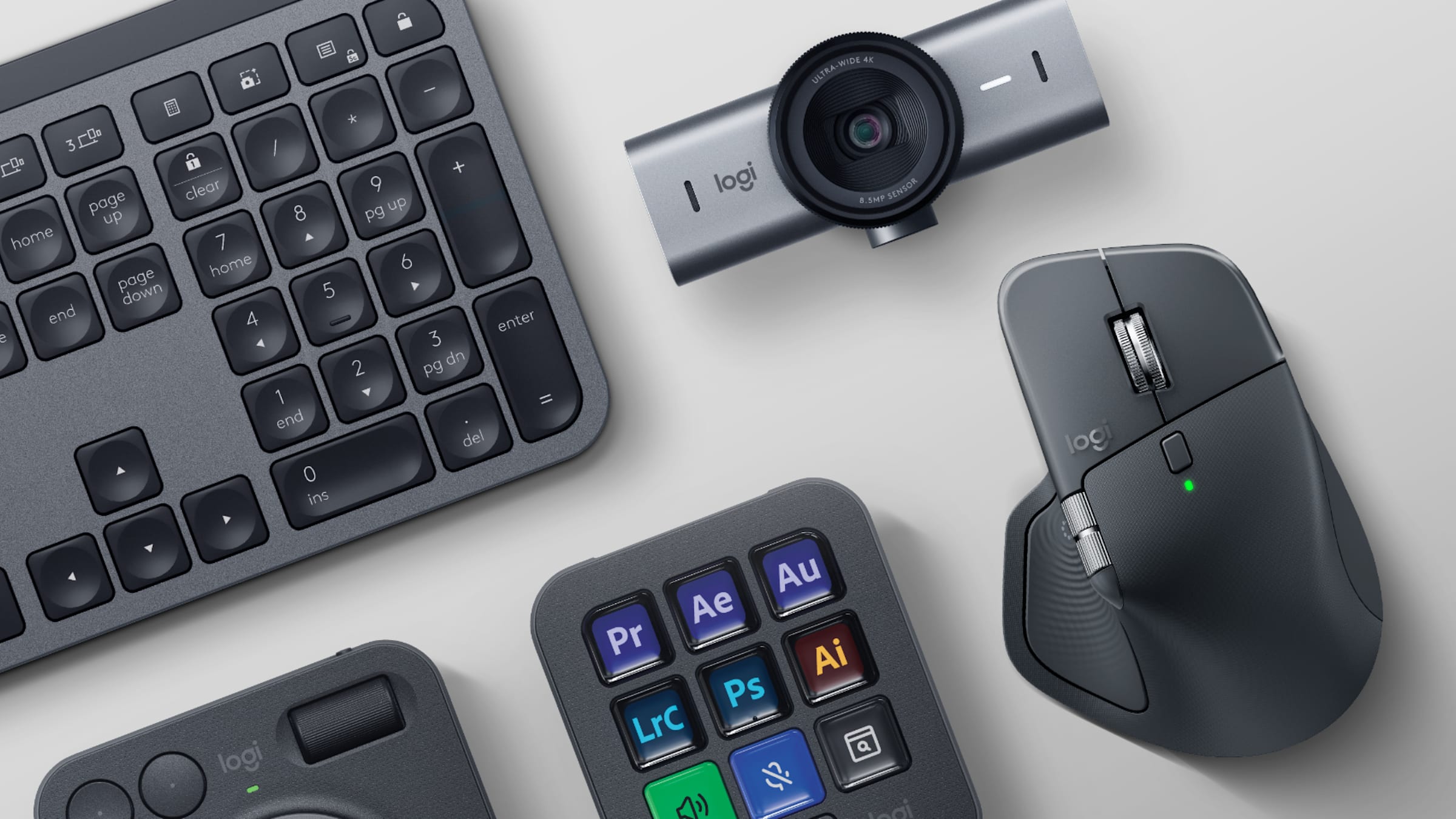
Battery life is the unsung strength here. Logitech rates the mouse at up to 70 days on a full charge over USB-C, and a one-minute emergency top-up returns about three hours of use. For most UK office workers that means charging it once every couple of months rather than fretting about it. The Easy-Switch buttons let you pair up to three machines and hop between them, and Logitech Flow lets the cursor cross from one computer to another and even copy text and files between them. If you run a laptop and a desktop, or a work and personal machine side by side, that single feature can save more time than any shortcut. Buyers weighing a new machine to pair it with may want our notes on the MacBook Air M5 versus Pro M5 first.
Haptics and the Actions Ring in real use
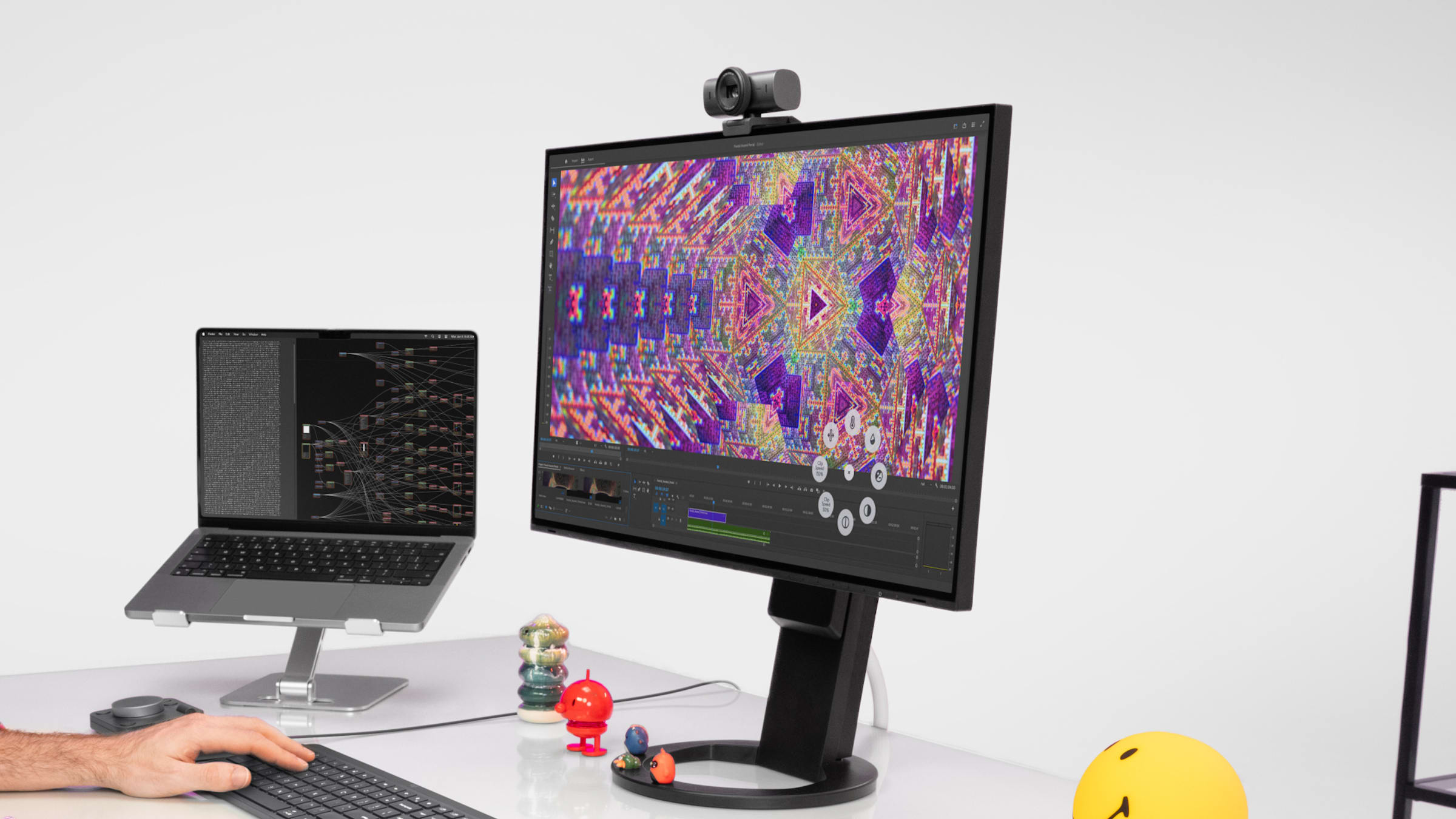
Software is where Logitech is trying to justify the price. The Actions Ring is a circular overlay that pops up at the cursor when you press a button, putting your most-used tools and shortcuts within a flick of the pointer instead of a trip to a toolbar. Logitech claims it can save up to a third of the time spent on repetitive tasks and reduce mouse movement by around 63 per cent. Those are vendor figures rather than independent test results, so treat them as a direction of travel, but the underlying idea is sound: fewer journeys to the edges of a large monitor.
Paired with the haptic motor, the overlay starts to feel less like a gimmick. A short buzz confirms a shortcut fired, a heavier pulse marks the end of a long scroll, and an app can tell you a tool selected without you glancing away from your work. It is the kind of feedback laptop trackpads have offered for years, brought to a full-size mouse. Whether you bond with it depends on how much you customise it in Logi Options+, the companion app that also handles per-application profiles. People who already lean on AI assistants to cut admin, as we explored in our guide to choosing Claude, Copilot or Gemini for UK work, will recognise the same goal of shaving seconds off repeated actions.
How it compares with the MX Master 3S
If you already own the MX Master 3S, the case for upgrading is narrower than the marketing suggests. The 3S already has the quiet clicks, the 8,000 DPI sensor and the MagSpeed wheel, and it remains an excellent mouse that Logitech still sells, often nearer £80 to £90 in the UK. The new model justifies its premium with two things the 3S cannot match: the haptic feedback and the stronger radio. The Actions Ring software runs on the 3S as well, but only the 4 pairs it with haptic cues. None of those are essential, but together they make the MX Master 4 the more future-proofed buy if you are starting from scratch.
For first-time MX buyers, the choice is simpler. Spend the extra and get the newest platform, because Logitech tends to support its flagship for years and the gap to the 3S is small in cash terms. For owners of the 3S who are happy, there is no urgency. The exception is anyone who suffers wireless interference at their desk, where the new radio alone may be worth it. This is the same buy-now-or-wait calculation we applied in our Computex 2026 UK preview, where a modest annual refresh did not always force an upgrade.
Who the mouse suits and who should skip it
This is a productivity tool first. The people who will get the most from it are knowledge workers, developers, photo and video editors, and anyone running two screens or two computers who lives in keyboard shortcuts. The large ergonomic shape suits medium to large hands and a palm grip; it is built for right-handers, and Logitech does not offer a left-handed version. The thumb wheel and back-and-forward buttons make navigating long documents and timelines genuinely quicker once you commit to learning them.
It is the wrong mouse for some buyers. Gamers should look elsewhere, because the weight and click latency are tuned for office work rather than reaction time. People with small hands may find it too bulky, and anyone who only needs a tidy pointer for light browsing does not need to spend £120 when Logitech’s own cheaper models do that job. If portability matters more than ergonomics, the smaller MX Anywhere line is the better fit. Readers building a wider home setup might also weigh accessories the way we did in our guide to the best Nintendo Switch 2 accessories in the UK, matching each purchase to a clear use case.
Colours, what is in the box and warranty
Logitech sells the MX Master 4 in Graphite and Pale Grey worldwide, with Black and Graphite Charcoal options available in Europe, and dedicated Mac editions in White Silver and Space Black. The box includes the mouse, the Logi Bolt USB receiver and a USB-C charging cable. There is no charging dock in the standard pack; that is sold separately for buyers who want a desktop cradle. The mouse charges over USB-C, so most people can reuse a phone or laptop cable they already own.
On after-sales cover, Logitech provides a manufacturer guarantee, and your statutory rights under the Consumer Rights Act 2015 sit on top of that when you buy from a UK retailer. That Act gives you up to 30 days to reject a faulty product for a full refund, and up to six years to pursue a claim for goods that were not of satisfactory quality. Keep your receipt, because warranty length and claim handling differ between buying direct from Logitech and buying through a third-party seller. We flagged the same consumer-rights point in our coverage of the Nothing Headphone (1) in the UK, where retailer choice changes how easily you can return a unit.
Where to buy or check next in the UK
The MX Master 4 is widely stocked, so it is worth comparing a few UK sellers before you commit. Logitech UK lists it at £119.99 direct, which is the reference price and the place to check colour and Mac-edition availability. Currys carries the full MX range with click-and-collect at most stores, often useful if you want to feel the shape before buying. John Lewis typically adds a two-year guarantee on tech at no extra cost, which can be worth more than a small discount elsewhere. Amazon UK and Argos tend to be quickest for next-day delivery, and Very and AO are worth a look if you want to spread the cost.
Before you pay full price, check whether the MX Master 3S is discounted at the same retailer, since it is the obvious money-saving alternative. Confirm you are buying the right regional colour, because the Mac editions and the Europe-only finishes are listed separately. If you want the charging dock, factor in that extra cost rather than assuming it is included. For software-led buyers, it is also worth reading our guide to the best AI writing assistant in the UK, since a good pointer and a good assistant together do more for a workflow than either alone.
The MTW verdict
We think the MX Master 4 is the productivity mouse to buy in 2026 if you are starting fresh or replacing an older model, and the £119.99 price is fair for what is still the best-built ergonomic mouse in its class. The haptics and the stronger radio are real improvements rather than marketing, even if the Actions Ring rewards people who are willing to set it up properly. Buy it if you spend your day in documents, code or creative apps and you want one tool that follows you across two machines. Wait if you already own a happy MX Master 3S, because the upgrade is welcome but not urgent, and the 3S remains a strong buy at a lower price.
| What we like | What we would watch |
|---|---|
| Haptic feedback adds genuine, glance-free confirmation | Actions Ring only pays off if you customise it |
| Stronger wireless that should cut desk interference | Vendor time-saving figures are not independently tested |
| Up to 70-day battery and cross-device Flow | Heavy and right-handed only, with no dock in the box |













Reader discussion
Leave a comment
Comments are moderated. Keep it useful, accurate, and on topic.