News · 2 Mar 2011 · MTW Editorial Team

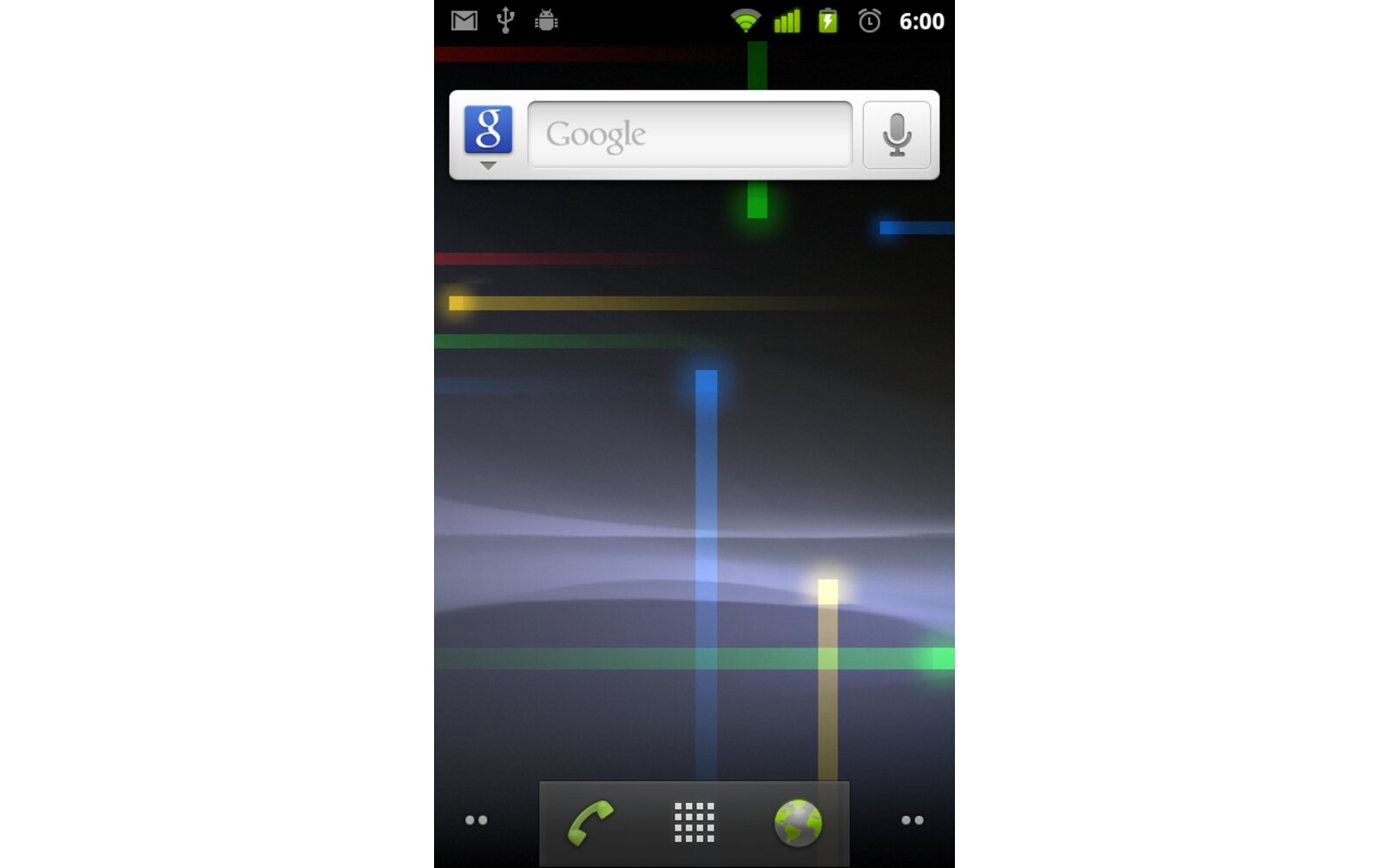
This definitely took a while but Google has finally started to push the OTA Android 2.3.3 Gingerbread update to the venerable Nexus One. The roll out is probably going to take a little while so don’t be surprised if your handset hasn’t been notified yet. If you can’t wait to get it then just hit the link after the break to download and follow the instruction below to install it:
– Download the .zip file
– Rename it to update.zip
– copy it to the Root of your micro-sd card
-Boot your device in recovery mode by holding the the trackball and pressing once on the power button
– Select Bootloader and then select Recovery
– Let the device reboot (it will display an exclamation point) and then press the volume up and power button at the same time
– finally select “Apply sdcard:update.zip” with the trackball.
-Voila
Here’s the download link for the Nexus One: Google Nexus One Android 2.3.3 update
Here’s the download link for the Google Nexus S Android 2.3.3 update which includes the Super AMOLED color temperature tweak: Google Nexus S Android 2.3.3 update
As usual always backup all your important data before proceeding with the update. THe Nexus One seems to suffer from a bug that renders Google Voice useless so head over here for some info about it if you encounter this issue.
Buyer action
Where to buy or check next
Use this as the final check before ordering a phone, changing network or trusting a headline monthly price.