News · 23 Aug 2011 · MTW Editorial Team

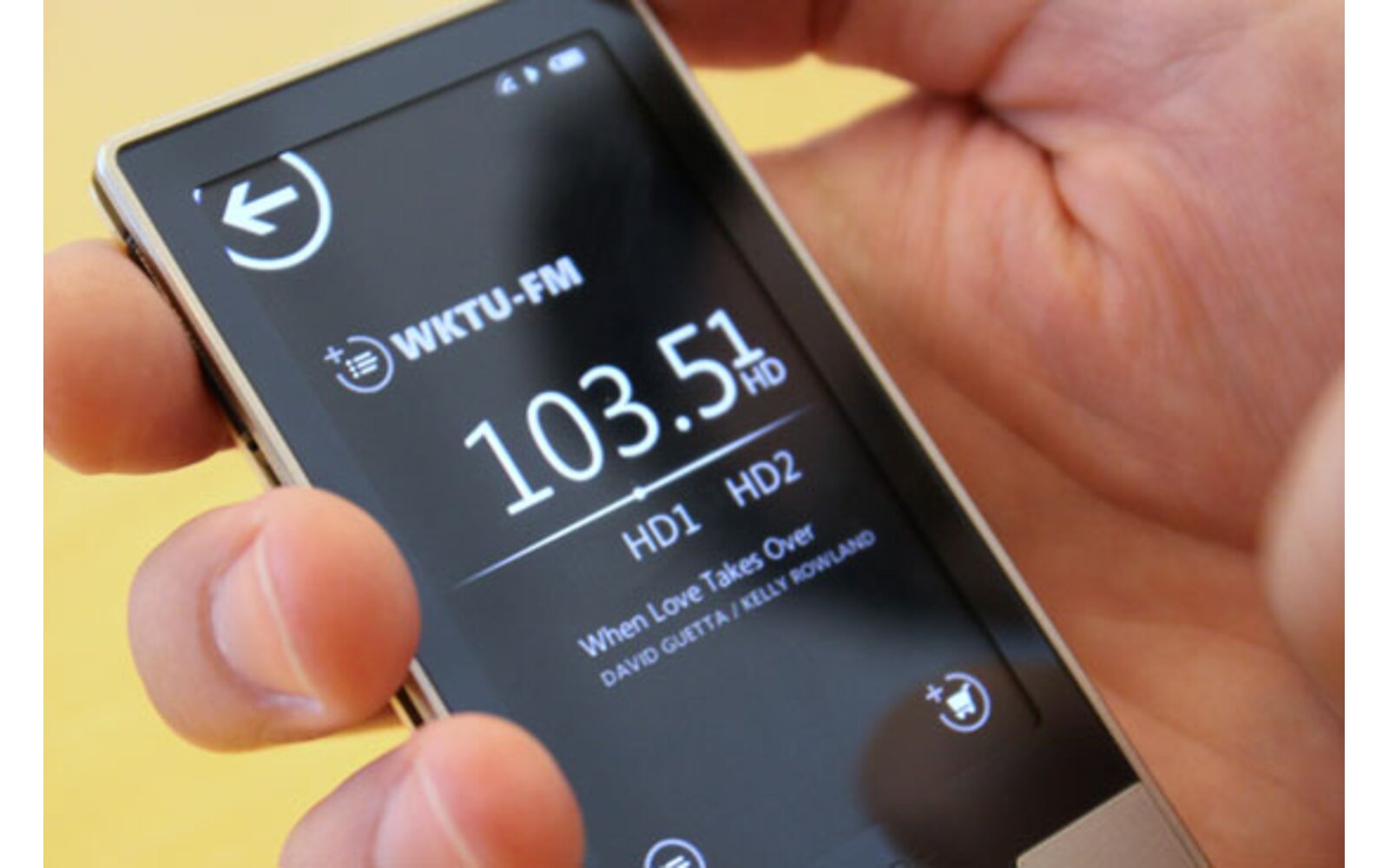
Microsoft has just released the final version of the Zune Desktop software version 4.8 today. This will allow Windows Phone 7 handsets to receive the Mango update in the coming weeks and should include the much awaited ringtones management feature that was announced a little while ago (and was already available in the Beta version released in the past months). You can download it directly from here. Check out the change log after the break:
Faster Windows Phone updates:
– Progressive updates: In Zune 4.8, you only have to click the update button once for multiple updates. Once an update is finished, the software automatically checks for more and repeats the installation process until your phone is completely up to date.
– Streamlined backup. By synching media separately from other phone content, we’ve lowered the overall time it takes to back up your phone. The backup file is also more compact, so it should take up less space on your computer.
– Skip phone backup: If you don’t have enough room on your computer to store a phone backup file, you’ll now have the option to skip this step so you’re not blocked from updating your phone.
More places and languages:
– The Zune 4.8 client now supports 22 display languages, including Brazilian Portuguese, Chinese (traditional and simplified), Czech, Danish, Dutch, English (US and UK), Finnish, French, German, Greek, Hungarian, Indonesian, Italian, Japanese, Korean, Malay, Norwegian, Polish, Portuguese, Russian, Spanish, Swedish.
– In addition , Zune 4.8 is available in the following countries or regions: Argentina, Australia, Austria, Belgium, Brazil, Canada, Chile, China, Colombia, Czech Republic, Denmark, Finland, France, Germany, Greece, Hong Kong, Hungary, India, Indonesia, Ireland, Italy, Japan, Korea, Malaysia, Mexico, Netherlands, New Zealand, Norway, Poland, Portugal, Russia, Singapore, South Africa, Spain, Sweden, Switzerland, Taiwan, United Kingdom, and the United States.
Tweaks and fixes:
– Support for 48-hour movie rentals
– Parental Controls now support M-rated (Mature) content
– Option to hide purchase confirmation dialog for faster app checkout
– See what apps are compatible with the Windows Phone you own
Buyer action
Where to buy or check next
Use this as the final check before ordering a phone, changing network or trusting a headline monthly price.