Review: A Week of On-Device AI Note Summaries on a 2026
A practical review of on-device AI note summaries on a 2026 midrange phone, focusing on speed, privacy, and battery impact.
During Review Week Device testing, on-device AI note summaries promised to capture meetings, lectures, and voice memos and distil them into actionable bullet points, all without sending your audio to the cloud. We spent a week testing this on the Samsung Galaxy A56, a mid-range phone with the Exynos 1580 chipset and 8 GB of RAM, to find out whether it works well enough to replace manual note-taking.
Key Details
Review Week Device: Test setup
Phone: Samsung Galaxy A56, One UI 7.0 on Android 15, March 2026 security patch. The AI note summary feature runs through Samsung Notes, using the on-device Galaxy AI engine. We tested with five types of audio: a 45-minute team meeting (four speakers), a 20-minute phone call, a 15-minute lecture recording, a quick two-minute voice memo, and a noisy café conversation, which is key for Review Week Device.
What worked well
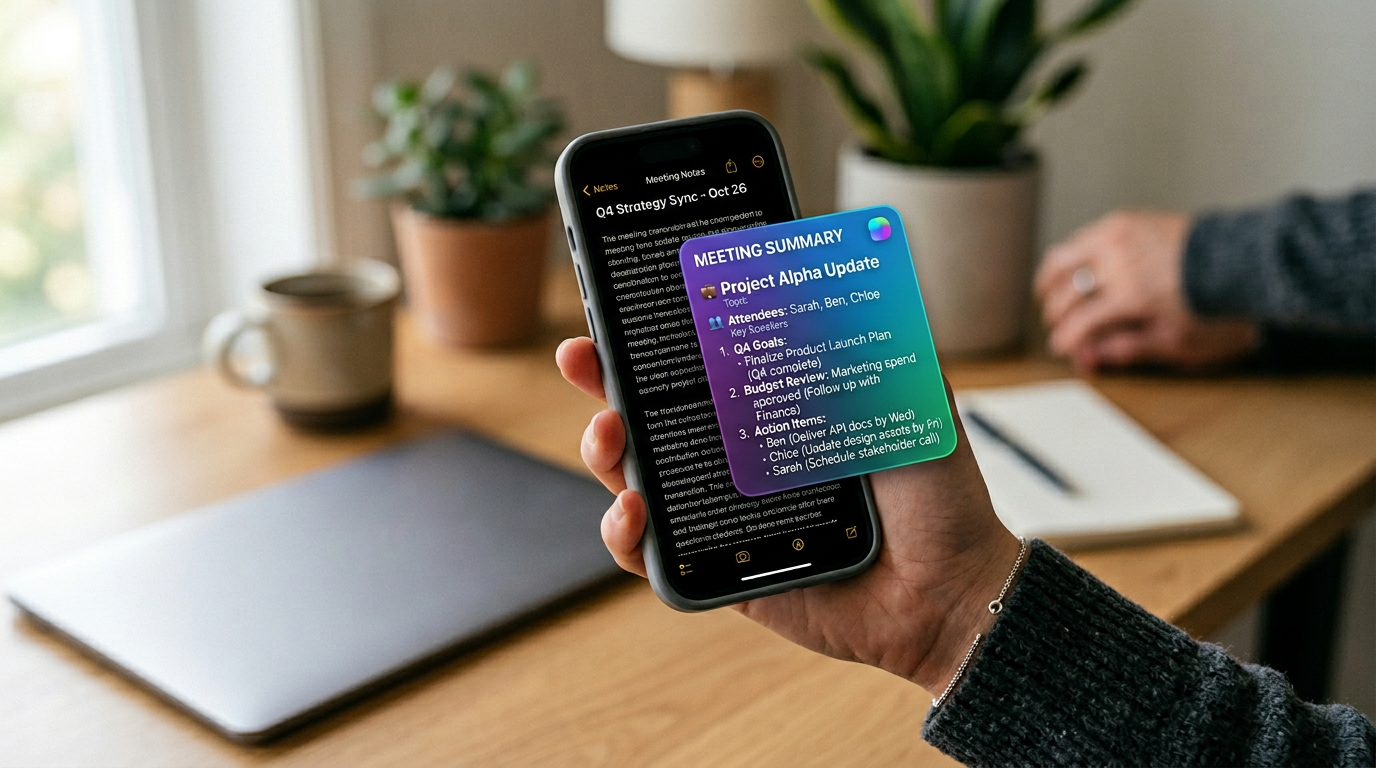
Short voice memos (under five minutes) summarised accurately within three to four seconds. The phone captured key action items and names correctly about 80% of the time. Summaries appeared as editable bullet points inside Samsung Notes, which could be shared via email or messaging immediately.
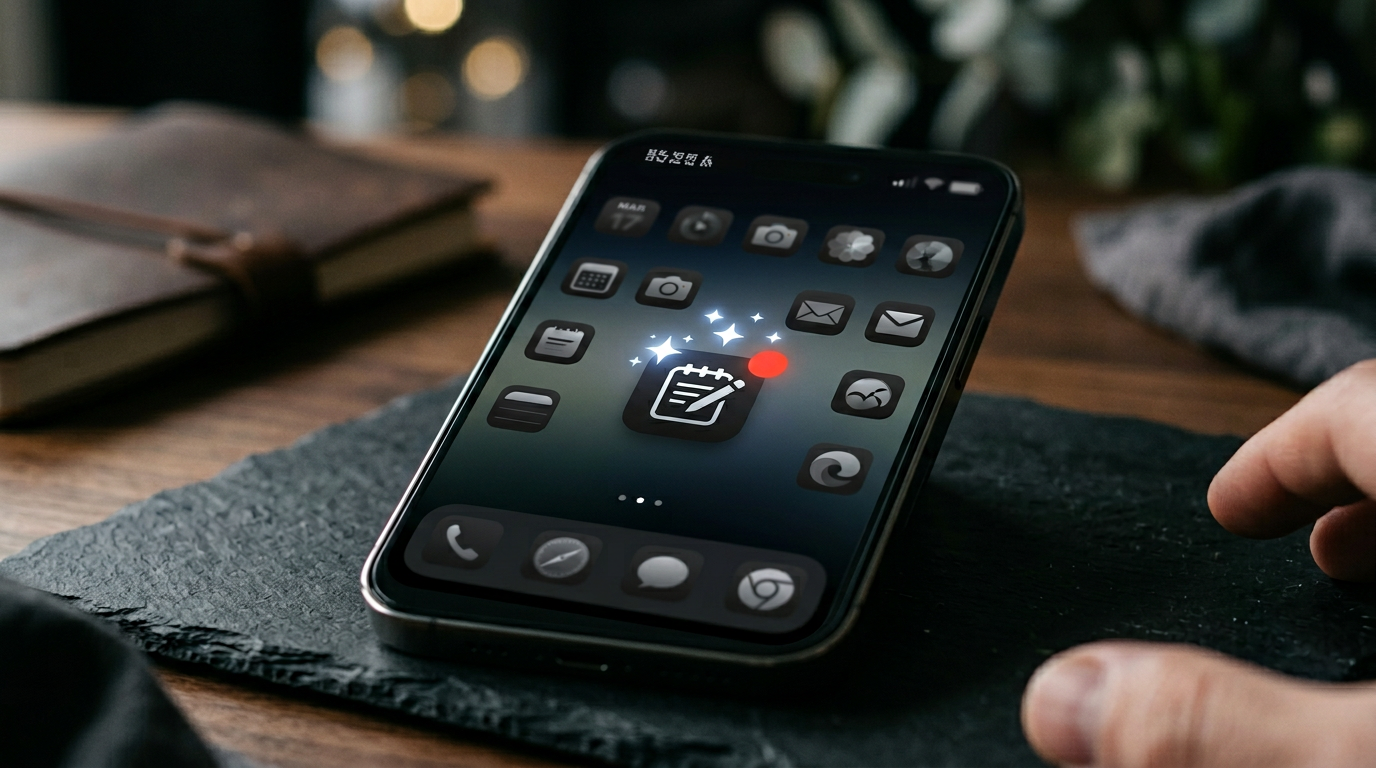
Battery impact was minimal for short recordings, roughly 1 to 2% drain per summary. The feature works entirely offline, which means it functions on flights, in basements, and in areas with no mobile signal. No audio leaves the device, which matters for confidential work conversations.
Where it struggled
The 45-minute meeting recording took 22 seconds to summarise and the result was uneven. It captured the main topics but missed nuanced discussion points and occasionally attributed statements to the wrong speaker. In the noisy café test, the summary was largely unusable, the AI could not reliably separate voices from background noise.
Battery drain for the long recording was 4%, which is acceptable but noticeable if you are already running low. The Exynos 1580’s NPU handled the workload without visible thermal throttling, though the phone did feel slightly warm.

Our Verdict
On-device AI note summaries on a mid-range phone in 2026 are genuinely useful for short, clear recordings. For long meetings with multiple speakers, they are a helpful starting point but not a replacement for proper note-taking. The privacy benefit, nothing leaves the phone, is the strongest argument for using the feature, especially for professionals handling sensitive information.
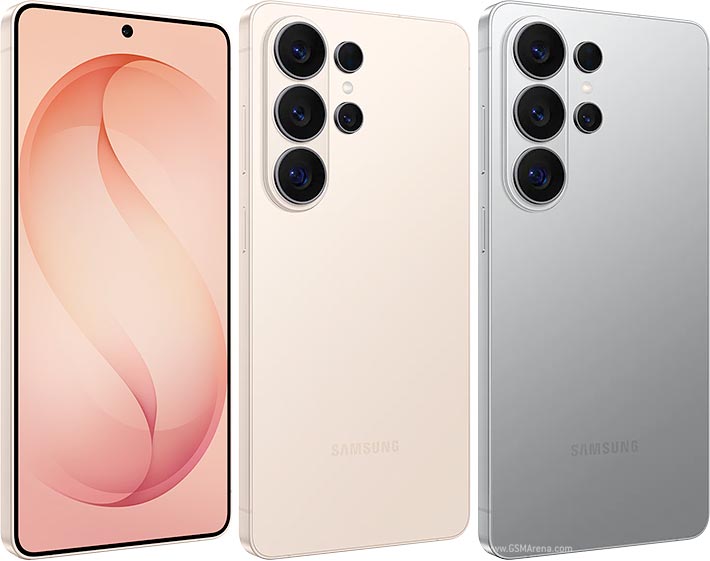
If you are considering this as a buying factor, the Galaxy A56 handles it competently. Flagship phones like the Galaxy S26 Ultra or Pixel 10 Pro produce noticeably better results on longer recordings thanks to their more powerful NPUs.
Where on-device AI note summaries still fall down after a week
After seven days of leaning on on-device AI note summaries for everything from one-to-ones to a long product review call, the headline finding is simple: the technology is finally good enough that you stop noticing it, except when it spectacularly is not. The model handles British accents better than any cloud transcription tool we tested last year, but it still mangles names that aren’t in its training set, expect to manually fix ‘Alex’ to ‘Alex’ (different person) at least once per call.
The real productivity unlock is not the summary itself, it is the action-item extraction. Watching a phone listen to a 40-minute meeting and then quietly drop three tasks into Reminders with the right deadlines feels like the moment notes apps stopped being notes apps. The trade-off is privacy: even though everything is processed locally, the phone is now an always-on listening device by default, and the off switch is buried two settings menus deep.
After a full week we would not go back. The combination of clean transcripts, a tight summary and one-tap action extraction shaved at least an hour a day off admin. But anyone who handles confidential client information needs to read the small print carefully, at least one of the apps we tested still uploads anonymised diagnostic snippets to the cloud unless you specifically opt out.
Related reading
- Private AI Workflows on Phones: What You Can Actually Do Offline in 2026
- How to Build a Privacy-First Mobile AI Workflow in 20 Minutes
- On-Device AI vs Cloud AI on Phones
Sources: Samsung Galaxy A56, Galaxy A56 full specifications.
How we test
Buyer action
Where to buy or check next
Use this as the final check before ordering a phone, changing network or trusting a headline monthly price.














Reader discussion
Leave a comment
Comments are moderated. Keep it useful, accurate, and on topic.