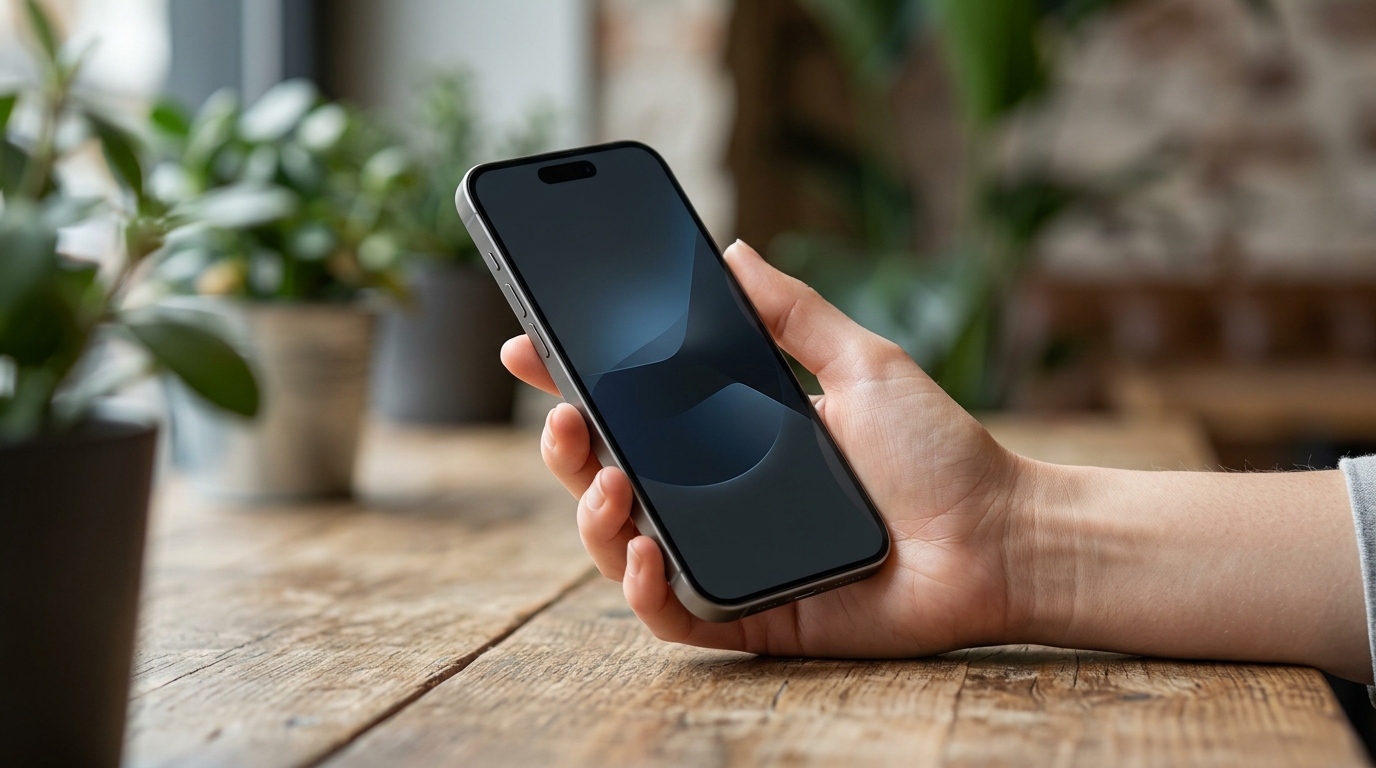
Private AI workflows on phones used to mean turning Wi-Fi off and hoping the model was small enough to be useful. In 2026, the picture is genuinely different: private AI workflows on phones can transcribe a meeting, summarise a 10-page note, search a photo library by description and translate text without sending a byte to anyone’s cloud.
This guide covers exactly that. It is opinionated about which workflows are actually private right now, honest about what still requires the cloud, and pragmatic about how to set the whole thing up in under 20 minutes on either platform.
What private AI workflows on phones actually mean in 2026
A private AI workflow is one where the model lives on the phone’s NPU and the data the model sees never leaves the device. Apple, Samsung and Google all now ship serious on-device models that can do useful work this way: Gemma 4 on Pixel devices via Google AI Edge (the foundation for the next Gemini Nano), Galaxy AI on Samsung, and Apple Intelligence on iPhone 15 Pro and newer. The features below are the ones we have actually verified run with no network connectivity.
If a feature only works when the phone has signal, assume it is talking to a cloud, even if the marketing implies otherwise. Several “private” features quietly call hybrid cloud routes for fallback. Test airplane mode before trusting any of them with sensitive content.
Private AI workflows on phones that genuinely work offline
- Voice memo transcription. Google Recorder on Pixel and Samsung Notes both transcribe English audio locally with 90 to 95% accuracy in quiet rooms. Long lectures and meetings included.
- Note and PDF summarisation. Galaxy AI Note summary and Gemini Nano (built on Gemma 4) can summarise multi-page text in under five seconds without a network.
- Photo library search by description. Pixel’s on-device Photos index lets you search natural-language phrases like “beach sunset 2024” offline.
- Object Eraser and Magic Eraser. Both remove small objects on-device. Generative Fill, by contrast, currently still needs the cloud for the heavy lifts.
- Offline translation. Google Translate and Samsung’s Live Translate work offline once language packs are downloaded, useful for travel, menus and street signs.
- Smart Reply and on-device dictation. Both Pixel and Galaxy now run dictation entirely on-device for English and several major European languages.
What still needs the cloud
Be honest with yourself about the limits. The following workloads are not running on a 2026 phone: long-form generation longer than about 1,200 tokens, complex code generation, conversational agents that browse the web, full image generation, and most agentic workflows. The models are simply too large to fit on-device with acceptable latency. If you need those, accept the trade-off and use a cloud service you trust, see ChatGPT vs Claude vs Gemini in 2026 for the right one.
How to set up private AI workflows on phones in 20 minutes
On a Pixel
- Settings → Apps → Google → Gemini → enable on-device mode where available.
- Google Translate → Settings → Offline translation → download every language you might travel to.
- Recorder → enable on-device transcription and disable cloud backup if you do not want sessions stored.
- Photos → turn off cloud backup if you want library search to stay strictly local.
On a Samsung Galaxy
- Settings → Galaxy AI → Processing → toggle Process data only on device.
- Samsung Notes → enable on-device summary and translation.
- Settings → Privacy → disable Personalisation Service if you want zero on-device telemetry feeding cloud personalisation.
- Samsung Keyboard → download offline language packs.
Privacy compared: what each platform sends and keeps
| Workflow | Pixel (Gemini Nano / Gemma 4) | Galaxy AI | Apple Intelligence |
|---|---|---|---|
| Voice transcription | Local | Local | Local |
| Note summary | Local | Local | Local |
| Photo search | Local | Local | Local |
| Object removal (simple) | Local | Local | Local |
| Generative fill / replace background | Cloud (Gemini) | Cloud (Galaxy AI) | Private Cloud Compute |
| Offline translation | Local (with packs) | Local (with packs) | Local (with packs) |
| Long-form writing assist | Cloud (Gemini) | Cloud (Galaxy AI) | Private Cloud Compute |
Three private AI workflows on phones worth setting up today
If you only do three things after reading this guide, do these. They cover the highest-value tasks and they are all genuinely private.
- Meeting capture and summary. Recorder/Samsung Notes transcribe locally; Gemini Nano or Galaxy AI summarises the transcript on-device. End result: a clean meeting summary that never leaves the phone.
- Travel translation. Pre-download Google Translate language packs and Samsung Live Translate offline. Real-time menu, sign and conversation translation works on a plane.
- Privacy-first photo edits. Use Object Eraser and Magic Eraser for simple cleanups; reserve cloud-based Generative Fill for shots where the privacy stakes are low.
The honest verdict
Private AI on phones in 2026 is real and useful, but it is narrower than the marketing suggests. The on-device models are excellent at structured, bounded tasks: transcribe this audio, summarise this note, find this photo. They are not yet ready to replace cloud LLMs for open-ended creative or agentic work. The right mental model is to use on-device for everything sensitive or time-bound, and reach for a trusted cloud only when the workload genuinely requires it. Set up the four tweaks above on each platform and you will get most of the way there.
Related reading on MTW
- Google Gemma 4 review: the on-device AI that proves your phone does not need the cloud
- ChatGPT vs Claude vs Gemini in 2026
- Microsoft’s Surface AI Laptop and the on-device AI shift: read the full editorial
Buyer action
Where to buy or check next
Use this as the final check before ordering a phone, changing network or trusting a headline monthly price.














Reader discussion
Leave a comment
Comments are moderated. Keep it useful, accurate, and on topic.