
You probably have hundreds of notes scattered across Apple Notes, Google Keep, or whatever default notes app came with your phone. Quick thoughts, meeting reminders, article links and project ideas all dumped into an ever-growing list that you never revisit. That works for shopping lists and one-off reminders. But if you have ever struggled to find something you know you wrote down, or felt like your notes are a graveyard of good intentions rather than a useful resource, it might be time to consider something different.
Second Brain vs Notes App: Contents
- What Is a “Second Brain” Tool?
- Why Apple Notes and Google Keep Are Limiting
- The Main Contenders in 2026
- Getting Started Without Overthinking It
- Not Everyone Needs This
What Is a “Second Brain” Tool?
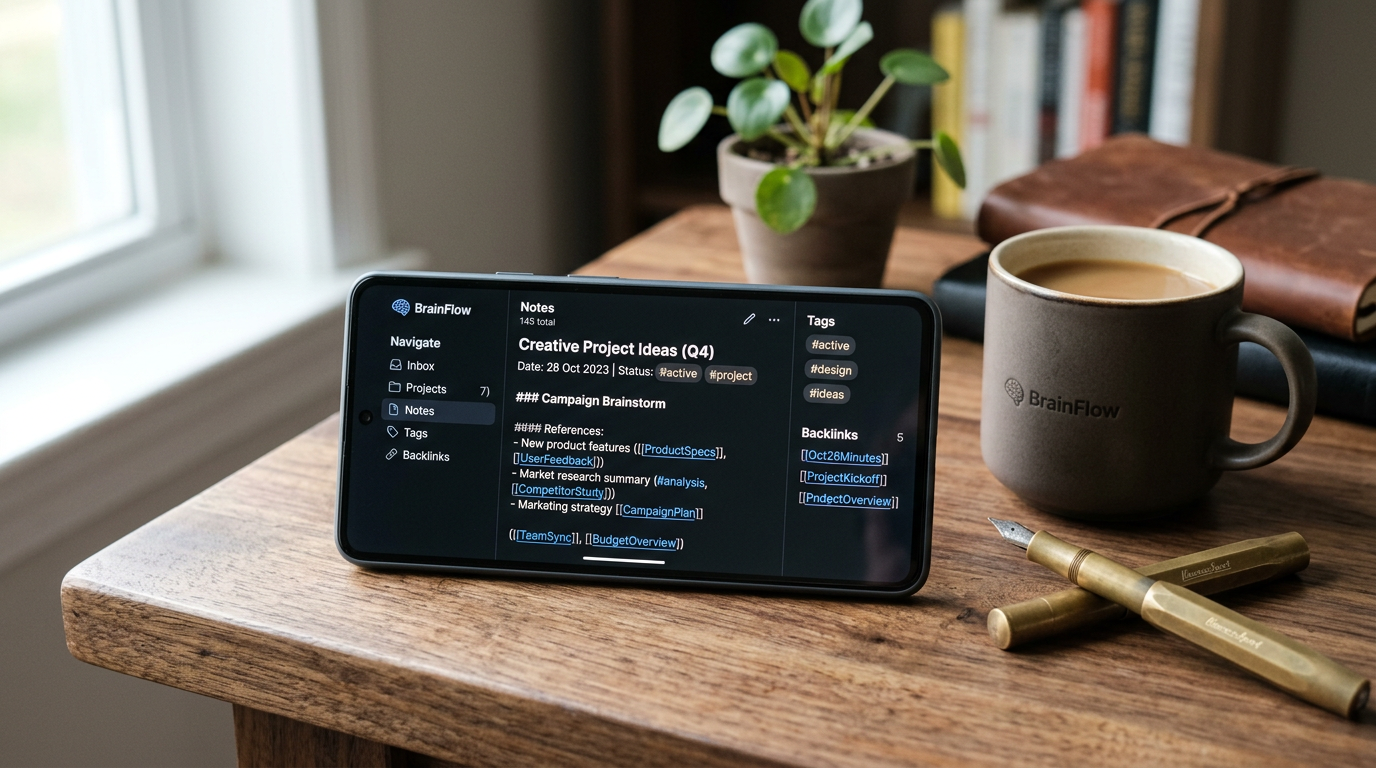
The term “second brain” was popularised by productivity author Tiago Forte and refers to a digital system for capturing, organising, and retrieving information, essentially an external thinking system. Unlike traditional notes apps, second brain tools emphasise connections between ideas, structured organisation, and the ability to surface relevant information when you need it.
The core principle is simple: instead of writing notes and forgetting about them, you build a personal knowledge base where every piece of information connects to related ideas, projects, and goals. Over time, this creates a resource that becomes more valuable the more you use it, the opposite of a cluttered notes app that becomes harder to navigate as it grows.
Why Apple Notes and Google Keep Are Limiting
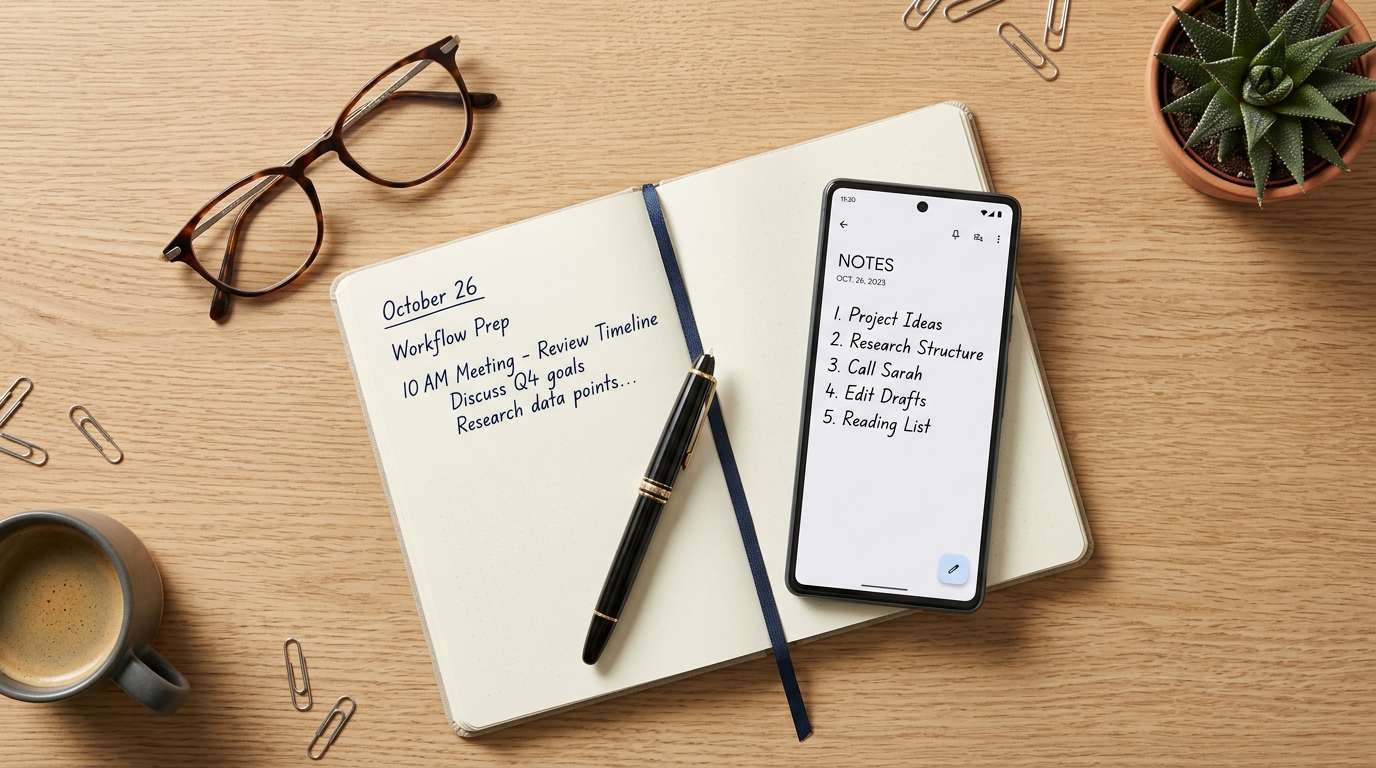
No connections between notes. In Apple Notes, each note is an island. You cannot link one note to another, see relationships between ideas, or build a web of connected knowledge. If you wrote a note about a project idea six months ago and a relevant article summary last week, there is no way to connect them other than manually searching and hoping you remember the right keywords.
Limited organisation. Folders help, but they force hierarchical thinking. A note about “marketing strategy” might belong in a “Work” folder, a “Marketing” folder, and a “2026 Goals” folder. In Apple Notes, you must choose one. In a second brain tool, it can exist in all relevant contexts simultaneously.
No structured templates or databases. If you want to track books you have read, with ratings, key takeaways, and favourite quotes, Apple Notes gives you a blank page. Second brain tools give you databases with properties, views, and filters.
The Main Contenders in 2026
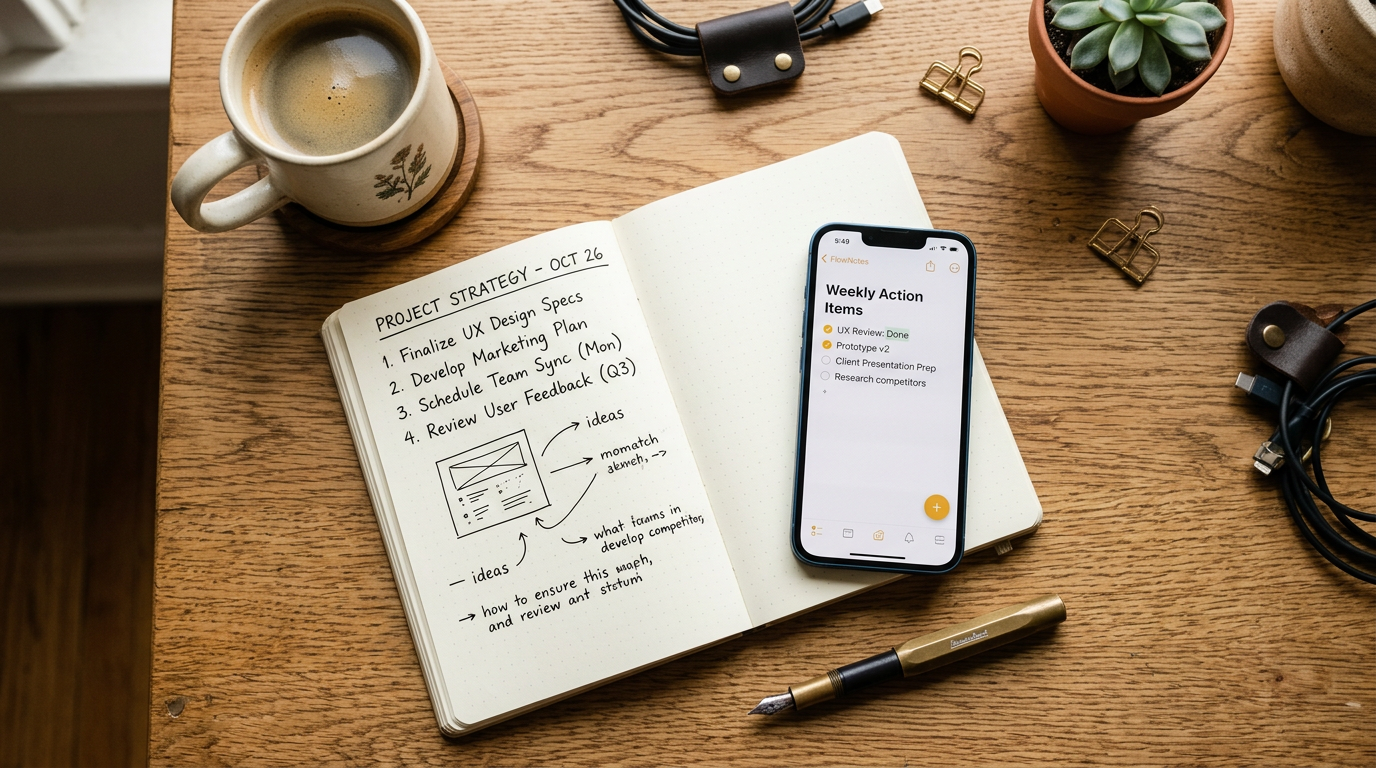
Notion is the most versatile option. It combines notes, databases, project management, wikis and calendars in a single workspace. You can build anything from a simple journal to a complete life operating system. The learning curve is moderate, Notion gives you powerful tools but takes some time to set up. It is free for personal use with generous limits, and the Plus plan is $10 a month (around £8 at current rates, plus UK VAT), per Notion’s official pricing page.
Obsidian is the technical choice. It stores your notes as plain Markdown files on your own device, uses bidirectional linking to connect ideas, and has a deep plugin ecosystem for power users. There is no server dependency and no subscription for personal use, sync and publishing are optional paid add-ons. If you want full control of your data and are happy to invest in the learning curve, Obsidian is unmatched.
Capacities is built around the concept of “objects” rather than pages. Everything is an object, a person, a book, a meeting, a project, and objects connect naturally to each other. If you create a meeting note and tag a person, that person’s page automatically shows all meetings they were in. It is the most intuitive of the three for people who find Notion overwhelming and Obsidian too technical. Free for personal use with a Pro plan around £8 a month on the annual rate.
Getting Started Without Overthinking It
The biggest mistake people make with second brain tools is spending weeks designing the perfect system before writing a single note. Here is a practical approach:
Start with capture. Use your chosen tool exactly like you use Apple Notes for the first week. Just write notes. Do not worry about organisation, templates, or linking.
Add links when they feel natural. When you write a note and think “this relates to something I wrote before,” create a link. Do not force it. Over time, the connections build organically.
Create one simple database. Pick something you want to track, books, articles, project ideas, and create a database with a few properties. This teaches you the tool’s capabilities without the pressure of building a complete system.
Review weekly. Spend 10 minutes each week looking through recent notes and adding connections. This review habit is what turns a collection of notes into a functioning second brain.
Not Everyone Needs This
Let us be honest: if Apple Notes works for you and you do not feel limited by it, you do not need a second brain tool. If your note-taking needs are simple, reminders, lists, quick thoughts, the added complexity of Notion or Obsidian is not justified. These tools are most valuable for people who consume a lot of information (researchers, students, writers, professionals in knowledge-heavy roles) and need a way to make that information useful over time.
The question to ask yourself is: do your notes help you think, or do they just store things? If the answer is the latter, and you wish it were the former, a second brain tool is worth trying. For more practical app recommendations, our guide to the best password managers in 2026 covers another category of app that repays a small investment in setup time. And if you want to explore how smart home automations can free up mental space too, our whole-home smart speaker setup guide is a good next step.
MMTW Editorial
Buyer action
Where to buy or check next
Use this as the final check before ordering a phone, changing network or trusting a headline monthly price.














Reader discussion
Leave a comment
Comments are moderated. Keep it useful, accurate, and on topic.