News · 7 Mar 2012 · MTW Editorial Team

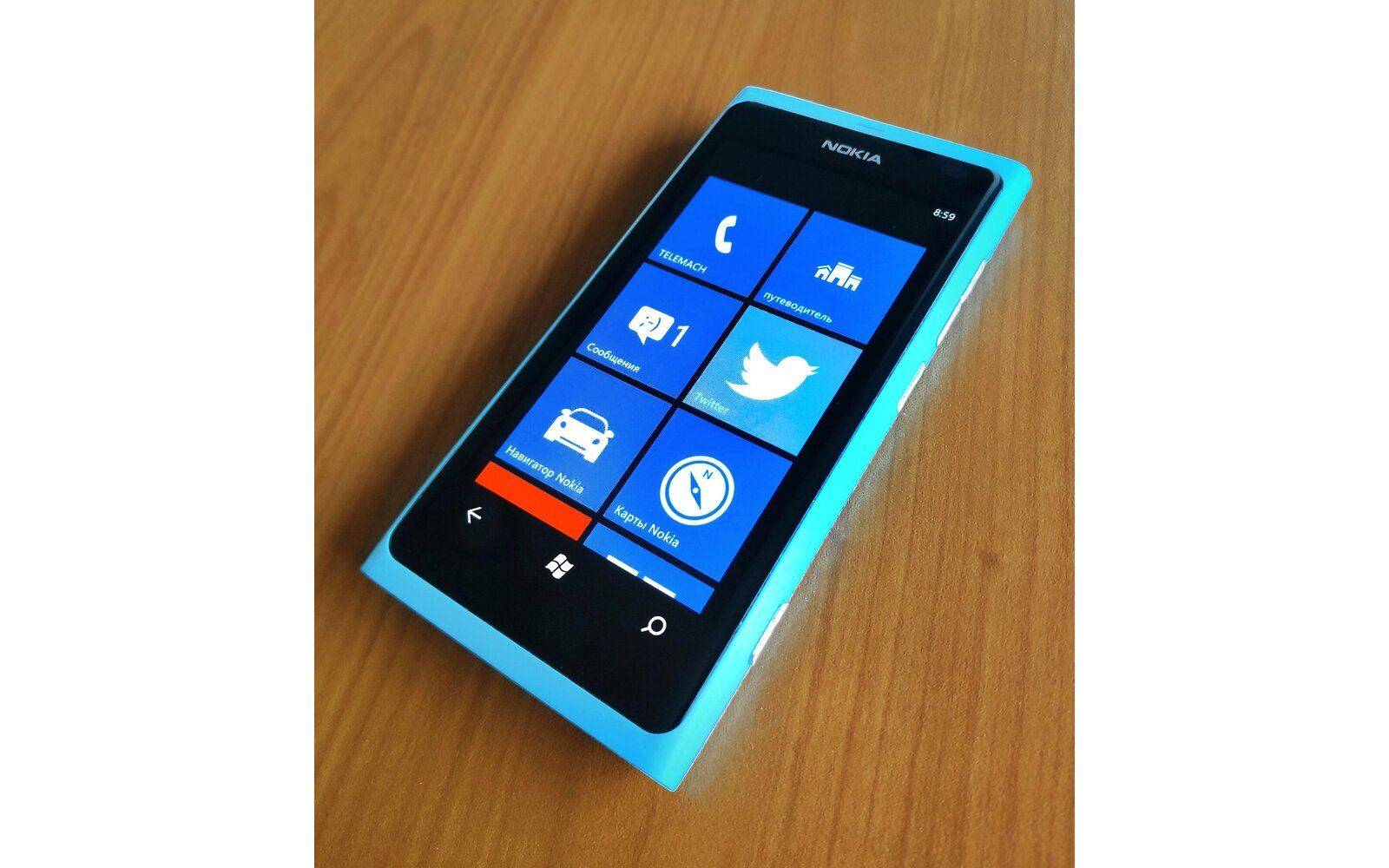
Nokia has finally made the Lumia 800 PR 1.2 1600.2487.8107.12070 update official today and has announced the roll out of the update (which has already started yesterday). The company ha also released the update’s change log as you can see below:
As this is not a mandatory software update, not every country or network carrier will make it available to their customers. However, all features and enhancements will be included in subsequent software updates. If you have questions if 1600.2487.8107.12070 will be available for you, please check with your local network carrier.
• Enhanced battery standby and talk time performance
• Battery capacity icon instead of question mark on top right of screen
• Improved bass in audio performance
• Soft-key illumination at all brightness levels
• Fixes for device performance issues including self-reboots, freezes and call-ending
So there you have it! I have personally been using this update for nearly 10 days now and can only recommend you to be patient cause this update will finally make the Lumia 800 viable phone. It’s also nice to see that the missing battery issue has also been fixed (something that I couldn’t really test cause the device I received already had the update applied). Also so note that the camera has also been improved but Nokia has omitted to talk about it in the change log above (see mine here). Props to Nokia who has really been active behind the seen to make this thing possible (trust me they really pay attention to user’s complains). BTW this update won’t triple your device’s battery life contrary to what you can see reported elsewhere. For the whole backstory about the Lumia 800 issues just hit the related post links below.
You can manually update you handset by following the instructions below:
– Download the PR 1.2 1600.2487.8107.12070 FW here.
– Download the update from the first link above then download the WPupdate tools from here.
– Unzip the Tools in a folder then unzip the firmware in the same folder as the tools.
– Plug in your device, wait until the Zune client starts and then close it.
– Run the the Updater and press S or B (depending on the size of your balls..)
– your phone will then reboot in download mode and update (don’t unplug it or do stupid things with your PC during the whole process..)
Follow @MobileTechWorld
Buyer action
Where to buy or check next
Use this as the final check before ordering a phone, changing network or trusting a headline monthly price.













