This post is from our Windows Phone 7 archive. For our current coverage of laptops and tablets, see our 2026 best laptops in the UK for 2026.
Read the 2026 best laptops in the UK for 2026 guide →UPDATED · News · 27 Jul 2012 · MTW Editorial Team

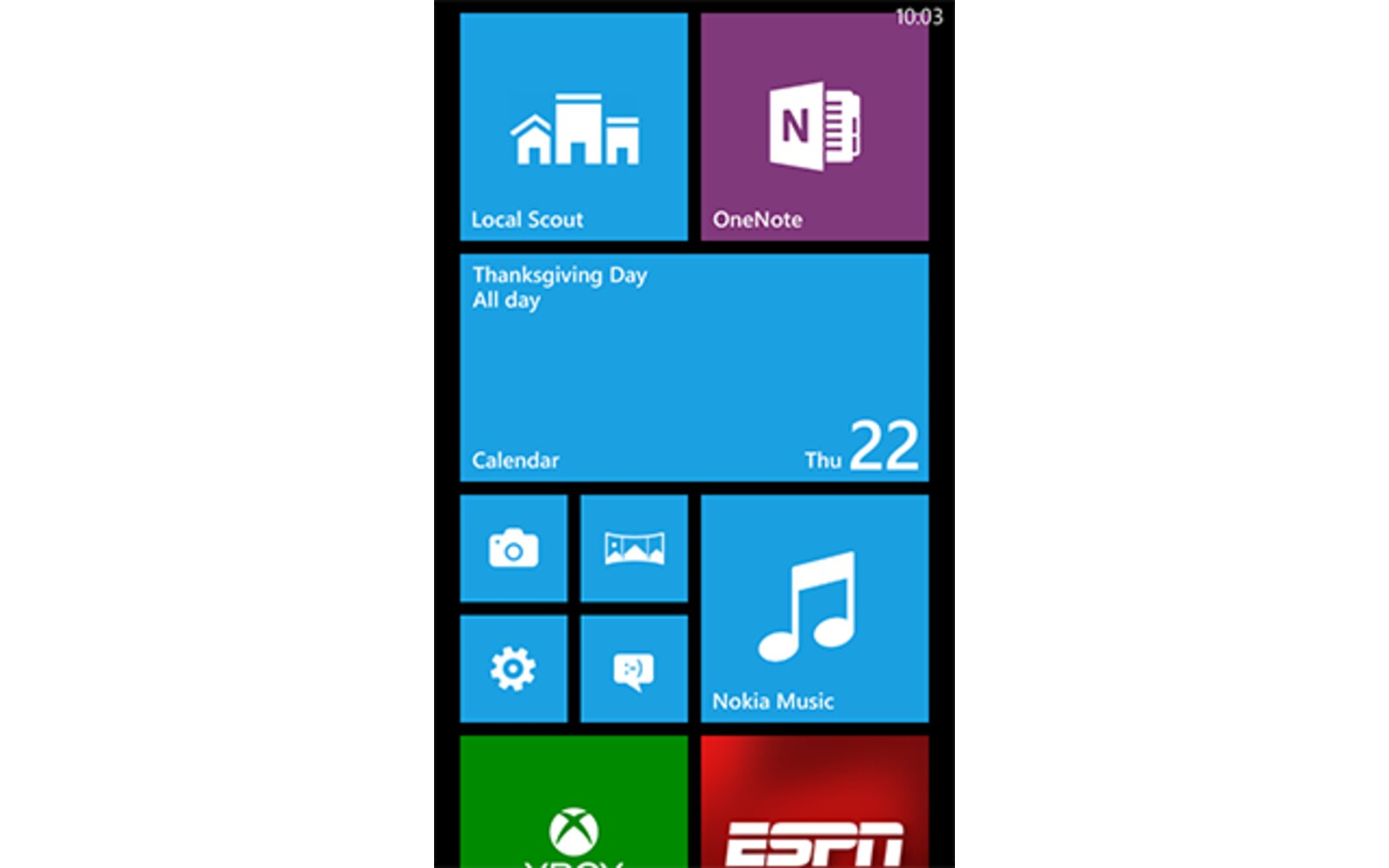
I just took a quick tour of the Windows Phone 8 emulator bundled in the Windows Phone 8 Developer Preview SDK that leaked just a few hours ago and decided to take some screenshot to show you some of the new UI tweaks and Features implemented in Apollo. Beware that there’s a lot of images after the break and not a whole lot of text (just a few lines to describe what’s on the screen). So just hit the break to see what Microsoft has been cooking for this fall release and some nice features that have been long overdue.
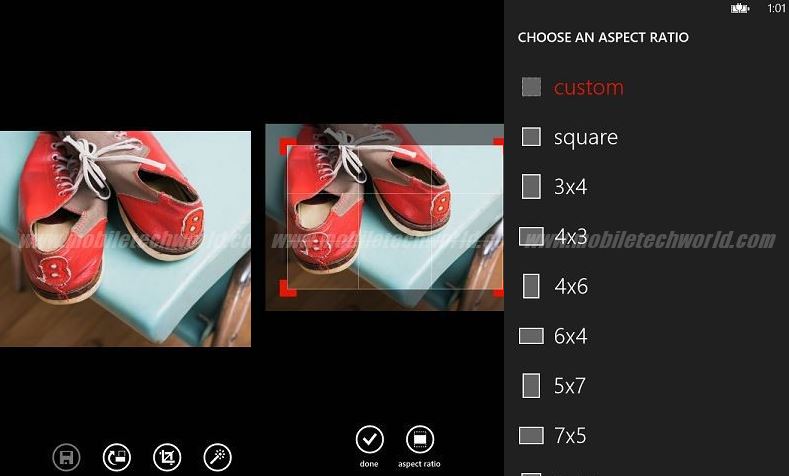
Let’s start with the Photo’s Hub which looks essentially the same as the WP7.X version but now features the ability to rotate and crop images:
And finally the ability to select multiple images:

The Internet Explorer 10 address bar button can now set to either open the tabs menu, favorites list or stop/refresh. DataSense can be used to reduce bandwidth through a Microsoft proxy server which will compress the webpages:
 Here you can see it set to open the Tabs menu:

Windows Phone 8 will also allow users to backup their sms, applications list, photos, music, videos,IE bookmarks etc:

The cellular monitoring feature formerly known as DataSmart has been renamed DataSense:

Here are a few screen shots of Nokia Maps in Windows Phone 8.

As you can see users will have the option to download maps for offline usage:

Here’s the camera application with the new Lens feature:

Here are the new revamped versions of Word, Powerpoint (notice the new zoom-out view) and Excel:

OneNote is now a stand alone application reminiscent of the OneNote MX application recently released on Windows 8:

The Lock-screen and now display information from select applications the the user can choose similar to the Windows 8 lock-screen:

Here’s the Wallet and NFC goodies:

The Storage screen, Ease of access settings which now include the option to choose the text’s font size, screen contrast and magnifier followed by the speech settings menu:

Two more settings screen; Company apps and Bing / Facebook suggestions:
 Last but not least, the Bing search screen can now be swiped left/right to reveal Top headlines, local events, currently playing movies and top videos:

There are obviously more features that I may have not seen yet or that are not present in the emulator so stay tuned for more! Don’t forget to check out the WP8 Application Platform Overview here.
Follow @MobileTechWorld
Buyer action
Where to buy or check next
Use this as the final check before ordering a phone, changing network or trusting a headline monthly price.













