UPDATED · News · 6 Jun 2026 · Daniel Reid
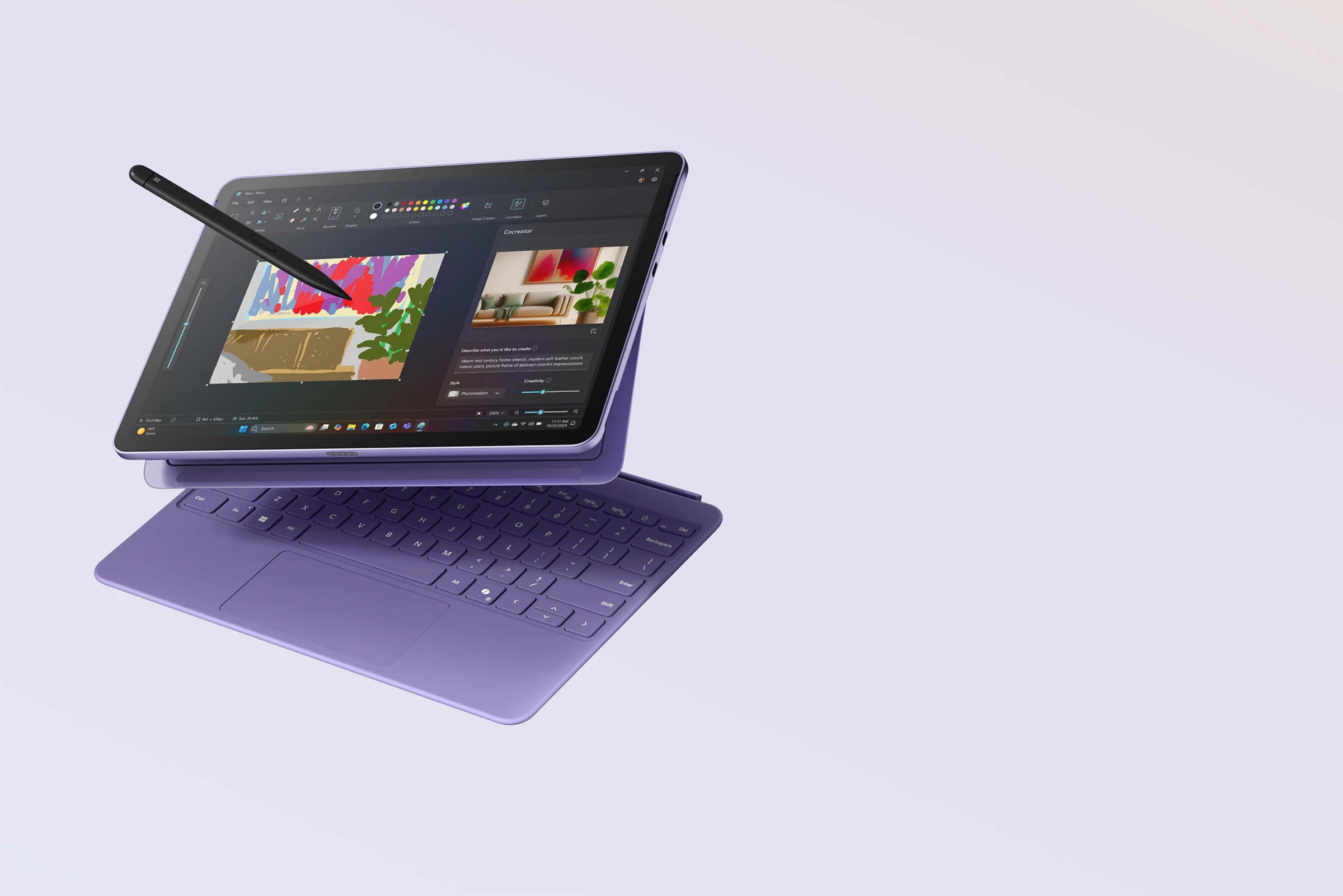
The Microsoft Surface Pro UK lineup now splits into two sizes, a 12-inch model and a 13-inch model, and the gap between them decides whether you are buying a light Windows tablet or a near-laptop replacement. Microsoft positions the Surface Pro as a Copilot+ PC built on Qualcomm’s Snapdragon X chips, and the headline question for a British buyer is not the spec sheet but the total bill once you add a keyboard and pen.
- The 12-inch Surface Pro lists at £999 RRP on the Microsoft Store UK and has been selling there for £763 at the time of writing, with a Snapdragon X Plus chip, 16GB RAM and 256GB storage.
- Currys carries the 12-inch tablet on its own for £849, while the bundle with the matching 12-inch keyboard reaches £1,129.
- The 13-inch Surface Pro starts higher, from £1,199 on the Microsoft Store, and adds an optional OLED screen on the Snapdragon X Elite versions.
- Both are Copilot+ PCs, so the keyboard and Slim Pen are sold separately, not in the box.
What the two sizes actually are
The simplest way to read the range is by screen size, because the chip, the display quality and the price all move together. The 12-inch model is the lighter, cheaper tablet aimed at travel and casual work; the 13-inch model is the one Microsoft pitches as a laptop replacement, and it is the only one that offers the brighter OLED panel. Both run full Windows 11, both are 2-in-1 designs with a built-in kickstand, and both rely on a detachable keyboard you buy on top.
Microsoft calls the 13-inch model the 11th Edition Surface Pro, while the new 12-inch is a separate, more recent addition to the line, and the marketing name worth knowing across both is Copilot+ PC. That label means the device carries a neural processing unit fast enough for on-device AI features such as live captions and Windows Studio Effects, and it is the same badge you will see on the rival Snapdragon machines we covered in our Computex 2026 UK preview. If you are cross-shopping a tablet rather than a clamshell, the closest comparison is Apple’s slate, and our iPad Pro M5 UK pricing breakdown is the obvious counterpoint for a like-for-like decision.
Snapdragon X Plus versus X Elite, and why it matters
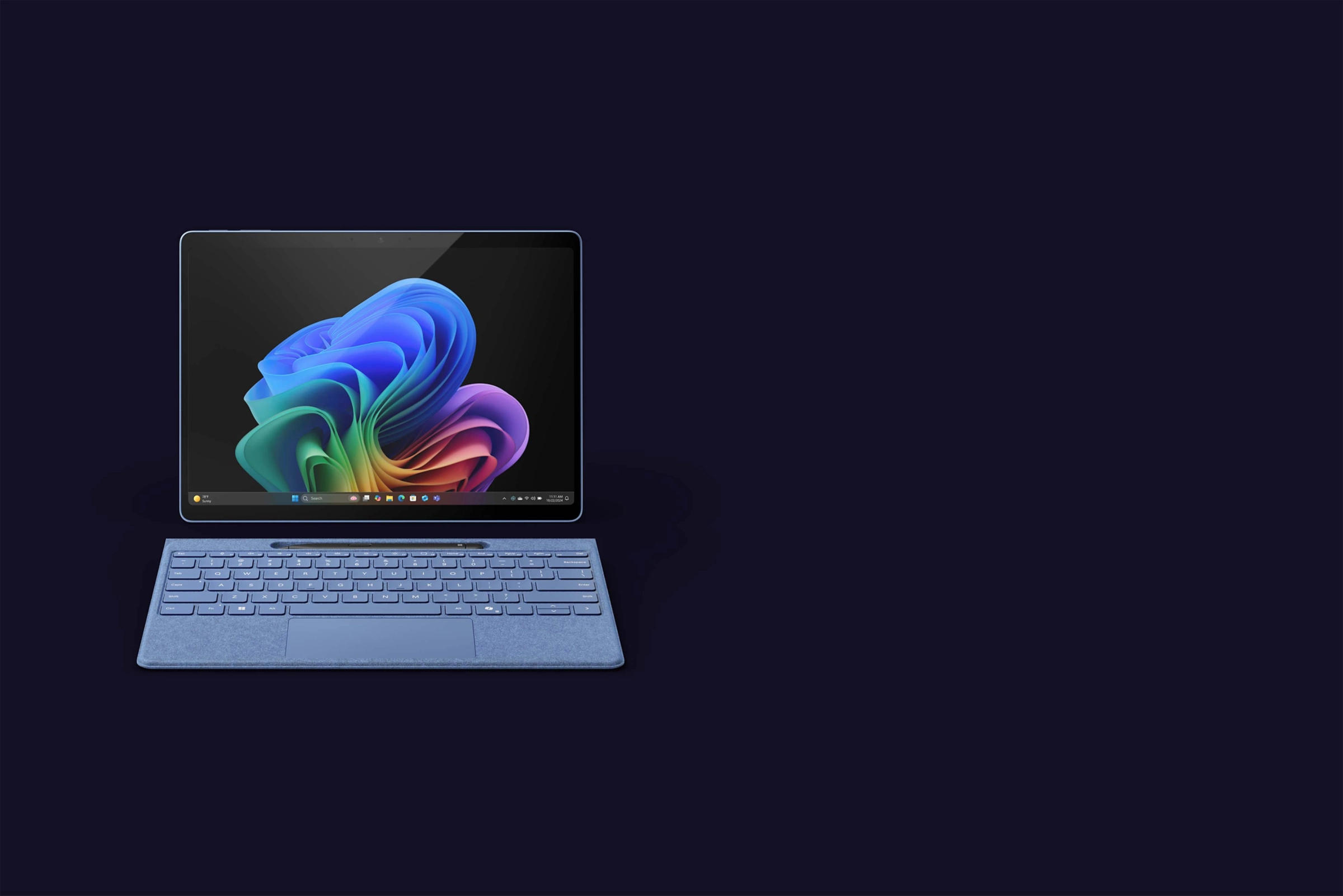
Every current Surface Pro uses a Qualcomm Snapdragon X processor rather than an Intel one, and that is the most important thing a UK buyer should understand before paying. The 12-inch model uses the eight-core Snapdragon X Plus. The 13-inch model is sold with either Snapdragon X Plus or the faster Snapdragon X Elite, and the Elite is the one paired with the OLED screen. In day-to-day terms the Plus is comfortable for browsing, email, video calls and document work; the Elite earns its premium only if you run heavier creative apps or keep dozens of browser tabs and a virtual machine open at once.
The Arm catch is real but smaller than it was a year ago. Because these chips use the Arm instruction set rather than x86, a handful of older Windows programs still run through emulation, and a few specialist tools and some games will not run at all. For mainstream UK users, Microsoft 365, Chrome, Edge, Spotify, Zoom, Teams and the Adobe apps are now native, so most people never notice. If your work depends on a niche line-of-business application, check the vendor’s Arm support page before you commit, because that single detail can decide the whole purchase.
Battery life and portability
Battery endurance is where the Snapdragon shift pays off. Microsoft quotes up to around 16 hours of local video playback on the 12-inch model, and the Arm chips sip power on light tasks in a way the old Intel Surface Pros never managed. In practical UK use that translates to a genuine full working day away from the mains for web, writing and calls, dropping to closer to half a day if you push sustained video editing or heavy multitasking.
The 12-inch model is the one to choose if weight is your priority. It is noticeably lighter and smaller than the 13-inch, which makes it the better fit for a commute, a coffee shop or a student bag, and it is the version most people will actually want to hold one-handed as a tablet. The 13-inch is still portable, but with the keyboard attached it sits much closer to a traditional ultraportable laptop in both footprint and price.
The keyboard and pen you have to buy
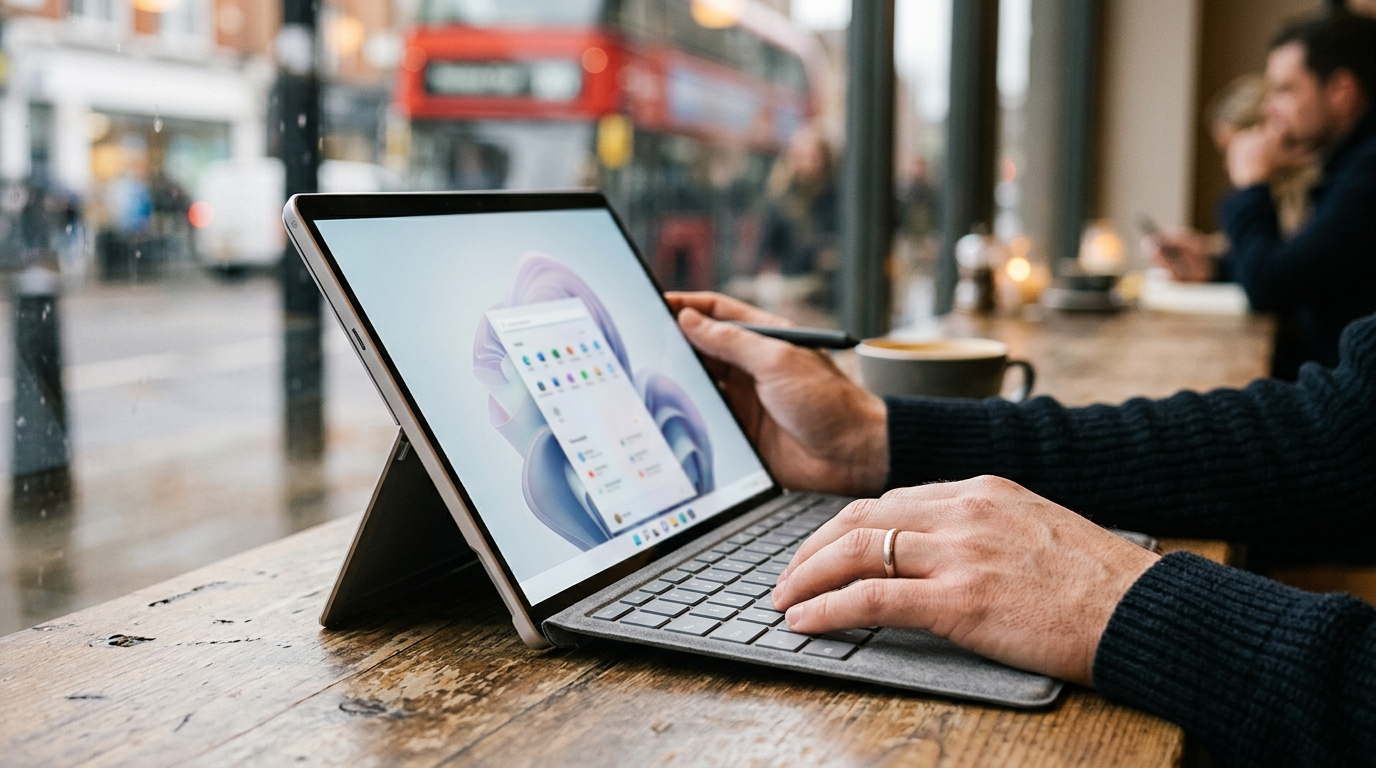
This is the part of the Surface story that trips up first-time buyers, so price it in from the start. The Surface Pro ships as a tablet only. The detachable keyboard and the Surface Slim Pen are separate purchases, and on the 12-inch model that gap is why Currys lists the tablet alone at £849 but the keyboard bundle at £1,129. The 13-inch Pro Flex Keyboard is the more advanced accessory, with a haptic touchpad and the ability to work detached from the tablet, and it stores and recharges the Slim Pen along its top edge.
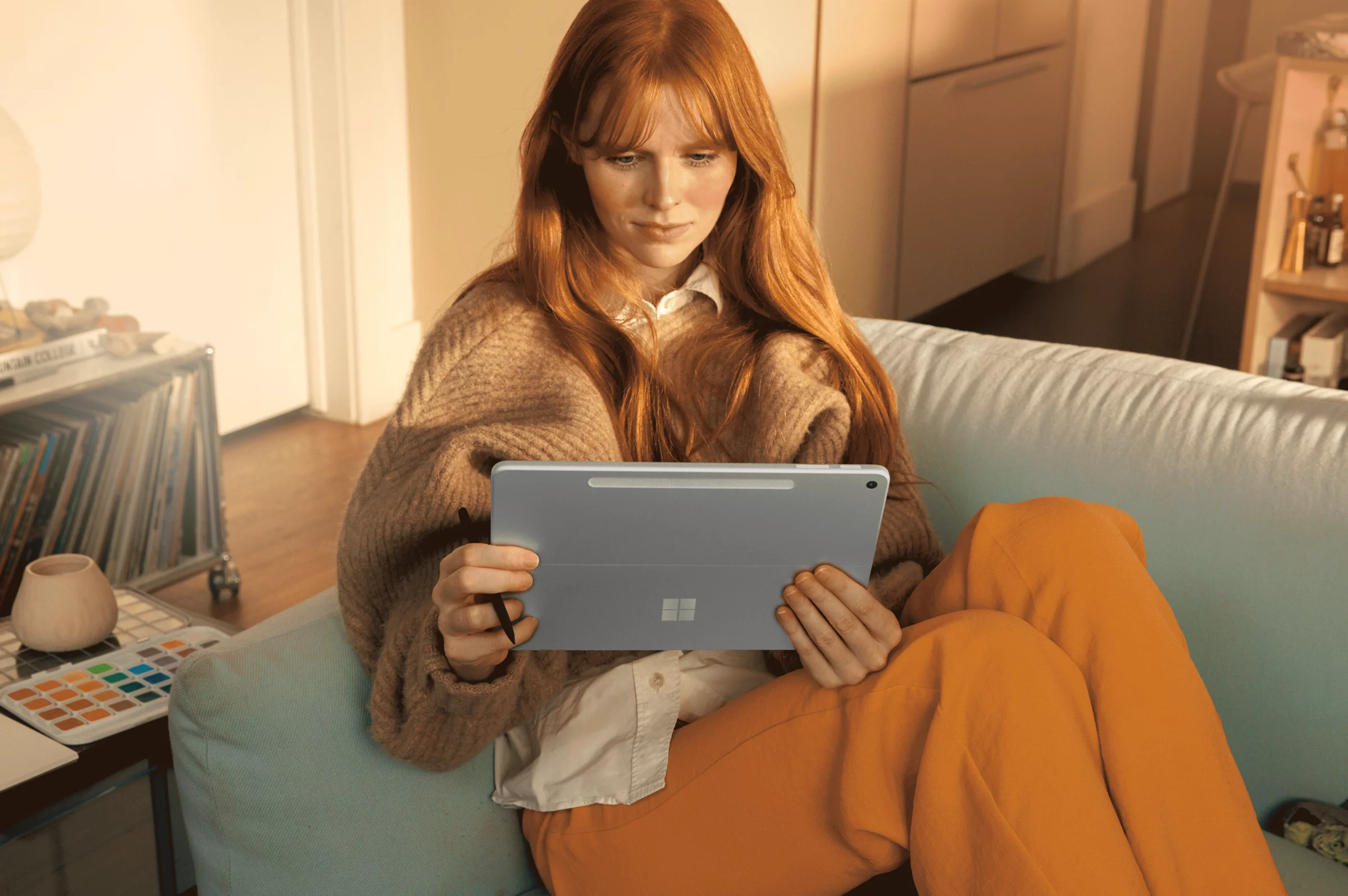
Our view is that the keyboard is not optional for most people. Without it you have a Windows tablet that cannot comfortably do the laptop work the Surface Pro is sold to do, and Windows 11 still leans on a physical keyboard far more than a touch-first tablet OS. Budget for the keyboard at minimum, and add the Slim Pen only if you genuinely draw, annotate or take handwritten notes. If you are weighing whether the on-device AI alone justifies the spend, our piece on whether you actually need a paid AI subscription is worth reading first.
What the Copilot+ features add in practice
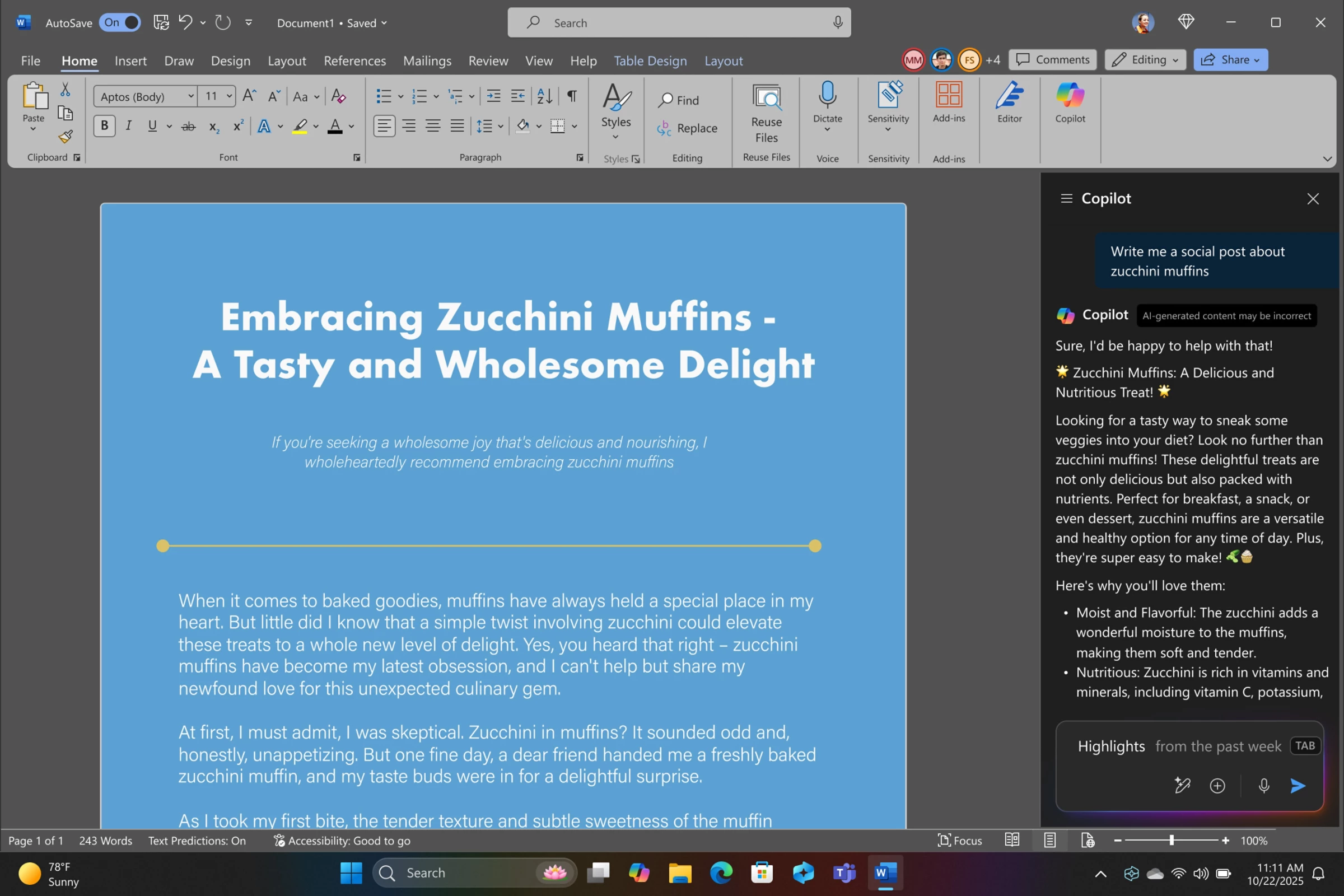
The Copilot+ badge is doing a lot of marketing work, so it helps to separate the genuinely useful features from the ones you will rarely touch. The reliably handy ones are Windows Studio Effects for tidier video calls, live captions with on-device translation, and the Copilot pane that sits beside Word, Outlook and Edge to summarise or draft text. These run locally on the neural processor, so they keep working without a connection and without sending everything to a server.
The catch is that some of the most-hyped abilities are tied to a paid Microsoft 365 Copilot licence rather than the hardware, and that subscription cost is separate again from the price of the machine. We set out exactly which tiers unlock what in our Copilot UK pricing guide, and if you are choosing between assistants on the device, our Copilot versus Gemini comparison for UK business covers the trade-offs. The hardware buys you the local processing; the cleverest cloud features still cost extra.
The hardware buys you the local AI processing, but the cleverest cloud Copilot features still cost extra on top.
Surface Pro specs and UK prices at a glance
The table below sets the two sizes side by side using the entry configurations a UK buyer is most likely to see in stock. Prices move with promotions, so treat them as a guide and check the live retailer page before you order.
| Spec | Surface Pro 12-inch | Surface Pro 13-inch |
|---|---|---|
| Processor | Snapdragon X Plus (8-core) | Snapdragon X Plus or X Elite |
| Display | 12-inch Full HD PixelSense, LCD | 13-inch Quad HD PixelSense, optional OLED |
| Memory / storage (entry) | 16GB RAM / 256GB | 16GB RAM / 256GB |
| Battery (Microsoft quote) | Up to ~16 hours video | Up to ~14 hours video |
| Keyboard and pen | Sold separately | Sold separately (Flex option) |
| Indicative UK price (tablet) | From £763 (MS Store), £849 at Currys | From £1,199 (MS Store) |
Where to buy or check next in the UK
For most people the choice comes down to the Microsoft Store UK versus Currys, with John Lewis worth a look for the longer guarantee. The Microsoft Store has been the cheaper route on the 12-inch tablet lately at £763, undercutting the £849 Currys lists for the same Snapdragon X Plus, 16GB and 256GB configuration, and it is also where the official trade-in and student discounts live. Buy direct if you want the bundle deals on keyboard and Microsoft 365, or to configure a specific colour and storage tier.

Currys is the strongest high-street option, with click-and-collect, finance and the convenience of seeing the keyboard and pen in person before you commit to the extra spend. John Lewis stocks the 13-inch OLED versions and is the place to go if its standard two-year guarantee matters to you, since that cover outlasts the one-year manufacturer warranty you get by default elsewhere. Whichever retailer you pick, your Consumer Rights Act protection and the 14-day distance-selling return window apply, so you can change your mind on an online order even after opening it.
The Surface Pro is the most polished Windows tablet you can buy, and for the right person it is an easy recommendation, but the price you see is never the price you pay. We would steer most UK buyers to the 12-inch model at the Microsoft Store’s £763, plus the keyboard, as the version that delivers the genuine Copilot+ experience for the least money. Choose the 13-inch only if you want the OLED screen and the faster Snapdragon X Elite, and accept that with the Flex keyboard it costs as much as a capable ultraportable laptop. We would wait if you depend on a niche x86 application that has no Arm version, or if you simply need a couch tablet rather than a laptop replacement, because an iPad or a cheaper clamshell will serve you better for less. The detail that would flip our recommendation toward the 13-inch is a sustained discount on the OLED Elite model that brings it under four figures with a keyboard.
| What we like | What we’d watch |
|---|---|
| Genuine all-day battery from the Snapdragon X chips | Keyboard and pen are extra, pushing the real cost up sharply |
| Light, flexible 2-in-1 design with a strong PixelSense screen | A few niche x86 apps still struggle on Arm |
| Local Copilot+ AI features that work offline | The best Copilot features need a separate paid subscription |
Microsoft Surface Pro UK: frequently asked questions
How much is the Microsoft Surface Pro in the UK?
The 12-inch Surface Pro lists at £999 RRP on the Microsoft Store UK and has been selling there for £763, with Currys pricing the same tablet at £849. The 13-inch model starts from £1,199. Remember that the keyboard and Slim Pen are extra in every case, so the real outlay is higher than the headline tablet price.
Does the Surface Pro come with a keyboard?
No. Every Surface Pro ships as a tablet only, and the detachable keyboard and Surface Slim Pen are sold separately. On the 12-inch model that is why Currys lists the tablet at £849 but the keyboard bundle at £1,129. For most buyers the keyboard is essential, so budget for it from the start.
Should I buy the 12-inch or 13-inch Surface Pro?
Choose the 12-inch if you want the lightest, cheapest model for travel, study and everyday work, since it covers the same Copilot+ features for less. Choose the 13-inch only if you want the brighter OLED screen and the faster Snapdragon X Elite chip and you plan to use it as a full laptop replacement.
Does the Surface Pro run all Windows apps?
It runs full Windows 11, but on the Arm-based Snapdragon chip. Mainstream apps such as Microsoft 365, Chrome, Edge, Teams, Zoom and Adobe’s tools now run natively, while a few older or specialist x86 programs use emulation or will not run at all. If your work depends on a niche application, check the vendor’s Arm support before buying.
What does Copilot+ PC mean on the Surface Pro?
Copilot+ PC means the device has a neural processing unit fast enough to run AI features locally, such as Windows Studio Effects, live captions with translation and the Copilot pane in Office apps. These work offline. However, the most advanced cloud Copilot features need a separate paid Microsoft 365 Copilot licence on top of the hardware.
Is the Surface Pro good battery life?
Yes, this is one of its strengths. Microsoft quotes up to around 16 hours of local video playback on the 12-inch model, and the Snapdragon X chips are very efficient on light tasks. In real UK use you can expect a full working day of web, writing and calls, dropping to roughly half a day under sustained heavy editing.
Where is the cheapest place to buy a Surface Pro in the UK?
At the time of writing the Microsoft Store UK is cheapest on the 12-inch tablet at £763, below the £849 at Currys for the same configuration. Currys adds in-store viewing, finance and click-and-collect, while John Lewis is worth it for the two-year guarantee on the 13-inch OLED models.













Reader discussion
Leave a comment
Comments are moderated. Keep it useful, accurate, and on topic.