
UPDATED · News · 15 Jun 2026 · Hannah Foster
When Trusted Reviews reported that Apple Intelligence finally landed in the UK with the iOS 18.2 update on 11 December 2024, I’ll admit my first reaction was relief rather than excitement. The iPhone 16 had spent its launch months waving around a headline feature that British owners simply couldn’t use. That gap is now closed — and if you’re holding an iPhone 16 in 2026, it changes which settings are actually worth your time.
So this is the practical version of that story. Not “look at all the clever things your phone can do”, but the short list of features I’d genuinely walk into Settings and switch on, the one that’s already doing its job quietly in the background, and the bits I think most people overlook entirely.
First, the obvious one: turn Apple Intelligence on properly (iPhone 16)
The iPhone 16 remains a current, actively supported model on Apple’s UK specs page, so there’s no question of being left behind on software. The thing is, Apple Intelligence isn’t simply “on” the moment you update. As Trusted Reviews noted, UK users had to join a waitlist through Settings > Siri & Apple Intelligence before the features unlocked — a hangover from the staggered rollout that began US-only before expanding to UK English in December 2024.
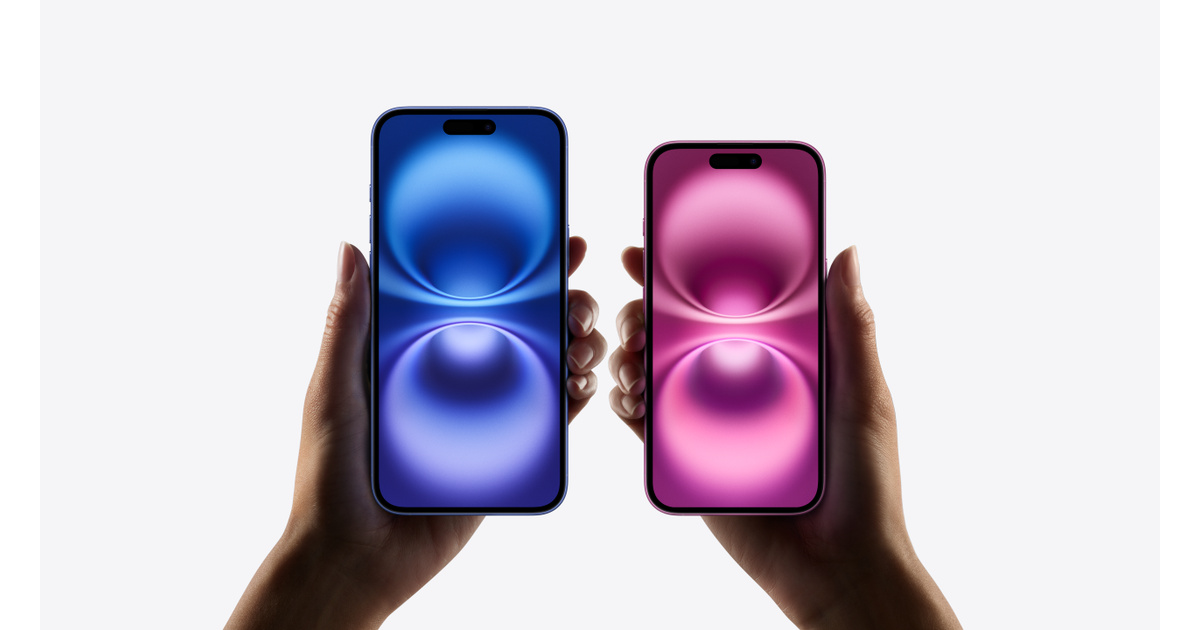
What you get for the effort is a more capable Siri, message summaries that condense a noisy thread into a line or two, and optional ChatGPT integration. I want to be clear about that last one: the ChatGPT hook is opt-in, and I’d treat it as exactly that. Three’s iPhone 16 listing frames these as the device’s standout additions, and on the whole I agree — but “standout” doesn’t mean “leave every toggle flipped without thinking”. Turn the core features on, then decide whether you actually want a third party in the loop before you enable ChatGPT.
If you bought the phone for Apple Intelligence and never finished the waitlist step, that’s the single most worthwhile five minutes you’ll spend with the device this year.
The safety feature you don’t switch on — and shouldn’t have to
Here’s the one that genuinely reassures me, and it’s the one almost nobody touches: Emergency SOS via satellite. Apple’s UK specs list it as a standard part of the iPhone 16 safety package, alongside Crash Detection and Roadside Assistance. It’s on by default, which is exactly right — the last place you want to be configuring a menu is halfway up a hill with no signal.
My only advice here is to confirm it rather than assume it. Take thirty seconds in Settings > Emergency SOS to check it’s enabled and to read how it works before you ever need it. I’ve watched people fumble with features they’ve never opened in a moment of stress; the satellite SOS flow is one you want to have glanced at at least once. It’s the kind of thing you hope stays a footnote in your ownership of the phone — but if it ever isn’t, you’ll be very glad it was sitting there ready.
The accessibility menu isn’t just for other people
This is the section I’d nudge hardest, because it’s the one most readers will skim past assuming it doesn’t apply to them. The iPhone 16’s accessibility tools — VoiceOver, Magnifier, Live Speech and Eye Tracking among them, all listed on Apple’s UK specs — are quietly some of the most useful things on the device, and plenty of them have nothing to do with disability.
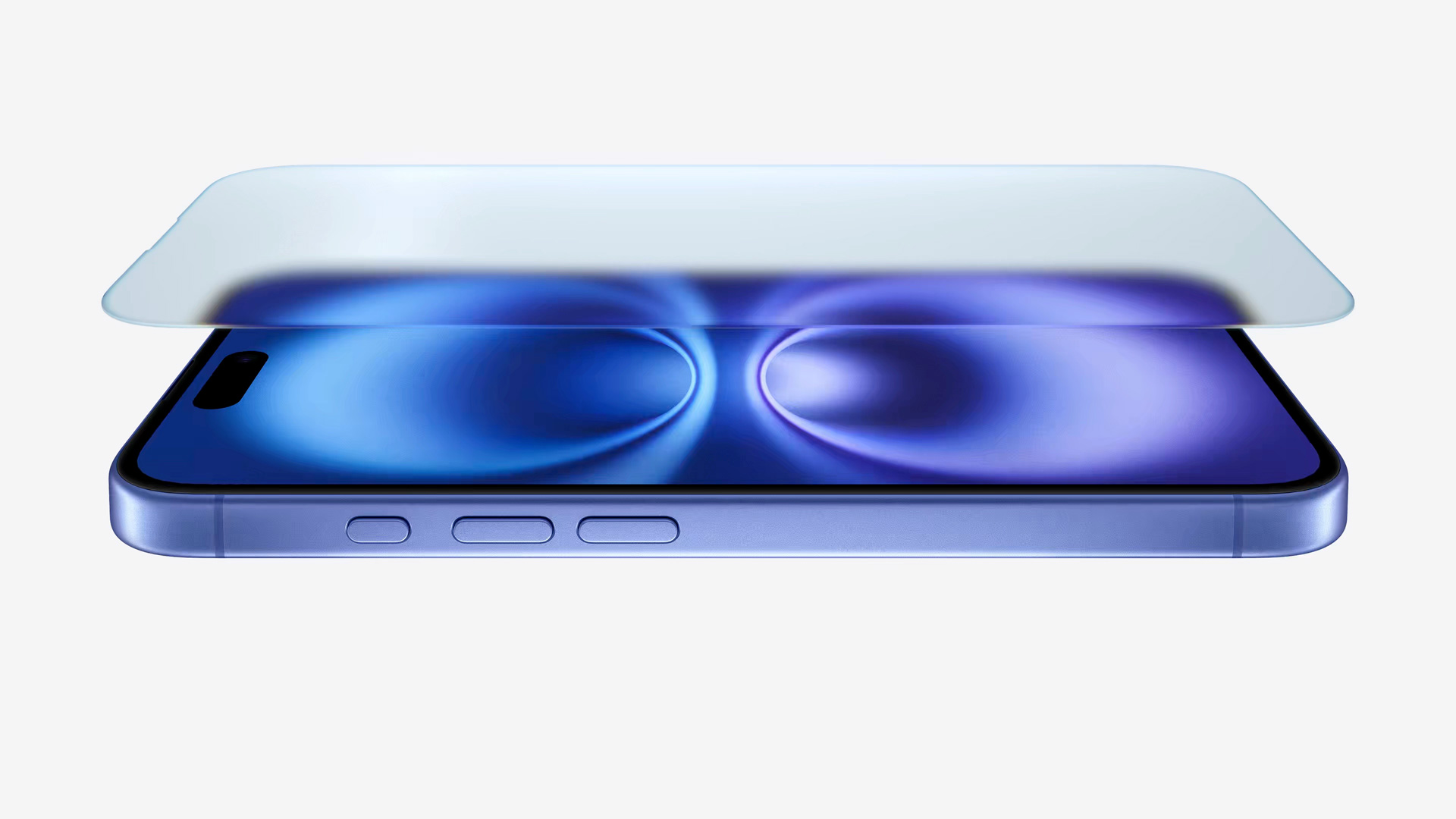
Magnifier turns the phone into a proper close-up lens, which I reach for more often than the camera app for reading the back of a medicine box or a tiny serial number. Live Speech lets you type something and have the phone say it aloud — handy in a noisy room or on a bad line. The point is that “Accessibility” is a misleadingly narrow label for a toolbox that’s genuinely general-purpose. Have a proper dig through Settings > Accessibility and set up a shortcut or two for the features you’ll realistically use. You can map the accessibility shortcut to a triple-click so the tools you want are a gesture away.
What I wouldn’t lose sleep over
For all the talk of AI, the iPhone 16’s core proposition in 2026 is still a well-supported, current phone — and you don’t need to chase every setting to get value from it. If you compare it against the iPhone 16 Plus on Apple’s UK comparison tool, the differences are largely about screen size and battery rather than capability. Both run the same features I’ve described here. So if you’ve been agonising over which one unlocks more — don’t. The software story is identical.
The three I’d actually bother with
If you do nothing else with your iPhone 16 this weekend, do these. Finish the Apple Intelligence waitlist step in Siri & Apple Intelligence so the feature you paid attention to at launch is finally working — but think twice before flipping on ChatGPT. Open Emergency SOS once, confirm it’s live, and learn the satellite flow while you’re calm. And spend ten minutes in Accessibility setting up Magnifier and Live Speech, because they’re far more broadly useful than the menu name suggests.
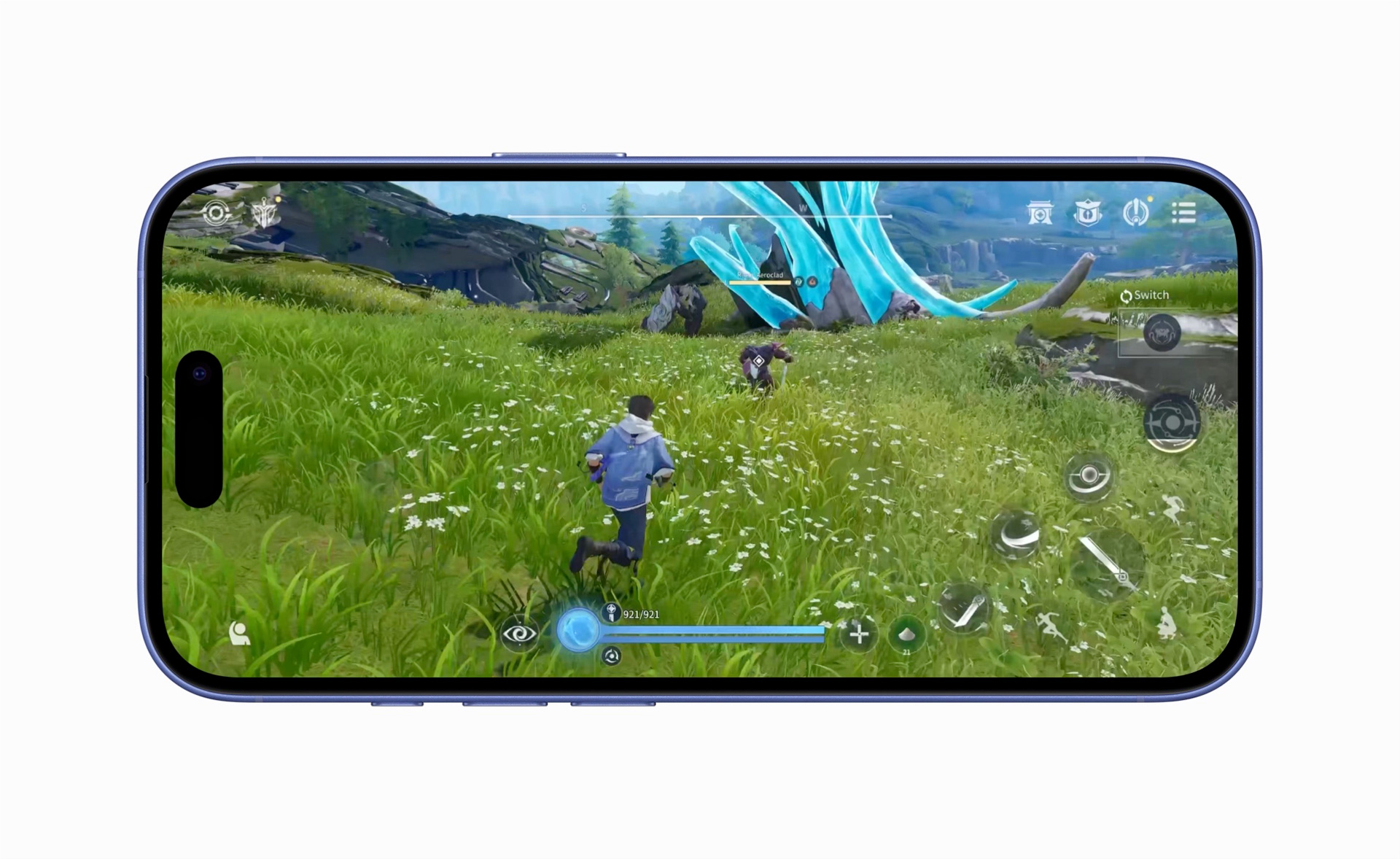
Everything else can wait. Those three are the ones I’d want sorted on my own phone — the first because it’s the headline you were promised, the second because it’s the one that matters most when it matters at all, and the third because it’s the one you’ll be quietly glad you found.
Buyer action
Where to buy or check next
Use this as the final check before ordering a phone, changing network or trusting a headline monthly price.














Reader discussion
Leave a comment
Comments are moderated. Keep it useful, accurate, and on topic.