If you are weighing up iOS 27 iPhone 11 upgrades this autumn, the short answer is that your 2019 handset made the cut, but the headline feature did not come with it. Apple previewed iOS 27 at WWDC 2026 on 8 June, and the supported-device list reaches all the way back to the iPhone 11, iPhone 11 Pro and iPhone 11 Pro Max. That is good news for anyone holding an older phone through a tight year, but it comes with an asterisk worth understanding before you tap Download and Install.
- iOS 27 supports every iPhone that ran iOS 26, including the 2019 iPhone 11 family. No models were dropped.
- Apple pitched iOS 27 as an efficiency release: smoother animations, a reworked CPU scheduler and faster app startup.
- The rebuilt “Siri AI” (Apple Intelligence, with Google’s Gemini under the hood) is hardware-locked to iPhone 15 Pro and newer. The iPhone 11 does not get it.
- Update path on the iPhone 11: Settings > General > Software Update, after backing up and connecting to Wi-Fi.
The iPhone 11 is on the iOS 27 list, and that is a real win
Let us start with the part that matters most to UK owners of older hardware: the iPhone 11 is officially supported. Apple confirmed at WWDC 2026 that iOS 27 runs on the same lineup as iOS 26, which means the iPhone 11, 11 Pro and 11 Pro Max all qualify, as do the iPhone 12 series and everything newer, plus the iPhone SE from the 2nd generation upwards. No phones were cut this year. For a device that launched in September 2019 on iOS 13, that is a striking run of support, and it is one of the strongest arguments for staying inside Apple’s ecosystem if longevity matters to you. We covered the broader rollout in our Apple WWDC 2026 UK preview, and the device list held up exactly as expected.
Counting from launch, iOS 27 is the eighth major version the iPhone 11 will have run, having shipped with iOS 13 and stepped through every release since. That kind of support window is unusual in the wider phone market, and it is the quiet reason a five-year-old iPhone still feels viable in 2026. If you have been nursing an iPhone 11 along precisely because replacing it is an expense you would rather avoid right now, the message from Cupertino is simple: you do not have to upgrade your handset to keep getting new software. That alone reframes the decision from “do I need a new phone” to “do I install this update”, which is a much smaller, lower-stakes question.
What you gain: security patches and a genuine speed focus
The most important reason to install any major iOS release is security. Each annual update folds in the year’s accumulated fixes, and Apple’s recent track record shows why that is not abstract. Earlier this year the company shipped an emergency patch for a notification flaw, which we documented in our iOS 26.4.2 UK update report. Running the current major version keeps you in the fastest patch lane, and on a phone that holds your banking apps, messages and two-factor codes, that protection is the single strongest case for updating.
Beyond security, iOS 27 is unusually relevant to older phones because Apple framed it as an efficiency release rather than a feature splash. The company emphasised optimisation over new headline tools, including smoother animations, better multitasking and a reworked CPU scheduler aimed at making apps launch faster. Reporting from WWDC put the app-launch improvement at up to around 30 percent, with Apple also citing photos appearing roughly 70 percent more quickly and AirDrop transfers up to 80 percent faster. We would treat those percentages as best-case figures rather than guarantees on a 2019 chip, but the direction of travel is exactly what an iPhone 11 owner wants: a release tuned to make existing hardware feel more responsive rather than to bury it under demanding new features. If you want the wider context on Apple’s software roadmap, our best iPhone UK 2026 guide sets out where each model sits.
What you do not get: Siri AI and Apple Intelligence
Here is the asterisk. The marquee announcement at WWDC 2026 was “Siri AI”, a fully rebuilt Siri that leans on Apple Intelligence and, under the hood, Google’s Gemini. It is the feature Apple wants you to talk about, and it is the one the iPhone 11 will never run. Apple Intelligence and the new Siri are hardware-locked to the iPhone 15 Pro and iPhone 15 Pro Max, the iPhone 16 line and the iPhone 17 series. Being on the supported-device list gets you base iOS 27; it does not get you the AI layer. If that distinction feels familiar, it should: Apple’s AI rollout has been staggered and delayed for well over a year, as we tracked in our Apple Intelligence delay audit.
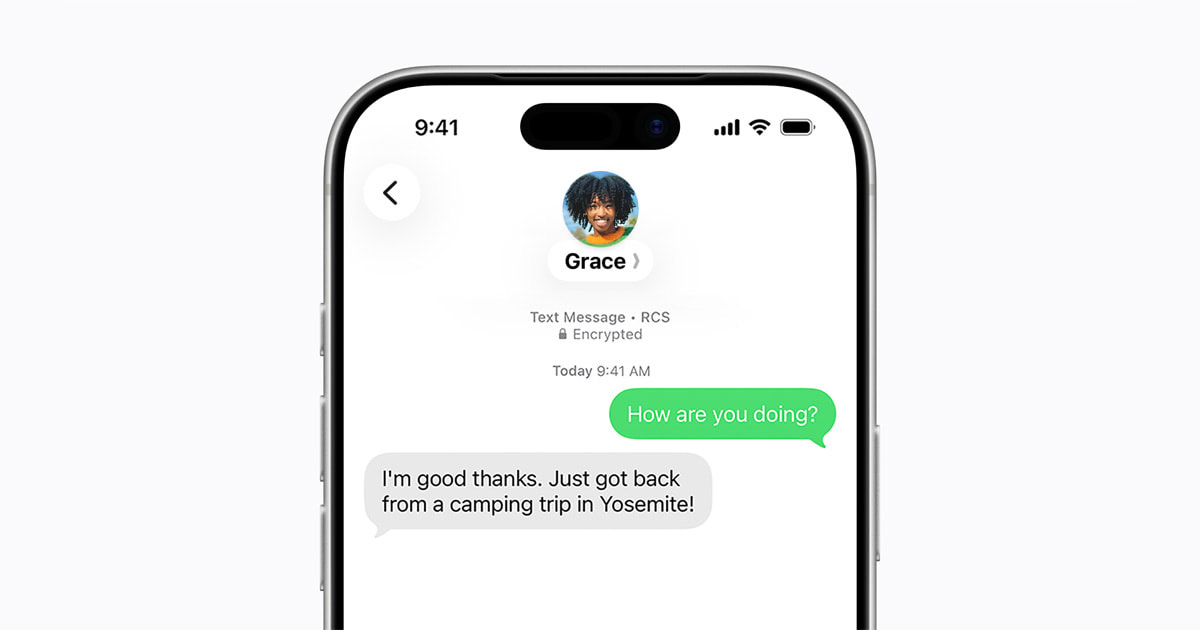
For most iPhone 11 owners, this matters less than the marketing implies. The genuinely useful, cross-platform improvements of the past year, such as encrypted RCS messaging between iPhone and Android, are not gated behind the AI chip and do reach older phones; we explained how that works in our piece on RCS end-to-end encryption in the UK. So the honest framing is this: you will get the plumbing, the security and the speed work, but not the conversational AI assistant. Whether that is a dealbreaker depends entirely on how much you actually intend to use a rebuilt Siri, which, for a lot of people, is “rarely”.
Battery and performance on a 2019 device
The most common worry we hear is that a major update will “slow down” an older iPhone or hammer its battery. It is a fair concern, and it is worth being precise rather than alarmist. The single biggest variable on a five-year-old iPhone 11 is not iOS 27 itself but the physical state of the battery. A cell that has been through hundreds of charge cycles holds less capacity than it did in 2019, and any software update can briefly increase background activity as it reindexes and finishes installing. That settling period typically lasts a day or two, after which things normalise. We are not going to quote a degradation percentage, because the figure depends on your individual battery’s history, not on iOS 27.
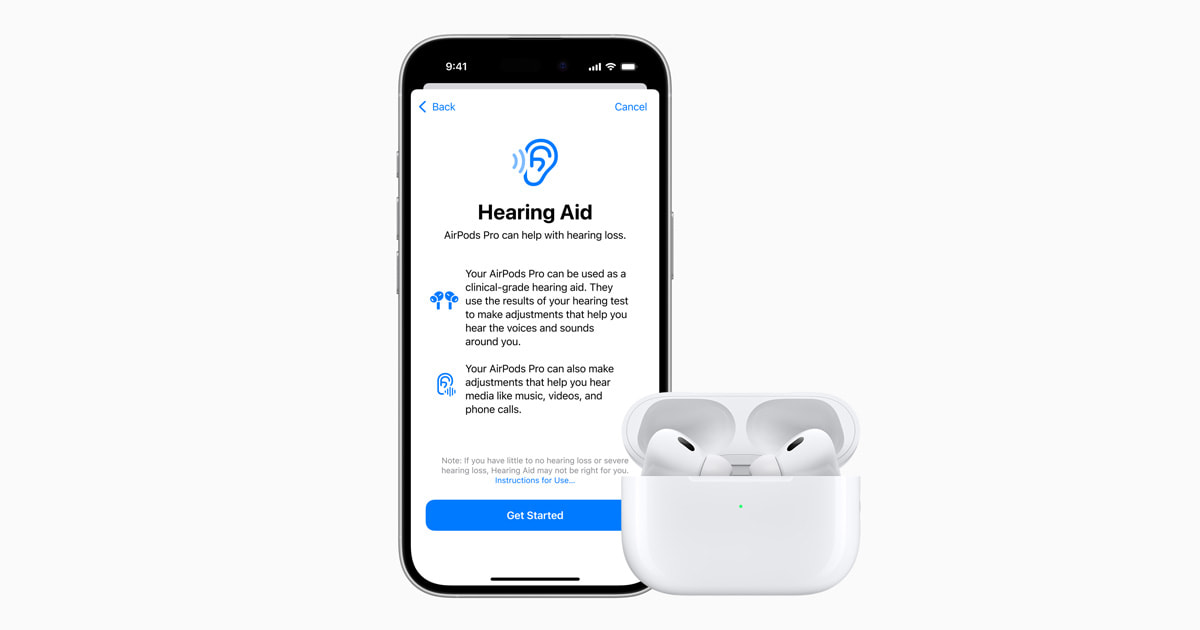
The practical move is to check Settings > Battery > Battery Health & Charging before you update. If your maximum capacity has fallen well below 80 percent, the smart play is to budget for a battery replacement, which is far cheaper than a new phone and will do more for day-to-day performance than skipping a software update ever would. Because iOS 27 is an efficiency-focused release with a reworked scheduler, the early signs are that it should help rather than hinder older silicon. If your battery is genuinely tired, that is a separate hardware question, and our guide to battery health checks walks through the diagnostics, with the iPhone equivalent living in the same Battery menu.
How to update your iPhone 11 safely
When iOS 27 ships publicly this autumn, the safe sequence on an iPhone 11 is straightforward, and it is worth following in order. First, back up. The simplest route is iCloud, but if you are watching your storage you can back up to a Mac or PC instead, which our guide to backing up an iPhone without iCloud covers in full. A backup means that even in the rare event something goes wrong mid-install, your photos, messages and app data are safe.
Next, plug the phone into a power source and connect to Wi-Fi rather than mobile data, since the download is large. Then go to Settings > General > Software Update, and when the update appears, tap Download and Install and follow the on-screen instructions. Apple’s own UK support guidance lists exactly these steps, and the menu labels are identical on the iPhone 11. We would suggest waiting a week or two after public release rather than installing on day one, so that any early point-release fixes are already baked in by the time you update a daily-driver phone you depend on.
If you do want Siri AI: the UK upgrade picture
If, having read all of the above, you decide the rebuilt Siri is the thing you actually want, then the honest position is that no amount of iOS 27 installing will get you there on an iPhone 11. You would need eligible hardware, which means an iPhone 15 Pro or newer. In the UK that is available directly from Apple, and on contract from EE, Vodafone and Virgin Media O2, and the second-hand market for the iPhone 15 Pro has softened considerably now that the 17 series is the current flagship. We would frame this as guidance rather than a nudge to spend: if AI is not a priority, there is no performance reason to replace a working iPhone 11 this year.

For those who do want to move on, it is worth comparing the cheaper end of the current line-up before reaching for a Pro. The newer budget model is a more sensible landing spot for many upgraders, and we broke down where it sits in our iPhone 17e UK review. If you are chasing a deal specifically, the carrier offers move quickly, and our roundup of the best UK iPhone deals on EE is a useful starting point for what monthly pricing actually looks like right now. Just remember that only the Pro tier and above unlocks Siri AI, so a cheaper handset gets you a faster phone but not necessarily the AI assistant.
iOS 27 on iPhone 11 at a glance
| Question | The answer for iPhone 11 owners |
|---|---|
| Is the iPhone 11 supported? | Yes. iOS 27 supports the iPhone 11, 11 Pro and 11 Pro Max, matching the iOS 26 list. |
| Which major version is this? | The 8th major iOS release the iPhone 11 has run, having launched on iOS 13. |
| Do I get the rebuilt Siri AI? | No. Siri AI and Apple Intelligence need an iPhone 15 Pro or newer. |
| What do I gain? | Security patches plus efficiency work: smoother animations and faster app launches. |
| Will it wreck my battery? | No evidence of that. Check Battery Health first; a tired cell is the real culprit. |
| How do I update? | Back up, charge, join Wi-Fi, then Settings > General > Software Update. |
For the overwhelming majority of iPhone 11 owners, our recommendation is to update, but not on day one. iOS 27 is the rare release built around making existing hardware feel better rather than chasing features your phone cannot run, and the security benefit alone justifies installing it. Wait a week or two after public release so the first point updates land, back up properly, check your battery health, and then go ahead. You will get a phone that boots apps more quickly and stays in the patch lane that protects your data. The one group we would tell to hold is anyone whose battery health has already collapsed: sort the battery first, because a fresh cell will transform the experience far more than any software update. And if your real itch is Siri AI, be honest with yourself that iOS 27 will not scratch it on this handset; that is a hardware purchase, not a free download, and there is no performance reason to make it in a tight year unless you genuinely want the AI assistant. Update the software, keep the phone, and revisit the upgrade question when the battery, not the calendar, forces your hand.
Does iOS 27 support the iPhone 11?
Will my iPhone 11 get Siri AI on iOS 27?
Will iOS 27 slow down or damage my iPhone 11?
How do I update my iPhone 11 to iOS 27?
Should I install iOS 27 on day one?
How much faster does iOS 27 make apps launch?
Do I need a new iPhone to get Apple’s AI features?
Is it worth keeping my iPhone 11 in 2026?
Related reading on MTW
Buyer action
Where to buy or check next
Use this as the final check before ordering a phone, changing network or trusting a headline monthly price.











Reader discussion
Leave a comment
Comments are moderated. Keep it useful, accurate, and on topic.