
Setting up Family Sharing iPhone UK is the cheapest legitimate way to share Apple Music, iCloud+, Apple TV+, Apple Arcade and paid App Store apps across up to six people on one bill. Apple’s official Family Sharing page confirms one organiser plus five members each keep their own Apple Account, and the UK pricing maths beats individual plans by a wide margin.
- One organiser plus five family members, each with their own Apple Account, on one shared subscription.
- Apple Music Family in the UK is £16.99 per month versus £10.99 individual, paying back from two users upwards.
- Apple One Family at £21.95 per month bundles Apple Music, Apple TV+, Apple Arcade and 200GB iCloud+ for the whole group.
- Ask to Buy gates every paid App Store purchase made by an under-18 in the group, with the organiser approving via a single notification.
Why Family Sharing iPhone UK setup pays back fast
The UK maths is brutal once you write it down. Apple Music Family at £16.99 covers six accounts versus £10.99 each, paying back from two listeners. Add 200GB iCloud+ at £2.99 shared, Apple Arcade at £6.99 and Apple TV+ at £8.99, and a family of four pays around £36 a month instead of £65 buying everything separately. That is a Pixel 9a saved every year.
The trap is that Family Sharing iPhone UK only saves money if you would have paid the individual plans anyway. We recommend it for households with two or more daily Apple Music listeners or at least one child on Apple Arcade weekly. Otherwise the standalone iCloud+ 50GB plan at 99p per month is enough storage and skips the admin.
Step 1: Decide who is the organiser before you start Family Sharing iPhone UK
The organiser is the one Apple Account that pays for every shared subscription. Pick the household member with the most stable card and the strongest password hygiene. You cannot change the organiser later without dismantling the group and rebuilding it, so this decision matters more than people realise.
On the organiser’s iPhone, open Settings, tap your name at the top, then Family, then Set Up Your Family. iOS walks you through naming the group and confirming the payment method. The card linked to your Apple Account becomes the family payment method by default; the family payment method always tracks the organiser’s Apple Account.
Step 2: Invite the adults to your Family Sharing iPhone UK group
Each adult needs their own Apple Account. Sharing one Apple Account across two people breaks RCS messaging, Find My and two-factor login. From the Family screen tap Add Member, Invite People. iOS sends the invite by AirDrop, Messages or email and the recipient accepts on their own device.
Switch on Purchase Sharing during setup. Every app, song, film and book each adult has bought becomes available to the rest of the family at no extra cost: a decade of paid iOS apps suddenly works on the kids’ iPads. Hidden purchases stay hidden, so anything you do not want surfacing can be tagged private from Settings, Media & Purchases.
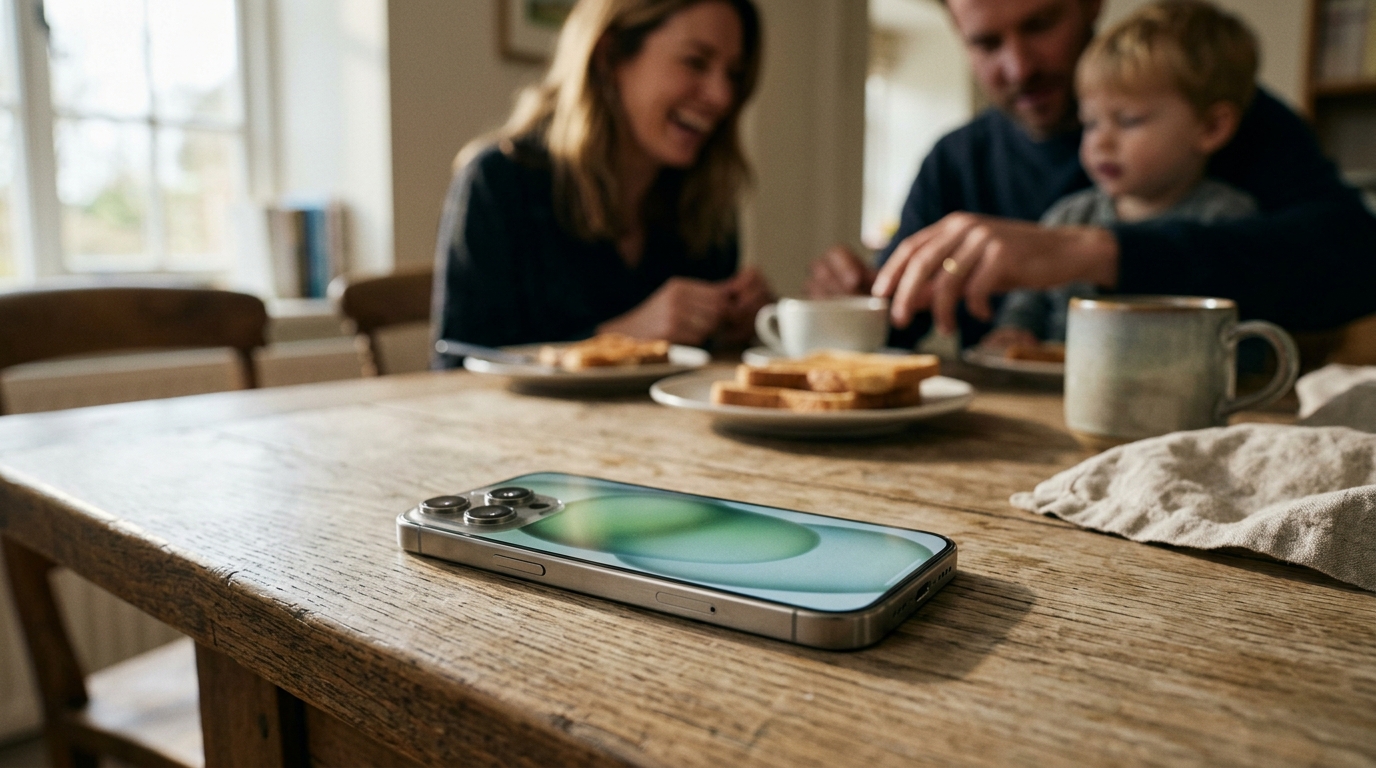
Step 3: Create child Apple Accounts for under-13s
UK children under 13 cannot legally create their own Apple Account. The organiser creates one inside Family Sharing with parental controls baked in. From Family tap Add Member, Create Account for a Child, enter the name and date of birth. Apple requests CVV verification from the family card to confirm parental consent, matching the UK Age Appropriate Design Code.
A child Apple Account turns on Ask to Buy by default. Every paid app, in-app purchase and download attempt sends a notification to the organiser and waits for tap-Approve or tap-Decline. This is the only reliable way to stop a 10-year-old burning £80 on Roblox Robux in an afternoon. The protection disables automatically at age 18, so plan for that birthday.
Step 4: Turn on Screen Time for every child in the Family Sharing iPhone UK group
Screen Time sits on top of Family Sharing. On the organiser’s iPhone, go to Settings, Screen Time, then tap the child’s name. Set Downtime (we recommend 21:00 to 07:00 on UK school nights), App Limits (one hour social, 30 minutes games), Communication Limits (only Family Sharing members during Downtime), and Content & Privacy Restrictions (apps 12+ for under-13s, films PG, music explicit off).
The Screen Time passcode is separate from the iPhone unlock passcode and must be different. Choose four digits the child cannot guess. If you forget it you cannot reset it without erasing the child’s iPhone, so write it in a password manager. Pair this with the advice in our guide to keeping phones out of bedrooms; software limits work best alongside a physical rule.

Step 5: Share the right subscriptions for your UK household
From Settings, your name, Subscriptions, every Apple subscription on the organiser’s account has a Share with Family toggle. Apple Music Family, Apple Arcade, Apple TV+, Apple Fitness+, Apple News+ and iCloud+ all share with one tap. Each member then sees the shared subscription marked Family in their own Settings while keeping private playlists, Arcade saves and iCloud Drive folders.
The UK pricing table that decides which bundle to share:
| Subscription | UK individual | UK Family (up to 6) | MTW read |
|---|---|---|---|
| Apple Music | £10.99/mo | £16.99/mo | Worth it from 2 listeners up. |
| iCloud+ 200GB | £2.99/mo | £2.99/mo shared | Three people sharing 200GB beats three 50GB plans; upgrade to 2TB at £8.99 for big photo libraries. |
| Apple Arcade | £6.99/mo | £6.99/mo shared | One sub, the whole family plays Bluey, Disney Dreamlight Valley and Sneaky Sasquatch. |
| Apple TV+ | £8.99/mo | £8.99/mo shared | Cheap if you already watch Severance and Slow Horses. |
| Apple One Family | n/a | £21.95/mo | Bundles Music, TV+, Arcade and 200GB iCloud+; saves around £15 per month vs buying separately. |
If your household subscribes to Apple Music, Apple TV+, Apple Arcade and needs more than 50GB of iCloud, Apple One Family at £21.95 is the only sensible answer. If you only want Music, share Apple Music Family on its own. Skip Apple One Premier (£39.95) unless you actually use Apple News+ and Fitness+ daily.

Step 6: Turn on Location Sharing and Find My for the whole family
This step turns Family Sharing from a billing convenience into a safety tool. From Settings, your name, Family, tap Location Sharing and turn it on for each member. Every family member sees every other in the Find My app, with live UK street-level location. Parents see when a child arrives at school, partners can confirm a late-running train, and lost-iPhone recovery is one tap away on someone else’s device.
Notifications can be set per person. Pair Family Sharing with an iPhone backup strategy that keeps the family safe if a device is genuinely lost. Apple’s official lost iPhone guide covers Activation Lock and Lost Mode; Family Sharing makes both faster because any family member can trigger them.
What UK Family Sharing iPhone UK users should watch in 2026
Three traps catch UK families. First, the Apple Watch limit: a child’s Apple Watch (Family Setup on cellular Series 11 or SE) needs a paired family iPhone and an EE, VodafoneThree or O2 cellular plan to work outside Wi-Fi. Budget £5 to £8 per month. The Apple Watch Series 11 vs Galaxy Watch 8 comparison covers picking the watch.

Second, the Apple ID region trap: Family Sharing only works between Apple Accounts on the same region. If a partner has a US Apple Account from a stint abroad, they cannot join the UK family until they switch region, which clears their iTunes balance. For households shopping iPhones, our best iPhone UK 2026 guide covers which model each member should get, and the foldable picks for whoever wants something different. Third, Apple One Family has been £21.95 since October 2024; on the older £19.95 grandfathered rate, keep that account and do not resubscribe.
MTW verdict
Family Sharing iPhone UK is a no-brainer for any household with two or more daily Apple Music users plus a child who plays Apple Arcade. Apple One Family at £21.95 saves a typical four-person UK household £15 a month versus buying the same services individually, and the parental controls layer is genuinely the best in the UK consumer tech market. Set it up before your next iCloud bill renews.
Buyer action
Where to buy or check next
Use this as the final check before ordering a phone, changing network or trusting a headline monthly price.













Reader discussion
Leave a comment
Comments are moderated. Keep it useful, accurate, and on topic.