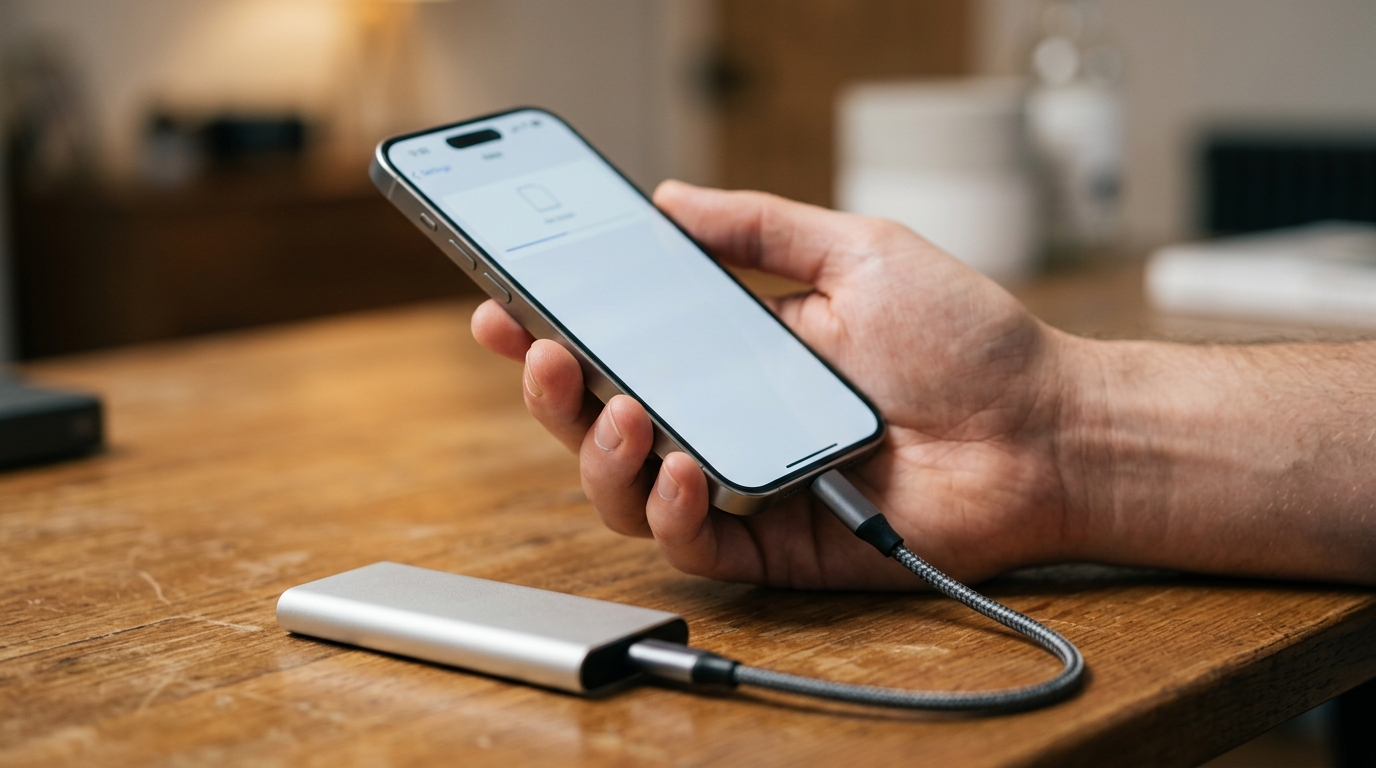
iCloud storage in the UK is not the bargain it was. At £8.99 a month for 2TB iCloud+, the annual cost is comfortably more than a 1TB external SSD that will last five years. If your iPhone is backing up to iCloud because that is the default, it is worth ten minutes of your evening to put a proper local backup in place. This guide covers the options that actually work in April 2026, in British pricing, without marketing fluff.
The short version: use Finder on a Mac or iTunes on a PC for full encrypted backups, use a USB-C external SSD for archive copies of photos and videos, and treat iCloud’s free 5GB tier as a contacts and calendar sync service only, not a backup. That combination gets you a more reliable restore story than iCloud alone and costs you nothing after the one-time SSD purchase.
Backup iPhone without iCloud: the Mac Finder method
Connect the iPhone with a USB-C to Lightning or USB-C to USB-C cable depending on model. Open Finder, click the iPhone in the sidebar, choose “Back up all the data on your iPhone to this Mac” and tick “Encrypt local backup”. Set a passphrase, store it in your password manager, and hit Back Up Now. The first backup takes 20 to 40 minutes, later ones take five to ten. The encrypted flag is important because without it the backup will not include Health, Keychain or Safari saved data.
The Windows iTunes method
Apple still ships iTunes for Windows and it still works for iPhone backup in 2026. Install the latest version from the Microsoft Store, connect the phone, click the device icon, choose “This Computer” under Backups, tick “Encrypt local backup”, set a passphrase, and back up. Restores are identical to the Mac flow. The UI looks dated but the functionality is complete.
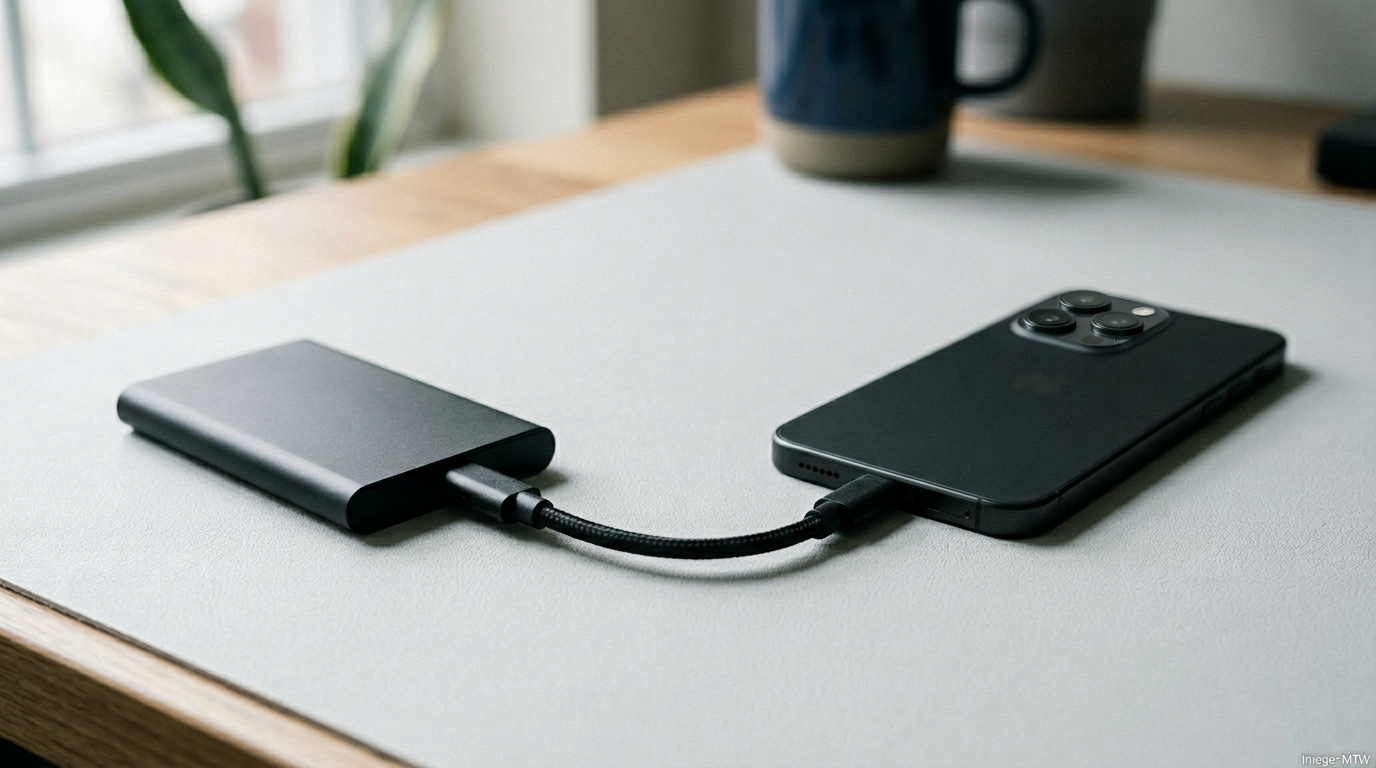
External SSD for photo and video archive
A 1TB USB-C SSD from Samsung, Crucial or SanDisk costs about £85 in the UK in April 2026. Plug it into the iPhone with a USB-C adaptor on older models, open the Photos app, select an album or year, choose Share, then Save to Files, and export to the SSD. This is slower than a computer backup but is the right workflow for households where the phone has 30,000 photos and the iCloud free tier is full. The SSD becomes a photo archive, not a bootable backup.
What iCloud Free actually gets you
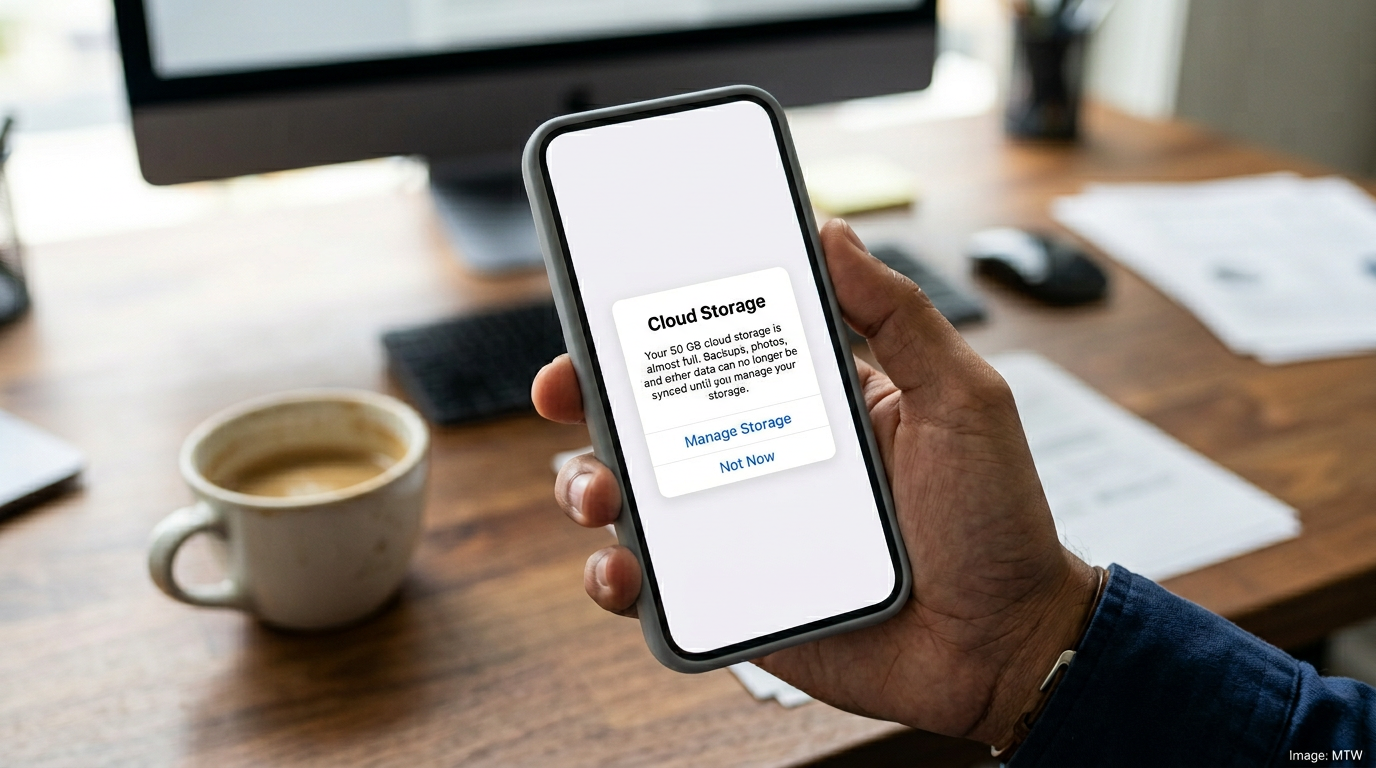
The 5GB free tier is enough to sync contacts, calendars, notes, Safari bookmarks and iMessage across devices. It is not enough to back up a modern iPhone. That is the design. Apple hopes the friction nudges you to £0.99 a month for 50GB or £2.99 for 200GB. Using a local backup sidesteps the nudge entirely. Keep iCloud Free switched on for sync. Turn iCloud Backup off, because if it is on and the free quota is full, your phone silently has no cloud backup and that is the worst of both worlds.
| Method | Cost | Covers | Setup time |
|---|---|---|---|
| Finder (Mac) | Free | Everything, encrypted | 10 minutes |
| iTunes (Windows) | Free | Everything, encrypted | 10 minutes |
| External SSD | ~£85 one-off | Photos, videos | 30 minutes |
| iCloud+ 200GB | £2.99/mo | Automatic cloud | Instant |
One thing Apple hides
There is a “Transfer or Reset iPhone” option buried in Settings > General that gives you temporary iCloud storage for up to three weeks specifically for transferring to a new phone. Use it for the switch, then turn off iCloud Backup afterwards. This is undocumented to casual users and is the tidiest way to move data to a new phone without paying for iCloud+.
Verdict
The UK iPhone user who does not already need iCloud+ for Photos or family sharing is better off with a local backup and an SSD for archive photos. The combined cost is lower, the restore story is more reliable, and your data lives on hardware you own. If you use iCloud+ for Photos and it works for you, keep it. If you are paying for it out of habit, switch the backup off tonight.
- iCloud+ in the UK starts at 99p a month for 50GB and rises to £8.99 for 2TB; the 5GB free tier covers sync but not backup.
- Encrypted local backups via Mac Finder or Windows iTunes include Health, Keychain and Safari saved data — the iCloud-free alternative most people miss.
- A 1TB USB-C SSD is the cheapest archive path for households with tens of thousands of photos.
- Apple’s “Transfer or Reset iPhone” gives temporary iCloud storage for up to three weeks for new-device migrations.
UK-specific edge cases when you backup iPhone without iCloud
Three UK-specific issues are worth flagging. First, UK banking apps (Monzo, Starling, Revolut, the big high-street banks) require re-authentication after a restore. Have your banking PINs and one-time passcodes handy on the day you restore. Second, contactless cards stored in Wallet must be re-added: Apple does not migrate the underlying secure-element token even with an encrypted backup. Third, two-factor authenticator apps that do not back up to iCloud Keychain (older Google Authenticator setups) need to be re-paired with each service. None of these is a reason to keep paying for iCloud+ — they are friction you face once per phone migration.
When you do still need iCloud+ even after the backup iPhone without iCloud UK setup
iCloud+ remains the best option for families using Shared Photo Library, anyone who depends on iCloud Drive for active document collaboration with Mac and iPad, and households who genuinely use the Hide My Email and Private Relay features. £2.99 a month for 200GB with Family Sharing is good value if you actually use those features. The argument here is not to abandon iCloud entirely. It is to stop paying for it when a local backup is what you actually need.
For more practical UK iPhone guidance, see our companion piece on how to check and reset Android battery health for cross-platform households, our deep dive on the Pixel Watch 4 six weeks in for Apple Watch alternatives, and our practical guide to speeding up an old Android phone when your iPhone migration leaves a family member on an ageing Galaxy.
MTW verdict
For the UK iPhone user who does not need iCloud+ Shared Photo Library or Private Relay, an encrypted Finder or iTunes backup plus a £85 USB-C SSD is the right answer. Five years of recurring iCloud cost replaced by one piece of hardware you own. Switch iCloud Backup off tonight if the free tier is full — that is the worst configuration Apple lets you sit in.
Buyer action
Where to buy or check next
Use this as the final check before ordering a phone, changing network or trusting a headline monthly price.














Reader discussion
Leave a comment
Comments are moderated. Keep it useful, accurate, and on topic.