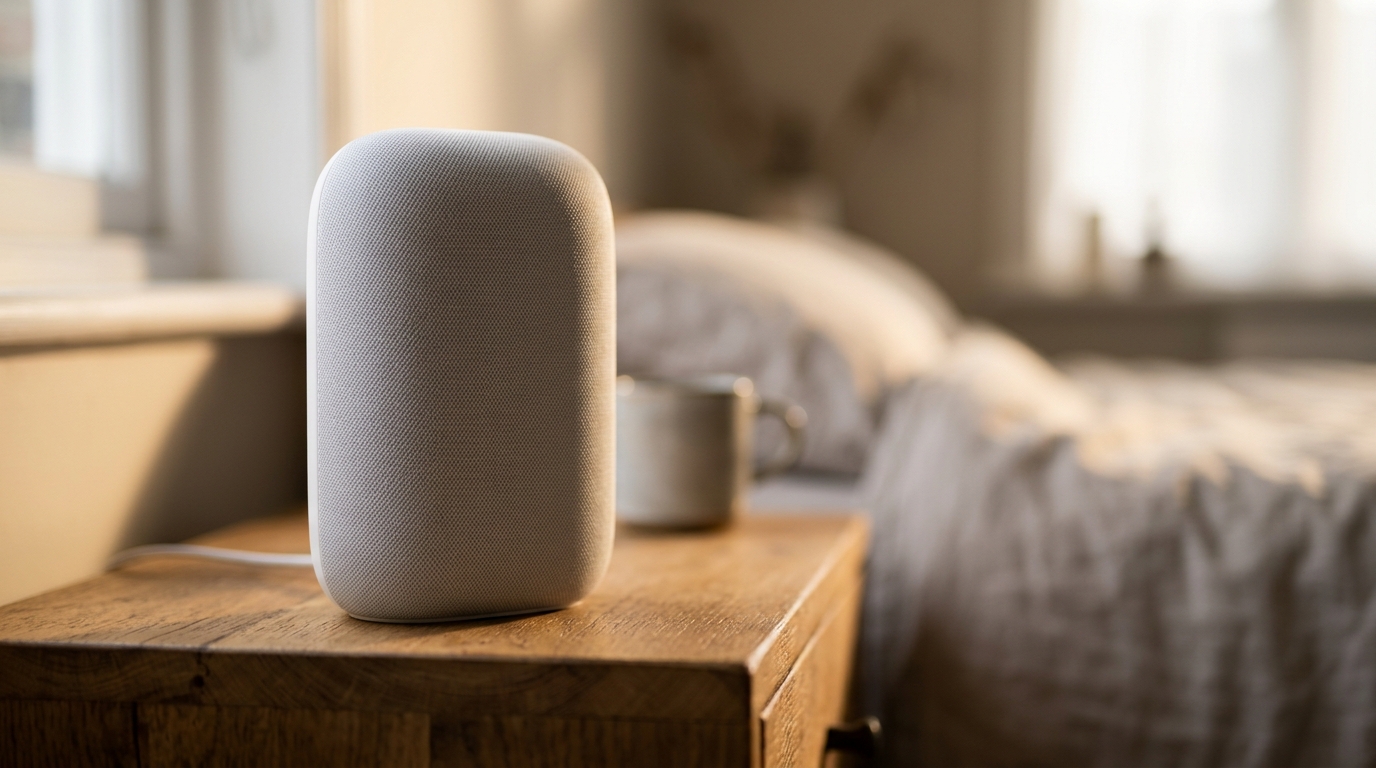
Google Home routines are one of the most powerful features in the smart home ecosystem, yet most people never get past the basics. A well-configured routine can automate your entire morning, prepare the house for bedtime, and even handle the mundane tasks of leaving and arriving home, all without you lifting a finger. Here is a step-by-step guide to setting up routines that genuinely improve your daily life.
Google Home Routines: Contents
- Understanding Routine Basics
- The Perfect Morning Routine
- The Bedtime Routine
- The Leaving Home Routine
- The Arriving Home Routine
- Routines Most People Never Think Of
- Tips for Reliable Routines
Understanding Routine Basics
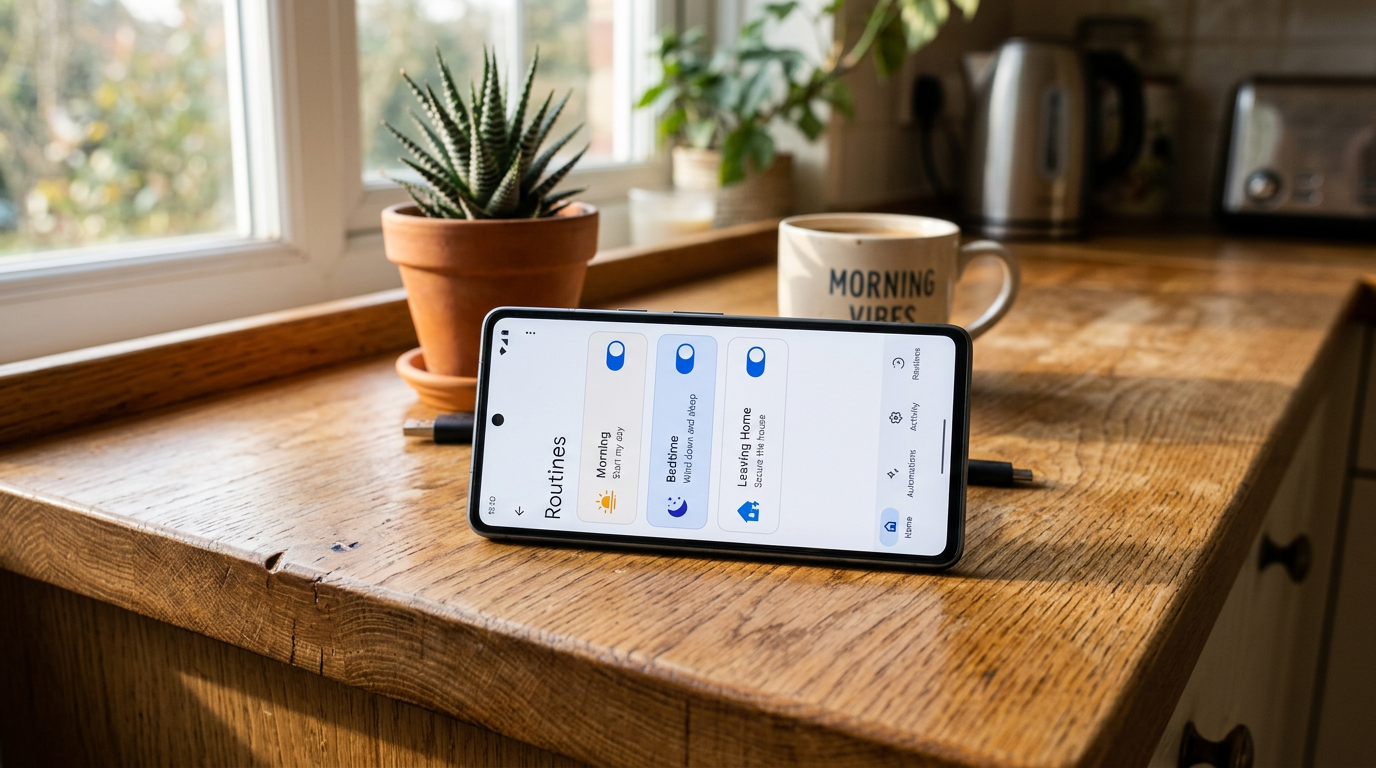
A Google Home routine has two components: a trigger (what starts it) and actions (what happens). Triggers can be a voice command (“Hey Google, good morning”), a specific time, sunrise or sunset, or your phone detecting that you have arrived at or left a location. Actions include controlling lights, adjusting your thermostat, playing music or news, sending announcements to speakers, and much more.
To create a routine, open the Google Home app, tap Automations at the bottom, then tap the plus icon to add a new routine. You can also browse Google’s starter templates, which provide useful foundations you can customise. With the recent Gemini update to Google Home, routines have become even smarter with contextual awareness.
The Perfect Morning Routine
A morning routine should wake your house up alongside you. Here is a configuration that works well.
Trigger: Set this to your alarm time on weekdays, or use a voice command like “Hey Google, good morning” if your schedule varies.
Actions (in order):
First, gradually brighten your bedroom smart lights over two to three minutes. A sudden blast of light at 6:30am is jarring; a slow fade mimics natural daylight and helps you wake more gently.
Second, adjust the thermostat. If you lower your heating overnight (and you should, since it saves money and improves sleep), bump it up to your preferred daytime temperature. A smart thermostat like Nest handles this beautifully.
Third, have your speaker read a short briefing: the weather, top headlines, traffic to work, and your first calendar event. Keep it concise. A five-minute news summary is too much before your first coffee.
Finally, start a short morning playlist at low volume. Not a workout playlist. Something calm enough that you can still hear yourself think while you get ready.
The Bedtime Routine
Trigger: Voice command (“Hey Google, goodnight”) or a fixed bedtime on weeknights.
Dim every light in the house to 5 per cent over 30 seconds, then switch them off after a minute. Lock any smart locks. Arm the alarm system if you have one tied in. Pause or stop all media playback on every speaker, and set Do Not Disturb on the bedroom speaker. Finally, lower the thermostat by two to three degrees so the bedroom is allowed to cool naturally, which is better for sleep and better for your energy bill.
The Leaving Home Routine
Trigger: Phone location (leaving home). Set the geofence radius to something sensible, 100 to 200 metres works for most properties.
Turn off all lights. Every single one. No more worrying about that bathroom light you might have left on.
Set the thermostat to an away temperature, usually 2 to 3 degrees below your normal comfort setting.
Arm your security system if you have a Nest camera or compatible alarm. Google Home can set Nest cameras to Home/Away mode, enabling motion alerts when the house is empty.
Pause any media playing on speakers. Nobody needs a podcast playing to an empty room.
The Arriving Home Routine
Trigger: Phone location (arriving home).
Turn on hallway and living room lights to a welcoming brightness. Arriving to a lit home feels better and is more secure than fumbling for switches in the dark.
Set the thermostat back to your preferred comfortable temperature. If you have been away for hours, bump it up slightly above your usual setting for 30 minutes to warm the house faster, then let the schedule resume.
Disarm the security system and set Nest cameras back to Home mode.
Play a welcome announcement or start your preferred playlist on the living room speaker.
Routines Most People Never Think Of
Beyond the standard four, there are several niche routines that are surprisingly useful once configured.
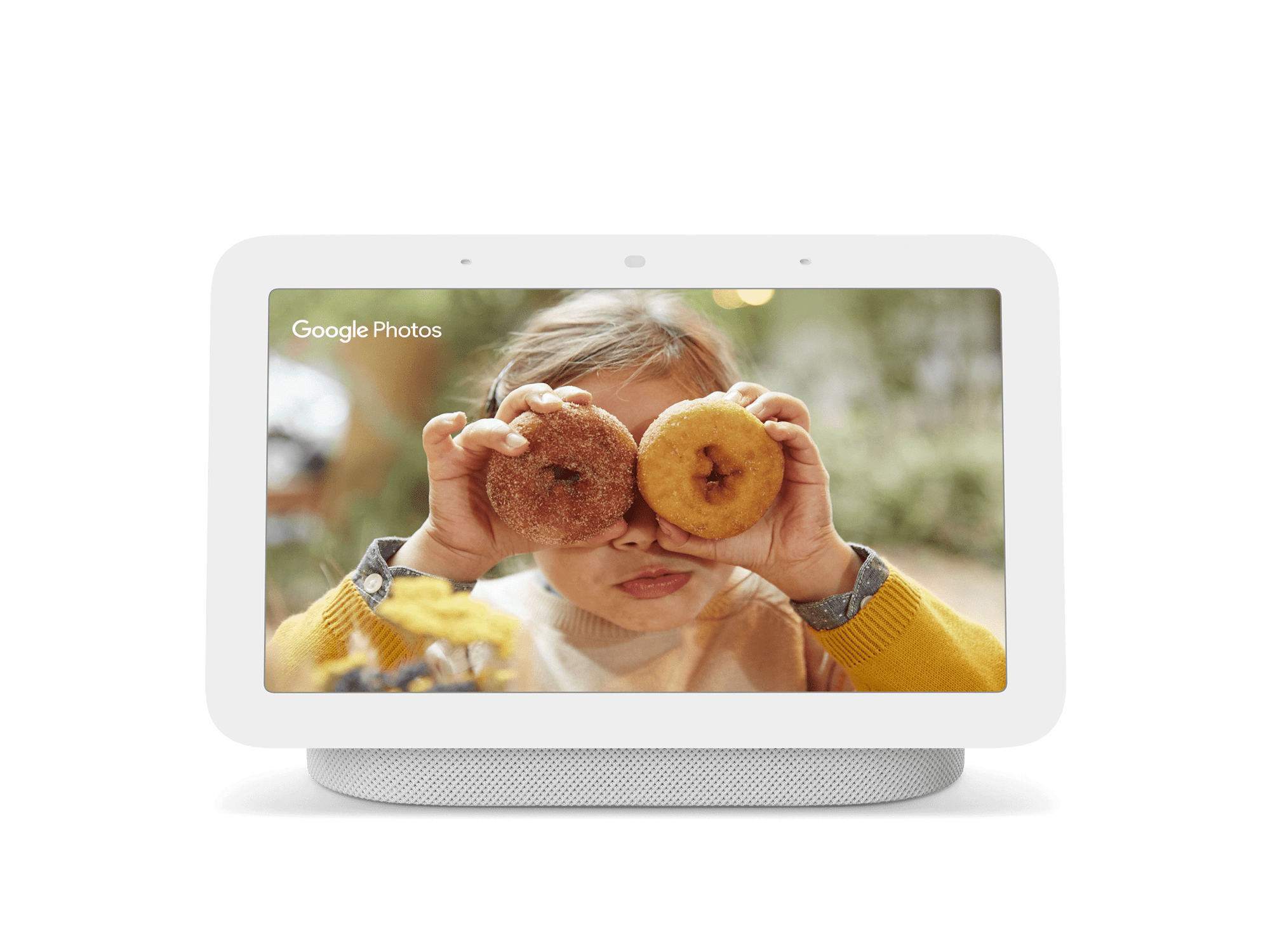
“Hey Google, I’m cooking”: Set kitchen lights to full brightness, start a 30-minute timer, play a cooking playlist, and display recipe suggestions on a Nest Hub if you have one.
“Hey Google, movie time”: Dim all living room lights to 5 per cent, turn off the kitchen lights, set the TV input to your streaming device, and enable Do Not Disturb on all speakers so notifications do not interrupt your film.
“Hey Google, guests are coming”: Set all lights to welcoming levels, adjust the thermostat up slightly, start a party playlist at medium volume, and unlock the front door if you have a smart lock.

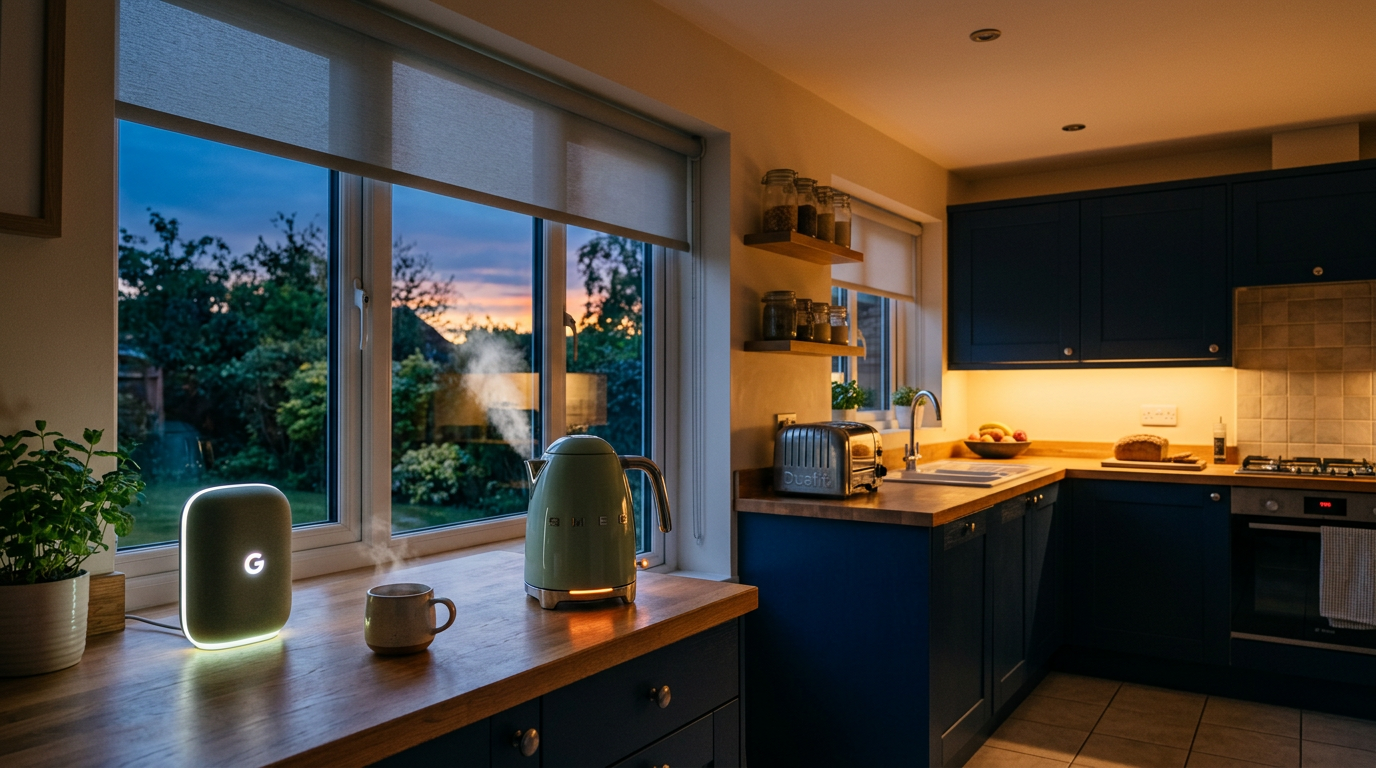
Sunset trigger: Automatically turn on exterior lights and close smart blinds at sunset. The timing adjusts with the seasons, so you never have to reconfigure it. For more ideas on building out your smart home, our Alexa routines guide covers similar automations for Amazon’s ecosystem.
Tips for Reliable Routines
Order your actions carefully. Google Home executes actions sequentially, so place time-sensitive actions first. If you want lights on before music starts, list them in that order.
Test each action individually before combining them into a routine. A single misconfigured device can cause the entire routine to hang or fail silently.
Keep your device names simple and consistent. “Living room lamp” is better than “LIFX A60 Colour – Living Room 2.” Simpler names mean fewer voice recognition errors when triggering routines manually.
Finally, revisit your routines seasonally. A heating schedule that works in January is wasteful in July. A sunset-triggered lighting routine needs no adjustment, but a time-based one certainly does. Spend fifteen minutes each season reviewing and adjusting, and your smart home will continue to feel genuinely intelligent. For the latest Google Home feature updates, see the official Google Nest blog.
Buyer action
Where to buy or check next
Use this as the final check before ordering a phone, changing network or trusting a headline monthly price.














Reader discussion
Leave a comment
Comments are moderated. Keep it useful, accurate, and on topic.