UPDATED · News · 25 May 2026 · Claire Bennett
The GitHub VS Code extension breach is the security story every developer needs to read this week. GitHub confirmed on 20 May 2026 that a single employee installed a poisoned version of the Nx Console VS Code extension, which sat on the Visual Studio Marketplace for 18 minutes between 12:30 and 12:48 UTC on 18 May 2026, and the resulting compromise exfiltrated roughly 3,800 internal GitHub repositories.
- Malicious Nx Console extension live on VS Code Marketplace 12:30 to 12:48 UTC, 18 May 2026.
- Approximately 3,800 internal GitHub repositories exfiltrated; no customer code in those repos.
- Breach detected and contained on 19 May 2026; publicly confirmed by GitHub on 20 May 2026.
- Threat group TeamPCP claimed credit on Breached forum, asking at least £39500 (about $50,000) for the data.
- Same group hit Aqua’s Trivy, CheckMarx KICS, LiteLLM, Telnyx SDK, TanStack and MistralAI before.
- GitHub CISO Alexis Wales confirmed credential rotation and endpoint isolation as the first response.
How the GitHub VS Code extension breach actually worked
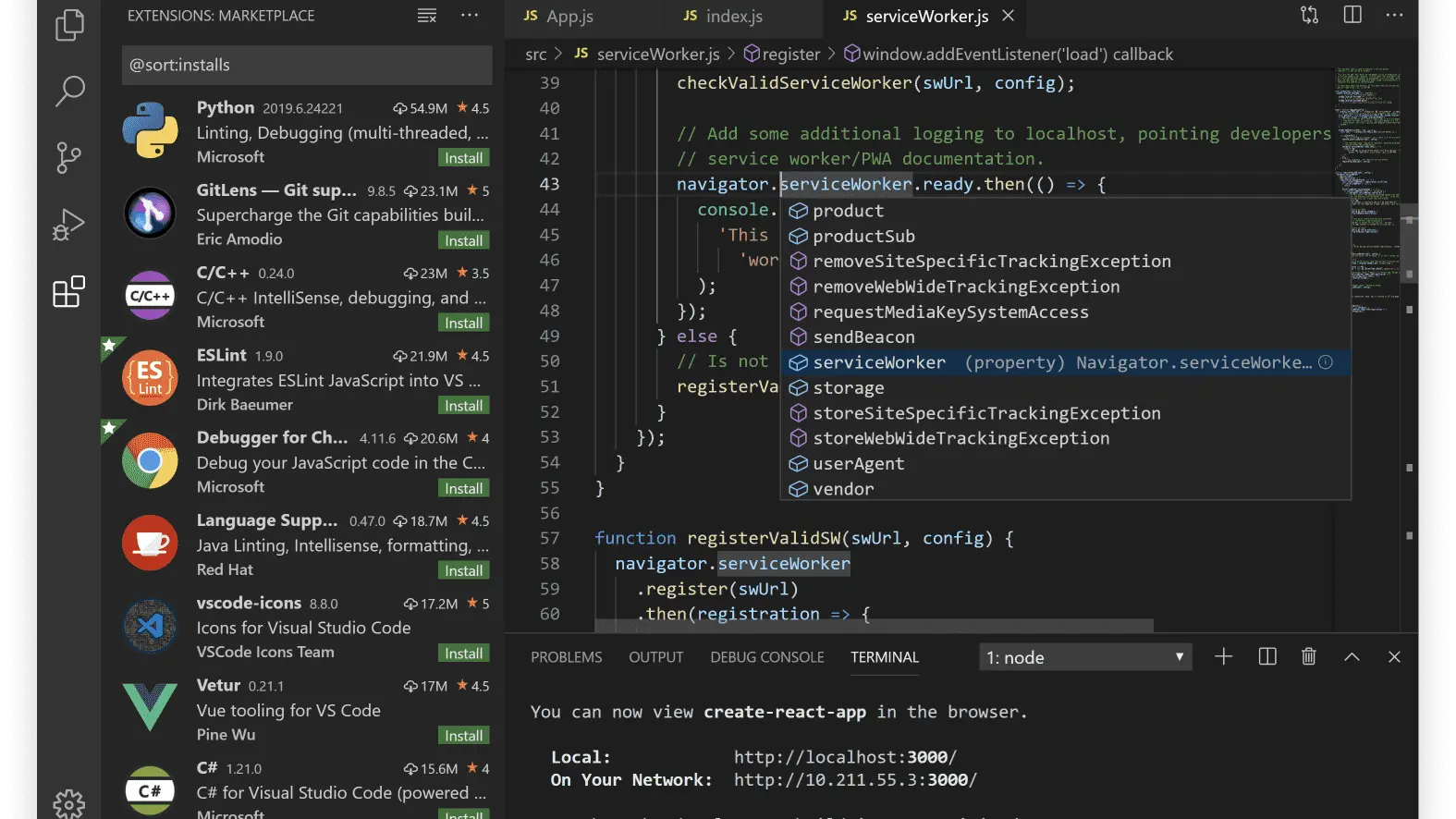
The GitHub VS Code extension breach is a textbook supply chain attack with one twist: it ran inside a tool every developer trusts. TeamPCP uploaded a trojanized version of Nx Console, a legitimate Nx monorepo helper, to the Visual Studio Marketplace at 12:30 UTC on 18 May 2026. The extension still looked and worked like Nx Console, but on first startup it ran a single shell command disguised as a routine Model Context Protocol setup task. That command pulled down a second-stage payload from an attacker-controlled domain and gave TeamPCP persistent access to whatever development environment installed it. The extension was visible for 18 minutes before Microsoft removed it, and within that window a GitHub employee installed it from a personal machine that also held an active GitHub session.
The attacker did not need to break GitHub’s perimeter. They piggybacked on a trust boundary that exists for every developer who installs extensions in VS Code and Copilot Studio, then exfiltrated about 3,800 internal repositories over the next several hours. GitHub’s threat detection caught anomalous activity by 19 May 2026, rotated the highest-impact credentials overnight, and isolated the endpoint. The headline number is 3,800 repos, but the operational question is what was inside them: GitHub’s CISO Alexis Wales says no customer data, but she has been careful to say “no customer information stored outside of GitHub’s internal repositories,” which leaves room for internal tooling, dependency manifests, and partner integration secrets.

Why the GitHub VS Code extension breach matters to every developer
Most developers run between 12 and 25 VS Code extensions, and Microsoft’s Marketplace has never published a per-publisher signing-key requirement. Anyone with a Microsoft account can publish an extension. The marketplace runs automated scanning, but TeamPCP’s payload was small, signed, and looked like a legitimate MCP startup hook, which is exactly the kind of code current scanners are not tuned to flag. The 18-minute exposure window is genuinely short by historical supply chain standards, and yet that was enough to compromise GitHub, OpenAI, and Grafana, all of which TeamPCP has now claimed in adjacent leaks. The attack surface is not the extension itself, it is the trust model.
If you are reading this as a developer, the practical takeaway is to lock down extension installation on company devices using VS Code workspace-level allowlists, pin extensions to specific versions, and rotate any personal access tokens that were active in the past two weeks. Microsoft has not yet committed to a publisher-signing requirement for the Marketplace; until it does, anyone running unmanaged VS Code is one click away from the same compromise GitHub just suffered. The lesson is identical to the one Apple users got from the recent spyware protection wave: trust boundaries are software, and software has bugs.

TeamPCP and the wider supply chain campaign
| Victim | Vector | MTW read |
|---|---|---|
| GitHub (May 2026) | Poisoned Nx Console VS Code extension | 3,800 internal repos; trust boundary blown open. |
| Aqua Trivy (2026) | NPM dependency compromise | Security scanner itself compromised, the worst place to hide. |
| CheckMarx KICS (2026) | Poisoned dependency | IaC scanner; ironic and instructive. |
| LiteLLM (2026) | Maintainer credential theft | Touched every team that proxied OpenAI through LiteLLM. |
| TanStack (2026) | NPM publishing key theft | Used by millions of React apps; hardest blast radius to estimate. |
The TeamPCP campaign began in late 2025 with smaller dependency compromises on npm and PyPI, then graduated through Trivy and CheckMarx KICS in early 2026 before landing the GitHub breach. The Hacker News attributed the GitHub-targeting variant of Nx Console to a fork of the publicly available BlackPython infostealer with custom Token Exfiltration modules added. None of this is novel tradecraft. It works because the developer trust model is built on extensions, plugins, and dependencies that ship as code.
What every developer should do this week
First, audit installed VS Code extensions. Open the Extensions sidebar and check the publisher field on every one with elevated permissions. Treat any extension that asks for terminal access, shell access, or network access without an obvious need as suspect. Second, rotate GitHub personal access tokens issued before 18 May 2026 and turn on fine-grained tokens with the smallest scope your CI needs. Third, if your team uses an Nx monorepo, downgrade to the last known-clean Nx Console version (19.x) and pin it in your devcontainer rather than auto-updating. Fourth, watch your Dependabot alerts; TeamPCP often follows package compromise with downstream poisoning that takes a few days to surface.
For enterprises, the move is to require Microsoft Defender for Cloud’s VS Code extension governance policy across the org and to flip Microsoft’s allowlist-by-default switch on managed devices. GitHub itself has now committed to require hardware-key MFA for every employee with access to internal repos, and Microsoft has signaled it will introduce optional publisher signing for VS Code extensions in the second half of 2026. None of that helps you today. Your audit window is now. Compare the patch cadence of any internal tools you wrote against the Copilot Studio agents you use against your own code, because both are inside the same trust perimeter the GitHub breach just exposed.

MTW verdict
The GitHub VS Code extension breach is the most consequential developer security incident of 2026 because it broke an assumed trust boundary, not a known vulnerability. Audit your extensions, rotate your tokens, and pin Nx Console to a clean version. Microsoft owes the developer community a publisher-signing requirement on the VS Code Marketplace and it should ship before WWDC if Microsoft wants to keep credibility on AI-assisted coding.
Buyer action
Where to buy or check next
Use this as the final check before ordering a phone, changing network or trusting a headline monthly price.














Reader discussion
Leave a comment
Comments are moderated. Keep it useful, accurate, and on topic.