News · 20 Apr 2011 · MTW Editorial Team

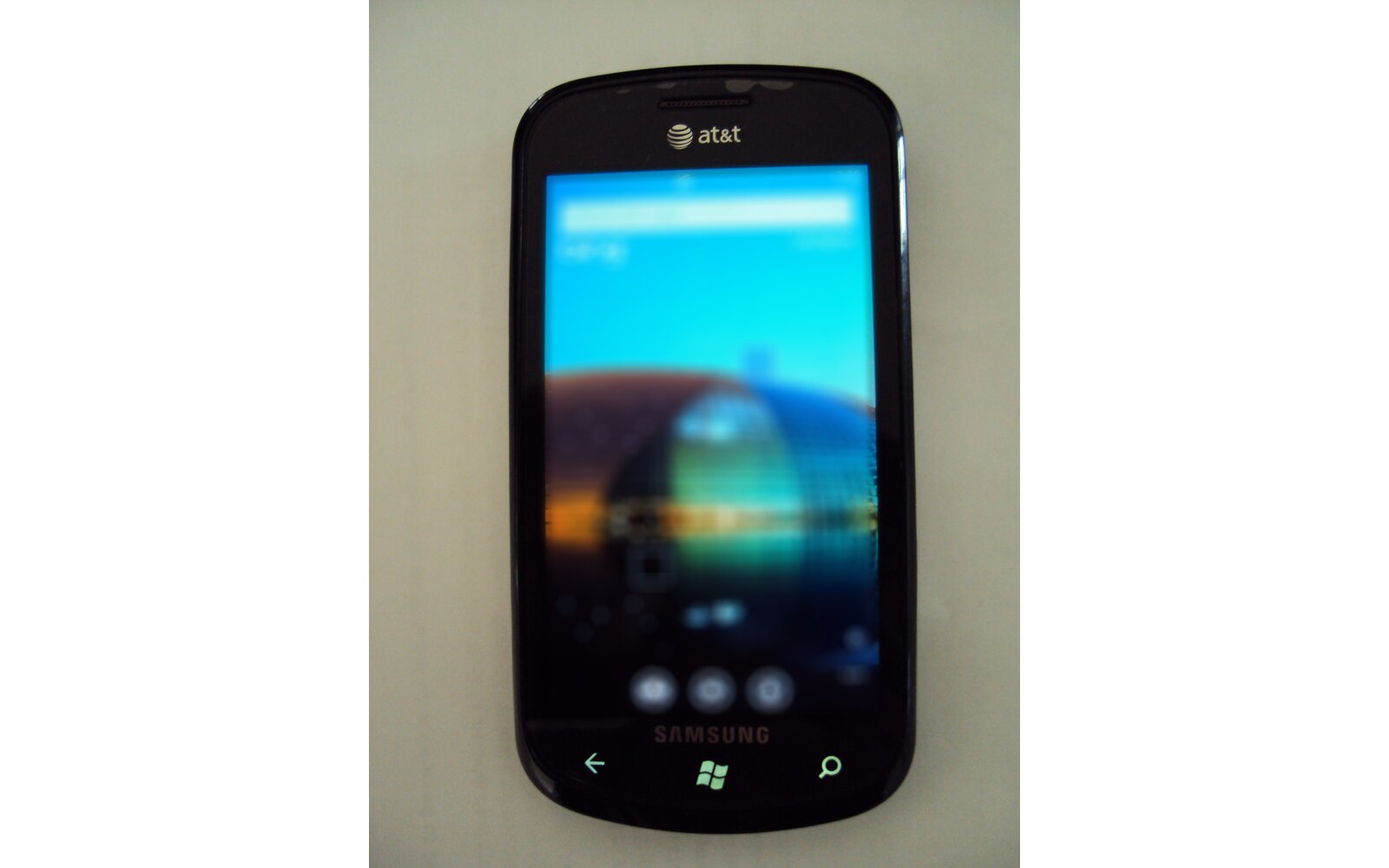
First lest start with the basics: HSDPA = High Speed Downlink Packet Access / HSUPA = HSUPA = High Speed Uplink Packet Access. Now, according to the buzz out there some Samsung Focus owners who have just recently received the NoDo update today (which includes an updated firmware) noticed that their device data connection was slower and found out that HSUPA was effectively disabled on the handset (was it ever enabled before anyway? I’ve seen people say that it has always been disabled). Now don’t ask me how having a slightly slower upload bandwidth can be noticed by the end user especially when 90% of the time data is being downloaded on the phone and the uplink requests are just a tiny fraction of the download packets, because from the tests I’ve just done on my Omnia 7 this has zero effect on the device’s download speed and is not noticeable at all when browsing (I ran bandwidth benches with HSUPA on/off) . Anyway this is mainly a placebo effect but just in case you want to enable HSDPA/HSUPA on the Samsung Focus hit the break:
– From the number-dial screen:
– Enter ##634#
– Diagnostics screen should open.
– Enter *#32489#
– Test mode screen should open.
– Press back at the bottom. (bottom right, not the phone’s back button)
– Press 5 for RRC (HSPA) control.
– Press 1 to view what yours is set at.
– Press 2 to change it.
– Press 3 to change to Release 6 HSDPA/HSUPA.
– Press to confirm.
via: wpcentral
Buyer action
Where to buy or check next
Use this as the final check before ordering a phone, changing network or trusting a headline monthly price.