Asus Zenbook Duo 2026 review: the dual-screen laptop for UK multitaskers
Two 14-inch OLED screens, a 16-core Intel chip and a £2,500 price tag. I dig into the specs and the reviews to work out who actually needs the Asus Zenbook Duo 2026.
Are two OLED screens actually worth £2,500, or is the Asus Zenbook Duo 2026 a clever party trick you will stop using by week three? That is the only question that matters here, and I have spent a good while with the spec sheet, the pricing and the published testing to answer it honestly. My anchors are the Expert Reviews review (26 January 2026) and the official Asus product page. I will be straight about where the appeal ends and the compromise begins.
First, a clarification that trips people up: this is the 2026 UX8407, not the 2024 UX8406. Same big idea, newer silicon, and a price that has crept up to genuine flagship territory. Expert Reviews’ Head of Reviews, Jonathan Bray, did not mince words about it.
“With its twin screens, great battery life and potent performance, the Asus Zenbook Duo (2026) is among the best laptops I’ve ever reviewed.”
Jonathan Bray, Head of Reviews, Expert Reviews, 26 January 2026
The key facts
- Two 14-inch OLED screens, 2880 x 1800 each, 48-144Hz (Asus product page).
- Intel Core Ultra X9 388H (16-core, up to 5.1GHz) with Arc B390 graphics, 32GB RAM and a 2TB SSD in the tested config (Expert Reviews, 26 January 2026).
- 99Wh battery: roughly 21 hours on a single screen, about 10 hours 36 minutes with both running.
- Brightness: 490 cd/m2 in SDR, 650 cd/m2 HDR, peaking up to 1,120 cd/m2 in HDR with auto-brightness engaged (sustained is lower).
- UK pricing: from around £2,299 (Ultra 9 386H), up to £2,500 for the X9 388H reviewed here, plus a cheaper Ultra 7 option.
What you are actually buying
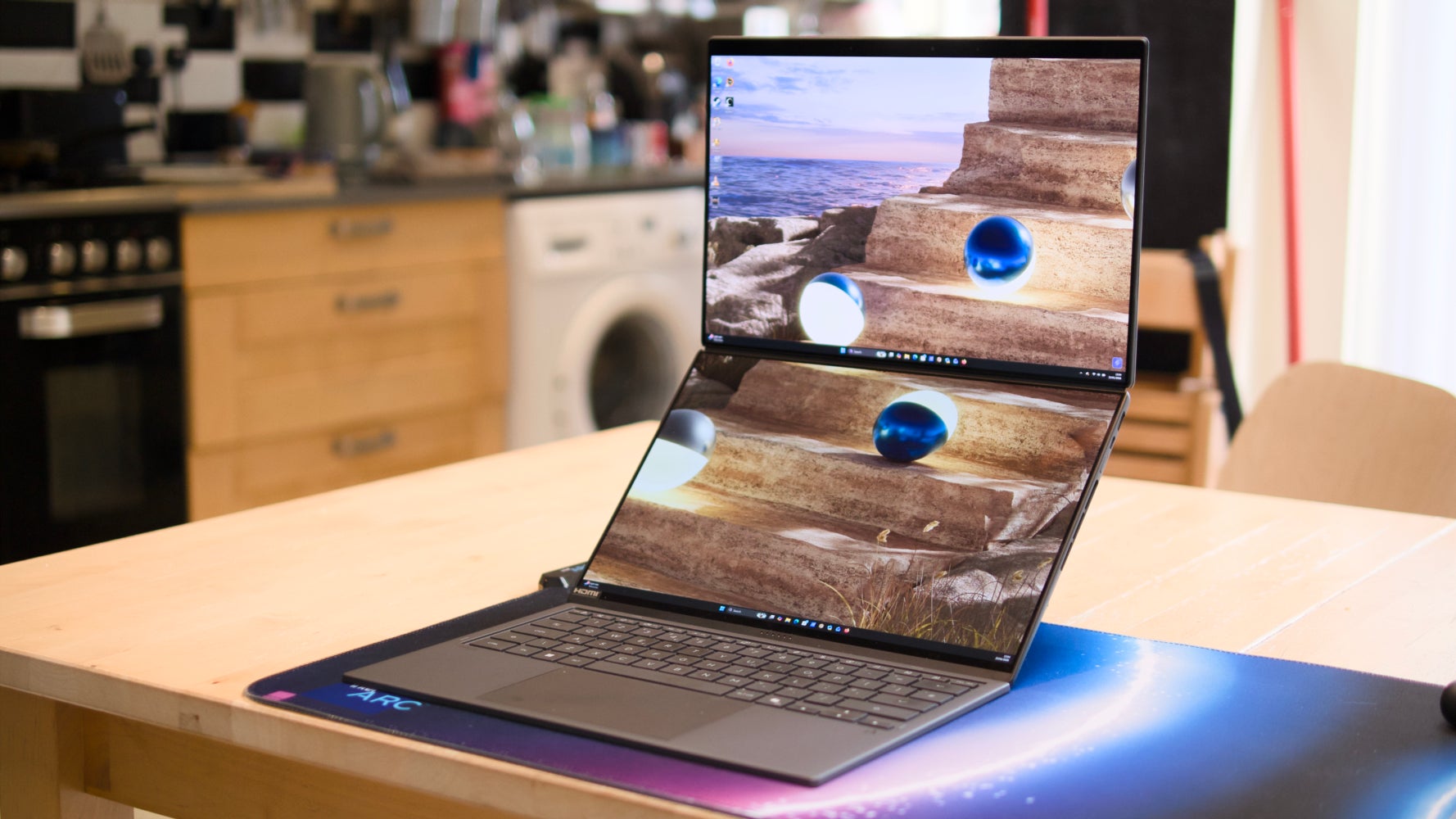
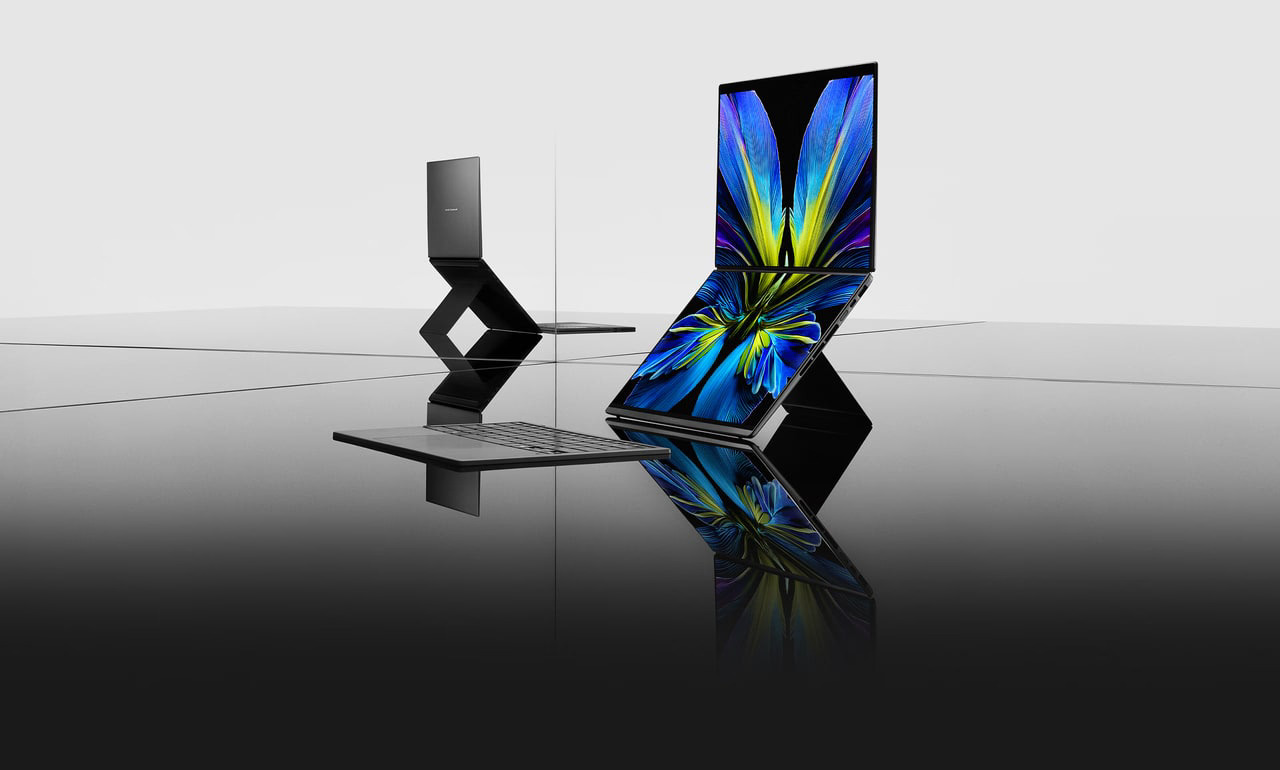
The Zenbook Duo’s trick is that the bit where a normal laptop hides its guts is, instead, a second full 14-inch OLED panel. You get two identical 2880 x 1800 screens stacked above one another. The included keyboard sits magnetically over the bottom display when you want a conventional clamshell, then lifts away (it goes wireless) when you want both screens live, propped up on a built-in kickstand. So the same machine is a normal ultrabook, a stacked two-screen tower for spreadsheets and code, or a wide twin-panel setup if you rotate your thinking. That flexibility is the entire pitch, and it is a real one.
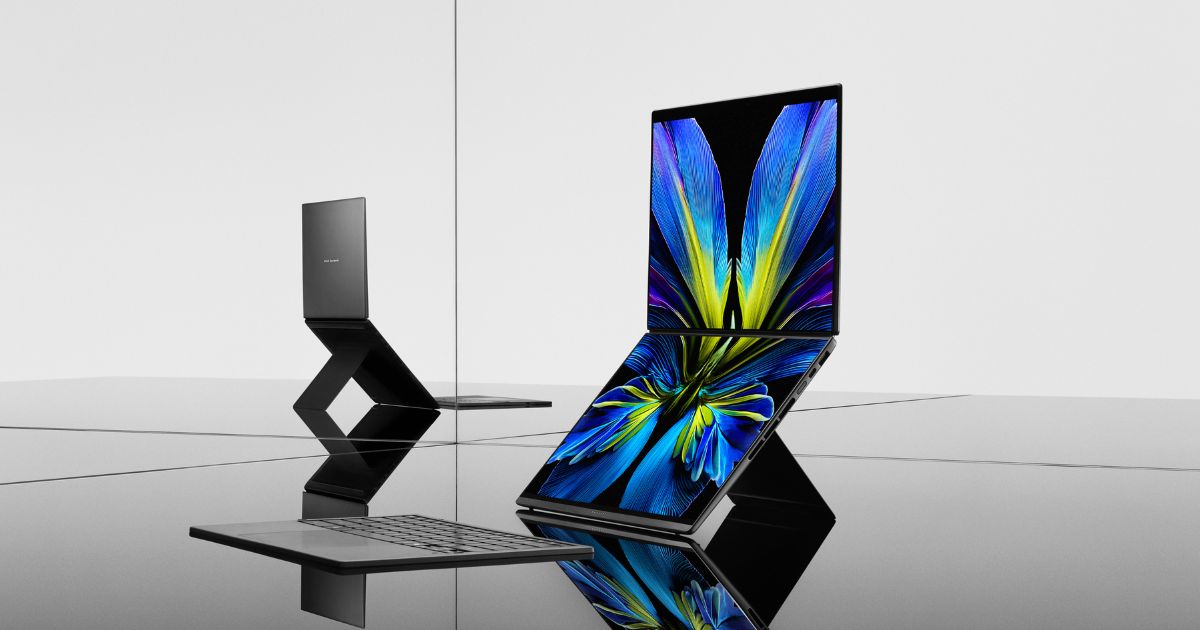
The tested unit is the top configuration: an Intel Core Ultra X9 388H, 16 cores running up to 5.1GHz, paired with Intel’s Arc B390 integrated graphics, 32GB of memory and a 2TB SSD. No discrete GPU, which matters and I’ll come back to it. If you want a creator machine with real graphics muscle, that is a different conversation and a different laptop, which is exactly why I’d point you at the Asus ProArt P16 review or the Razer Blade 16 review before you commit here.
Power and those twin panels
On the silicon, the 388H is a serious mobile chip. Sixteen cores and a 5.1GHz peak make light work of the multitasking the Duo is built for: think a wall of browser tabs on the top screen, a document or timeline on the bottom, and a video call somewhere in the mix without the fans losing their minds. For everyday productivity and most photo work it is plenty. This is not, however, a gaming or heavy 3D rig, because the Arc B390 is integrated graphics. If editing 4K footage or running Arm-native Windows apps is your world, weigh it against the Snapdragon X2 Elite laptops too.
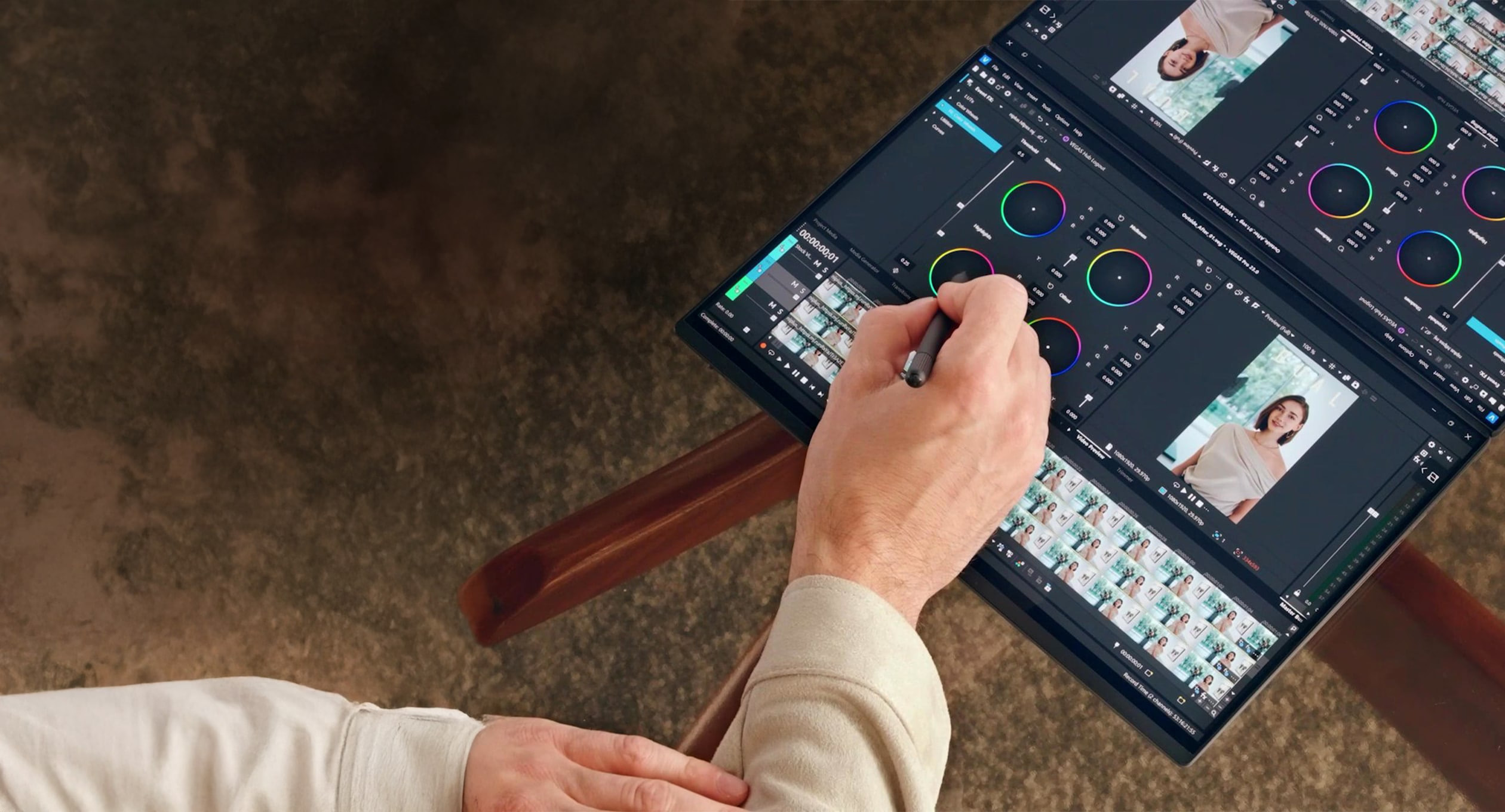
The screens are the star. Two OLED panels at 2880 x 1800 with a 48-144Hz range means deep blacks, lovely motion and genuinely useful resolution on each. Brightness measures 490 cd/m2 in standard mode and 650 cd/m2 for HDR, and Asus quotes up to 1,120 cd/m2 in HDR with auto-brightness switched on. Be careful with that headline number: it is a peak achieved with auto-brightness doing the work, not a flat figure you’ll see sustained across the whole panel all day. In practice you get two bright, colour-accurate OLEDs that are a treat to look at, which is rare enough on one screen let alone two. The colour fidelity also makes it a credible photo-editing surface, though serious editors should still read my Capture One vs Lightroom comparison before building a workflow around it.
The compromises nobody puts on the box
Here is where I have to be a killjoy. Two screens cost you in two ways: weight and battery. With the kickstand and the detachable keyboard in the bag, this is not a featherweight you forget you’re carrying. It is a chunkier, heavier proposition than a single-screen ultrabook of the same class, and you feel it on a long commute. If pure portability is your priority, a conventional flagship like the ThinkPad X1 Carbon Gen 14 will be easier to live with day to day.
The battery story is the bigger asterisk. On a single screen the 99Wh cell is genuinely excellent, lasting around 21 hours, which is remarkable for a 16-core OLED machine. Light up both panels, though, and that figure collapses to roughly 10 hours 36 minutes. Still a full working day, to be fair, but it more than halves, and it means the dual-screen mode you paid the premium for is the mode that drains it fastest. You will find yourself rationing the second screen on travel days, which slightly undercuts the whole point.
Who this is genuinely for
Be honest with yourself about how you work. If you are a heavy multitasker who currently tethers a portable monitor to a laptop, or someone who lives across spreadsheets, research and writing simultaneously, the Duo replaces a bag of kit with one elegant device, and it is a joy. If you mostly run one app at a time, do real GPU-bound creative work, or just want the lightest possible machine, you are paying a weight, money and battery tax for a feature you won’t lean on. For most people, a conventional flagship ultrabook, or even the MacBook Pro M5 Max vs M4 Max route if you live in macOS, will be the smarter buy. The Duo is a specialist tool that happens to be brilliant at its speciality.
Price and where to buy
This is the sharp end. The reviewed Core Ultra X9 388H config lands at £2,500, with the Ultra 9 386H version at around £2,299 and a cheaper Ultra 7 model below that if you want the dual-screen experience for less outlay. In the UK you can buy it from the Asus UK store, Currys, John Lewis and Amazon UK, so it pays to compare for bundle deals or finance. At £2,500 you are competing with some superb single-screen machines, and that context is worth holding in mind alongside the wider 2026 memory-price squeeze that is nudging premium kit upward across the board.
Where I land on the Duo
The Zenbook Duo 2026 is the best execution of the two-screen laptop idea I have seen, and the reviews back that up: gorgeous OLED panels, a properly fast chip and headline single-screen battery life. But it is not a default recommendation. It is heavier than a normal ultrabook, the battery halves the moment you use the feature you bought it for, and £2,500 is real money. If you are the multitasker this was built for, it is close to a revelation. If you are not, buy a brilliant single-screen flagship and pocket the difference. My score: 8/10. A specialist masterpiece, priced and weighted like one.














Reader discussion
Leave a comment
Comments are moderated. Keep it useful, accurate, and on topic.