News · 28 Jul 2011 · MTW Editorial Team

Just took a quick look at the new 7712 Windows Phone 7 Mango Beta build that was pushed out to developer unlocked handsets today and compiled a short list of what has changed since the latest Beta release (Build 7661).
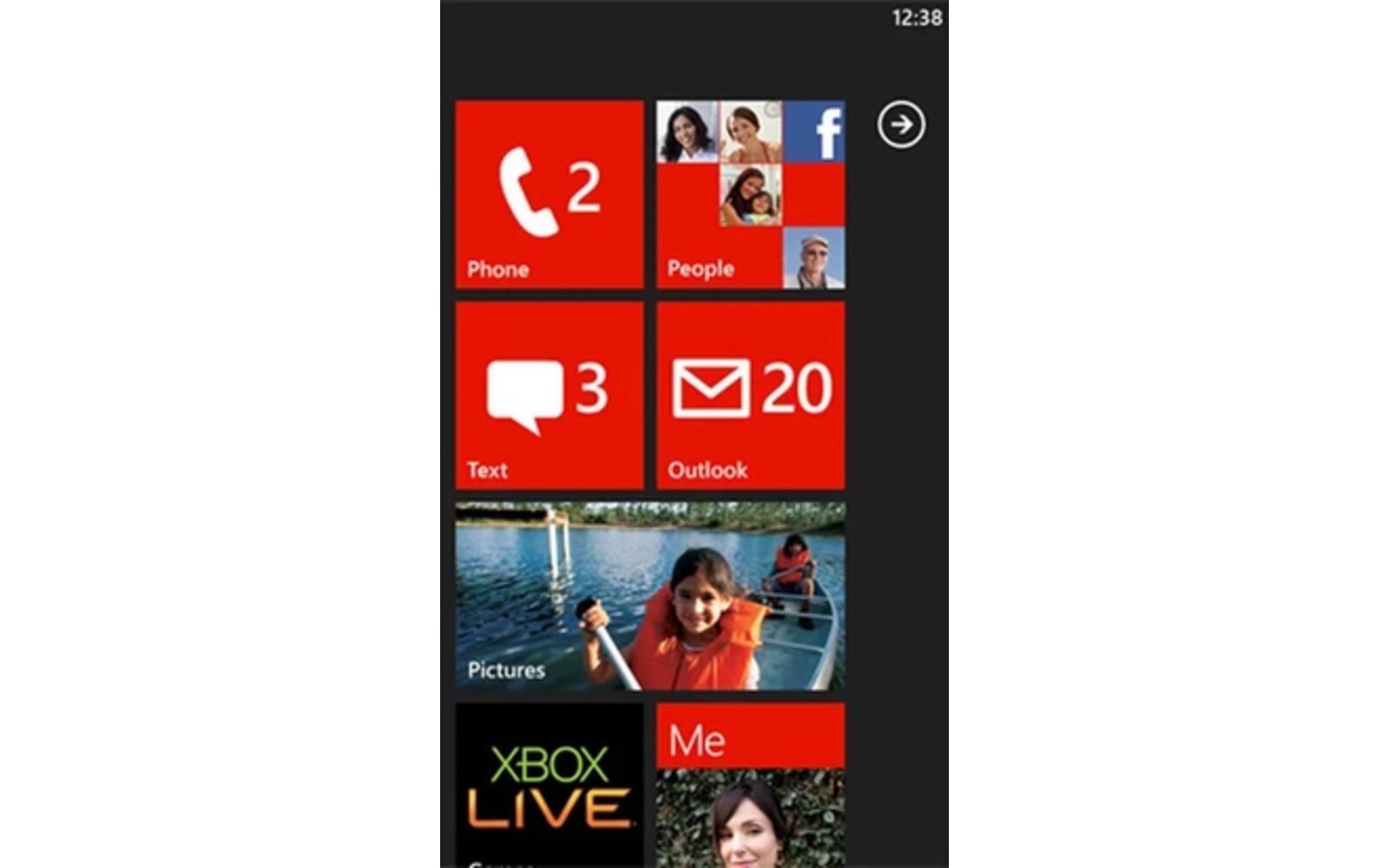
First, there’s a new Mango wall paper (the one you seen in the picture above). How cool is that? not much…ok. Anyway, the biggest change is the addition of Twitter and LinkedIn integration (it wasn’t enabled in the previous release). Linking the accounts to your Windows Live ID is relatively straightforward and shouldn’t take more than a minute.

Once you are done your twitter (or LinkedIn) feed will show up in the What’s New Feed of the People hub (you can then filter it by services). You will be able to re-tweet or reply to messages directly from there. To create a new tweet you will have to go to your Me card (where your notifications will show up: re-tweets, mentions). Two important points: You don’t have access to your direct messages and the only way to share a photo via twitter is through the Pictures hub (tap share then select twitter).

The Me tile will show notifications if somebody mentions you or re-tweets you. As of right now this feature doesn’t seem to be perfectly working for everybody working.So far It only worked twice for me on my Omnia 7.

If you go to your Live ID settings on the web an error message shows up if you try to edit the Twitter – Live connection (thanks Keshwar).

Other changes include new fade-in animation when you enter a card via the task-switcher. In the previous build the screen just went black for a fraction of a sec and the app showed up. Looks smoother now:
Finally the location button has change in Bing Maps:

and the play-all music button has also change in the Music & Videos hub.

Internet Explorer 9 Mobile also seems to load pages a bit faster now. Anything else you have noticed? Anybody has noticed weird battery usage with this beta build (and the previous one too) ?
Update: Panorama controls in non-Mango third-party apps no longer get stuck when a listbox has been scrolled prior to attempting to swipe horizontally left or right.
Update 2: There’s also the ability to stream MP3s hosted on a Skydrive (description in this post):
UPDATE: We can now share Music and Videos via Messenger:
Stream Music and Video hosted on Skydrive:
Buyer action
Where to buy or check next
Use this as the final check before ordering a phone, changing network or trusting a headline monthly price.