Your phone can now unlock your car, start the engine, and share access with a family member, all without a physical key. Tesla, BMW and Samsung have each built digital car key systems that work through your smartphone, but the three approaches differ substantially in how they function, which devices they support, and how much control they offer beyond locking and unlocking doors.
Digital Car Key: Contents
- Tesla Phone Key: The Most Feature-Rich
- BMW Digital Key Plus: The Most Shareable
- Samsung Car Key: Galaxy-Only Integration
- Reliability in Daily Use
- What Happens When Your Phone Dies?
- Which System Works Best?
Tesla Phone Key: The Most Feature-Rich
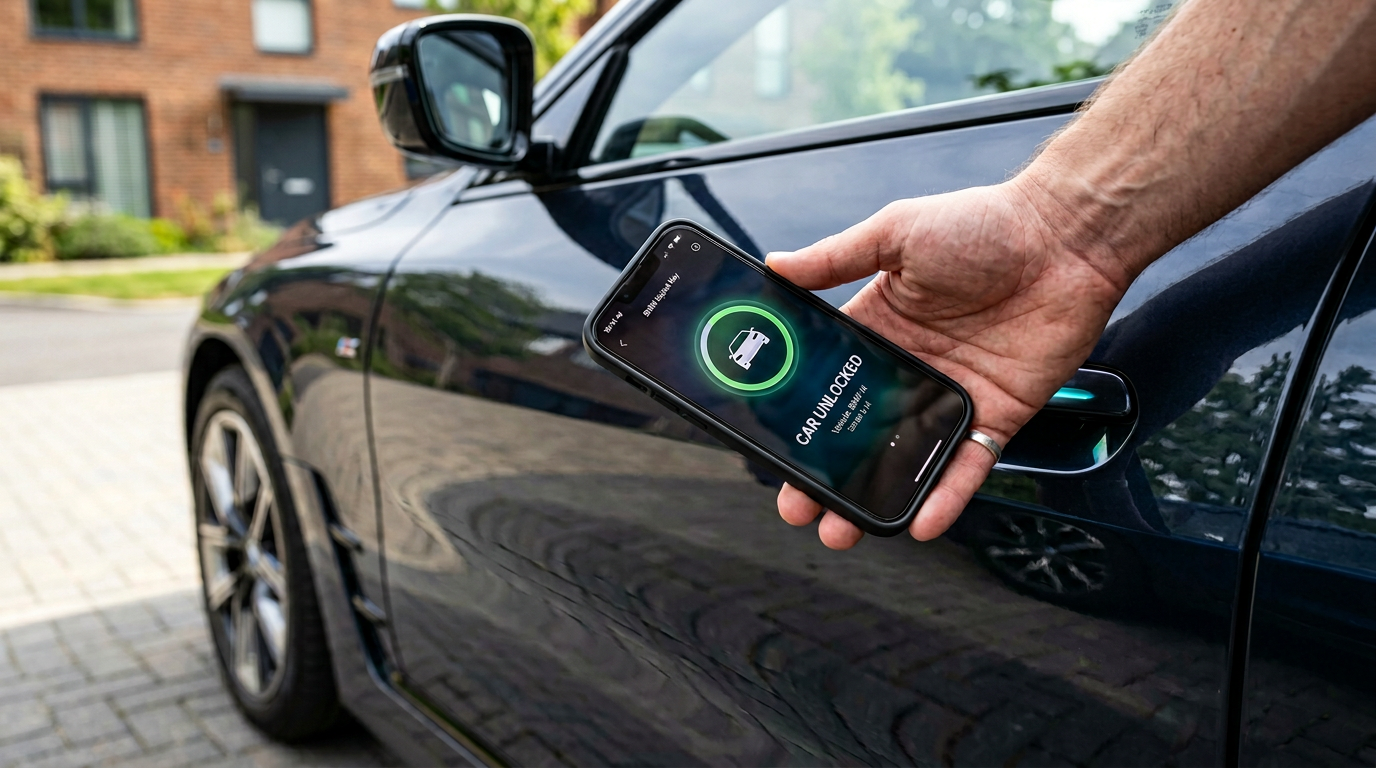
Tesla’s phone key goes far beyond unlocking. Walk up to any current Tesla with your phone in your pocket, and the car detects it via Bluetooth Low Energy and unlocks automatically. Walk away, and it locks itself. No button press required.
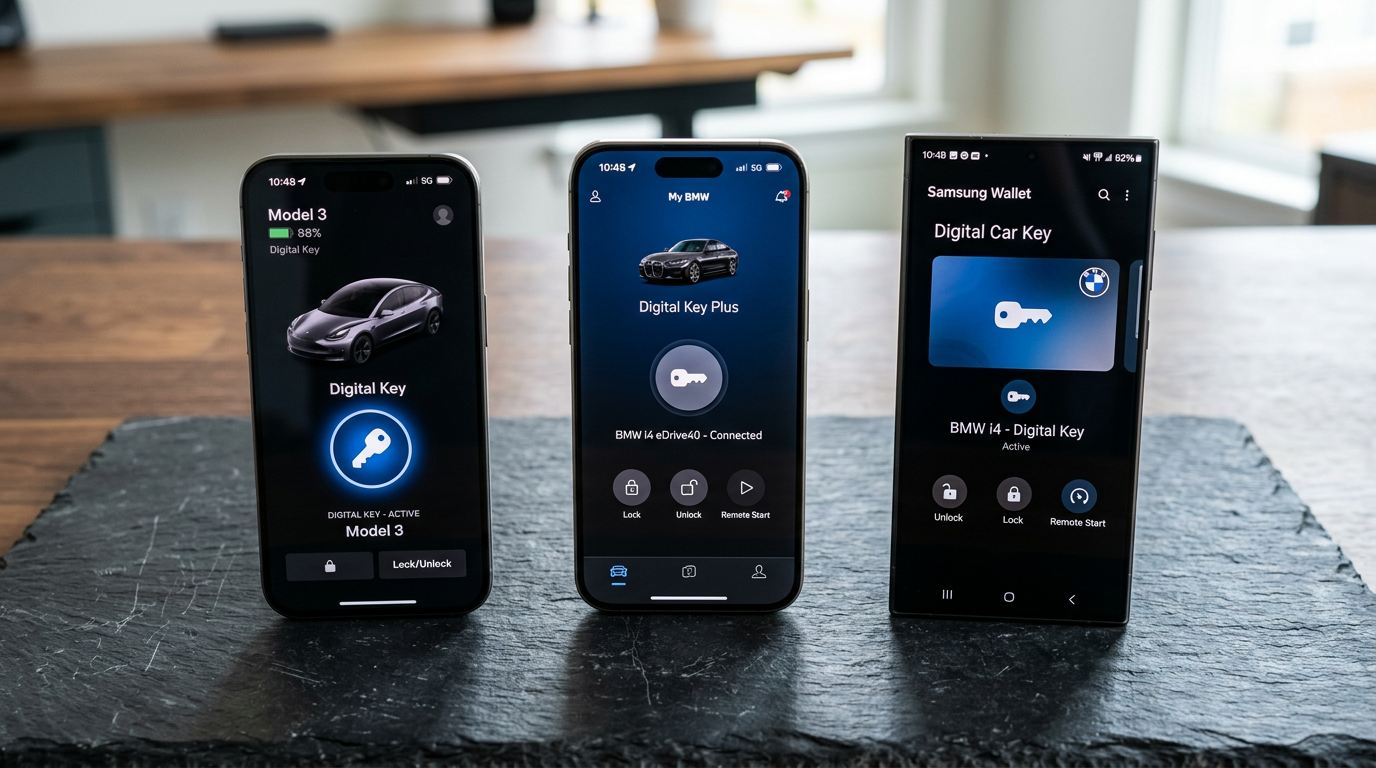
The real advantage is the Tesla app’s remote controls: precondition cabin temperature, open the boot remotely, activate Sentry Mode, check battery and charging status, set charging schedules, and summon the car from a parking space. No other phone key system offers this breadth of functionality.
BMW Digital Key Plus: The Most Shareable
BMW Digital Key Plus is available on vehicles running iDrive 8 or newer and stores the key in Apple Wallet or Google Wallet rather than BMW’s own app. It is the only one of these three systems that treats the key as a first-class wallet item you can carry alongside your payment cards and travel passes.
The UWB-based Digital Key Plus (iPhone 11+ and select Samsung Galaxy and Pixel devices) adds passive unlock, with the car detecting your phone in your pocket as you approach, similar to Tesla. Older devices without UWB fall back to NFC, which requires a deliberate tap.
Where BMW excels is key sharing. You can send a digital key to up to five people via iMessage or the BMW app, with restrictions on each shared key, including limiting top speed, maximum audio volume, or access to certain functions. This is particularly practical for families or temporary lending situations. The BMW Connected app also offers remote lock/unlock, climate preconditioning, vehicle location, and trip logging, though not as extensively as Tesla.
Samsung Car Key: Galaxy-Only Integration
Samsung Car Key is built into Samsung Wallet and now supports a growing list of manufacturers, including BMW, Genesis, Hyundai, Mercedes, Rivian, Toyota, and select Audi models (A5, S5 and Q6 e-tron at launch, with more rolling out). The key lives alongside payment cards and boarding passes in Samsung Wallet and uses NFC or UWB depending on the phone.

Setup is straightforward: pair your phone with a supported vehicle through Samsung Wallet, hold the phone to the door handle to register, and you are done. UWB-equipped Galaxy phones (Galaxy S21 Ultra and newer, plus recent Z Fold models) support passive unlock, while older devices require an NFC tap.
The limitations are still real. Samsung Car Key only works with Galaxy devices, so no iPhones, no Pixel phones, and no other Android brands. Not every trim of a supported vehicle has the necessary hardware, which means you need to check the exact model and production date before relying on the feature. Remote features such as climate preconditioning or detailed vehicle controls still require the manufacturer’s own app (Bluelink, Kia Connect, My BMW, Mercedes me) alongside Samsung Wallet, adding another layer of complexity.
Reliability in Daily Use
Tesla’s system is the most reliable, largely because it uses BLE as the primary connection and the car actively scans for the phone at all times. Unlock is fast and consistent, even with the phone buried in a bag. BMW’s Digital Key Plus with UWB is similarly reliable, though the NFC fallback can be finicky because you occasionally need to tap twice or reposition the phone. Samsung Car Key with UWB performs well on supported devices, but NFC-only on older phones feels inconsistent enough to be a minor annoyance.
What Happens When Your Phone Dies?
Tesla includes two physical NFC key cards with every vehicle that work regardless of phone status. BMW’s NFC-based key continues working for up to five hours after an iPhone’s battery reaches zero, thanks to the Power Reserve feature in Apple Wallet’s Express Mode. Samsung Car Key with NFC also works briefly after shutdown, though the window is shorter and less consistently documented.
The practical advice across all three: keep a physical backup in your wallet. Digital car keys are excellent as a primary access method, but no manufacturer recommends relying on them exclusively.
Which System Works Best?
Tesla’s phone key is the most capable overall, offering the widest range of remote controls and the most consistent unlock experience. BMW Digital Key Plus is the best for sharing access and for users who want their car key in Apple or Google Wallet rather than a manufacturer’s app. Samsung Car Key is a solid option for Galaxy owners driving supported vehicles, though its Galaxy-only phone requirement rules it out for mixed households.
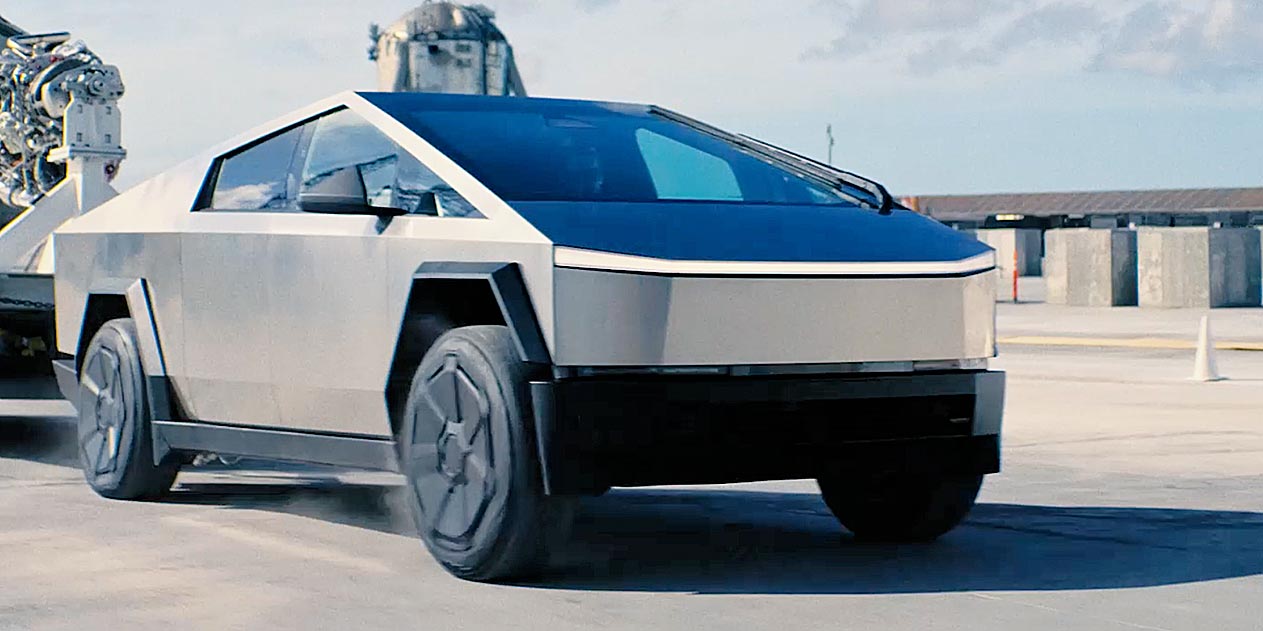
For more on how electric vehicles integrate with smartphones, our Tesla Cybertruck coverage examines the latest changes to Tesla’s lineup. And if you are looking for apps that make EV ownership easier beyond the key, our guide to the best EV charging apps covers the essential tools for finding and managing charging sessions from your phone.
Digital car keys are one part of modern ownership; for the UK buying and finance side, see Car Deal Expert’s EV and company-car coverage.
Final verdict
Compare Tesla Phone Key, BMW Digital Key Plus, and Samsung Car Key. Setup, reliability, sharing, and dead battery backup compared for daily use.
How we compare
Buyer action
Where to buy or check next
Use this as the final check before ordering a phone, changing network or trusting a headline monthly price.














Reader discussion
Leave a comment
Comments are moderated. Keep it useful, accurate, and on topic.