UPDATED · News · 8 May 2026 · Hannah Foster
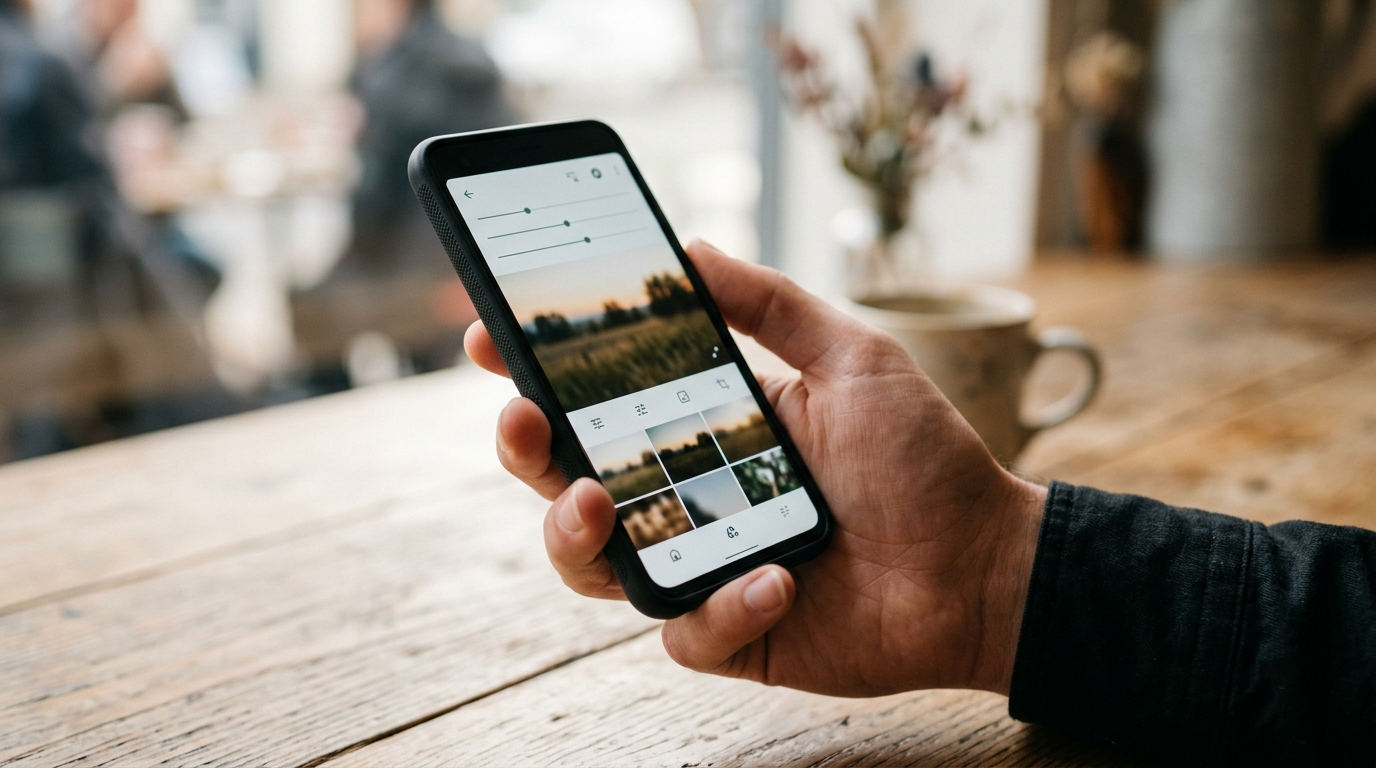
Snapseed 4.0 is the May 8 photo-app return that Android users had nearly given up on. Google rolled out the first major Snapseed update on Android since 2024, bringing a new in-app camera, smart masking, batch editing and a redesigned home screen to the Play Store version on 8 May 2026.
- Snapseed 4.0 launched on the Google Play Store on 8 May 2026, the first big Android update for the app since May 2024.
- The release adds a Snapseed Camera with real-time film looks plus a Pro mode for manual ISO, shutter speed and focus.
- Snapseed 4.0 brings smart masking, batch editing, RAW develop, 30+ tools and 11 film simulations, all free with no ads or subscriptions.
- Snapseed product lead Giles Ochs teased the launch on Instagram before the 8 May rollout, which mirrors the iOS 3.0 update from June 2025.
Snapseed 4.0 finally gives Android users the update they were owed
The Android version of Snapseed had been frozen since May 2024 while the iOS app picked up a full redesign in June 2025. That gap had become a running complaint in mobile photography circles. The 8 May rollout closes the loop in one go: a new homepage grid of recent edits, three bottom tabs for Looks, Tools and Export, a customisable dark or light theme and a histogram option for serious users. It is the first time in two years that the Android Snapseed app has felt actively maintained.
The big new pitch is the built-in Snapseed Camera, which lets you shoot through the app with real-time film emulations applied to the preview. A Pro mode adds manual control of ISO, shutter speed and focus, putting Snapseed in the same conversation as paid camera apps. That is significant for any Android shooter who already pairs the platform’s hardware advantages with Google’s free photo stack, including the broader Google Photos and iCloud workflow we covered earlier this year.
Snapseed 4.0 features that actually change how you edit
The headline editing additions in Snapseed 4.0 are smart masking and batch editing. Smart masking lets you isolate a subject or background with a single tap rather than the manual brush approach that has been standard in Snapseed for years. Batch editing finally lets you apply a Look or set of adjustments across multiple photos at once, which removes one of the most tedious parts of mobile editing. There are 11 new film simulations inspired by Kodak, Fuji, Agfa, Polaroid and Technicolor stocks, and the existing 30+ pro tools have been reorganised under cleaner menus.
The non-destructive editing model carries through, so you can undo any change at any point and keep the original. RAW Develop is still present for shooters who use Pixel or other phones that save DNG files. None of this is locked behind a subscription, ad layer or watermark — a notable contrast with most current photo apps. For Android users who have spent the last year envying iOS Snapseed, the gap is now gone.
How Snapseed 4.0 stacks up against the paid competition
Snapseed 4.0 lands into a market dominated by subscription tools. Lightroom Mobile leans on Adobe’s cloud, VSCO ties its film looks to a £20-a-year membership and Darkroom asks for similar money to unlock its best filters. Snapseed 4.0 keeps all 30+ tools, every film look and the new Pro camera free of charge. For an Android user who just wants to shoot, mask out a subject, batch a set of edits and export, there is now no reason to pay anything.
| App | Cost | MTW read on Snapseed 4.0 |
|---|---|---|
| Snapseed 4.0 | Free, no ads, no subscription | Best value mobile editor on Android right now. |
| Lightroom Mobile | Free tier; Creative Cloud Photography from £10.10/mo | Still wins on RAW workflow, but Snapseed 4.0 closes the gap for casual shooters. |
| VSCO | Free tier; VSCO+ £19.99/yr | Snapseed 4.0’s 11 film simulations remove most of VSCO’s reason to exist. |
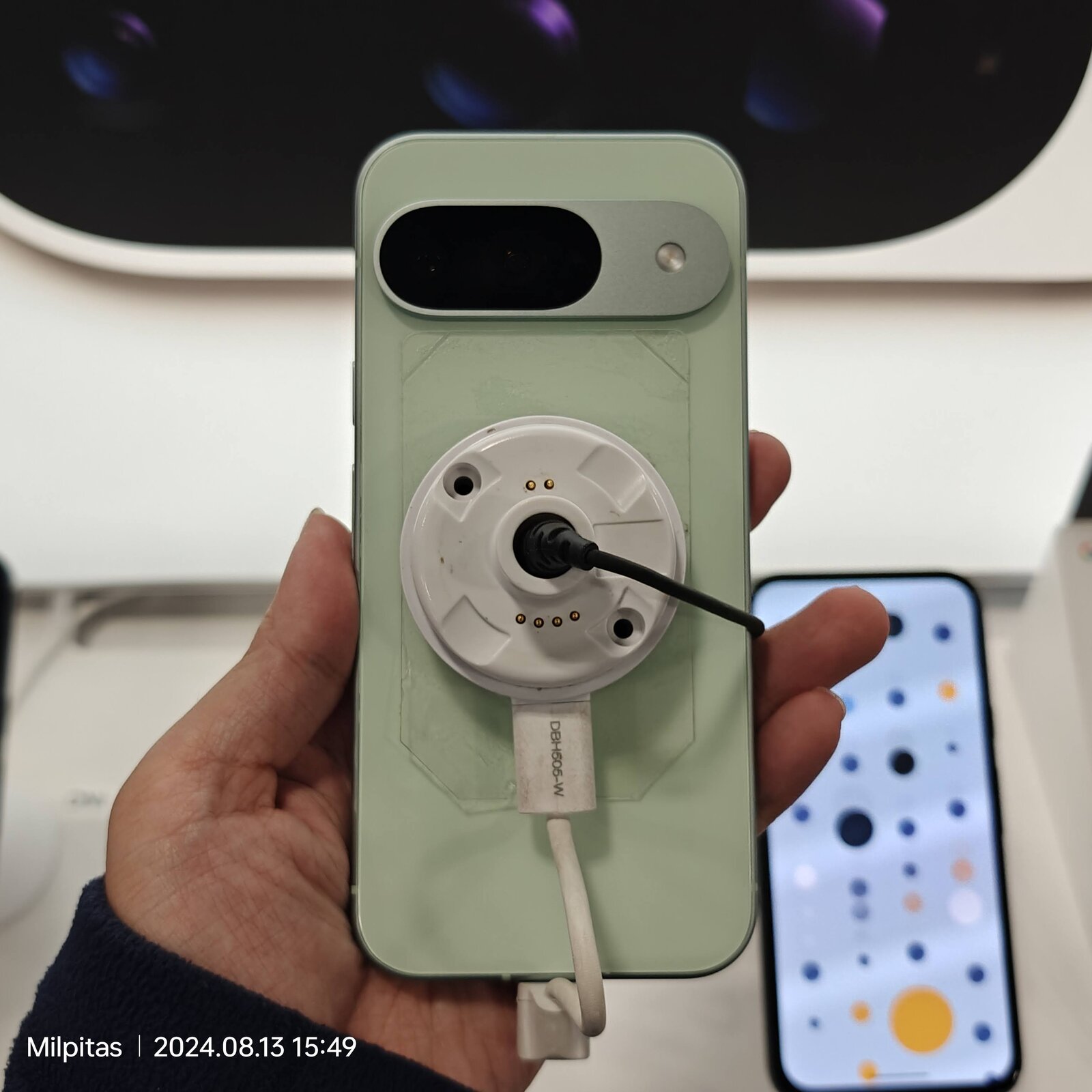
The comparison gets sharper on phones with strong RAW pipelines. A Pixel 10 running the May 2026 update already captures clean DNGs, and Snapseed 4.0’s Develop tool now sits closer to Lightroom’s RAW handling than ever. For shooters who have spent years switching between camera app and editor, Snapseed’s in-app camera with editable looks could end up doing what Halide does on iOS at a fraction of the spend.
What Snapseed 4.0 means for UK Android shooters
The practical effect for UK readers is that the default free Android photo editor is finally worth opening again. If you held off on installing Snapseed because the Android build was stuck two years behind iOS, the 8 May Snapseed 4.0 release fixes that and adds tools other apps charge for. The Play Store rollout is server-side, which means some users may need to wait a day or two before the update reaches their account; the 4.0 build is officially live as of 8 May 2026, per 9to5Google’s rollout report and Android Authority’s hands-on coverage.
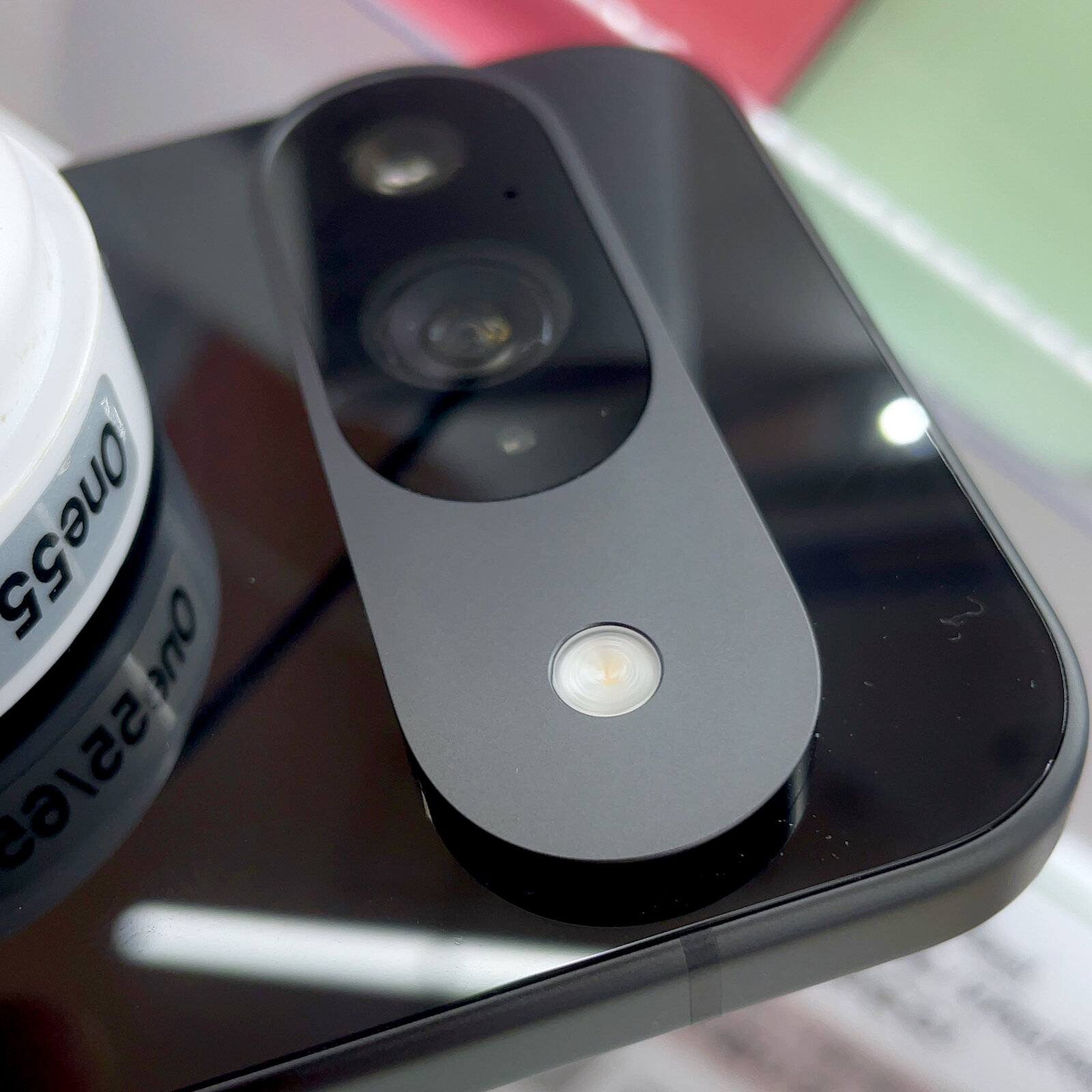
The bigger question Snapseed 4.0 forces is what Google actually wants this app to be. The Pro mode in the new in-app camera makes Snapseed look more like a phone-photographer’s full kit than a quick filter tool, and that overlaps with Google Photos’ editing features. For now Snapseed sits as the power-user complement to the wider Google camera and gallery stack, including the work shaping the next generation of flagship Pixel cameras we compared against the iPhone 17 Pro. If Google keeps Snapseed 4.0 free and ad-free, it becomes the strongest argument yet that you do not need to pay anyone for mobile photo editing in 2026.
The risk is that this turns into another Google app that gets one big update and then goes quiet for two years. For now, though, the Snapseed 4.0 launch is the most important free mobile-editing release of 2026 and a rare win for Android-first creative tools. If you take photos on an Android phone, install it.
MTW verdict
Snapseed 4.0 is the free Android photo editor to beat. Install it, ditch your VSCO subscription and only stay on Lightroom Mobile if you genuinely need the Adobe cloud. The new Snapseed Camera and smart masking are the bits that matter.
Buyer action
Where to buy or check next
Use this as the final check before ordering a phone, changing network or trusting a headline monthly price.














Reader discussion
Leave a comment
Comments are moderated. Keep it useful, accurate, and on topic.