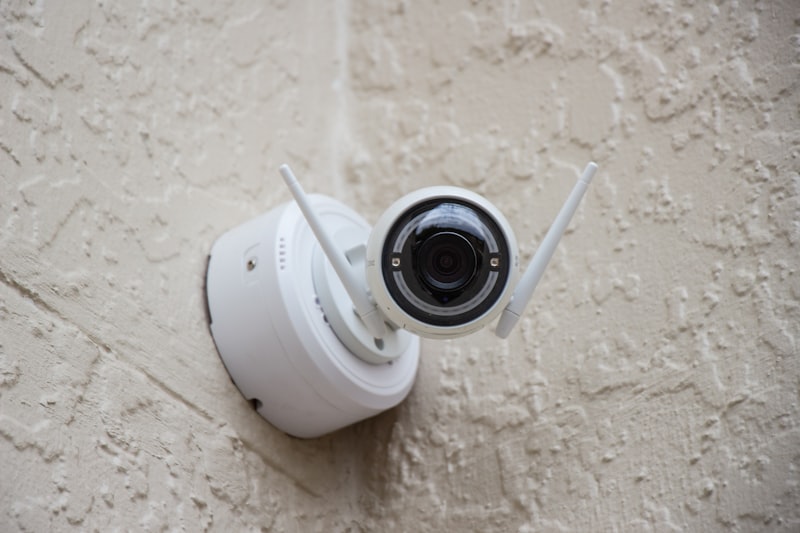
Monthly subscription fees are the hidden cost of smart home security. Ring Home, Google Home Premium, and Arlo Secure can each add £60 to £190 per year to what should be a one-time purchase. Over three years, that is £180 to £570, often more than the cameras themselves cost. The good news is that in 2026, you can build a comprehensive smart home security system that stores footage locally, sends alerts to your phone, and never charges you a monthly fee.
Smart Home Security: Contents
- Why Subscription-Free Security Makes Sense
- Best Subscription-Free Cameras
- Using a NAS for Centralised Recording
- Apple HomeKit Secure Video
- Self-Monitored Alarm Systems
- The Three-Year Cost Comparison
- Limitations to Consider
Why Subscription-Free Security Makes Sense
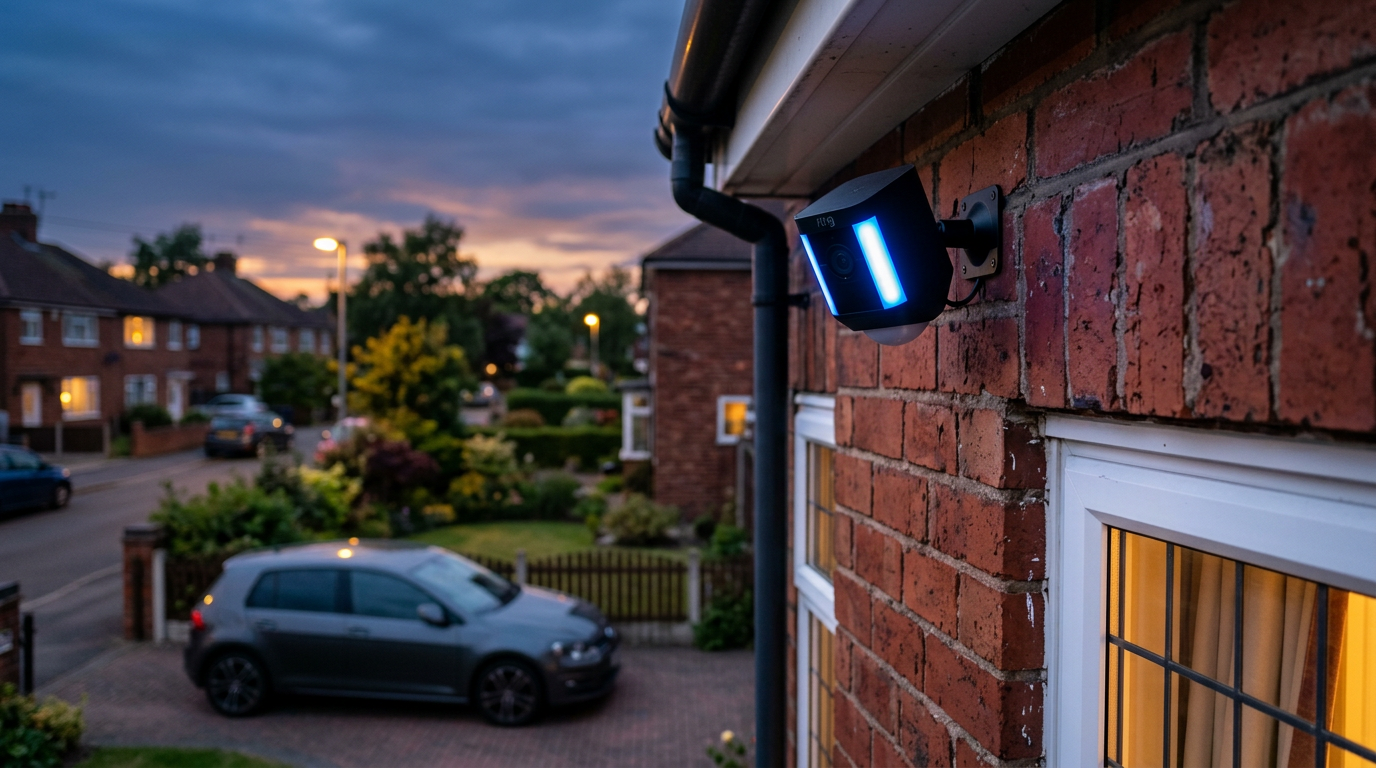
Subscription services like Ring Home (Basic £4.99/month, Standard £7.99/month, Premium £15.99/month) and Google Home Premium (formerly Nest Aware, £60/year basic, £120/year Plus) offer cloud recording, extended video history, and additional features. For many households, though, those ongoing costs feel excessive, particularly when the hardware already has the capability to record and store footage locally.
The shift toward local storage cameras, NAS-based recording, and Apple’s HomeKit Secure Video has made subscription-free security genuinely viable without sacrificing the features that matter most: live viewing, motion alerts, and recorded footage you can review when you need it.
Best Subscription-Free Cameras
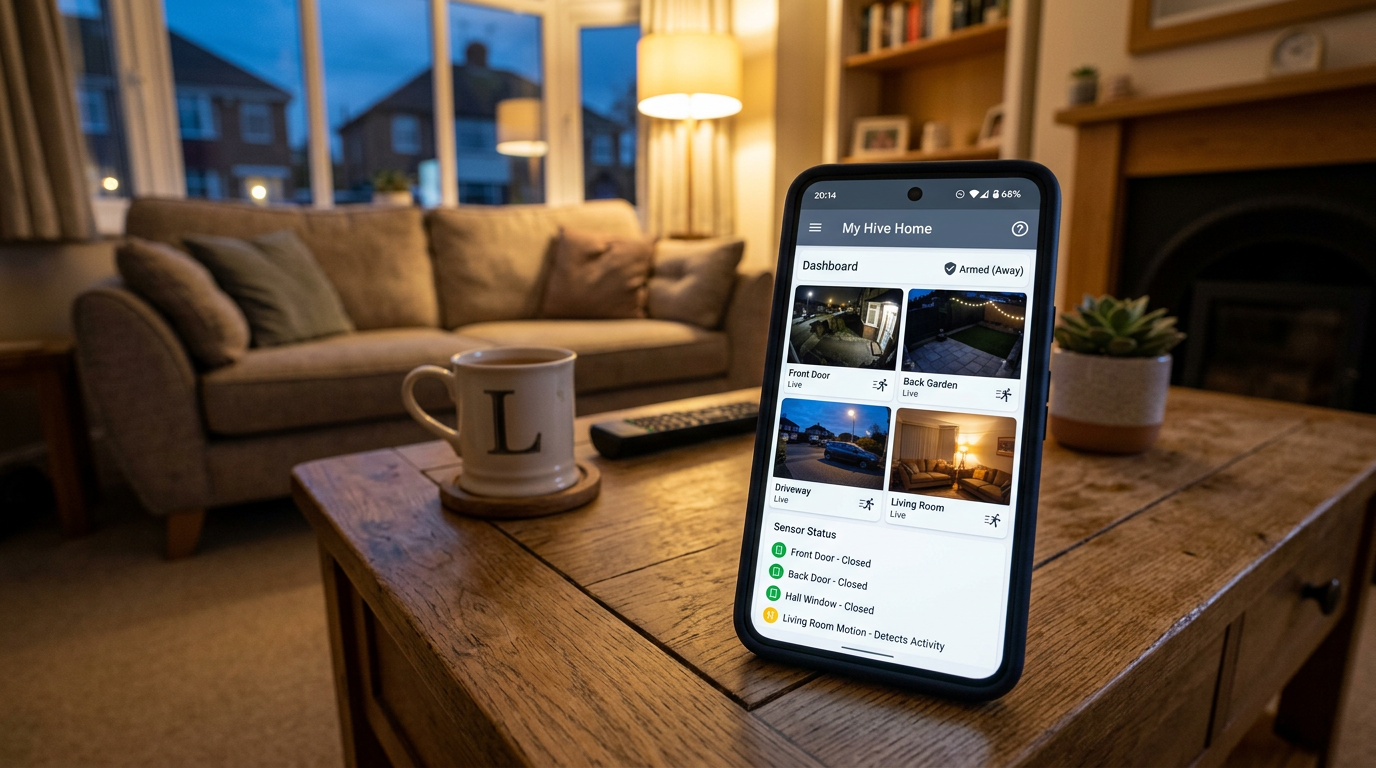
Eufy Security Cameras. Eufy has built its reputation on local storage. The Eufy S3 Pro and SoloCam S340 record to onboard storage (up to 16GB built in) or a Eufy HomeBase, which accepts a hard drive for extended recording. You get motion alerts, AI-powered person and vehicle detection, and live viewing through the Eufy Security app, all without paying a penny beyond the initial purchase. Image quality is excellent, with 4K resolution on the higher-end models.
Reolink Cameras. Reolink offers a wide range of PoE (Power over Ethernet) and Wi-Fi cameras that record to microSD cards or a Reolink NVR (Network Video Recorder). The Reolink Argus 4 Pro is a standout wireless option with solar panel charging and 4K recording to a local microSD card. For a wired setup, a four-camera Reolink NVR kit sits around £350 on Reolink’s UK store, a one-time cost that covers your entire home.
TP-Link Tapo Cameras. The Tapo C420S2 and C520WS are affordable options that record to microSD cards and offer excellent app quality for the price. At £40 to £80 per camera, they are the budget-friendly way to add coverage without ongoing fees. Motion detection is reliable, and the Tapo app provides clear notifications with snapshot previews.
Using a NAS for Centralised Recording
For households with several cameras, a network-attached storage (NAS) device gives you a single place to keep months of footage without any cloud involvement. Synology’s Surveillance Station and QNAP’s QVR Pro both support a long list of ONVIF and RTSP cameras, including most Reolink and Amcrest models. A Synology DS224+ with two 4TB drives runs around £500 all-in and handles four to eight 4K streams comfortably. The footage stays on your network, and you can still view it remotely through Synology’s QuickConnect service without a monthly fee.
Apple HomeKit Secure Video
If you are in the Apple ecosystem, HomeKit Secure Video is a clever middle ground. It uses your existing iCloud+ storage (which you may already be paying for) to store encrypted security footage. With the 200GB iCloud+ plan (£2.99/month), you can connect up to five cameras. The 2TB plan (£8.99/month) supports unlimited cameras.
Compatible cameras from Eufy, Logitech (Circle View), Eve, and Aqara work natively with HomeKit Secure Video. Footage is end-to-end encrypted and processed on-device using your Apple TV or HomePod as a home hub, so Apple cannot see your recordings. If you are already paying for iCloud+ storage for photos and device backups, this is essentially free additional functionality.
Self-Monitored Alarm Systems
Beyond cameras, you can build a self-monitored alarm system using smart sensors and a hub. The Aqara M3 Hub paired with door and window sensors, motion sensors, and a siren provides a comprehensive alarm system that sends alerts directly to your phone. Everything runs locally through Zigbee, and there are no monthly fees.
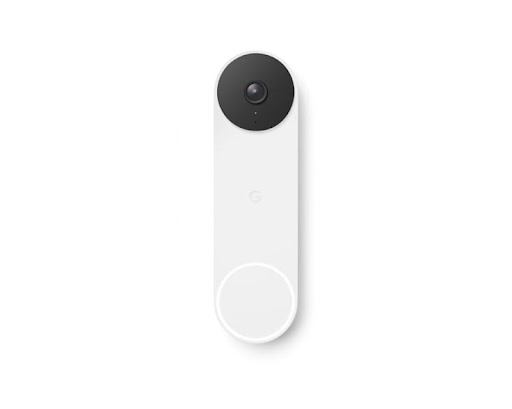
The Ring Alarm base kit works without a subscription for basic self-monitoring. You get the app alerts and can trigger the siren remotely. You only need a Ring Home plan if you want professional monitoring or extended video recording from Ring cameras. For a deeper look at smart home ecosystems, see our smart home overview for 2026.
The Three-Year Cost Comparison
Let us put the numbers side by side for a four-camera home security setup:
Ring (with Ring Home Standard): Four cameras (around £400) plus Ring Home Standard at £7.99/month for three years (£288) equals around £688 total.
Eufy (subscription-free): Four cameras with local storage (around £500) plus £0/year equals £500 total.
Reolink NVR kit (subscription-free): Four-camera NVR kit (around £350) plus £0/year equals £350 total.
The savings are significant, and they compound every year you continue using the system. After five years, the gap widens to £500 or more.
Limitations to Consider
Subscription-free systems are not without trade-offs. You lose professional monitoring, so nobody will call the police on your behalf if an alarm triggers while you are unreachable. Cloud-based systems also offer offsite backup, meaning footage is preserved even if a burglar takes your camera or NAS. Some local storage cameras have limited AI detection capabilities compared to cloud-processed alternatives.
However, for most households, self-monitoring is more than adequate. The combination of instant phone alerts, live viewing, and locally recorded footage covers the vast majority of security scenarios. If you are also setting up broader smart home automations, our guide on Alexa routines and our roundup of the best smart plugs can help you extend your setup further.
Buyer action
Where to buy or check next
Use this as the final check before ordering a phone, changing network or trusting a headline monthly price.














Reader discussion
Leave a comment
Comments are moderated. Keep it useful, accurate, and on topic.