
Apple Watch sleep tracking has been available since watchOS 7, and the feature has grown significantly more sophisticated with recent updates. In 2026, it tracks sleep stages, respiratory rate, blood oxygen levels, and wrist temperature. Setting it up properly and understanding what the data actually means takes a bit more effort than simply wearing the watch to bed. Here is a complete guide to getting the most from Apple Watch sleep tracking.
Sleep Tracking On Apple Watch: Contents
- Step 1: Set Up Your Sleep Schedule
- Step 2: Configure Wind Down and Sleep Focus
- Step 3: Sort Out Your Charging Routine
- Understanding Sleep Stages
- Respiratory Rate and Blood Oxygen
- Wrist Temperature
- What the Data Tells You , and Its Limitations
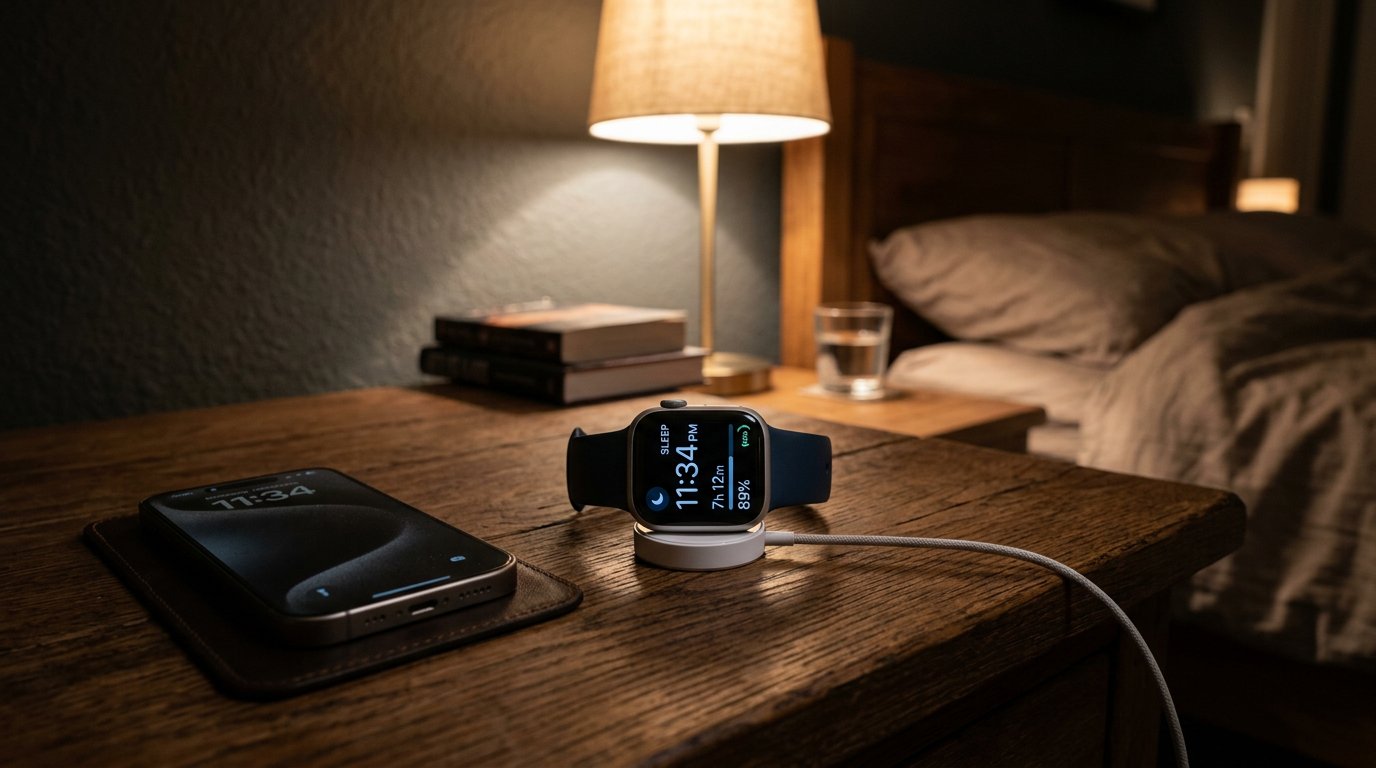
Step 1: Set Up Your Sleep Schedule
Open the Health app on your iPhone and tap Browse, then Sleep. From here, tap “Get Started” if you have not set up sleep tracking before, or “Full Schedule & Options” if you have an existing schedule to modify.
Set your target bedtime and wake-up time. Apple recommends at least seven hours of sleep for adults, though individual needs vary. You can set different schedules for different days, which is useful if your weekday and weekend routines differ. The schedule does not force you into bed at a specific time, but it triggers the features that support sleep tracking.
Step 2: Configure Wind Down and Sleep Focus
Wind Down is the pre-bedtime period where your iPhone and Apple Watch dim the lock screen, hide notifications, and switch on your Sleep Focus. Set it to activate 30 to 60 minutes before your target bedtime and disable any apps that you do not absolutely need that late. In the Health app, under Sleep, tap Options to configure Wind Down Shortcuts (such as “launch Kindle” or “start a calming playlist”) that kick in automatically.
Sleep Focus silences non-urgent notifications during sleep hours and simplifies the watch face to a minimal sleep-mode view. If you rely on emergency contacts, add them to the allowed-callers list so they can still break through in a real crisis.
Step 3: Sort Out Your Charging Routine
Apple Watch cannot track sleep if it is dead by 3am. Top it up for 30 to 60 minutes before bed (current models fast-charge from 0 to roughly 80 per cent in under an hour), and charge again briefly while you shower in the morning. If you find that routine difficult, an additional charging cable for your bedside table helps. Magnetic chargers are inexpensive (around £15 for a third-party MFi-certified option) and mean you do not need to retrieve the charger from another room. For more on managing Apple Watch health features, our Apple Watch health monitoring guide covers the full sensor suite.
Understanding Sleep Stages
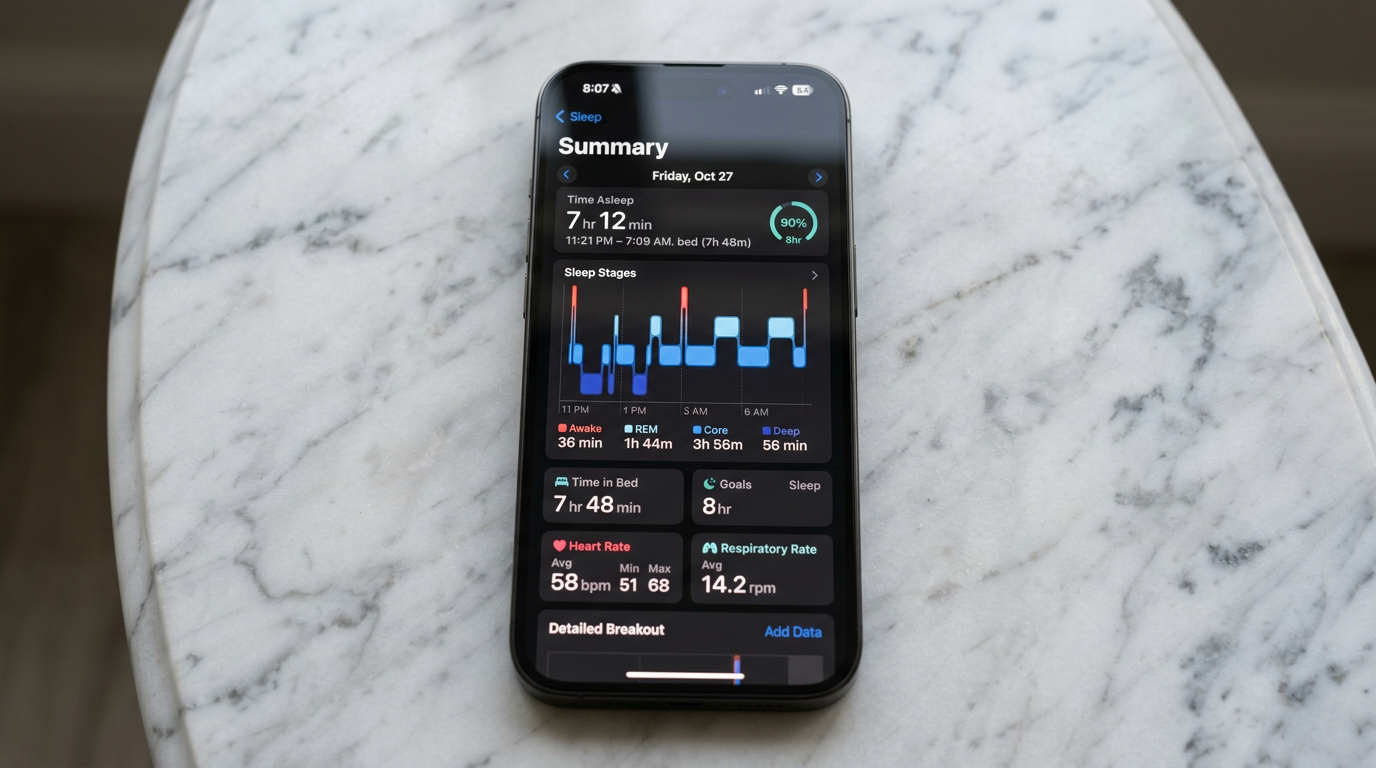
From watchOS 9 onwards, Apple Watch splits your night into four categories: Awake, REM, Core and Deep. Reviewing these in the Health app gives a rough picture of sleep quality.
Core sleep is the stage you spend the most time in, typically 50 to 60 per cent of total sleep. It is light-to-moderate sleep where your body performs basic restorative processes. A healthy amount is generally three to four hours per night.
Deep sleep is the physically restorative stage. During deep sleep, your body repairs tissues, strengthens the immune system, and consolidates physical recovery. Most adults get one to two hours of deep sleep per night, with the majority occurring in the first half of the night. If your deep sleep is consistently below 45 minutes, it may be worth examining factors that can affect it: alcohol consumption, late caffeine, inconsistent bedtimes, and sleeping in a warm room all reduce deep sleep.
REM sleep is associated with dreaming, memory consolidation, and emotional processing. REM periods get longer as the night progresses, with the longest typically occurring in the early morning. Most adults get 90 minutes to two hours of REM sleep. Stress, alcohol, and certain medications can significantly reduce REM sleep.
Respiratory Rate and Blood Oxygen
Respiratory rate, the number of breaths per minute, is measured passively using the watch’s sensors overnight. Typical adult resting respiratory rate is 12 to 20 breaths per minute. Sustained changes from your personal baseline can be a useful early indicator of illness, stress or poor sleep quality.
Blood oxygen (SpO2) is measured using the red and infrared LEDs on the back of the watch where hardware is enabled. During sleep, healthy blood oxygen levels should generally remain above 95 per cent. Frequent dips below 90 per cent during sleep could indicate conditions like sleep apnoea and are worth raising with your GP. Note that due to an ongoing patent dispute, blood oxygen measurements are disabled on some newer Apple Watches sold in the United States, but readings are available on UK models.
It is important to note that Apple Watch is a consumer wellness device, not a medical instrument. The data it provides is useful for spotting trends and prompting conversations with healthcare professionals, but it should not be used to diagnose or rule out medical conditions.
Wrist Temperature
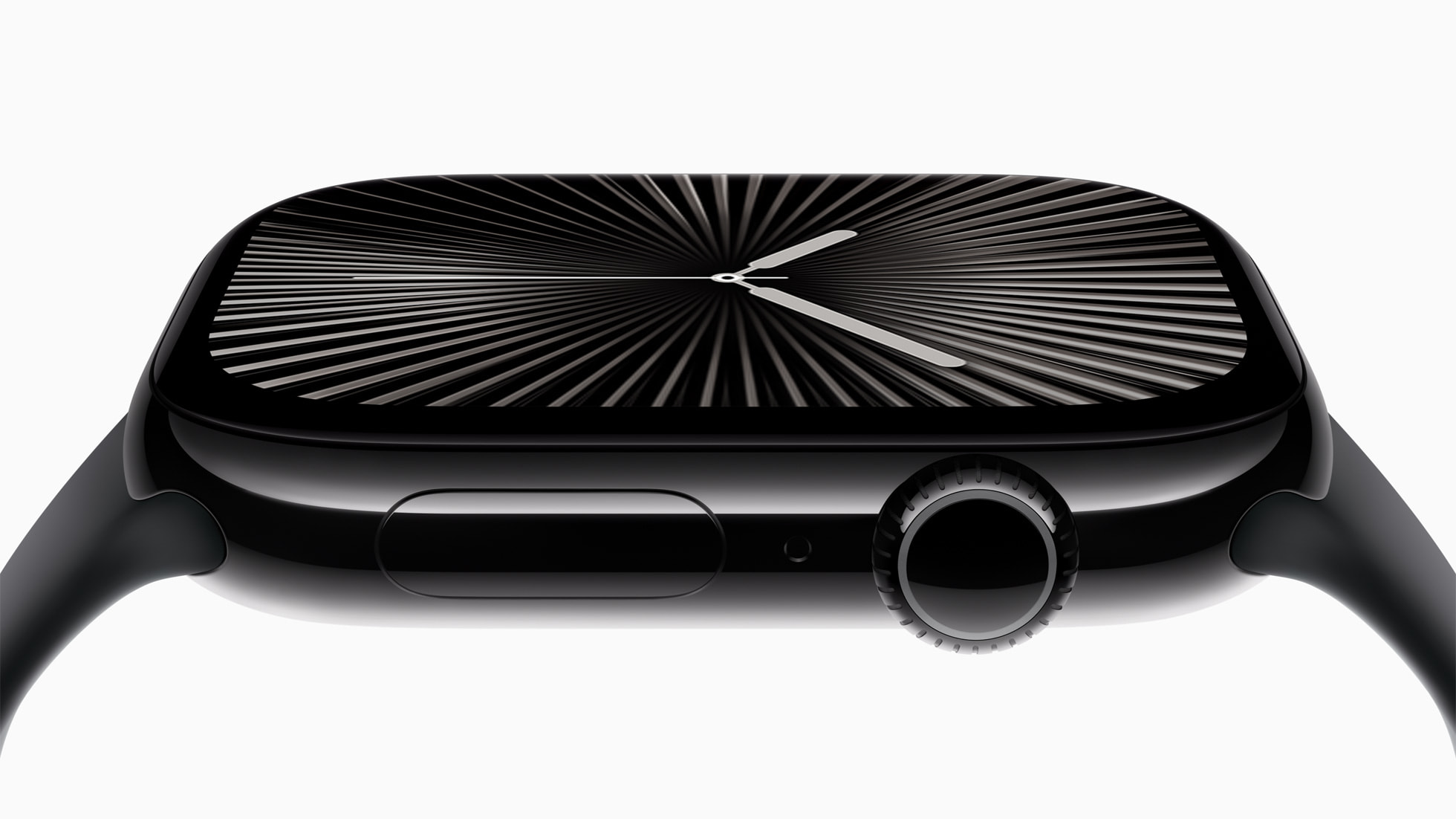
Available on Apple Watch Series 8 and later, wrist temperature tracking measures variations from your personal baseline during sleep. The feature requires consistent overnight wear and at least three weeks of baseline data before it produces meaningful insights. You will find this data in the Health app under Browse, then Body Measurements, then Wrist Temperature.
What the Data Tells You , and Its Limitations
Apple Watch sleep tracking is calibrated against polysomnography (PSG), which remains the gold standard. Apple Watch provides useful approximations and reliable trend data, but treat the specific stage durations as estimates rather than exact measurements.
The most practical approach is to focus on consistency. If your total sleep time, sleep efficiency (time asleep versus time in bed), and rough stage balance are stable and you feel rested, the details are less important. If the data shows consistent problems , very low deep sleep, frequent long awakenings, or declining trends , that is valuable information to take to a healthcare professional. For a broader look at how the Apple Watch compares to Garmin for health tracking, we have covered the differences in detail. The Apple support page for sleep tracking also has useful troubleshooting steps if your data looks inconsistent.
Buyer action
Where to buy or check next
Use this as the final check before ordering a phone, changing network or trusting a headline monthly price.














Reader discussion
Leave a comment
Comments are moderated. Keep it useful, accurate, and on topic.