This post is from our Windows Phone 7 archive. For our current coverage of phones, see our 2026 best phones in the UK for 2026.
Read the 2026 best phones in the UK for 2026 guide →UPDATED · News · 22 Feb 2011 · MTW Editorial Team

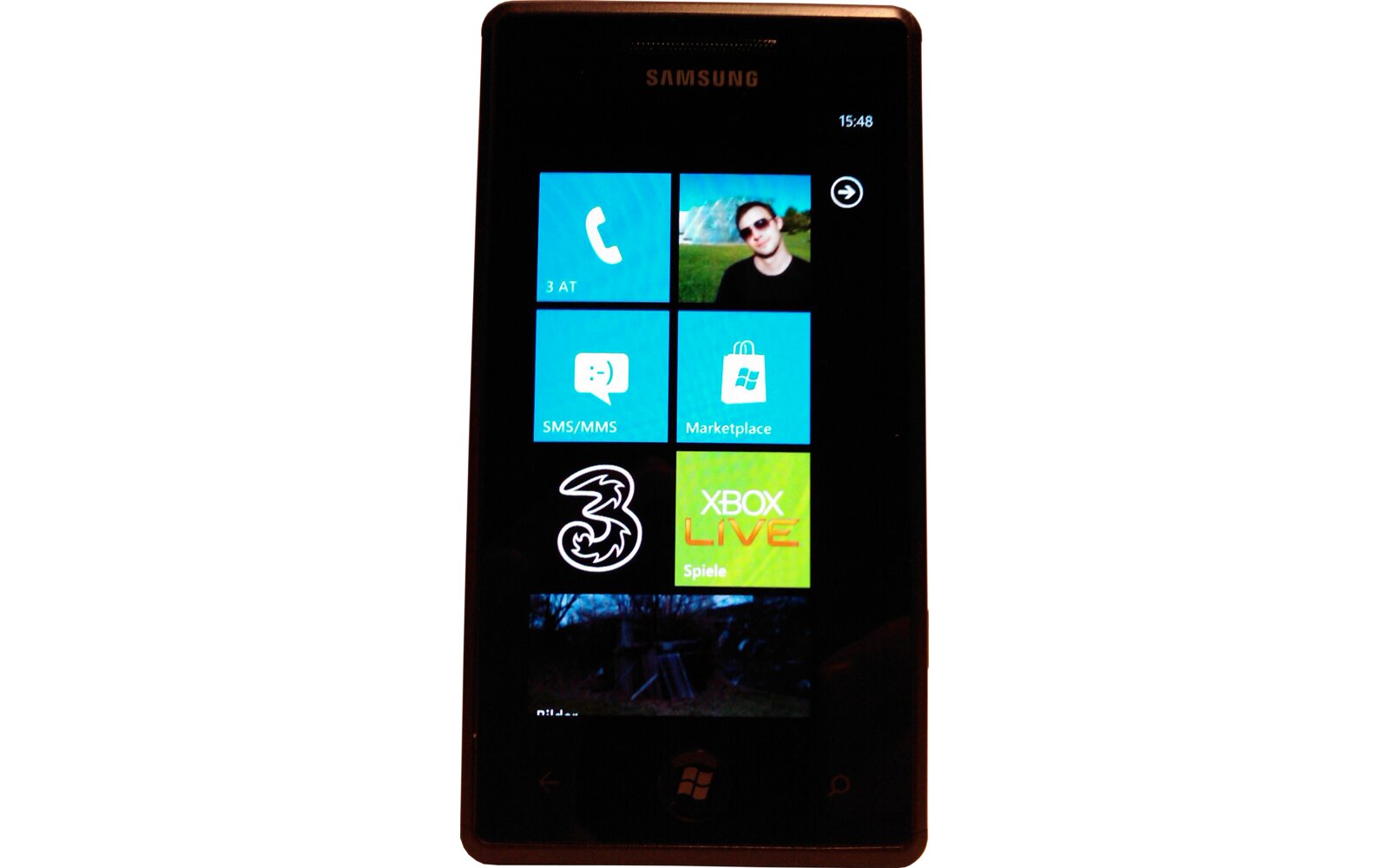
As you probably already know by now, yesterday’s Windows Phone 7 test update can’t be applied to all Samsung Omnia 7 devices (and Focus too it seems) but there’s nothing to worry about. I’ve tested every possible combination to try to get it to work on my device and so far everything has failed:
1) Freed as much space as possible on the phone.
2) Used several Micro-USB cables
3) Uninstalled and re-installed the Zune Desktop software
4) Connected trough a proxy to grab the update file from another MS server
5) Used another PC
So what’s the hold up ? Why are some Omnia 7 users able to update and not others? First off, it HAS NOTHING TO DO with the firmware version of the phone (or your OS version 64/32bit). So if you updated to the latest JK1 release there’s nothing to worry about and if you haven’t then you are in the same situation. The problem seems to be related to the device’s storage/ reserved space, this is why users with minimum amount of content on their phone were able to get it to work and why hard reseting the device also seems to allow the handset to be updated. So just sit tight and wait for Microsoft to find a solution to the problem (a Hard Reset isn’t a solution…) and this should take up to 3 days according to MS’s support.
6. We would recommend at this time, not to retry the update, as subsequent attempts will fail similarly. While we continue to investigate the issue, we would ask that you not attempt the update until your device alerts you of another update opportunity, in approximately 3 days’ time.
Again, I wouldn’t really worry about not being able to update right now.
We are working on it, and yes, we are finding some patterns that we are expect to solve soonThis is a minor update, you are not missing any new features, so if you can’t update now don’t stress.
Please revert phone to original state (no need to hard reset) and wait couple of days until potential issues are solved, and you will be able to get the updateIf you had troubles updating I wouldn’t really mess with it… in this unexpected state you might end with a brick phone and that would be a bigger problem
UPDATE: Looks like every blog out there is reporting blatantly false info (stuff like JK1 F/W Omnia 7 devices are able to update etc.. which is FLASE). So just to be clear on this subject none of them seem to have any fist hands experience with the issue (or even have a WP7 device). The update fails on Omnia 7 devices regardless of the Desktop OS version (XP/VISTA/7/OSX 32/64bit) or F/W version (JK1 or lower) and is related to the phone’s storage and reserved space. There’s no way to unbrick a bricked Omnia 7 (bricked = Phone no longer boots up after pulling the battery and no way to hard reset it) and so far less than 5 people have reported bricking and only two are confirmed to be bricked. Secondly the only way to apply the update to a Omnia 7 that constantly fails at Step 7 is to Hard Reset the device and then launch the update. So please keep this in mind when you read all the wrong reports circulating right now.
Buyer action
Where to buy or check next
Use this as the final check before ordering a phone, changing network or trusting a headline monthly price.