A second screen changes how you work, and you no longer need a desk to have one. Portable USB-C monitors have matured to the point where connecting one to your phone or laptop is genuinely plug-and-play. Whether you want a productivity boost on business trips or a bigger display for Samsung DeX, these are the best portable USB-C monitors worth considering in 2026.
Best Portable USB-C Monitors: Contents
- ASUS ZenScreen MB16ACV (around £249)
- Lenovo ThinkVision M14t (around £299)
- ViewSonic VG1655 (around £179)
- INNOCN 15.6″ OLED Portable Monitor (around £299)
- What to Check Before Buying
ASUS ZenScreen MB16ACV (around £249)
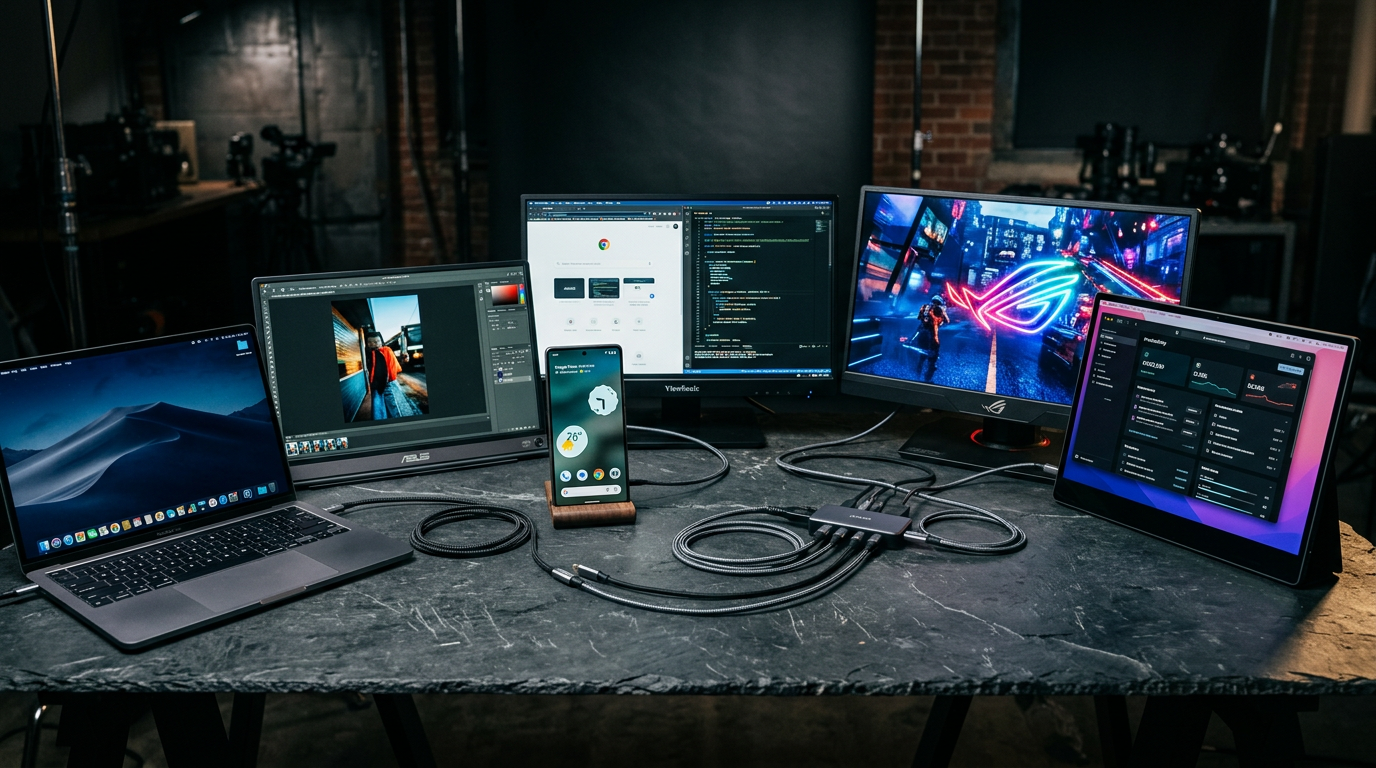
The ASUS ZenScreen MB16ACV remains the benchmark for portable monitors. The 15.6-inch IPS panel delivers a Full HD 1080p image with good colour accuracy out of the box. At just 0.9kg, it is light enough to carry in a laptop bag without complaint. The foldable smart case doubles as a stand with multiple viewing angles.
Pros: Reliable USB-C connectivity with laptops and compatible phones. Anti-glare matte surface reduces reflections. Auto-rotate detects portrait or landscape orientation. Consistent colour reproduction for document work and media consumption, with TUV Rheinland-certified Low Blue Light.
Cons: Brightness tops out at 250 nits, which is adequate indoors but struggles near windows or outdoors. No touchscreen on this model. Refresh rate is 60Hz, which is fine for productivity but not ideal for gaming.
Phone compatibility: Works with Samsung DeX, Motorola Ready For, and most phones that support USB-C DisplayPort Alt Mode. Does not work with iPhones without an adapter and third-party software.

Lenovo ThinkVision M14t (around £299)
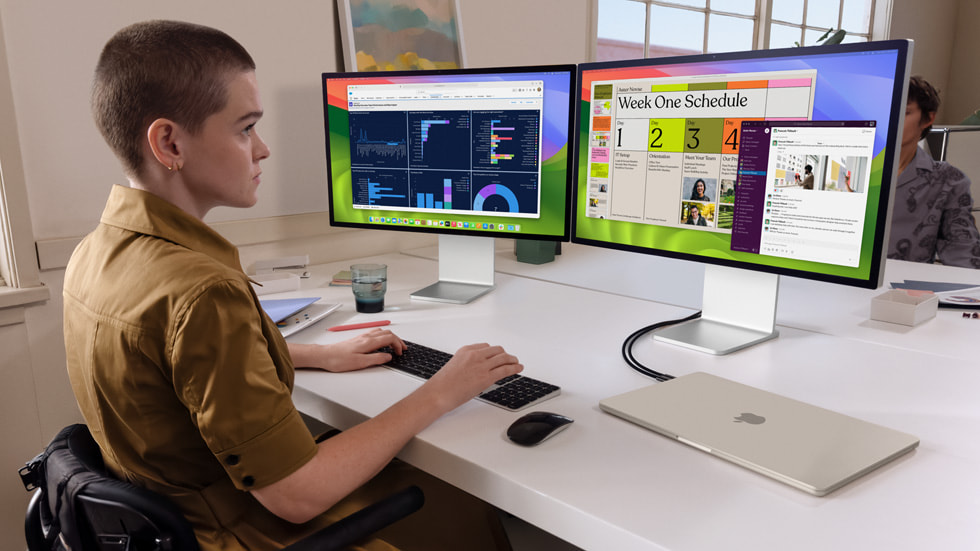
Lenovo’s entry in the portable monitor space leans into business use. The 14-inch Full HD panel is slightly smaller than competitors, but the size makes it the most travel-friendly option on this list. The “t” suffix signals a 10-point touchscreen with up to 4,096 levels of pressure sensitivity, which proves surprisingly useful for presentations and quick interactions. A Gen 2 model bumps the resolution to 2240×1400.
Pros: Touch support is responsive and adds genuine utility. Two USB-C ports allow daisy-chaining power through the monitor to your laptop. The smaller 14-inch size fits in bags that a 15.6-inch monitor would not. 300 nits peak brightness and 100% sRGB coverage.
Cons: Touch adds weight compared with non-touch portable monitors. Colour gamut is limited to sRGB, so it is not ideal for colour-critical print or video work. UK pricing starts around £299, which is a premium over non-touch rivals.
Phone compatibility: Full Samsung DeX support. Touch features work with DeX, which makes it a compelling phone-as-desktop solution. Motorola Ready For compatible.
ViewSonic VG1655 (around £179)
The best value option on this list. ViewSonic’s VG1655 delivers a clean 15.6-inch 1080p image at the lowest price point. It includes dual USB-C ports with two-way 60W power delivery, meaning your laptop can charge through the monitor while using it as a display, or a separate power bank can feed the monitor directly.
Pros: Excellent value. 60W two-way USB-C power is a standout feature at this price. Includes a mini HDMI port for connecting to devices without USB-C video output. The integrated cover-stand is functional if uninspired. Around 0.8kg on the scales.
Cons: Build quality feels less premium than the ASUS or Lenovo. Brightness is 250 nits, same class as the ZenScreen but below the Lenovo and INNOCN. No touchscreen. The stand offers limited angle adjustment.
Phone compatibility: Works with Samsung DeX and other USB-C DisplayPort phones. The mini HDMI port provides a fallback connection method for devices that do not support USB-C video.
INNOCN 15.6″ OLED Portable Monitor (around £299)
If display quality is your priority and budget allows, the INNOCN OLED panel is in a different class. The contrast ratio, black levels, and colour vibrancy of OLED make every other monitor on this list look washed out by comparison. It covers 100% DCI-P3, delivers true blacks that IPS panels simply cannot match, and offers a 100,000:1 contrast ratio.
Pros: OLED image quality is stunning for media, photo editing, and design work. 1080p at 15.6 inches remains sharp at normal viewing distances. USB-C and mini HDMI connectivity. Brightness reaches 400 nits, the highest on this list.
Cons: The premium price is justified only if display quality genuinely matters for your use case. OLED burn-in risk exists with static content over long periods, though modern panels handle this better than earlier generations. Heavier than the IPS competition.
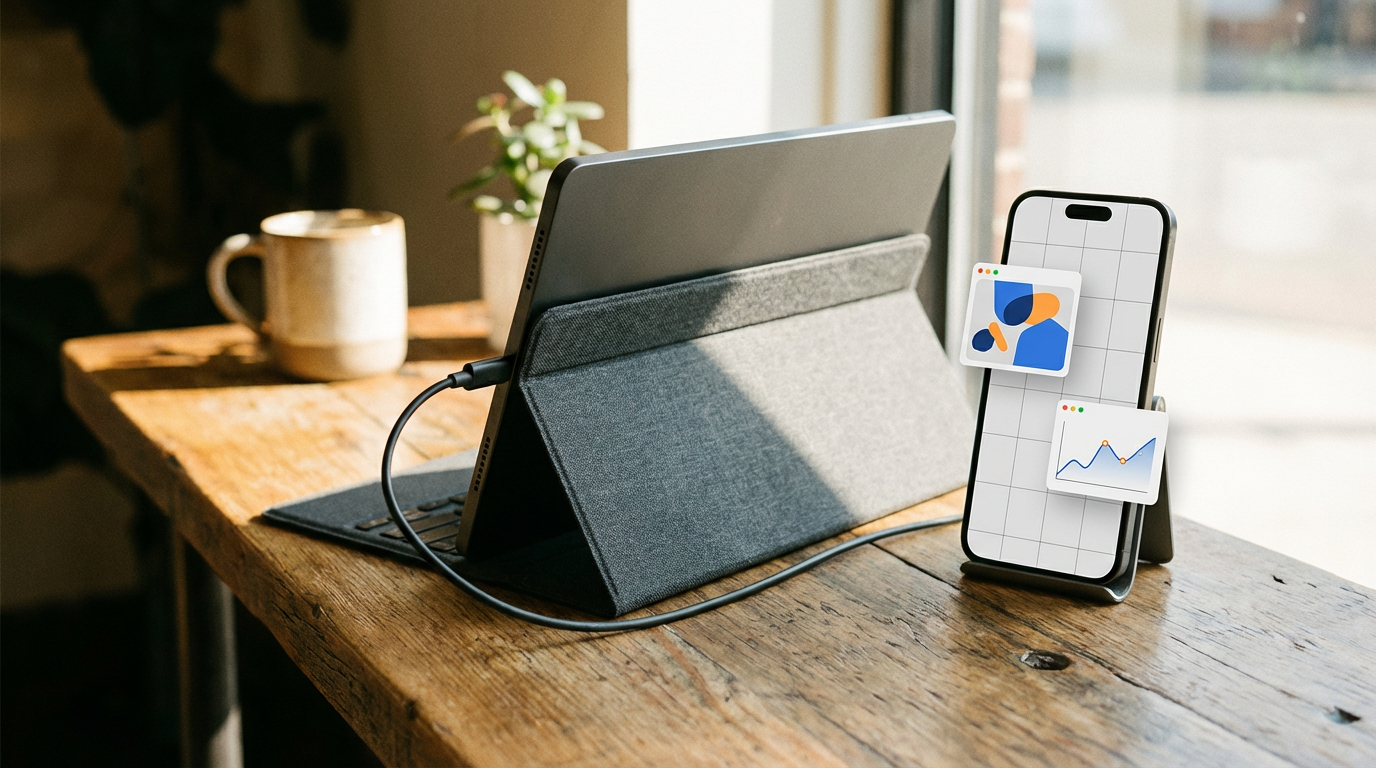
Phone compatibility: Full Samsung DeX and Motorola Ready For support. The OLED panel makes DeX look significantly better than on IPS monitors.
What to Check Before Buying
Phone compatibility is not universal. Your phone needs USB-C with DisplayPort Alt Mode or DisplayPort over USB-C support. Samsung flagship phones from the Galaxy S8 onward support this. Most recent Motorola flagships include Ready For. Google Pixel phones added external display support in recent generations. iPhones do not natively output to USB-C monitors without adapters.
Power requirements matter. Some portable monitors draw power from your phone or laptop via USB-C. This drains your phone battery rapidly. Look for monitors with their own USB-C power input, so you can power the monitor separately while your phone just sends the video signal.
Touch support is not always passed through. Even if a monitor has a touchscreen, touch input only works if the connected device supports it. Samsung DeX handles external touch well. Standard laptop connections typically do too. Check your specific setup before paying extra for touch.
If you are building a mobile productivity setup, pairing one of these monitors with a compact laptop like the MacBook Neo creates a surprisingly capable dual-screen workstation that fits in a backpack. For phone-based desktop use, Samsung DeX with the Lenovo ThinkVision’s touchscreen is the most polished experience available. The right monitor depends on whether you prioritise portability, value, or display quality, and this list has a strong option for each of those priorities.
How we pick
Buyer action
Where to buy or check next
Use this as the final check before ordering a phone, changing network or trusting a headline monthly price.














Reader discussion
Leave a comment
Comments are moderated. Keep it useful, accurate, and on topic.