News · 5 Feb 2012 · MTW Editorial Team

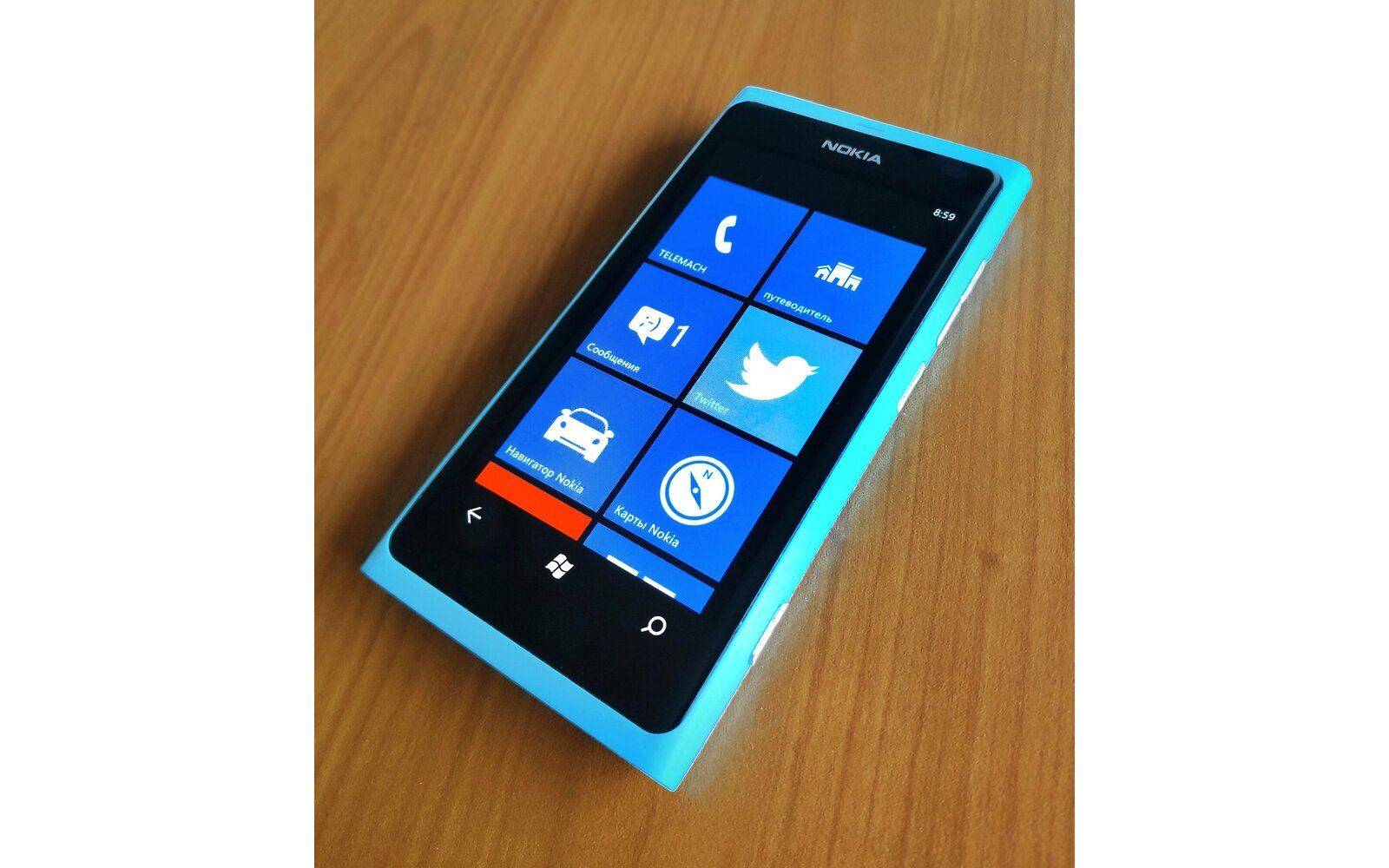
As you all already know my Nokia Lumia 800 user experience has been plagued with some serious issues that I didn’t hesitate to publicly report here in the past few weeks. Poor battery performance, disappearing battery status, poorly grounded screen digitizer, audio and camera issues, etc. The list isn’t short and many early Lumia 800 owners have suffered the same fate. My latest post made enough noise for Nokia to notice that something wrong was going on and made them gracefully replace both my handsets with brand new ones coming straight from the factory.
So here are my recommendations based on my experience with the brand new phones:
1) If your device suffers from the missing battery bug: Get it replaced by your Operator/Carrier or Nokia Care
2) If your phone suffers from a really badly grounded digitizer (screen jitters even when the device is not being charged: Get it replaced. All Lumia 800 I have seen have a jittery screen when charged but it shouldn’t happen when the device is unplugged.
3) Battery Life: Seems to be fine on both new handsets but I need to test it further in the coming days. Don’t pay attention to the readings in the diagnostic app because they are all wrong (charge capacity etc..). Make sure to disable the OS Update notification via cell network in the settings to save some standby battery life and remember that setting the screen brightness to high will nuke your battery really fast (It would be really great if the medium settings was as bright as the one on the Omnia 7…).
4) Audio and Camera issues will be addressed in upcoming updates. One of my handsets doesn’t suffer from the pink/purple spot as much as the other so your mileage may vary
5) Screen viewing angles and color seems to be random depending on the device: as with my previous devices one of them is yellowish while the other is perfectly fine. As if the polarizing process wasn’t perfectly done on one of the two.
So, all in all, things seems to have been partially “fixed” for me “simply” by replacing my handsets with brand new ones manufactured not long ago. Yes, some devices do suffer from hardware/assembly defects so don’t hesitate to get yours replaced as soon as possible. With more than 1 million devices already out in the wild this was bound to happen to some extend. Don’t forget to follow me on Twitter if you want up to date impressions.
Follow @MobileTechWorld
Buyer action
Where to buy or check next
Use this as the final check before ordering a phone, changing network or trusting a headline monthly price.













