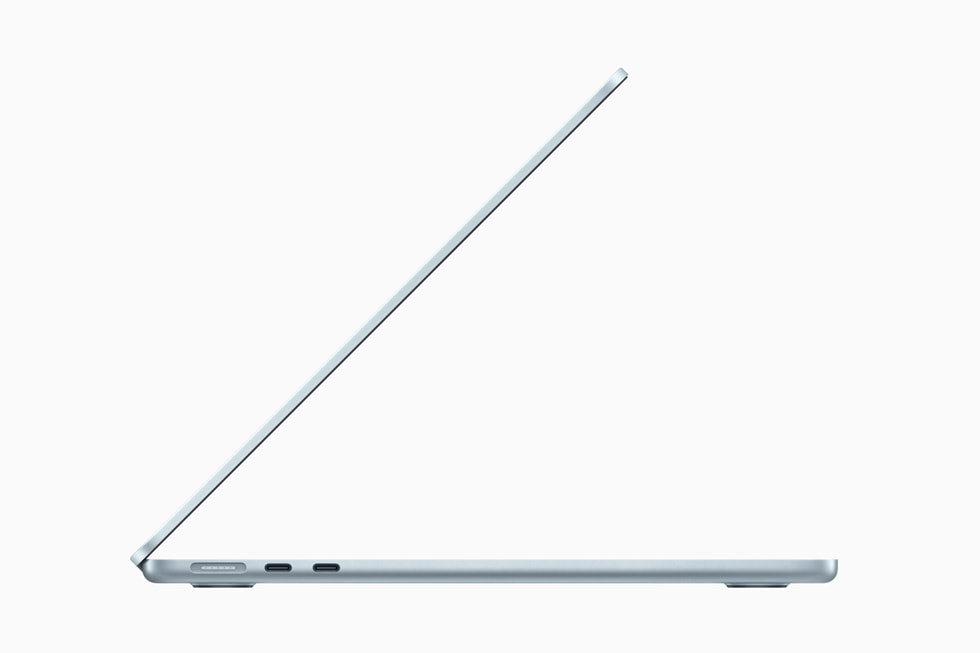
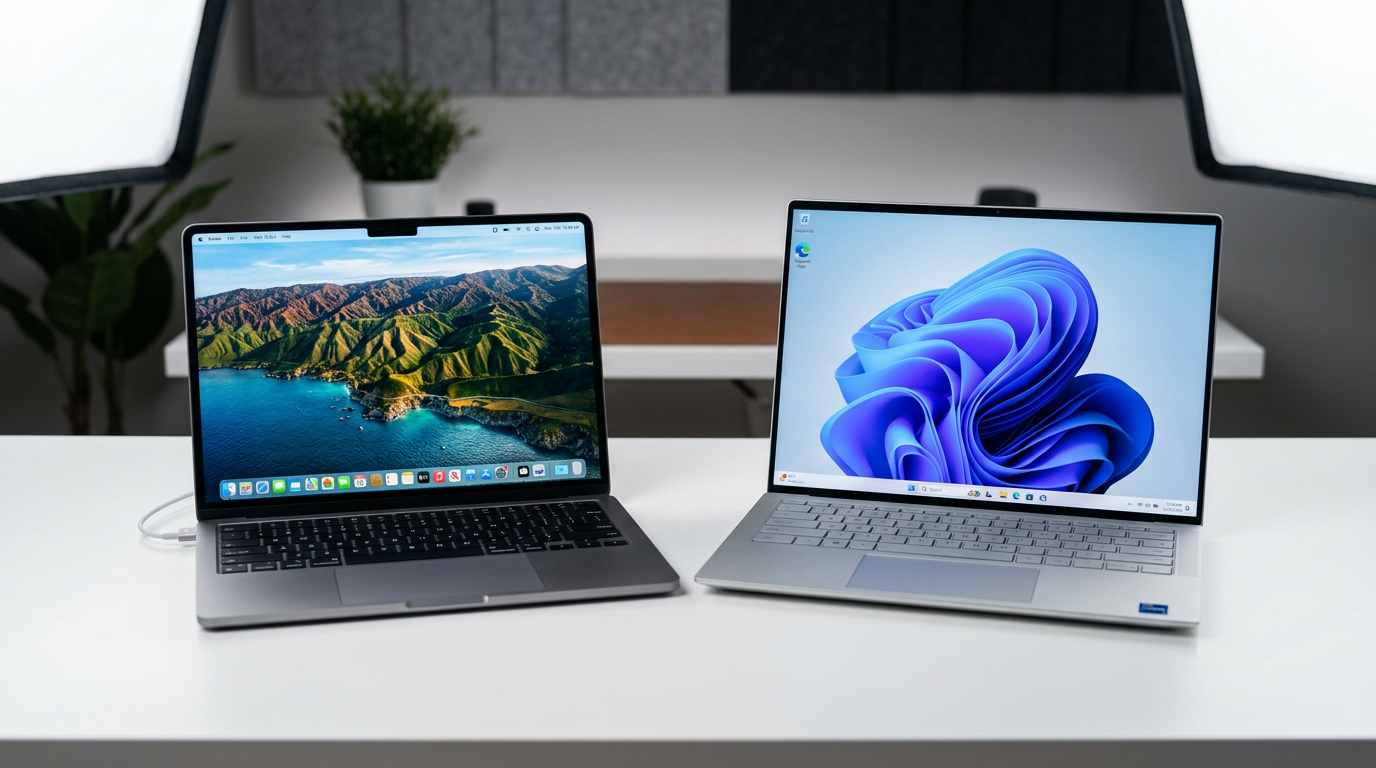
The premium ultrabook market in 2026 comes down to two exceptional machines: Apple’s MacBook Air M4 and the Dell XPS 14 (9440). Both are thin, light, beautifully built, and powerful enough for demanding workflows. They represent fundamentally different philosophies: Apple’s integrated hardware and software approach versus Dell’s commitment to the Windows ecosystem with genuinely best-in-class display technology.
Macbook Air M4: Contents
- Performance: M4 vs Intel Core Ultra
- Display: Liquid Retina vs OLED
- Battery Life
- Build Quality and Design
- Port Selection
- Ecosystem Considerations
- Who Should Buy the Dell XPS 14?
- The Verdict
Here is how they compare across every dimension that matters.
Performance: M4 vs Intel Core Ultra
The MacBook Air M4 runs on Apple’s fourth-generation silicon, which continues the efficiency-first approach that made the M1 so revolutionary. The M4 chip features a 10-core CPU (four performance cores, six efficiency cores), a 10-core GPU, and 16GB of unified memory as standard. Single-core performance is exceptional, the M4 leads virtually every benchmark for single-threaded tasks, and multi-core performance handles video editing, software development, and photo processing with ease.
The Dell XPS 14 uses Intel’s Core Ultra processor (the latest generation, sometimes marketed as Meteor Lake or Arrow Lake depending on the specific configuration). The Intel chip brings an integrated NPU (neural processing unit) for AI workloads, strong multi-threaded performance that matches or exceeds the M4 in heavily parallelised tasks, and broad compatibility with the vast Windows software ecosystem.
In real-world use, the M4 feels consistently fast, apps launch instantly, the system never stutters, and thermal management means performance does not throttle even during sustained workloads. The Dell XPS 14 can match this in burst performance but may throttle slightly under sustained load due to the higher thermal output of Intel processors in a thin chassis. For most productivity tasks, word processing, web browsing, spreadsheets, presentations, both are overkill and the difference is academic.
Where the M4 pulls ahead is in creative applications optimised for Apple Silicon: Final Cut Pro, Logic Pro, and Apple’s photography tools fly. Where Intel wins is in Windows-specific software, enterprise applications, and workflows that depend on x86 compatibility without translation layers.


Display: Liquid Retina vs OLED
This is where the Dell makes its strongest case. The XPS 14 offers a stunning 14.5-inch OLED display with 3200 x 2000 resolution, 120Hz refresh rate, and the infinite contrast ratio that only OLED can deliver. Blacks are truly black, colours are vivid without being oversaturated, and HDR content looks genuinely cinematic. For creative professionals working with colour-critical content, photography, video grading, design, this display is exceptional.
The MacBook Air M4 has a 13.6-inch Liquid Retina (IPS LCD) display with 2560 x 1664 resolution. It is an excellent screen, bright, accurate, and well-calibrated, but it cannot match OLED for contrast or black levels. Apple reserves its OLED and ProMotion displays for the MacBook Pro line, which means the Air makes a compromise here that is visible when placed next to the Dell.
Battery Life
Apple’s M4 chip is remarkably efficient, and the MacBook Air M4 delivers up to 18 hours of video playback, per Apple’s official spec sheet. In real-world mixed use you can comfortably get 12 to 14 hours of web browsing, writing, and light creative work. It is a genuine all-day laptop that rarely needs a charger during working hours.
The Dell XPS 14 manages approximately 10 to 12 hours in mixed use, which is respectable for a Windows ultrabook with an OLED display but noticeably shorter than the MacBook Air. The OLED panel’s power draw and Intel’s higher energy consumption contribute to this gap. If you regularly work away from power outlets, the MacBook Air’s battery advantage is meaningful.
Build Quality and Design
Both laptops are beautifully constructed. The MacBook Air M4 features Apple’s signature unibody aluminium design in four colours (Midnight, Starlight, Space Grey, Silver), weighing 1.24 kg and measuring 11.3mm thin. It looks and feels premium from every angle, and the build quality is virtually unmatched.
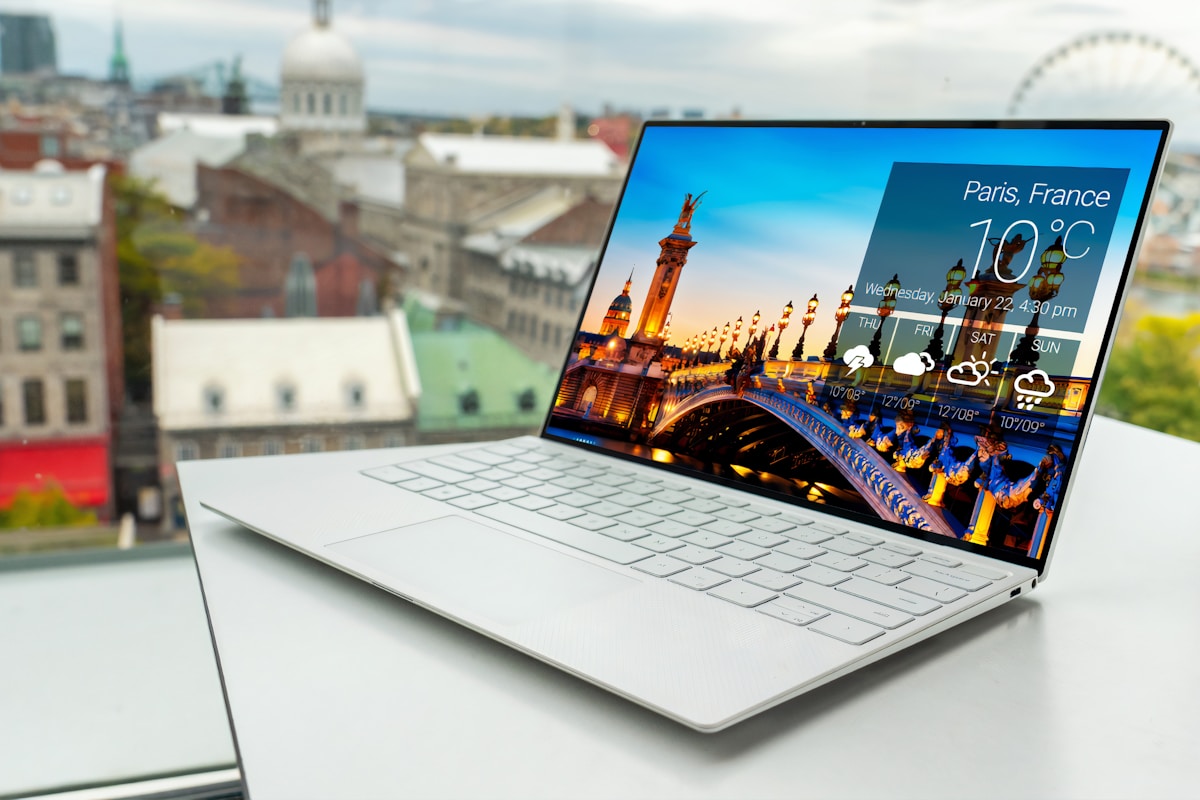
The Dell XPS 14 uses a combination of CNC aluminium and Gorilla Glass 3 with a seamless glass trackpad that extends edge-to-edge across the palm rest. At approximately 1.74 kg in the OLED configuration and 18mm thin, it is noticeably heavier and thicker than the MacBook Air but still genuinely portable. Dell’s capacitive function row (replacing physical function keys with a touch-sensitive strip) is polarising, some love the clean aesthetic, others miss tactile keys.
Port Selection
The MacBook Air M4 includes two USB-C/Thunderbolt 4 ports, a MagSafe 3 charging port, and a 3.5mm headphone jack. The MagSafe connector frees up both USB-C ports for peripherals, which is a thoughtful design choice. You will still need dongles or a hub for USB-A devices, SD cards, or HDMI output.
The Dell XPS 14 does slightly better on connectivity, with three Thunderbolt 4 ports, a microSD card reader and the same 3.5mm headphone jack. There is no full-size HDMI or USB-A, and Dell does not include an Ethernet adapter in the box. If you regularly connect wired peripherals, budget for a USB-C hub regardless of which laptop you choose.
Ecosystem Considerations
If you are weighing up Apple’s laptop ecosystem, our MacBook Neo assessment covers Apple’s budget option, and the MacBook Neo launch coverage explains where it fits in the line-up.
Who Should Buy the Dell XPS 14?
Choose the Dell XPS 14 if you need Windows for work or specific software, want the best display available in an ultrabook (that OLED is magnificent), prefer a slightly larger screen for productivity, or need Intel’s x86 compatibility for enterprise environments. It is the best Windows ultrabook you can buy.
The Verdict
Both are outstanding laptops that justify their premium pricing. The MacBook Air M4 wins on battery life, efficiency, and ecosystem integration. The Dell XPS 14 wins on display quality and Windows compatibility. Neither is the wrong choice, your operating system preference and existing device ecosystem should be the deciding factor, not the spec sheets.
Final verdict
MacBook Air M4 vs Dell XPS 14 compared: performance, display, battery life, build quality, ports, and ecosystem. Find the right premium ultrabook for you.
How we compare
Buyer action
Where to buy or check next
Use this as the final check before ordering a phone, changing network or trusting a headline monthly price.














Reader discussion
Leave a comment
Comments are moderated. Keep it useful, accurate, and on topic.